Travel Brochure : Create Free Travel Brochures in Minutes with AI
Create Custom Travel Brochures Quickly with Pixazo Best AI Travel Brochure Maker. Try for Free!
Get Started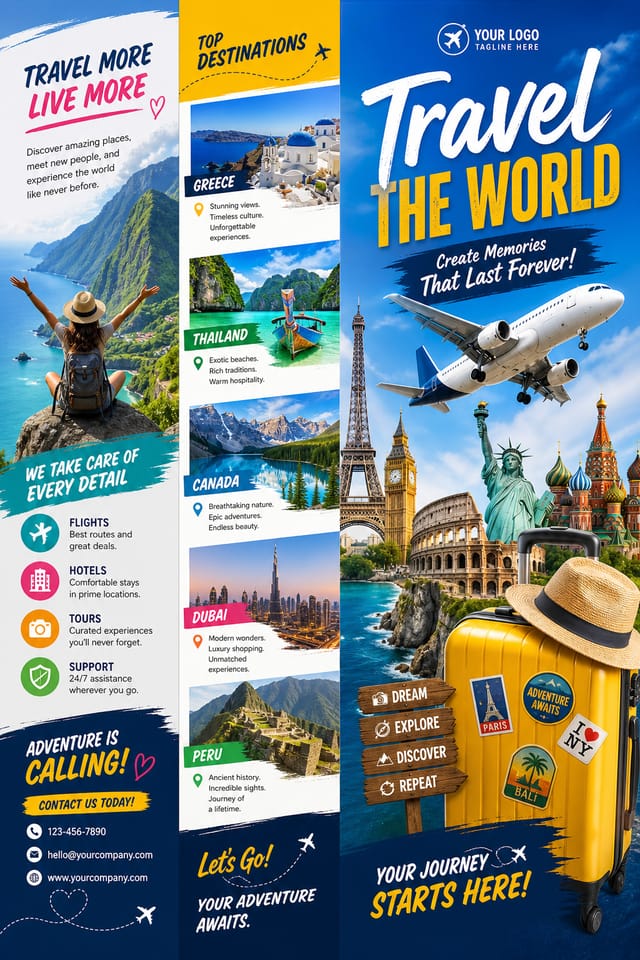
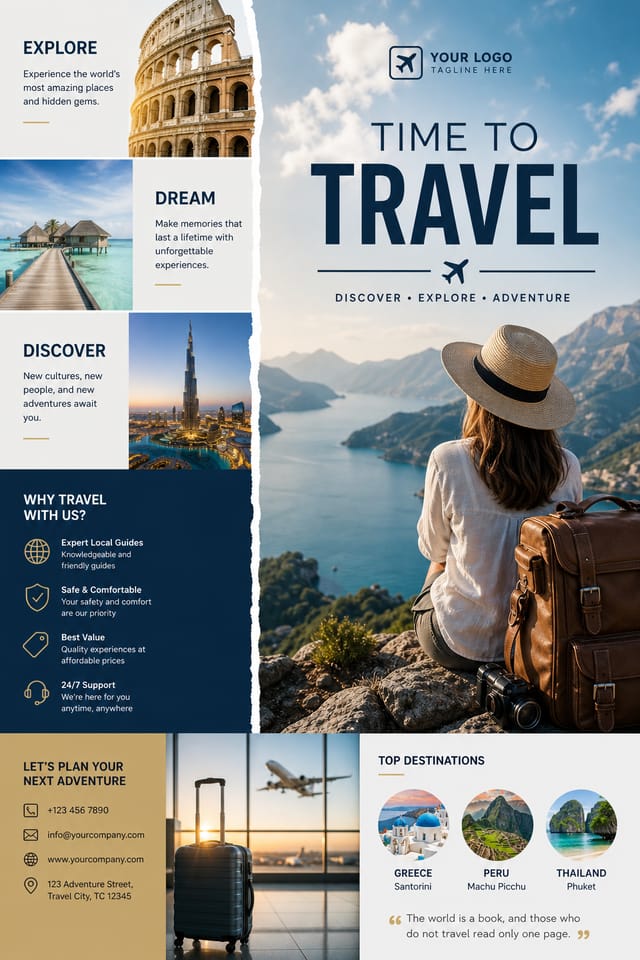
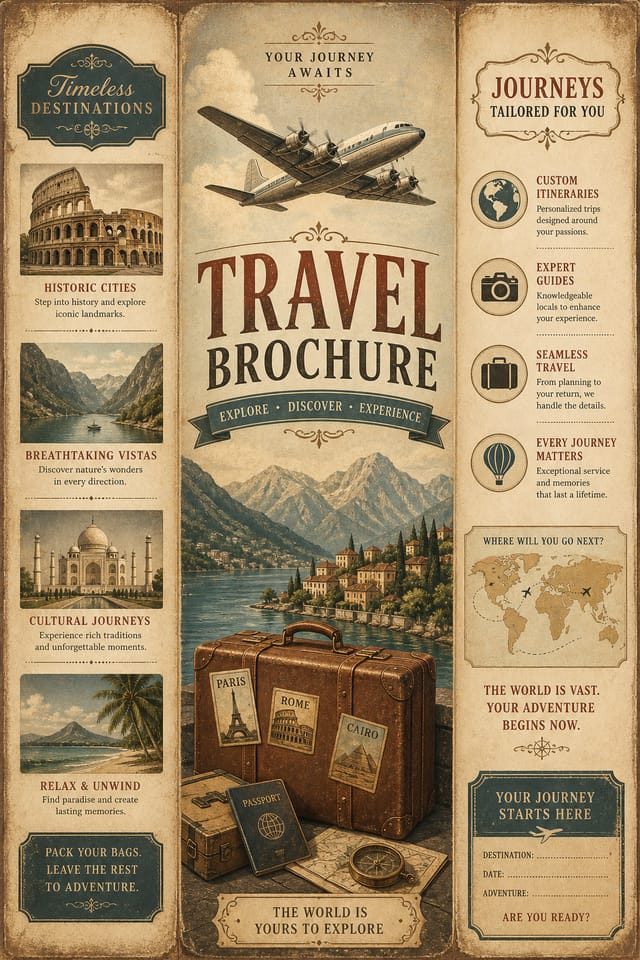
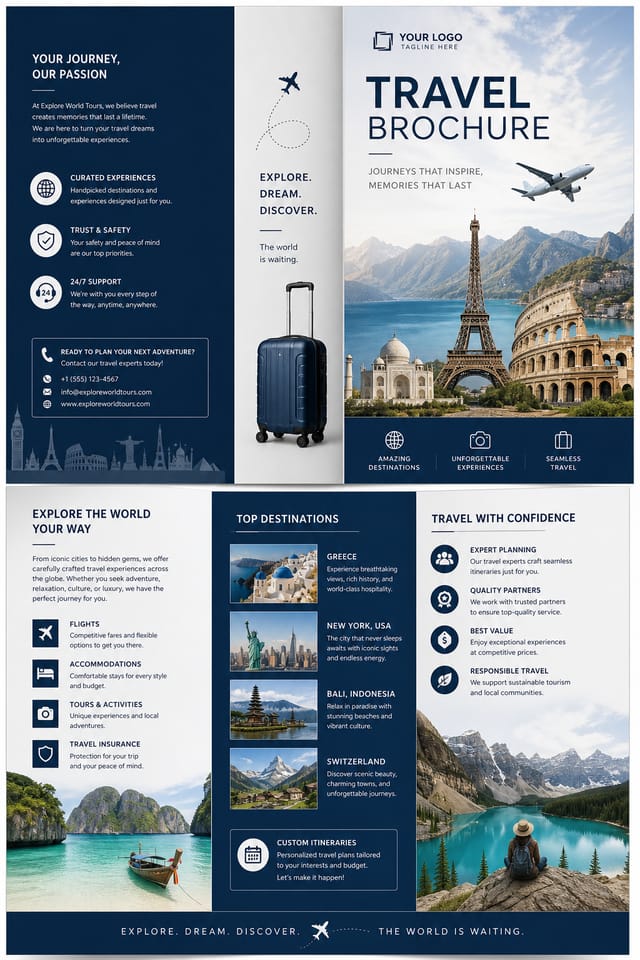
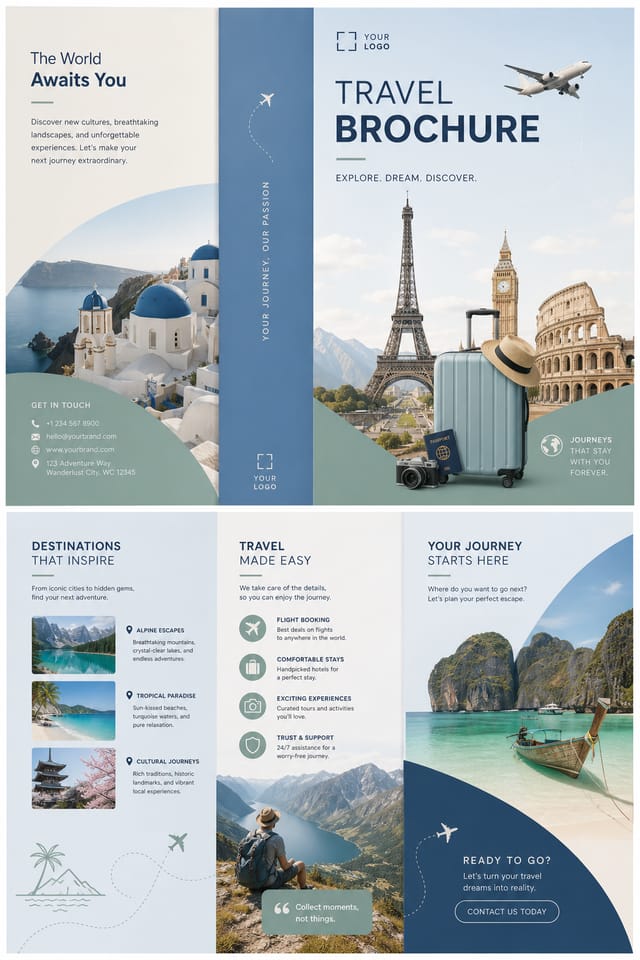
Visual Thinking Behind Travel Brochures: Design Intelligence at Work
Visual Thinking Behind Travel Brochure Creation
Travel design carries specific visual associations that viewers pick up on immediately.
The right palette, the right typographic approach, the right compositional balance.
Get these right and your travel brochure communicates clearly.
The Fundamentals of Travel Brochure: Best Practices
Visual Hierarchy
Strong travel brochure design establishes a clear reading order. The headline should be immediately visible, supporting information should follow in logical sequence.
Alignment and Grid
Strong travel brochure layouts align elements to an invisible grid. Consistent alignment builds trust and professionalism, while deliberate breaks from the grid create emphasis.
Repetition and Consistency
Repeating visual elements in travel brochure design creates cohesion. Consistent use of shapes, colors, and spacing makes the design feel unified rather than assembled from random parts.
What Powers Travel Brochure Design: Feature Overview
Background Variation
Generate travel brochures with different background treatments. Solid, gradient, textured, or pattern backgrounds all available for travel style.
Context-Aware Design
Describe your travel brochure's purpose and audience. The AI adjusts visual weight, complexity, and clarity based on the intended use context.
Compositional Structure
Layout and hierarchy decisions reflect travel design patterns. The proportions and arrangement match how travel designs are conventionally structured.
Subcategory Awareness
The AI distinguishes between design subcategories. A travel brochure request produces travel-appropriate output, not a generic design with travel text added.
Fast Generation
Complete travel brochure designs generate in seconds. No rendering queues, no waiting for batch processing.
The Travel Brochure Pipeline: The Full Process
Export
Export your travel brochure in the required formats and resolutions. Organize deliverables for handoff to the production or publishing team.
Review
Compare generated travel brochure options against your brief. Mark what works and note specific changes needed for the next iteration.
Research
Collect examples of effective travel brochure designs, note what works, and identify patterns relevant to your project goals.
Brief
Establish the key message, dimensions, color preferences, and target audience for your travel brochure before any design work begins.
Writing Travel Brochure Prompt Examples
Copy any prompt below and paste it into Pixazo to generate your design instantly.
Editorial-style travel brochure, text-dominant design, typographic treatment carries visual weight, layout proportions inspired by print publication designRefined travel brochure, sophisticated color relationships, intentional whitespace, typefaces appropriate to travel style, balanced compositionTwo-color travel brochure design, high contrast between primary and secondary color, clean separation between graphic and text zonesPortrait-orientation travel brochure, vertical composition, headline at natural reading entry point, supporting information flows downward logicallyGeometric travel brochure, structured grid system, angular composition, colors in blocks rather than gradients, modern clean finishThe Travel Brochure Process: From Start to Finish
Watch: Creating Travel Brochure designs step by step
Travel Brochures Across Fields: Who Uses Them
Podcast and Media Branding
Generate travel brochures for podcast covers, episode artwork, and media channel identity. Consistent visual branding across audio and video platforms.
Real Estate Marketing
Create travel brochures for property listings, open houses, and agent branding. Professional visuals that elevate property presentation.
Travel and Tourism Promotion
Design travel brochures for destinations, tour packages, and hospitality brands. Aspirational visuals that inspire booking decisions.
Freelance Design Work
Use Pixazo to generate travel brochure concepts for client review. Present multiple directions quickly before committing to detailed execution.
Design Variations for Travel Brochures: Compared
Contemporary Travel
Current travel design sensibility with updated proportions, modern typefaces, and contemporary color relationships.
Textured Travel
Travel design with added surface depth. Background treatments add visual interest without disrupting legibility.
Classic Travel
Traditional travel design principles applied to modern brochure format. Clean composition, conventional hierarchy, time-tested visual decisions.
Geometric Travel
Structured travel composition using grid systems and angular forms. Order and precision define the visual approach.
Atmospheric Travel
Travel brochure design where mood takes priority. Color and composition work together to create a specific feeling.
Travel Brochure AI: What You Should Know
Templates apply a fixed visual structure with placeholder content. AI generation produces original designs based on your specific description. Two travel brochures generated from different prompts will have genuinely different layouts, not just different text in the same box positions.
Your prompt history is saved in your account. You can revisit previous travel brochure prompts, duplicate them with modifications, and build a library of proven prompt structures for consistent travel design output.
Pixazo generates complete travel brochure designs from text prompts. Custom image uploads for compositing are on the product roadmap. Currently, the AI creates all visual elements based on your description rather than incorporating external assets.
Designs created with Pixazo are available for commercial use. You can use your travel brochures for client projects, product sales, advertising, and other commercial applications without additional licensing fees.
Showcasing Travel Brochures: Community Creations
Real creators sharing their travel designs made with Pixazo AI.

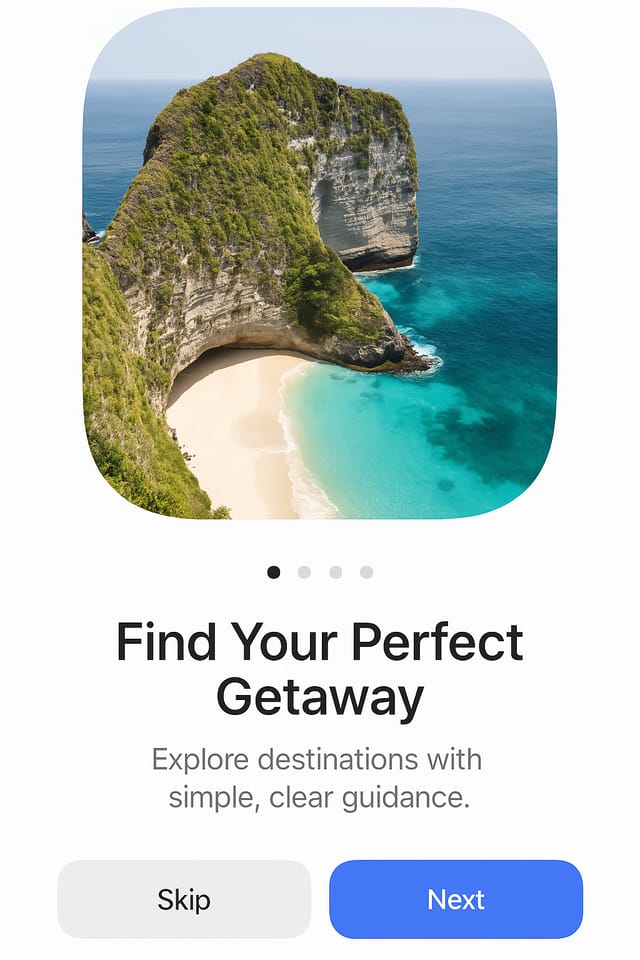
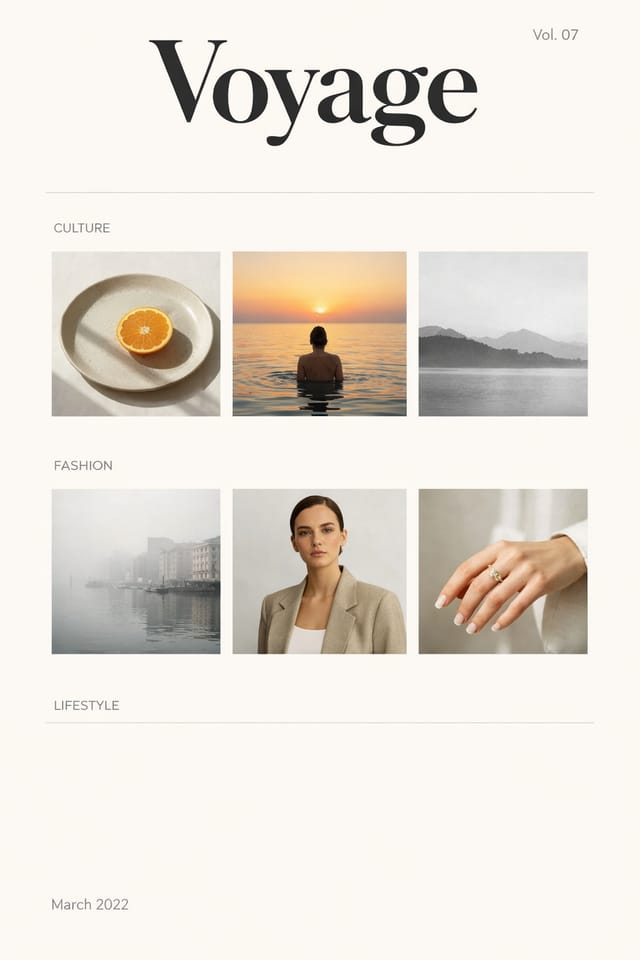
Current Travel Brochure Directions: Styles Gaining Traction
Minimalist Layouts
Stripped-back travel brochure designs with generous white space and limited elements are gaining favor for their clarity and elegance.
Data-Driven Visuals
Incorporating charts, statistics, and structured data directly into travel brochure layouts helps communicate complex messages at a glance.
Asymmetric Composition
Breaking grid symmetry in travel brochure layouts creates visual tension and a modern, editorial feel that stands out.
Dark Mode Aesthetics
Dark backgrounds with high-contrast accents are increasingly common in travel brochure design, reducing visual fatigue and adding sophistication.
Hand-Drawn Elements
Illustrations, doodles, and hand-lettering bring a personal, approachable quality to travel brochure designs in an era of polished digital output.
Being Realistic About Travel Brochures: Capabilities and Caveats
Known limitations and trade-offs of AI-generated travel design. AI travel brochure generation produces strong results within its design domain. These notes describe where human judgment and manual work remain necessary.

