Monthly Calendar : Create Free Monthly Calendars in Minutes with AI
Create Custom Monthly Calendars Quickly with Pixazo Best AI Monthly Calendar Maker. Try for Free!
Get Started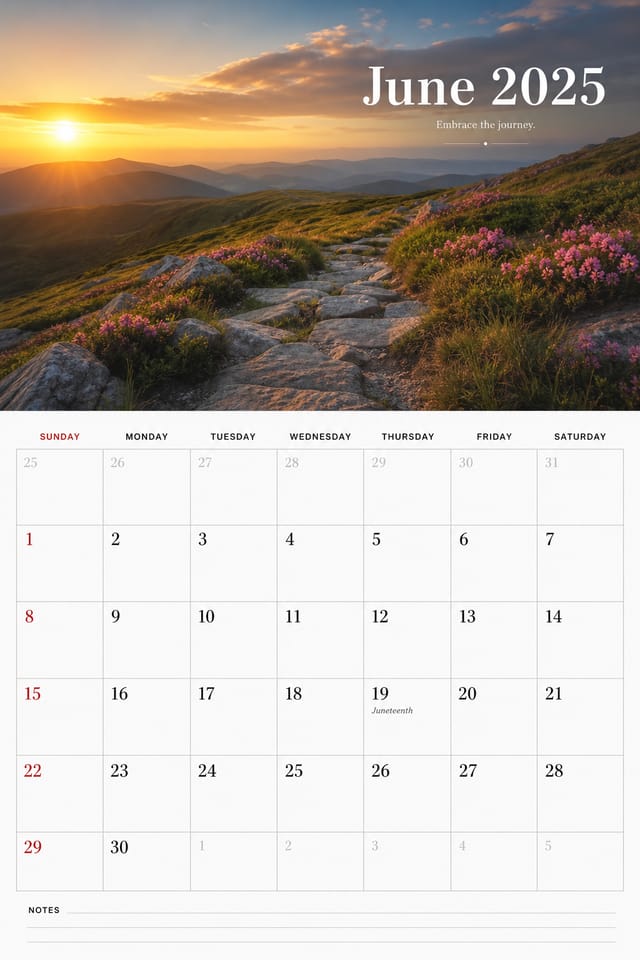
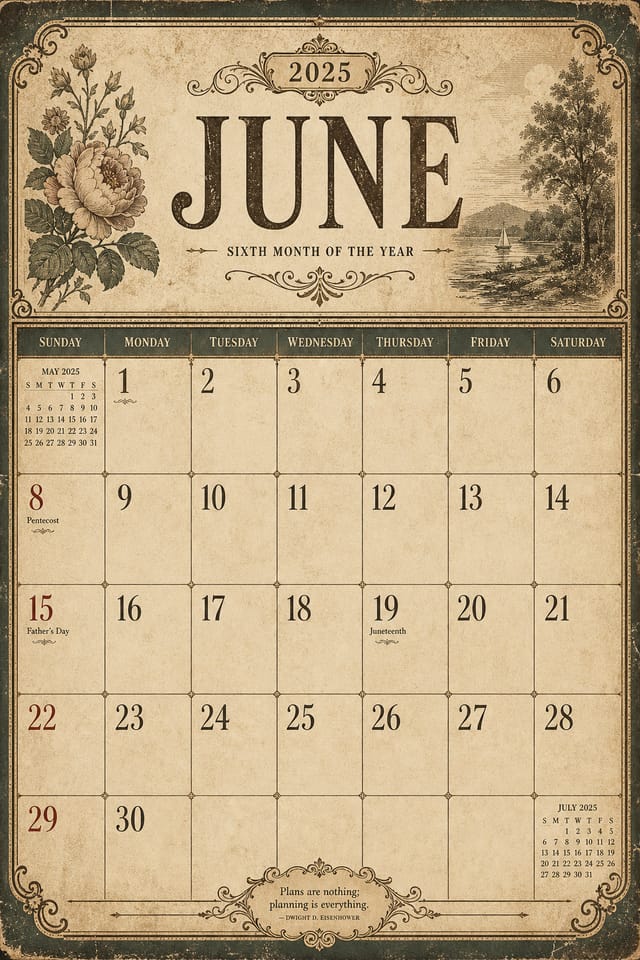
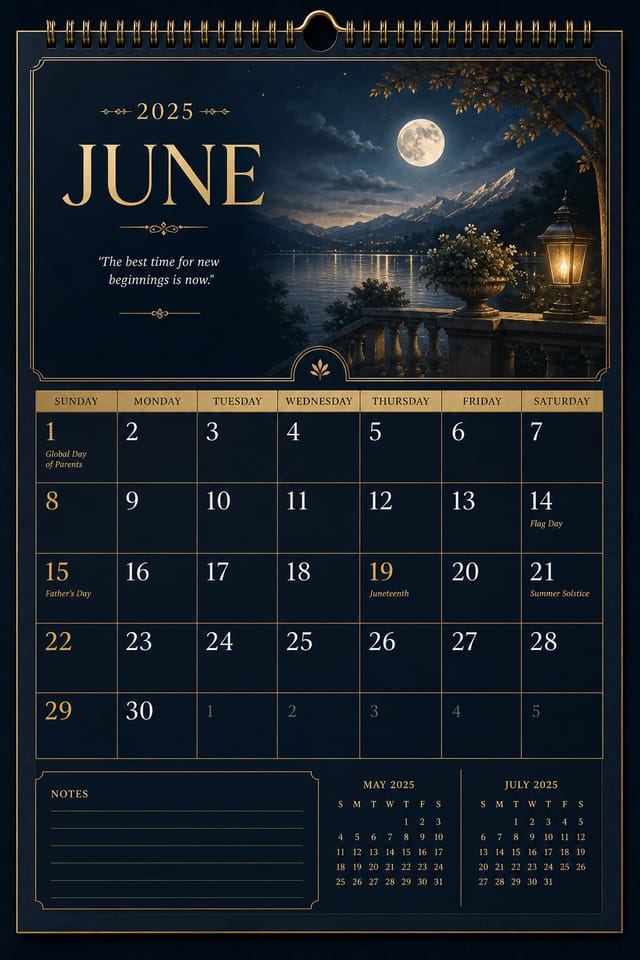
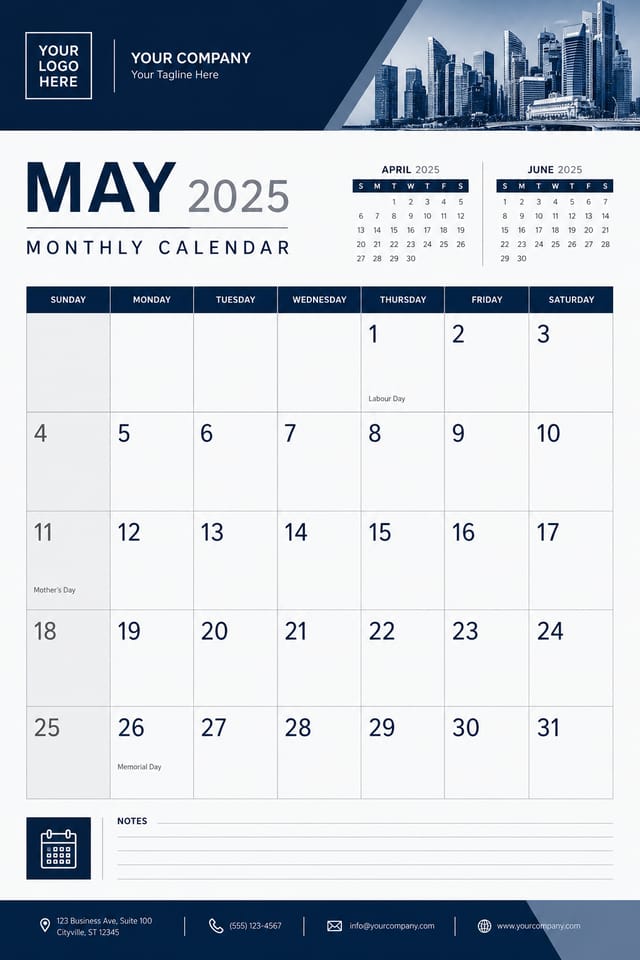
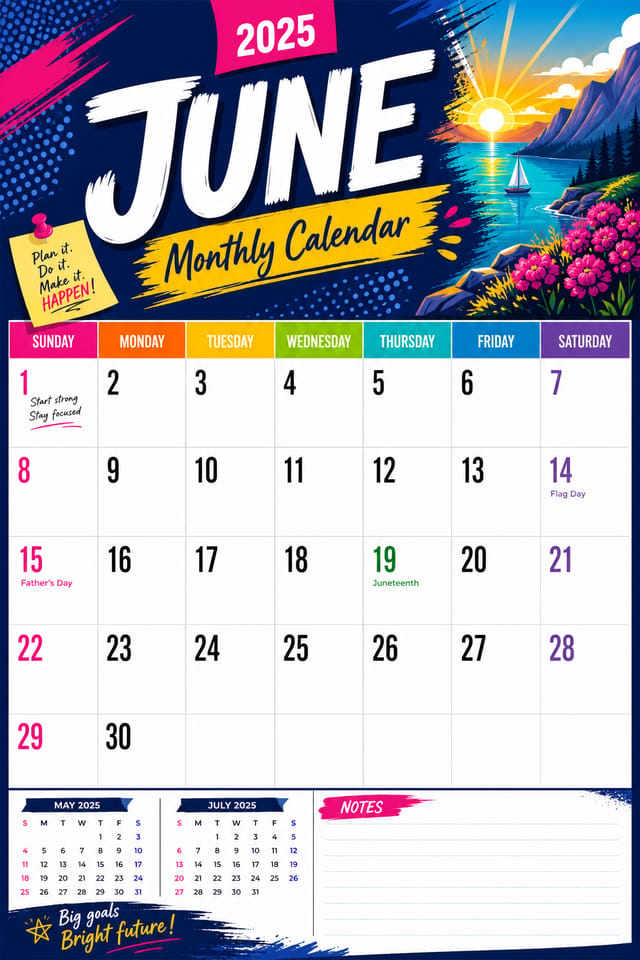
AI Monthly Calendar Maker: Start Creating Now
AI-powered monthly calendar creation for designers, marketers, and creators. Get production-quality output from a plain-language prompt.
Create Your Monthly Calendar FreeReal Monthly Calendars: Creator Highlights
Real creators sharing their monthly designs made with Pixazo AI.
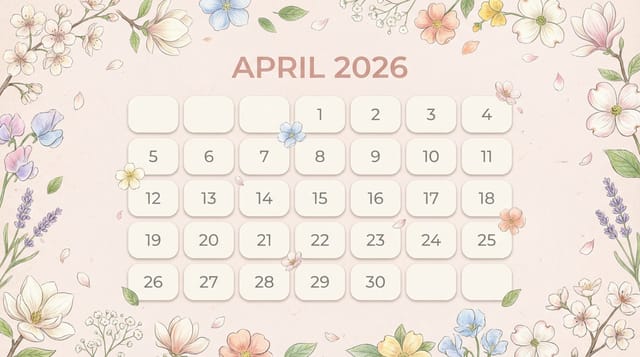
Full-bleed background monthly calendar, image or texture extends to edges, foreground elements float above, headline anchored to center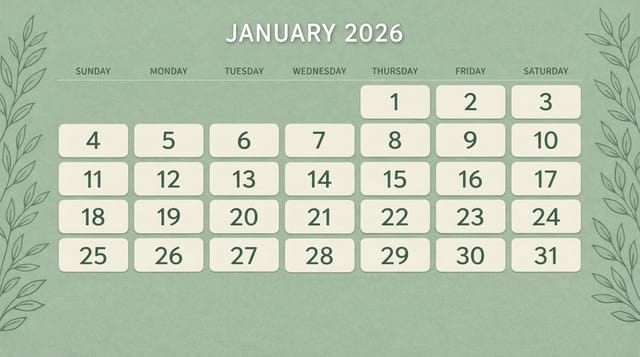
Monthly calendar with retro 1970s color palette, warm oranges and browns, groovy display type, textured paper background feel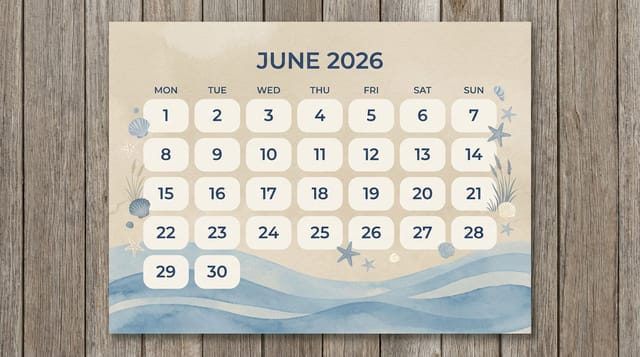
Contemporary monthly style calendar, grid-based structure, disciplined spacing, restrained decoration, readable at viewing distanceWhat Powers Monthly Calendar Design: Under the Hood
Background Variation
Generate monthly calendars with different background treatments. Solid, gradient, textured, or pattern backgrounds all available for monthly style.
Typography Matching
Typefaces are selected to match monthly aesthetic expectations. The AI pairs fonts that reinforce your monthly calendar's visual identity.
Fast Generation
Complete monthly calendar designs generate in seconds. No rendering queues, no waiting for batch processing.
Print-Ready Output
Generated monthly calendars are sized and structured for professional printing. Download high-resolution files ready for production.
Consistency Across Variants
Generate multiple monthly calendars for a project and maintain visual consistency across the set. Specify your core design parameters and vary secondary elements.
Monthly Calendar Design Workflow: From Start to Delivery
Refine Polish the design
Apply targeted edits to your selected monthly calendar. Adjust typography, spacing, and color until every element meets your quality standard.
Generate Create initial designs
Use AI to produce multiple monthly calendar variations based on your brief. Start broad and narrow down from the strongest options.
Brief Define requirements
Establish the key message, dimensions, color preferences, and target audience for your monthly calendar before any design work begins.
Research Gather references
Collect examples of effective monthly calendar designs, note what works, and identify patterns relevant to your project goals.
The Path to Your Monthly Calendar: From Start to Finish
Compose Your Request
Start with a text description of your monthly calendar concept. Specify the visual style, colors, layout direction, and key text. Detailed prompts produce more accurate monthly calendar designs than general ones.
Benchmark the Output
Your monthly calendar generates immediately after submission. Evaluate the design against your requirements and refine the prompt to correct any elements that don't match your intent.
Ship the Final File
Export your monthly calendar in the format you need. PNG for web and social, PDF for print production, JPG for email and lightweight sharing. The file is yours to use commercially without restrictions.
Monthly Calendar Specifications
Watch: Creating Monthly Calendar designs step by step
Monthly Calendars Across Fields: Where They Fit
Community Organizations
Create monthly announcement calendars for community groups, non-profits, and local organizations without requiring design expertise.
Travel and Tourism Promotion
Design monthly calendars for destinations, tour packages, and hospitality brands. Aspirational visuals that inspire booking decisions.
Personal Creative Work
Generate monthly calendars for personal projects, home display, and creative experiments without spending production time on design execution.
Professional Projects
Create monthly calendars for client work, commercial campaigns, and professional applications where quality and style accuracy matter.
Political and Advocacy Campaigns
Create monthly campaign calendars for candidates, ballot measures, and social causes. Persuasive designs that mobilize and inform.
Core Ideas Behind Monthly Calendars: Core Design Ideas
Information Density Control
Match the information density of your monthly calendar to the viewing context. A display viewed from 10 feet needs fewer words and larger elements than one held in hand.
Focal Point Clarity
Every monthly calendar design needs one primary focal point. If everything demands equal attention, nothing stands out. Guide the viewer to the single most important element first.
Typographic Clarity
Type choices in monthly calendar design should serve legibility first. Font selection should reinforce the monthly aesthetic while remaining readable at intended viewing distances.
Good Monthly Calendar Prompts Worth Trying
Copy any prompt below and paste it into Pixazo to generate your design instantly.
Monthly calendar with strong visual hierarchy, largest element reads clearly, supporting elements organized by importance, clean background treatmentClean monthly calendar design, geometric structure, disciplined typography, color accent used selectively for emphasis, printer-optimized resolutionMonthly calendar for digital display, optimized proportions for screen viewing, colors calibrated for RGB output, legible at typical viewing distanceMonthly aesthetic calendar, palette drawn from monthly design tradition, layout proportions consistent with monthly conventions, purposeful use of each elementProfessional monthly calendar, minimalist monthly approach, negative space used intentionally, readable at multiple viewing distances, print-ready compositionMonthly Calendar AI: Common Questions Answered
Specific prompts produce better results than vague ones. Include the visual style you want, any color preferences, the most important text to display, and the intended use. For monthly design specifically, noting whether you want a contemporary or classic interpretation of monthly style helps the AI make the right design decisions.
Brand kits let you save your logo, fonts, and color palette so every monthly calendar you generate stays on brand. Once configured, the AI applies your brand parameters automatically alongside monthly style conventions.
Pixazo works in any modern mobile browser. The interface adapts to phone and tablet screens so you can generate monthly calendars from anywhere. A dedicated mobile app is in development for an even smoother on-device experience.
You control every major design parameter through your prompt: color palette, typography style, layout structure, visual weight distribution, background treatment, and content hierarchy. The more specific your monthly calendar prompt, the more precisely the AI follows your creative direction.
The AI generates designs at the specified dimensions. For professional print production, add 'with bleed area' to your prompt to extend background elements beyond the trim line. Crop marks and registration marks should be added in your print preparation software.
Pixazo provides an API for programmatic monthly calendar generation. Integrate it into your content pipeline to automate design production at scale. API documentation covers authentication, prompt formatting, and output retrieval.
Monthly Calendar Maker Comparison: How They Differ
| Tool | Description |
|---|---|
| VistaCreate | Visual content platform with templates and a built-in asset library |
| Adobe Express | Streamlined creative tool backed by Adobe's design ecosystem |
| Pixazo | AI-powered monthly calendar generator with prompt-based design and professional output quality |
| Desygner | Multi-format design tool with PDF editing and brand management |
| Snappa | Quick graphic creator focused on social media and marketing visuals |
Where Monthly Calendar AI: Trade-Offs to Know
Known limitations and trade-offs of AI-generated monthly design. Every AI design tool has boundaries. Knowing these limits before you start helps you get the most out of monthly calendar generation.

