Bar Mitzvah Card : Create Free Bar Mitzvah Cards in Minutes with AI
Create Custom Bar Mitzvah Cards Quickly with Pixazo Best AI Bar Mitzvah Card Maker. Try for Free!
Get Started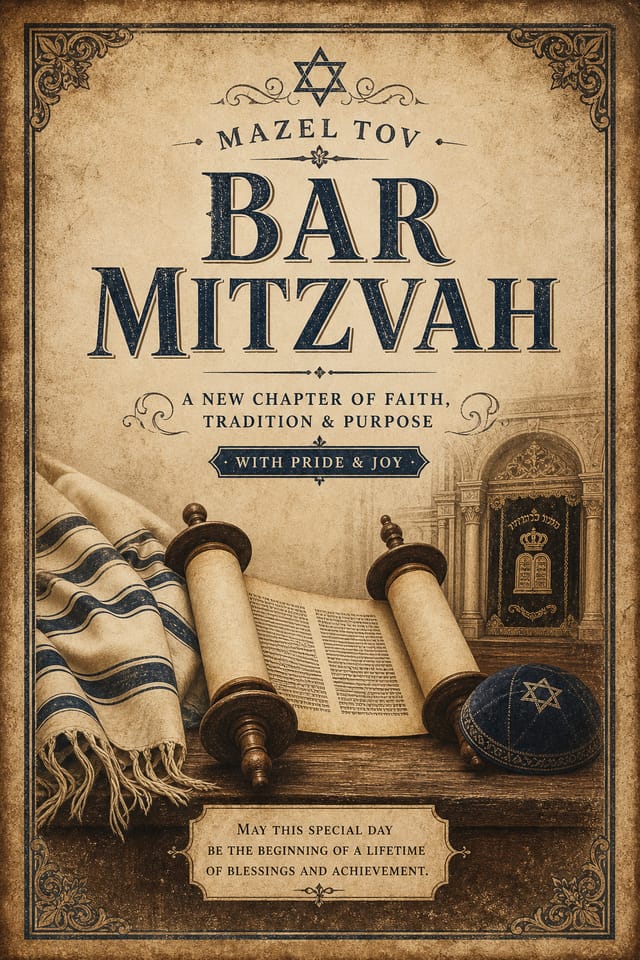
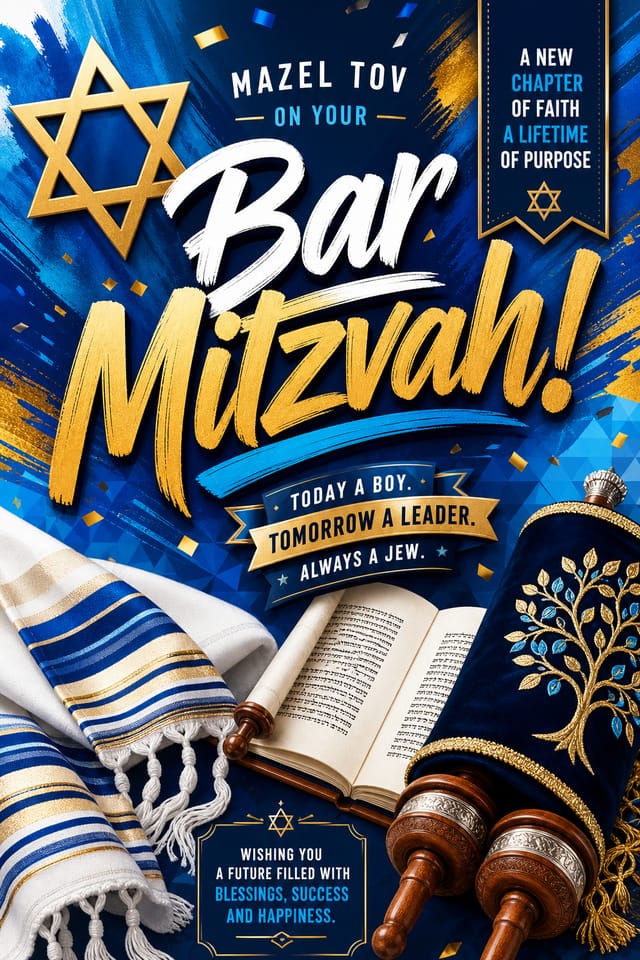
Precision Bar-Mitzvah Card Tools: Tools That Matter
Fast Generation
Complete bar-mitzvah card designs generate in seconds. No rendering queues, no waiting for batch processing.
Negative Space Handling
The AI manages whitespace in bar-mitzvah card designs according to bar-mitzvah aesthetic conventions, not generic poster defaults.
Compositional Structure
Layout and hierarchy decisions reflect bar-mitzvah design patterns. The proportions and arrangement match how bar-mitzvah designs are conventionally structured.
Print-Ready Output
Generated bar-mitzvah cards are sized and structured for professional printing. Download high-resolution files ready for production.
Get Your Bar-Mitzvah Card: Step by Step
Write Your Prompt
Write a prompt describing your bar-mitzvah card. Include style preferences, color direction, the most important text to display, and any specific visual elements you want. The more specific your description, the more targeted the output.
Consider the Outcome
Pixazo generates your bar-mitzvah card in seconds. Review the design and adjust your prompt to refine specific elements: change the color palette, shift the layout weight, or add visual elements you want included.
Export Your Design
Get your final bar-mitzvah card file in one click. Choose your format, download at full resolution, and use the design immediately. No watermarks, no additional fees, no waiting.
Watch: Creating Bar Mitzvah Card designs step by step
Understanding Bar-Mitzvah Cards: What You Should Know
Pixazo generates high-resolution files suitable for both print and digital use. Specify your intended output format in your prompt. Print bar-mitzvah cards benefit from high-DPI settings, while web and social media use works well with standard resolution output.
Designs created with Pixazo are available for commercial use. You can use your bar-mitzvah cards for client projects, product sales, advertising, and other commercial applications without additional licensing fees.
Generate your initial bar-mitzvah card, review the output, then modify your prompt to adjust specific elements. Each regeneration produces a fresh design incorporating your changes. Most users reach their final bar-mitzvah card design within two to four iterations.
Pixazo provides an API for programmatic bar-mitzvah card generation. Integrate it into your content pipeline to automate design production at scale. API documentation covers authentication, prompt formatting, and output retrieval.
Common sizes include 1080x1080 for Instagram feed, 1080x1920 for stories and reels, 1200x628 for Facebook links, 1500x500 for Twitter headers, and 1080x1350 for Pinterest. Specify the platform in your prompt and Pixazo optimizes bar-mitzvah layout for that format.
Each generation uses your unique prompt text to produce a distinct bar-mitzvah card design. Even similar prompts produce noticeably different outputs due to the AI's generative process. No two users receive identical designs.
What Bar-Mitzvah Card AI Includes: In Detail
Resolution Control
Export bar-mitzvah cards at resolutions from web-optimized to print-quality 4K
Format Flexibility
Download your bar-mitzvah card as PNG, JPG, or PDF depending on your use case
Batch Generation
Create multiple bar-mitzvah card variations from a single prompt efficiently
Bar-Mitzvah Cards Across Fields: Who Uses Them
Sports and Recreation
Produce bar-mitzvah cards for leagues, tournaments, and recreational programs. Energetic designs that build excitement and communicate schedules.
Music and Audio Production
Produce bar-mitzvah cards for album covers, playlist artwork, and music event promotion. Visual identity that matches the sound.
Educational Materials
Design bar-mitzvah cards for educational contexts. Courses, workshops, and learning materials benefit from the visual clarity of good bar-mitzvah design.
Religious and Spiritual Organizations
Create bar-mitzvah cards for worship services, community outreach, and faith-based events. Respectful designs that reflect the organization's character.
Bar-Mitzvah Card At a Glance: Key Specifications
Bar-Mitzvah Card Starter Prompts That Work
Copy any prompt below and paste it into Pixazo to generate your design instantly.
Clean bar-mitzvah card design, geometric structure, disciplined typography, color accent used selectively for emphasis, printer-optimized resolutionBar-Mitzvah card with strong visual hierarchy, largest element reads clearly, supporting elements organized by importance, clean background treatmentPortrait-orientation bar-mitzvah card, vertical composition, headline at natural reading entry point, supporting information flows downward logicallyLarge-format bar-mitzvah card design, elements sized for visibility at print scale, no fine detail that would be lost in productionFull-bleed bar-mitzvah card, background treatment extends to edges, foreground elements positioned for compositional balance, strong central hierarchyRefined bar-mitzvah card, sophisticated color relationships, intentional whitespace, typefaces appropriate to bar-mitzvah style, balanced compositionBar-Mitzvah Design Community: Community Showcase
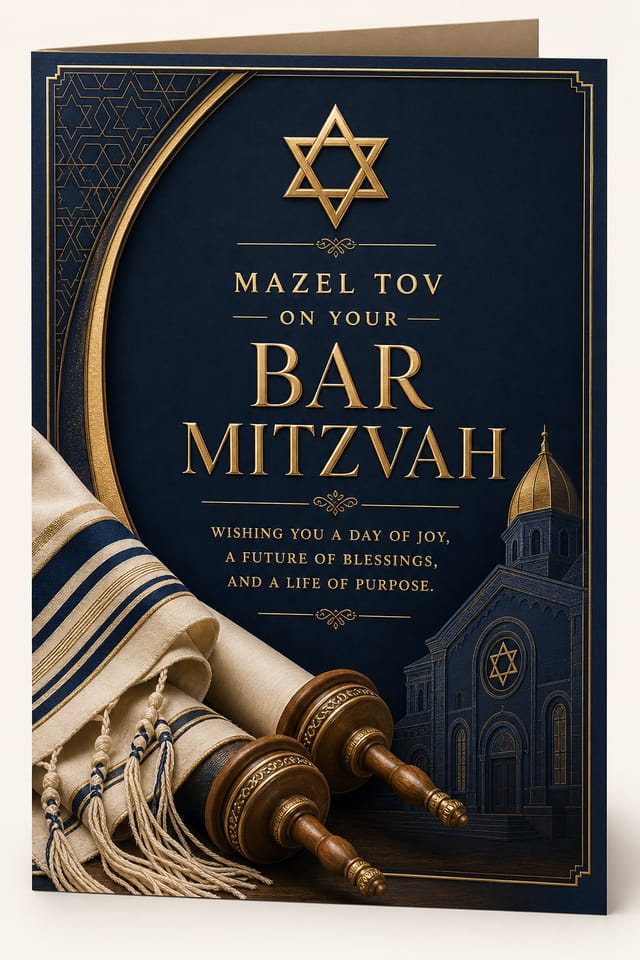
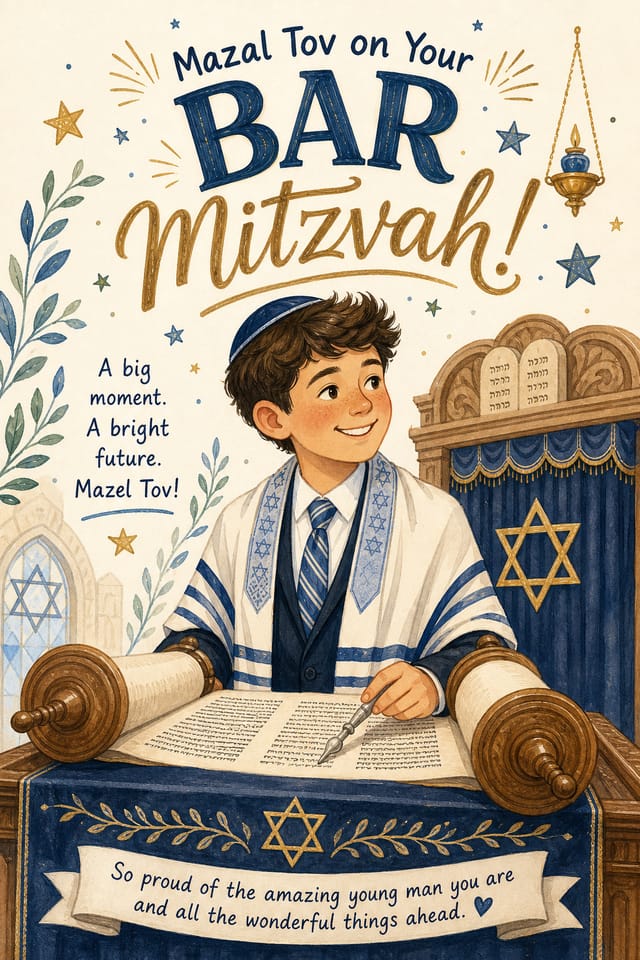
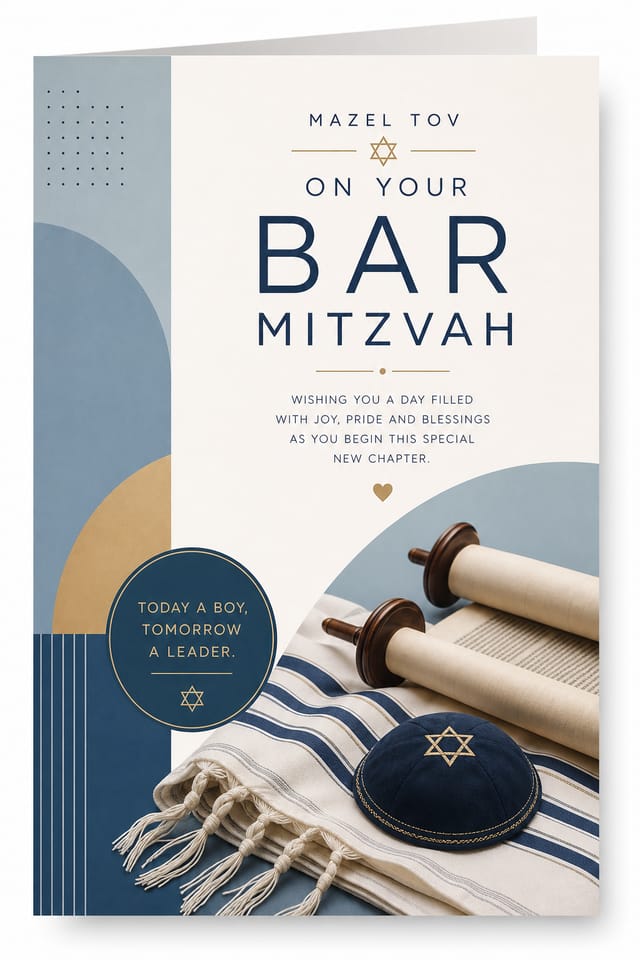
Real creators sharing their bar mitzvah designs made with Pixazo AI.

Geometric bar-mitzvah card design, angular composition, color in blocks, structured grid, no decorative flourishes
Portrait bar-mitzvah card for social sharing, vertical 4:5 ratio, headline in upper third, supporting content below centerline
Vibrant bar-mitzvah card targeting Gen Z audience, neon accent colors, asymmetric layout, bold experimental typography, maximum visual energyCurrent Bar-Mitzvah Card Directions: Trend Report
Data-Driven Visuals
Incorporating charts, statistics, and structured data directly into bar-mitzvah card layouts helps communicate complex messages at a glance.
Retro Revival
Vintage aesthetics from the 1970s and 1990s are influencing bar-mitzvah card design with textured backgrounds, serif fonts, and warm gradients.
Minimalist Layouts
Stripped-back bar-mitzvah card designs with generous white space and limited elements are gaining favor for their clarity and elegance.
Brutalist Design
Raw, intentionally unpolished bar-mitzvah card aesthetics with stark contrasts and unconventional layouts are carving a niche in creative industries.
Bold Typography
Oversized type and expressive fonts are dominating bar-mitzvah card design, turning headlines into visual centerpieces rather than just text.
Bar-Mitzvah Card Quality Checklist: Common Pitfalls
Test with real content
Never finalize a bar-mitzvah card with placeholder text. Real copy often has different lengths and line breaks that affect the design.
Keep the message focused
A strong bar-mitzvah card communicates one primary idea clearly. Supporting details should reinforce, not compete with, the main message.
Use grids and alignment
Structured layouts in your bar-mitzvah card create a sense of order and professionalism that unstructured designs cannot match.
Use too many fonts
More than two or three typefaces in a single bar-mitzvah card creates visual noise and makes the design feel disjointed.
Overcrowd the layout
Filling every pixel of your bar-mitzvah card with content makes it harder to read and reduces the impact of every individual element.
Ignore accessibility
Low-contrast text and tiny font sizes in your bar-mitzvah card exclude a significant portion of your potential audience.
Rely solely on AI output
AI-generated bar-mitzvah card designs are a starting point. Human review catches issues with context, tone, and accuracy that AI can miss.
What Bar-Mitzvah Card AI: Realistic Expectations
Known limitations and trade-offs of AI-generated bar mitzvah design. Every AI design tool has boundaries. Knowing these limits before you start helps you get the most out of bar-mitzvah card generation.

