Farewell Card : Create Free Farewell Cards in Minutes with AI
Create Custom Farewell Cards Quickly with Pixazo Best AI Farewell Card Maker. Try for Free!
Get Started
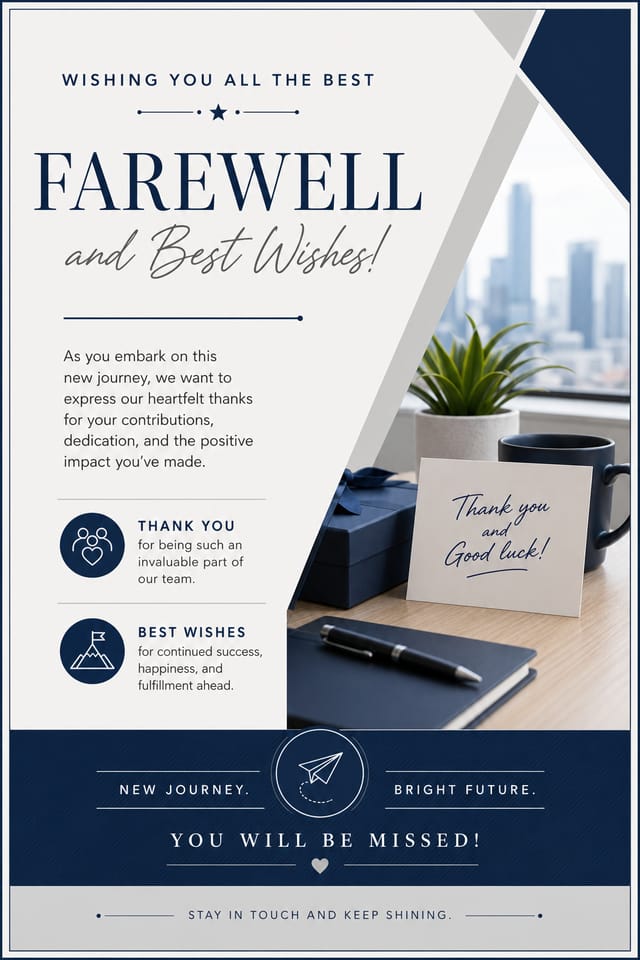
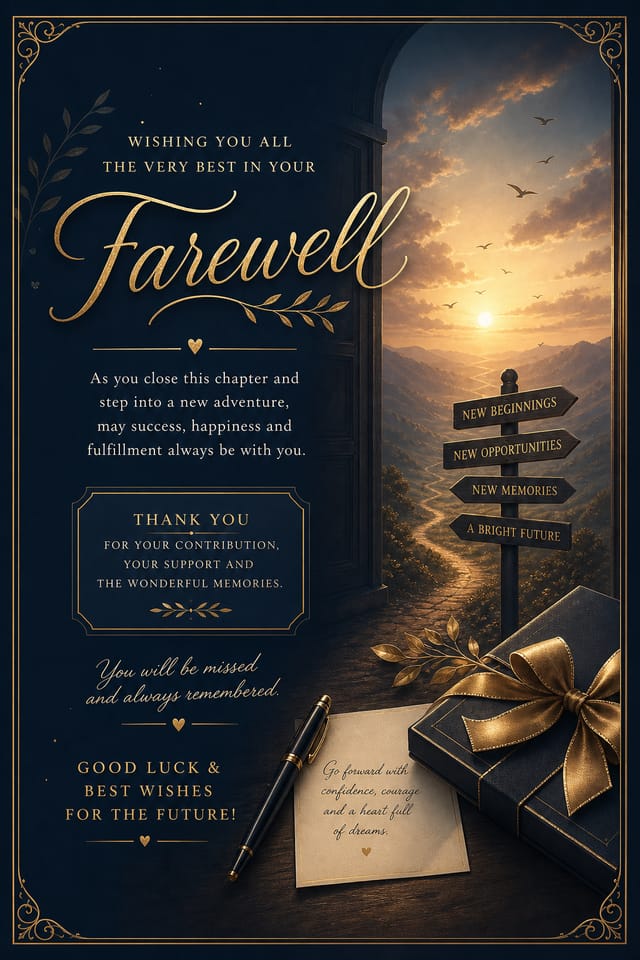


AI Farewell Card Builder: Create Like a Pro
Skip the design software and get your farewell card made by AI. Clean output, the right proportions, print-ready files.
Create Your Farewell Card FreeHow AI Translates Farewell Style: Design Intelligence at Work
What Separates Good Farewell Design from Generic
Creating a convincing farewell card requires understanding farewell as a design vocabulary, not just as a label.
The color relationships, the type choices, the spatial organization.
These elements work together to create the impression of intentional farewell design.
Pixazo's generation model recognizes farewell design patterns and applies them systematically.
From Prompt to Farewell Card: From Start to Finish
Frame the Brief
Describe what you want your farewell card to look like. Include the mood, color palette, typography preference, and content hierarchy. Pixazo reads all of this and uses it to generate an appropriate design.
Watch: Creating Farewell Card designs step by step
Smart Farewell Card AI: Core Strengths
Fast Generation
Complete farewell card designs generate in seconds. No rendering queues, no waiting for batch processing.
Typography Matching
Typefaces are selected to match farewell aesthetic expectations. The AI pairs fonts that reinforce your farewell card's visual identity.
Export Flexibility
Download your farewell card in formats suited for your use case. Web-optimized versions for digital display, high-DPI files for print.
Compositional Structure
Layout and hierarchy decisions reflect farewell design patterns. The proportions and arrangement match how farewell designs are conventionally structured.
Consistency Across Variants
Generate multiple farewell cards for a project and maintain visual consistency across the set. Specify your core design parameters and vary secondary elements.
Farewell Card Creators: Work in the Wild
Real creators sharing their farewell designs made with Pixazo AI.

Warm palette farewell card, ochre and brown tones, serif typography, traditional farewell design reference, tactile feeling
Cool palette farewell card, slate and steel tones, sans-serif typography, contemporary farewell sensibility, precise alignment
Geometric farewell card design, angular composition, color in blocks, structured grid, no decorative flourishesFarewell Cards Across Fields: Who Uses Them
Event Promotion
Create farewell event cards that establish the right visual mood before the event. Farewell design signals quality and sets expectations.
Retail and Hospitality
Produce farewell in-store and venue cards that communicate quality through design. Farewell aesthetics signal attention to customer experience.
Content Creation Workflow
Incorporate farewell card generation into a content production workflow. Fast output enables higher publishing frequency.
Professional Projects
Create farewell cards for client work, commercial campaigns, and professional applications where quality and style accuracy matter.
How Farewell Style Varies: Worth Exploring
Editorial Farewell
Text-dominant farewell card layout inspired by print publication design. Typographic variety creates visual rhythm.
Atmospheric Farewell
Farewell card design where mood takes priority. Color and composition work together to create a specific feeling.
High-Contrast Farewell
Bold farewell visual treatment with strong tonal contrast. Elements read clearly at any viewing distance.
Minimalist Farewell
Stripped-back farewell approach. Fewer elements, more negative space, typography carries more visual weight.
Farewell Card Generation: Capabilities at a Glance
Writing Farewell Card Design Prompts
Copy any prompt below and paste it into Pixazo to generate your design instantly.
Farewell card design, clean layout, strong typography hierarchy, appropriate color palette for farewell aesthetic, high contrast between headline and backgroundEditorial-style farewell card, text-dominant design, typographic treatment carries visual weight, layout proportions inspired by print publication designContemporary farewell card design, grid-based layout, typographic precision, restrained color palette, no decorative excessFarewell card with strong visual hierarchy, largest element reads clearly, supporting elements organized by importance, clean background treatmentRefined farewell card, sophisticated color relationships, intentional whitespace, typefaces appropriate to farewell style, balanced compositionMastering Farewell Card Creation: What Professionals Know
Test at Actual Size
Always preview your farewell card at the dimensions it will be displayed. Design details that look fine at 100% can disappear or crowd at real-world scale.
Use High Contrast for Readability
Whether your farewell card is displayed on screen or in print, strong contrast between text and background ensures the message gets through at any size.
Leave White Space
Resist the urge to fill every area of your farewell card. Breathing room around key elements makes the overall design more effective.
Match Tone to Audience
A farewell card for a corporate event needs a different visual tone than one for a music festival. Let the audience guide your style choices.
Your Farewell Card Questions: Common Questions Answered
Include your specific colors in the prompt, either by hex code or descriptive terms. 'Navy and copper with white text' or '#1a1a2e and #c9a84c palette' both work. The AI builds a farewell-appropriate palette around your specified colors.
Describe your core design parameters in each prompt and vary only the specific elements that should change across the series. Maintaining consistent color palette, typographic approach, and compositional structure across farewell card variations creates a coherent series.
Individual farewell cards generate in seconds. For batch production, you can submit multiple prompts in sequence and download results as they complete. A series of ten farewell card variations typically takes under five minutes total.
Professional farewell card design comes down to the right color relationships, appropriate typographic hierarchy, and compositional balance that fits farewell aesthetic conventions. Generic designs miss these details because they apply neutral defaults rather than style-specific decisions. Pixazo applies farewell design knowledge when you specify the style.
Pixazo generates original designs rather than copying existing work. The AI creates farewell cards from learned design principles, not by stitching together fragments of existing designs. Generated output does not reproduce copyrighted material or identifiable artistic styles of living creators.
Your prompt history is saved in your account. You can revisit previous farewell card prompts, duplicate them with modifications, and build a library of proven prompt structures for consistent farewell design output.
Streamlining Farewell Card Creation: A Production Pipeline
Refine
Apply targeted edits to your selected farewell card. Adjust typography, spacing, and color until every element meets your quality standard.
Approve
Get stakeholder approval on the finished farewell card. Verify all text is accurate and the design meets brand and technical requirements.
Review
Compare generated farewell card options against your brief. Mark what works and note specific changes needed for the next iteration.
Research
Collect examples of effective farewell card designs, note what works, and identify patterns relevant to your project goals.
AI Farewell Card Design: Trade-Offs to Know
Known limitations and trade-offs of AI-generated farewell design. Every AI design tool has boundaries. Knowing these limits before you start helps you get the most out of farewell card generation.

