Holi Card : Create Free Holi Cards in Minutes with AI
Create Custom Holi Cards Quickly with Pixazo Best AI Holi Card Maker. Try for Free!
Get Started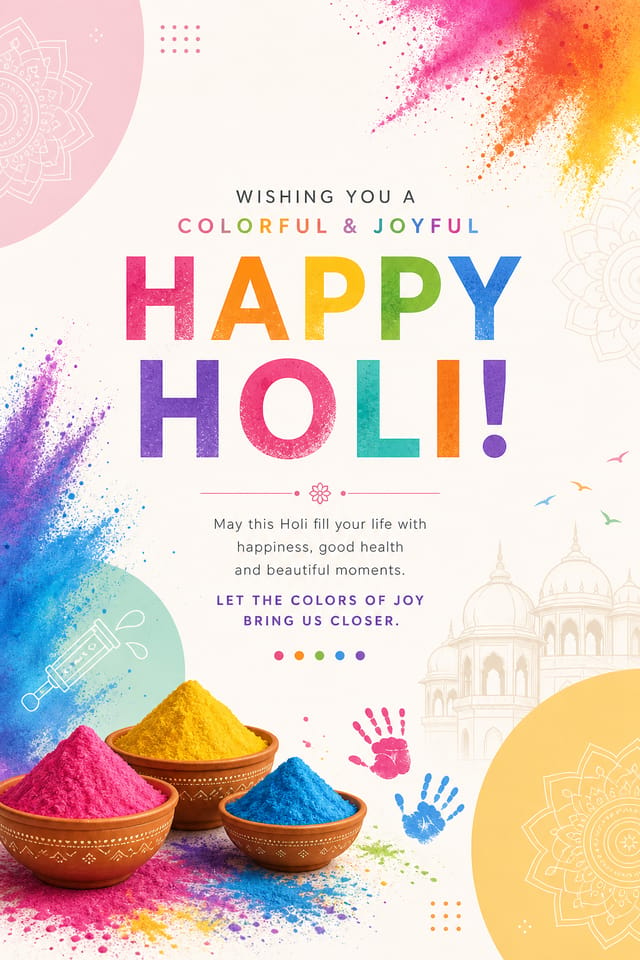
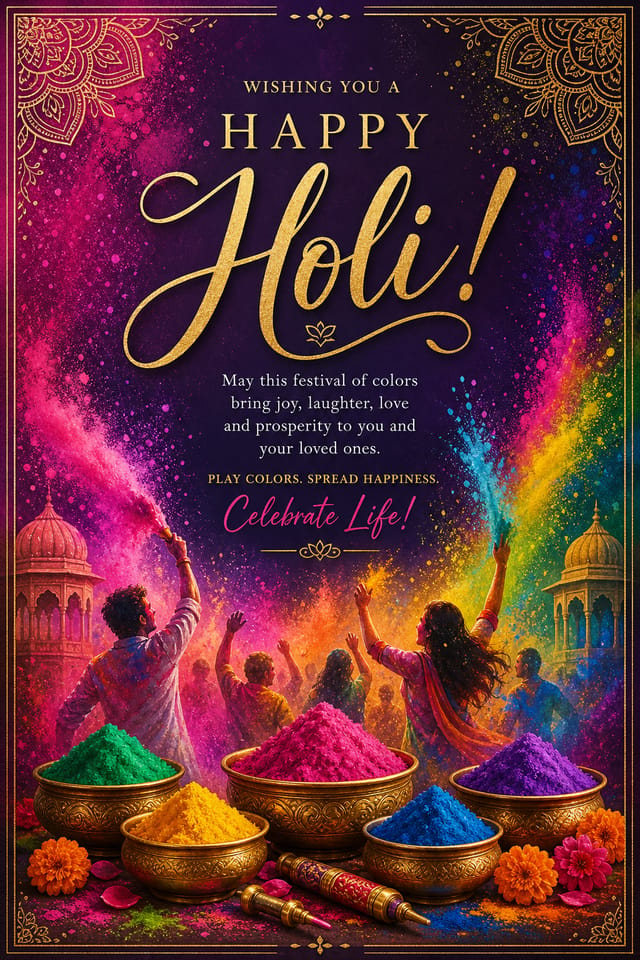
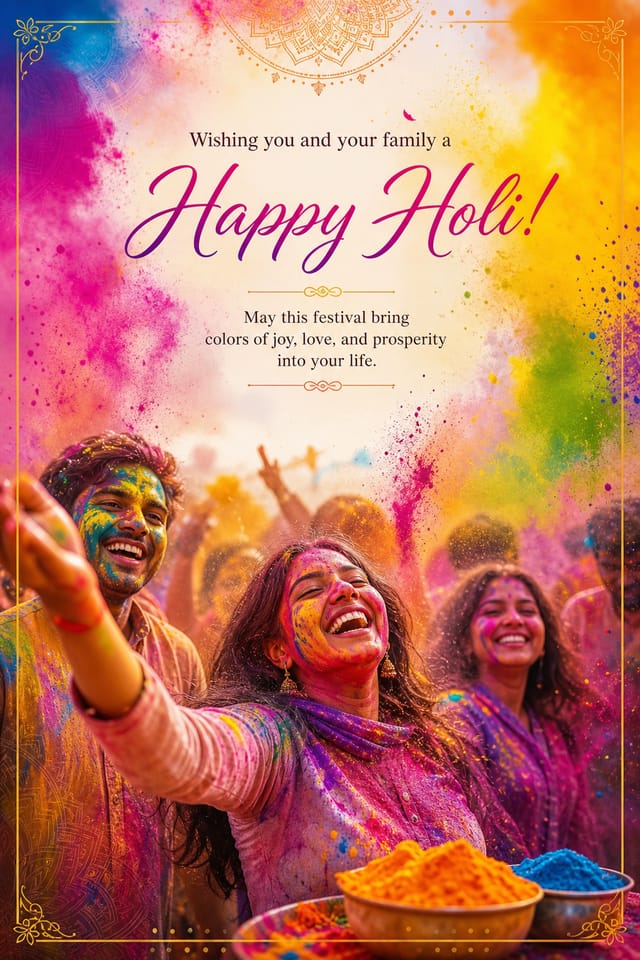
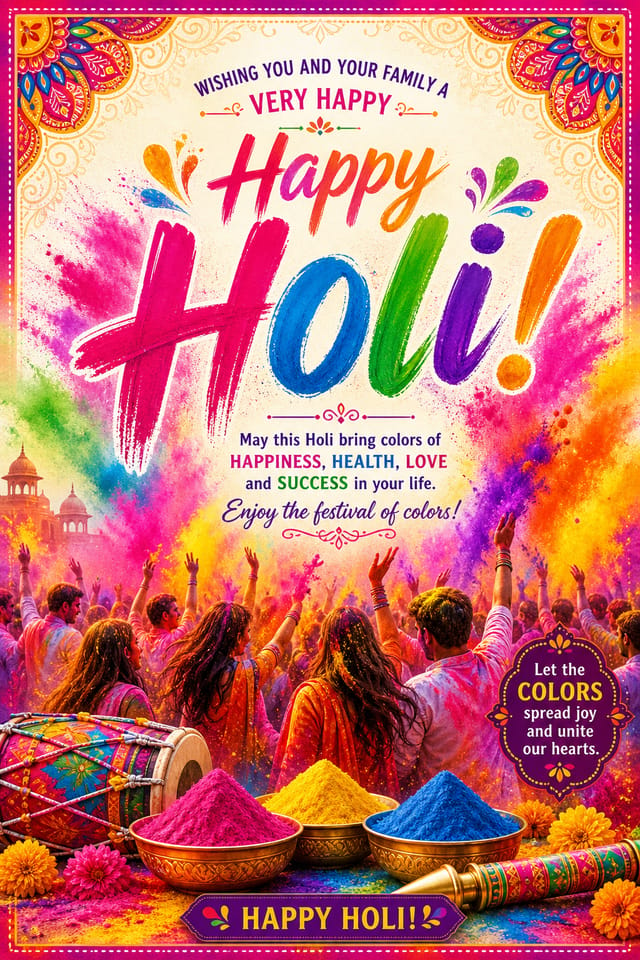
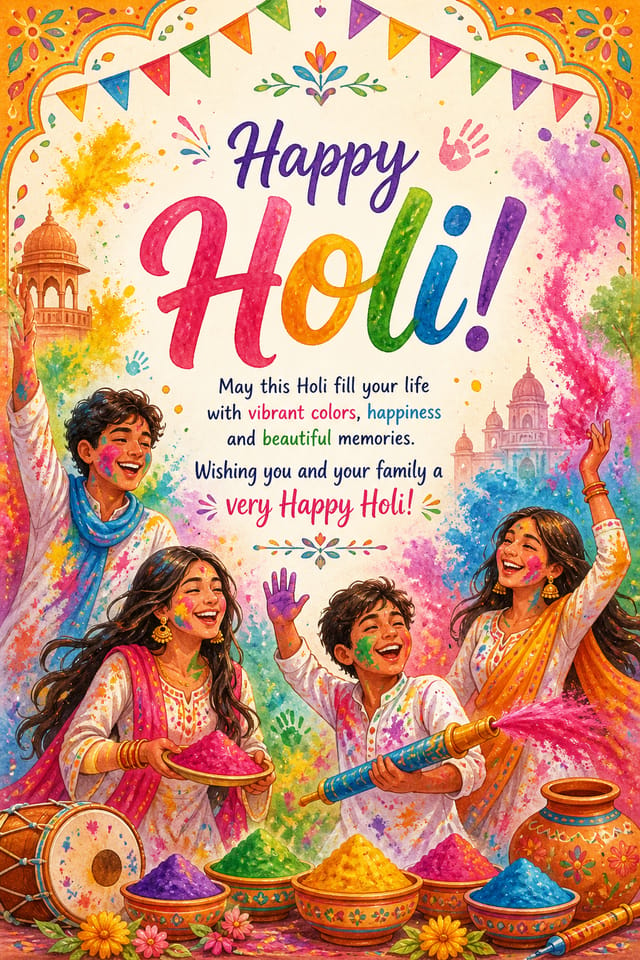
AI Holi Card Generator: From Idea to Reality
Professional holi card design without the complexity. Pixazo generates layouts, selects palettes, and handles typography in seconds.
Create Your Holi Card FreeHoli Card AI: Design Powers
Negative Space Handling
The AI manages whitespace in holi card designs according to holi aesthetic conventions, not generic poster defaults.
Subcategory Awareness
The AI distinguishes between design subcategories. A holi card request produces holi-appropriate output, not a generic design with holi text added.
Typography Matching
Typefaces are selected to match holi aesthetic expectations. The AI pairs fonts that reinforce your holi card's visual identity.
Print-Ready Output
Generated holi cards are sized and structured for professional printing. Download high-resolution files ready for production.
Export Flexibility
Download your holi card in formats suited for your use case. Web-optimized versions for digital display, high-DPI files for print.
Download Your Holi Card: Output Formats Compared
PNG
Lossless image format ideal for holi card designs with transparency, sharp text, and web display at predictable file sizes.
SVG
Scalable format for holi card designs that need to render crisply at any resolution, commonly used for web and responsive layouts.
JPG
Compressed image format suited for holi card designs with photographic elements where smaller file size matters more than pixel-perfect edges.
WEBP
Modern web format offering smaller file sizes than PNG or JPG for holi card images without significant quality loss.
Holi Card Design Rules: Dos and Don'ts
Optimize for the display medium
Tailor your holi card resolution, color space, and text size to the specific platform or physical context where it will appear.
Keep the message focused
A strong holi card communicates one primary idea clearly. Supporting details should reinforce, not compete with, the main message.
Use grids and alignment
Structured layouts in your holi card create a sense of order and professionalism that unstructured designs cannot match.
Forget the call to action
A holi card without a clear next step for the viewer is a missed opportunity. Always include direction on what to do next.
Rely solely on AI output
AI-generated holi card designs are a starting point. Human review catches issues with context, tone, and accuracy that AI can miss.
Overcrowd the layout
Filling every pixel of your holi card with content makes it harder to read and reduces the impact of every individual element.
Community Holi Card: Community Showcase
Real creators sharing their holi designs made with Pixazo AI.
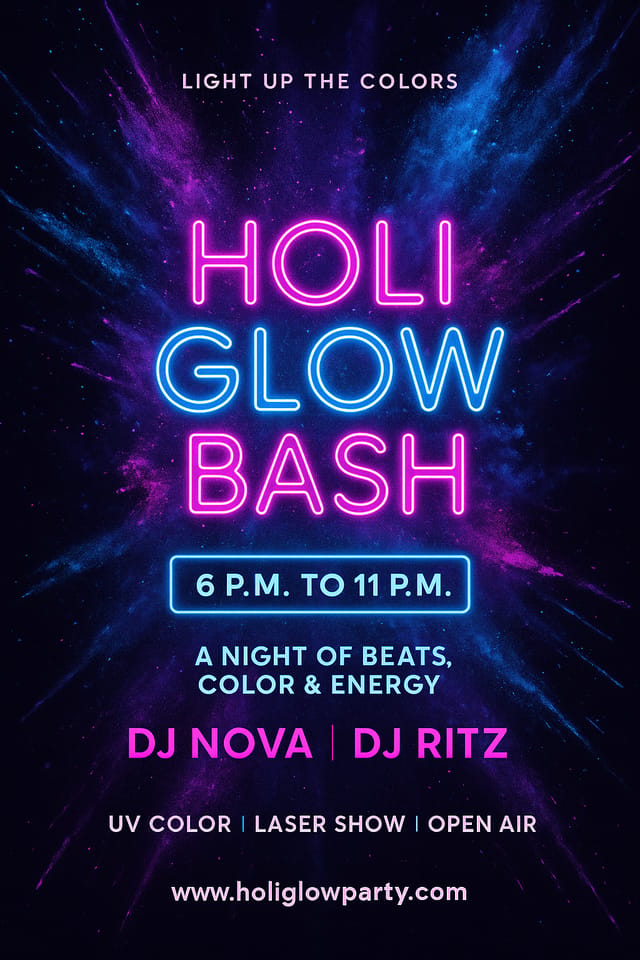
Eco-friendly themed holi card, natural green and kraft tones, organic shapes, sustainability messaging, handcrafted aesthetic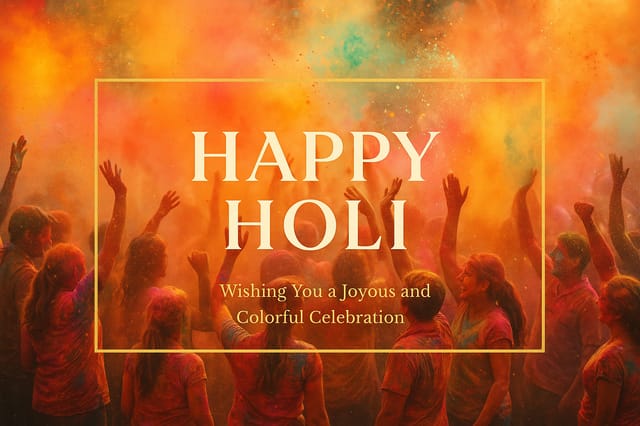
Playful holi card for a family audience, rounded typography, bright saturated colors, approachable and energetic tone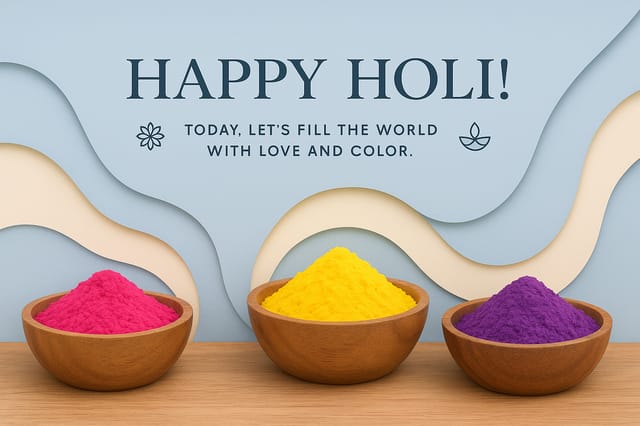
Holi card with retro 1970s color palette, warm oranges and browns, groovy display type, textured paper background feelHoli Cards in Practice: Contexts and Scenarios
School and College Event Displays
Create holi cards for educational institution celebrations, cultural weeks, and awareness events. Designs that educate while celebrating.
Social Media Festival Posts
Generate holi cards optimized for social sharing during the festival period. Designs that stand out in crowded holiday feeds.
Charity and Fundraising Appeals
Create holi cards for charitable giving drives associated with the festival. Materials that connect cultural celebration with community service.
Festival Invitations
Create holi cards inviting family, friends, and community to holi celebrations. Designs that capture the spirit and visual traditions of the festival.
The Path to Your Holi Card: Behind the Scenes
Clarify What You Need
Describe what you want your holi card to look like. Include the mood, color palette, typography preference, and content hierarchy. Pixazo reads all of this and uses it to generate an appropriate design.
Generate and Review
Pixazo generates your holi card in seconds. Review the design and adjust your prompt to refine specific elements: change the color palette, shift the layout weight, or add visual elements you want included.
Harvest the Result
Get your final holi card file in one click. Choose your format, download at full resolution, and use the design immediately. No watermarks, no additional fees, no waiting.
Watch: Creating Holi Card designs step by step
Holi Card Performance: Key Metrics
Languages supported for text rendering in holi card designs
Languages supported for text rendering in holi card designs
Number of holi card variations you can generate per session
Number of holi card variations you can generate per session
Average generation time for a complete holi card design from
Average generation time for a complete holi card design from prompt to output
Holi Card Creator Tips: From Experienced Designers
Get Feedback Early
Share your holi card draft with someone outside the project. Fresh eyes catch issues you have become blind to after hours of refinement.
Prioritize Hierarchy
Every holi card needs a clear reading order. Make sure the most important information is the largest and most prominent element in the layout.
Limit Your Color Palette
Stick to 2-3 primary colors in your holi card design. Too many colors compete for attention and weaken the visual hierarchy.
Start with a Clear Brief
Before generating any holi card, write down the core message, target audience, and intended use. A focused brief produces better results than iterating from a vague idea.
Holi Card Look and Feel: Across Contexts
Textured Holi
Holi design with added surface depth. Background treatments add visual interest without disrupting legibility.
Minimalist Holi
Stripped-back holi approach. Fewer elements, more negative space, typography carries more visual weight.
Classic Holi
Traditional holi design principles applied to modern card format. Clean composition, conventional hierarchy, time-tested visual decisions.
Contemporary Holi
Current holi design sensibility with updated proportions, modern typefaces, and contemporary color relationships.
Writing Holi Card Prompt Templates
Copy any prompt below and paste it into Pixazo to generate your design instantly.
Holi card design, clean layout, strong typography hierarchy, appropriate color palette for holi aesthetic, high contrast between headline and backgroundHoli style card, bold headline placement, supporting text at appropriate scale, color palette consistent with holi design conventionsHoli card with strong visual hierarchy, largest element reads clearly, supporting elements organized by importance, clean background treatmentContemporary holi card design, grid-based layout, typographic precision, restrained color palette, no decorative excessHigh-impact holi card, immediate visual read at thumbnail size, clear headline dominance, supporting information structured logicallyWhat Holi Card AI: Trade-Offs to Know
Known limitations and trade-offs of AI-generated holi design. AI holi card generation produces strong results within its design domain. These notes describe where human judgment and manual work remain necessary.
Understanding Holi Cards: Straight Answers
Team accounts allow multiple users to share prompts, saved holi card designs, and brand kits within a shared workspace. Team members can iterate on each other's holi card designs and maintain consistent output across projects.
Each generation uses your unique prompt text to produce a distinct holi card design. Even similar prompts produce noticeably different outputs due to the AI's generative process. No two users receive identical designs.
Individual holi cards generate in seconds. For batch production, you can submit multiple prompts in sequence and download results as they complete. A series of ten holi card variations typically takes under five minutes total.
Pixazo generates complete holi card designs from text prompts. Custom image uploads for compositing are on the product roadmap. Currently, the AI creates all visual elements based on your description rather than incorporating external assets.
Specific prompts produce better results than vague ones. Include the visual style you want, any color preferences, the most important text to display, and the intended use. For holi design specifically, noting whether you want a contemporary or classic interpretation of holi style helps the AI make the right design decisions.
Professional holi card design comes down to the right color relationships, appropriate typographic hierarchy, and compositional balance that fits holi aesthetic conventions. Generic designs miss these details because they apply neutral defaults rather than style-specific decisions. Pixazo applies holi design knowledge when you specify the style.

