Independence Day Card : Create Free Independence Day Cards in Minutes with AI
Create Custom Independence Day Cards Quickly with Pixazo Best AI Independence Day Card Maker. Try for Free!
Get Started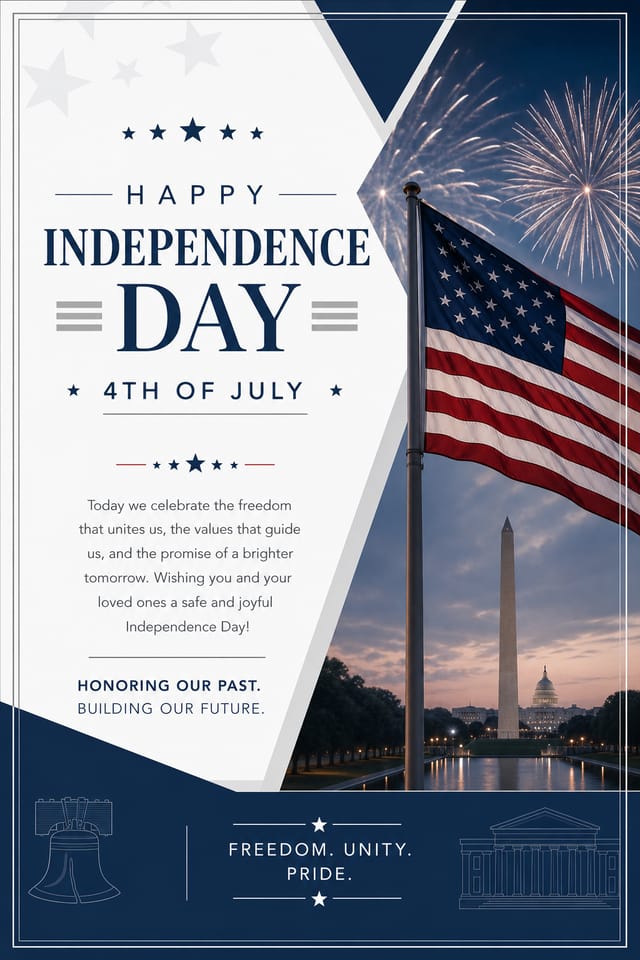
Delivering Your Independence-Day Card: Export Options Explained
PNG
Lossless image format ideal for independence-day card designs with transparency, sharp text, and web display at predictable file sizes.
Print-ready format for independence-day card files that preserves fonts, colors, and layout across different devices and print services.
SVG
Scalable format for independence-day card designs that need to render crisply at any resolution, commonly used for web and responsive layouts.
WEBP
Modern web format offering smaller file sizes than PNG or JPG for independence-day card images without significant quality loss.
JPG
Compressed image format suited for independence-day card designs with photographic elements where smaller file size matters more than pixel-perfect edges.
Understanding Independence-Day Card Conventions: What Good Design Involves
What Separates Good Independence-Day Design from Generic
Effective independence-day card design depends on understanding what makes independence-day work visually.
Color relationships, typographic choices, and spatial arrangement all carry different weight depending on the design style.
Pixazo's AI has been trained to recognize these distinctions.
The practical result is that a independence-day card prompt produces designs that fit independence-day conventions rather than generic poster layouts.
The Path to Your Independence-Day Card: How It Works
Start with an Idea
Describe what you want your independence-day card to look like. Include the mood, color palette, typography preference, and content hierarchy. Pixazo reads all of this and uses it to generate an appropriate design.
Watch: Creating Independence Day Card designs step by step
Putting Independence-Day Cards to Work: Real Applications
Charity and Fundraising Appeals
Create independence-day cards for charitable giving drives associated with the festival. Materials that connect cultural celebration with community service.
Festival Invitations
Create independence-day cards inviting family, friends, and community to independence-day celebrations. Designs that capture the spirit and visual traditions of the festival.
Social Media Festival Posts
Generate independence-day cards optimized for social sharing during the festival period. Designs that stand out in crowded holiday feeds.
Retail Seasonal Promotions
Design independence-day cards for shops and restaurants running seasonal offers tied to the festival. Sales materials that respect the cultural context.
The Independence-Day Card Feature Set: Professional Features
Style-Accurate Generation
The AI interprets independence-day design conventions and applies them to your card, producing output that looks correctly styled rather than generically templated.
Color Temperature Control
Specify warm, cool, or neutral color direction for your independence-day card. The AI builds the full palette around your temperature preference.
Consistency Across Variants
Generate multiple independence-day cards for a project and maintain visual consistency across the set. Specify your core design parameters and vary secondary elements.
Prompt Refinement
Adjust your description to refine any aspect of the independence-day card design. The AI responds to specific direction about colors, layout, or content.
From Brief to Independence-Day Card: Workflow Breakdown
Refine
Apply targeted edits to your selected independence-day card. Adjust typography, spacing, and color until every element meets your quality standard.
Brief
Establish the key message, dimensions, color preferences, and target audience for your independence-day card before any design work begins.
Review
Compare generated independence-day card options against your brief. Mark what works and note specific changes needed for the next iteration.
Generate
Use AI to produce multiple independence-day card variations based on your brief. Start broad and narrow down from the strongest options.
Independence-Day Card Dos and Don'ts: Dos and Don'ts
Maintain brand alignment
Keep your independence-day card design consistent with existing brand colors, fonts, and visual language for a cohesive identity.
Test with real content
Never finalize a independence-day card with placeholder text. Real copy often has different lengths and line breaks that affect the design.
Optimize for the display medium
Tailor your independence-day card resolution, color space, and text size to the specific platform or physical context where it will appear.
Keep the message focused
A strong independence-day card communicates one primary idea clearly. Supporting details should reinforce, not compete with, the main message.
Rely solely on AI output
AI-generated independence-day card designs are a starting point. Human review catches issues with context, tone, and accuracy that AI can miss.
Skip proofreading
Typos and grammatical errors on a independence-day card undermine credibility instantly. Always have someone else review the final text.
Ignore accessibility
Low-contrast text and tiny font sizes in your independence-day card exclude a significant portion of your potential audience.
Overcrowd the layout
Filling every pixel of your independence-day card with content makes it harder to read and reduces the impact of every individual element.
Design Criteria for Independence-Day Card: Professional Standards
Edge Treatment
How elements meet the edge of a independence-day card matters. Full-bleed images feel immersive. Generous margins feel premium. The edge is a design decision, not an afterthought.
Color Discipline
Effective independence-day card color palettes do more with less. A two or three color system applied consistently creates more visual coherence than many competing colors.
Visual Hierarchy
Strong independence-day card design establishes a clear reading order. The headline should be immediately visible, supporting information should follow in logical sequence.
Independence-Day Card Generation: Prompts That Work
Copy any prompt below and paste it into Pixazo to generate your design instantly.
Contemporary independence-day card design, grid-based layout, typographic precision, restrained color palette, no decorative excessFull-bleed independence-day card, background treatment extends to edges, foreground elements positioned for compositional balance, strong central hierarchyClean independence-day card design, geometric structure, disciplined typography, color accent used selectively for emphasis, printer-optimized resolutionMonochromatic independence-day card, single-hue palette with value variation for contrast, typographic hierarchy creates visual interest without color complexityProfessional independence-day card, minimalist independence-day approach, negative space used intentionally, readable at multiple viewing distances, print-ready compositionWhat Independence-Day Card AI: Current Boundaries
Known limitations and trade-offs of AI-generated independence day design. Understanding what the AI handles well and where it falls short helps you structure your independence-day card design workflow effectively.
The Independence-Day Card Gallery: Showcase Gallery
Real creators sharing their independence day designs made with Pixazo AI.

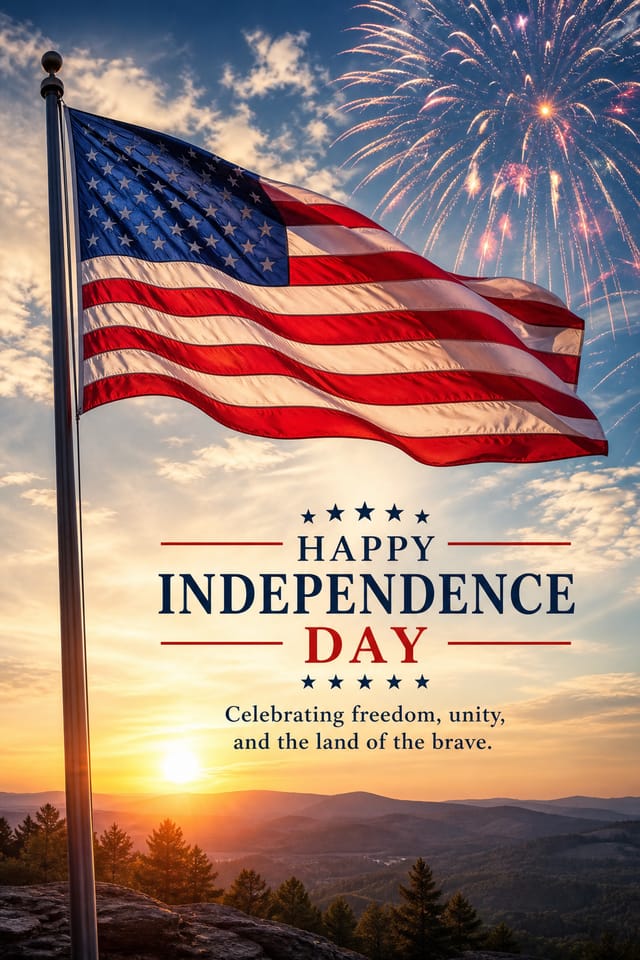
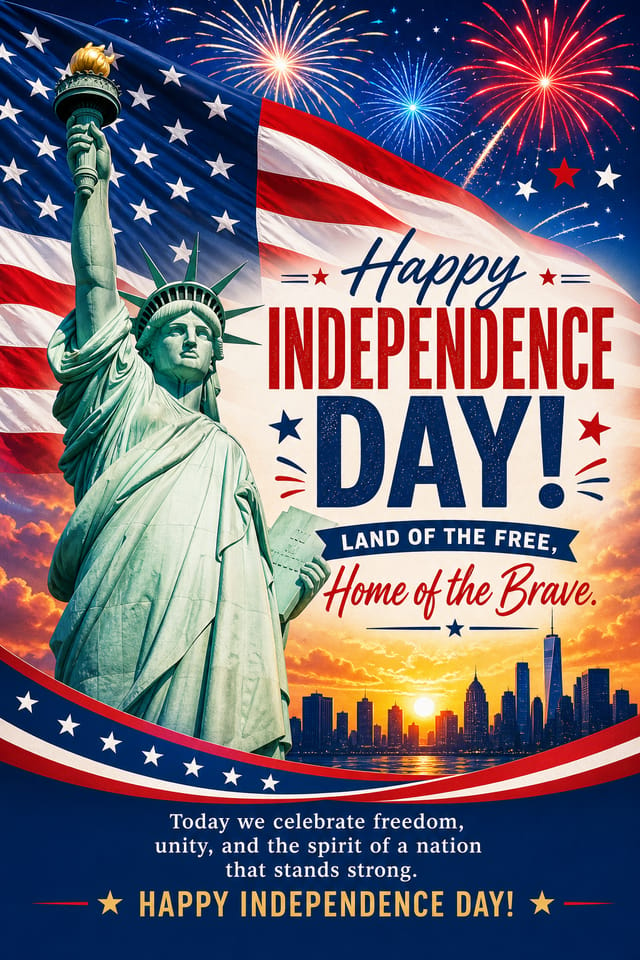
Bold independence-day card with strong central headline, supporting information at secondary scale, background treatment consistent with independence-day design
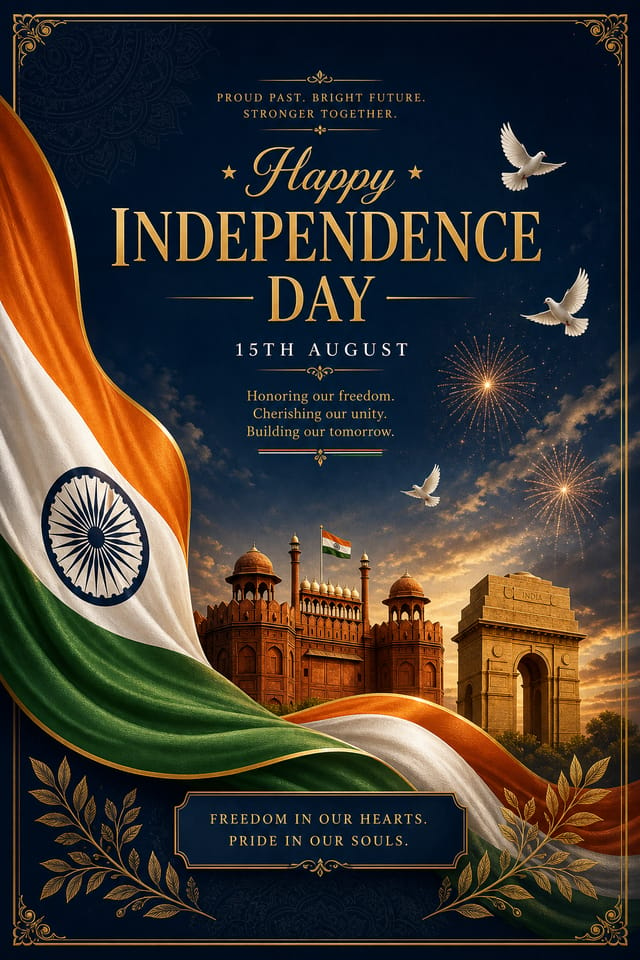
Independence-Day card designed for dark mode display, OLED-optimized black background, vibrant accent colors, high contrast text
Independence-Day card design, clean typographic hierarchy, palette appropriate to independence-day aesthetic, high contrast headline, balanced compositionUnderstanding Independence-Day Cards: What You Should Know
A independence-day card generates in seconds after submitting your prompt. Total time from prompt submission to downloadable file is typically under a minute, including any server processing time.
Pixazo works in any modern mobile browser. The interface adapts to phone and tablet screens so you can generate independence-day cards from anywhere. A dedicated mobile app is in development for an even smoother on-device experience.
Specific prompts produce better results than vague ones. Include the visual style you want, any color preferences, the most important text to display, and the intended use. For independence-day design specifically, noting whether you want a contemporary or classic interpretation of independence-day style helps the AI make the right design decisions.
Pixazo generates original designs rather than copying existing work. The AI creates independence-day cards from learned design principles, not by stitching together fragments of existing designs. Generated output does not reproduce copyrighted material or identifiable artistic styles of living creators.
Generate your initial independence-day card, review the output, then modify your prompt to adjust specific elements. Each regeneration produces a fresh design incorporating your changes. Most users reach their final independence-day card design within two to four iterations.

