Navratri Card : Create Free Navratri Cards in Minutes with AI
Create Custom Navratri Cards Quickly with Pixazo Best AI Navratri Card Maker. Try for Free!
Get Started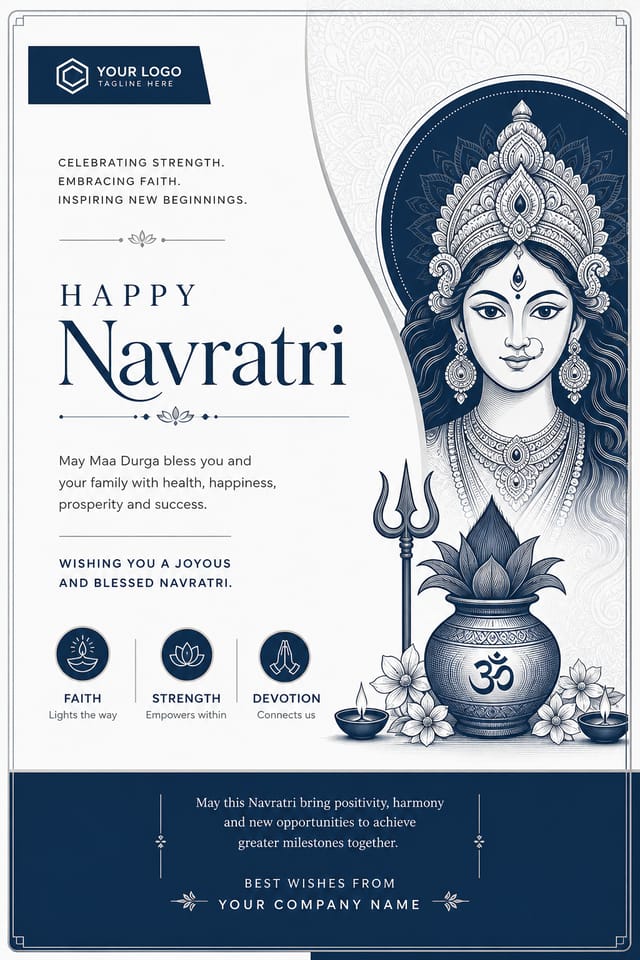
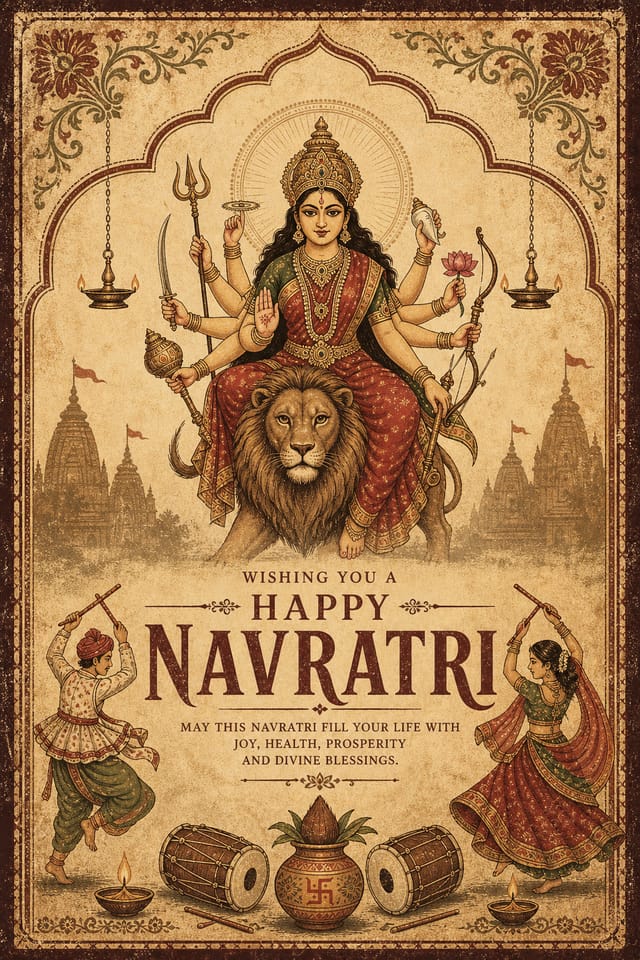
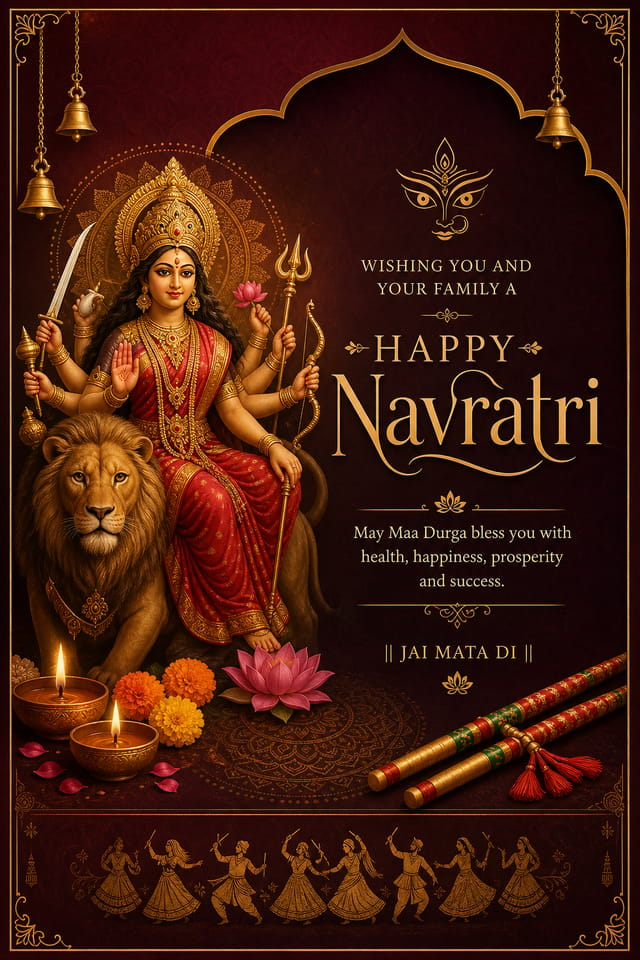
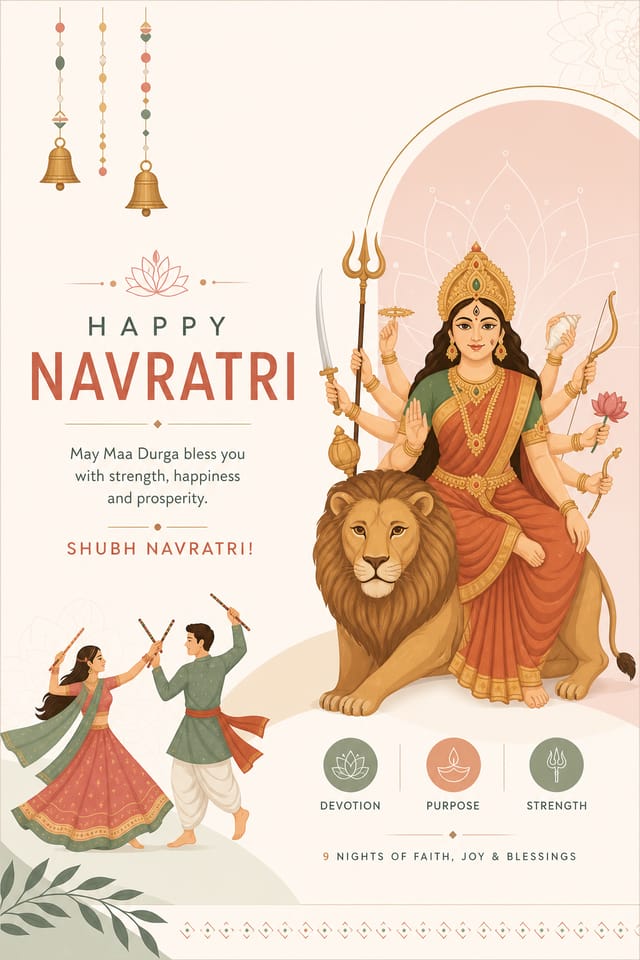
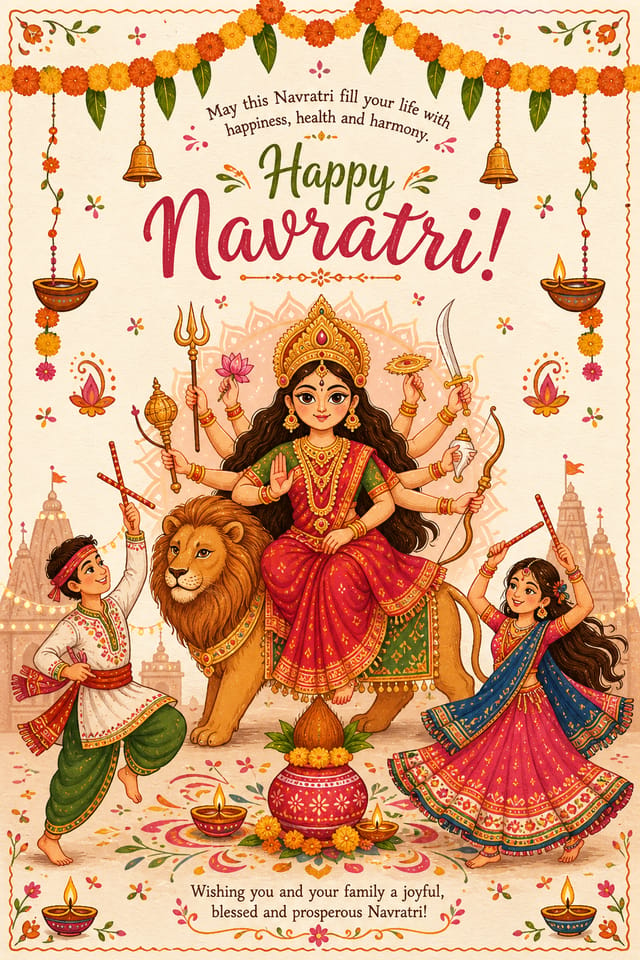
AI Navratri Card Generator: Design Without Limits
Generate navratri card designs that look considered and intentional. Pixazo handles the design decisions so you only need the idea.
Create Your Navratri Card FreeInside the Navratri Community: Community Creations
Real creators sharing their navratri designs made with Pixazo AI.

Two-color navratri card, maximum contrast between primary and secondary color, typography set in one color per level
Navratri card in 18x24 inch print format, museum-quality composition, generous margins, elegant serif headline, muted earth tones
Vibrant navratri card targeting Gen Z audience, neon accent colors, asymmetric layout, bold experimental typography, maximum visual energyNavratri Card Aesthetics: The Underlying Framework
How AI Translates Navratri Style to Final Output
Navratri card design has its own visual conventions that differ significantly from other styles.
The AI recognizes these patterns and applies them when generating your design, rather than defaulting to a generic layout.
When you describe a navratri card, Pixazo selects typography, color relationships, and compositional approaches appropriate to navratri aesthetics.
The result is a design that looks like it belongs in its context, not a repurposed template with the wrong visual DNA.
Navratri Cards in Practice: Who Benefits Most
Charity and Fundraising Appeals
Create navratri cards for charitable giving drives associated with the festival. Materials that connect cultural celebration with community service.
Festival Invitations
Create navratri cards inviting family, friends, and community to navratri celebrations. Designs that capture the spirit and visual traditions of the festival.
School and College Event Displays
Create navratri cards for educational institution celebrations, cultural weeks, and awareness events. Designs that educate while celebrating.
Home and Office Decorative Prints
Design navratri cards suitable for framing and display during the festival period. Art prints that bring festive atmosphere to living and working spaces.
Navratri Card Quality Checklist: Rules Worth Following
Maintain brand alignment
Keep your navratri card design consistent with existing brand colors, fonts, and visual language for a cohesive identity.
Keep the message focused
A strong navratri card communicates one primary idea clearly. Supporting details should reinforce, not compete with, the main message.
Test with real content
Never finalize a navratri card with placeholder text. Real copy often has different lengths and line breaks that affect the design.
Use grids and alignment
Structured layouts in your navratri card create a sense of order and professionalism that unstructured designs cannot match.
Skip proofreading
Typos and grammatical errors on a navratri card undermine credibility instantly. Always have someone else review the final text.
Ignore accessibility
Low-contrast text and tiny font sizes in your navratri card exclude a significant portion of your potential audience.
Forget the call to action
A navratri card without a clear next step for the viewer is a missed opportunity. Always include direction on what to do next.
Navratri Card Design Quality: From Weak to Strong
Information Density Control
Match the information density of your navratri card to the viewing context. A display viewed from 10 feet needs fewer words and larger elements than one held in hand.
Visual Hierarchy
Strong navratri card design establishes a clear reading order. The headline should be immediately visible, supporting information should follow in logical sequence.
Purposeful Negative Space
Empty space in navratri card design is not wasted space. Generous margins and breathing room around elements signal quality and make the design easier to read.
Precision Navratri Card Tools: What Sets It Apart
Typography Matching
Typefaces are selected to match navratri aesthetic expectations. The AI pairs fonts that reinforce your navratri card's visual identity.
Prompt Refinement
Adjust your description to refine any aspect of the navratri card design. The AI responds to specific direction about colors, layout, or content.
Background Variation
Generate navratri cards with different background treatments. Solid, gradient, textured, or pattern backgrounds all available for navratri style.
Color Palette Intelligence
Colors are chosen with navratri style awareness. The AI builds palettes that fit navratri design conventions rather than selecting arbitrarily.
Creating Your Navratri Card: The Simple Process
Frame the Brief
Start with a text description of your navratri card concept. Specify the visual style, colors, layout direction, and key text. Detailed prompts produce more accurate navratri card designs than general ones.
Measure Against Intent
Your navratri card generates immediately after submission. Evaluate the design against your requirements and refine the prompt to correct any elements that don't match your intent.
Save and Share
Download your completed navratri card in the format that fits your use case. High-resolution files for print, web-optimized versions for digital, or PDF for production-ready delivery.
Navratri Card Specifications
Watch: Creating Navratri Card designs step by step
Navratri Card Capabilities: The Technical Edge
Writing Navratri Card Prompt Formulas
Copy any prompt below and paste it into Pixazo to generate your design instantly.
Atmospheric navratri card, background treatment supports the headline without competing with it, visual weight distributed intentionallyRefined navratri card, sophisticated color relationships, intentional whitespace, typefaces appropriate to navratri style, balanced compositionClean navratri card design, geometric structure, disciplined typography, color accent used selectively for emphasis, printer-optimized resolutionFull-bleed navratri card, background treatment extends to edges, foreground elements positioned for compositional balance, strong central hierarchyPortrait-orientation navratri card, vertical composition, headline at natural reading entry point, supporting information flows downward logicallyGetting More from Navratri Card AI: Lessons from the Field
Leave White Space
Resist the urge to fill every area of your navratri card. Breathing room around key elements makes the overall design more effective.
Check Alignment Carefully
Misaligned elements are one of the most common signs of amateur navratri card design. Use grid lines and snap-to features to keep things precise.
Test at Actual Size
Always preview your navratri card at the dimensions it will be displayed. Design details that look fine at 100% can disappear or crowd at real-world scale.
Get Feedback Early
Share your navratri card draft with someone outside the project. Fresh eyes catch issues you have become blind to after hours of refinement.
Navratri Card AI: Straight Answers
Individual navratri cards generate in seconds. For batch production, you can submit multiple prompts in sequence and download results as they complete. A series of ten navratri card variations typically takes under five minutes total.
Templates apply a fixed visual structure with placeholder content. AI generation produces original designs based on your specific description. Two navratri cards generated from different prompts will have genuinely different layouts, not just different text in the same box positions.
Pixazo provides an API for programmatic navratri card generation. Integrate it into your content pipeline to automate design production at scale. API documentation covers authentication, prompt formatting, and output retrieval.
Each generation uses your unique prompt text to produce a distinct navratri card design. Even similar prompts produce noticeably different outputs due to the AI's generative process. No two users receive identical designs.
You control every major design parameter through your prompt: color palette, typography style, layout structure, visual weight distribution, background treatment, and content hierarchy. The more specific your navratri card prompt, the more precisely the AI follows your creative direction.
Evaluating Navratri Card Makers: Finding the Right Fit
Snappa
Quick graphic creator focused on social media and marketing visuals
Piktochart
Infographic and presentation maker for data-driven visuals
Pixazo
AI-powered navratri card generator with prompt-based design and professional output quality
Stencil
Lightweight image creator optimized for fast social media graphics
PicMonkey
Photo editor and design tool with brand kit management
Navratri Card Generation: Needs Human Help
Known limitations and trade-offs of AI-generated navratri design. Understanding what the AI handles well and where it falls short helps you structure your navratri card design workflow effectively.

