Note Card : Create Free Note Cards in Minutes with AI
Create Custom Note Cards Quickly with Pixazo Best AI Note Card Maker. Try for Free!
Get Started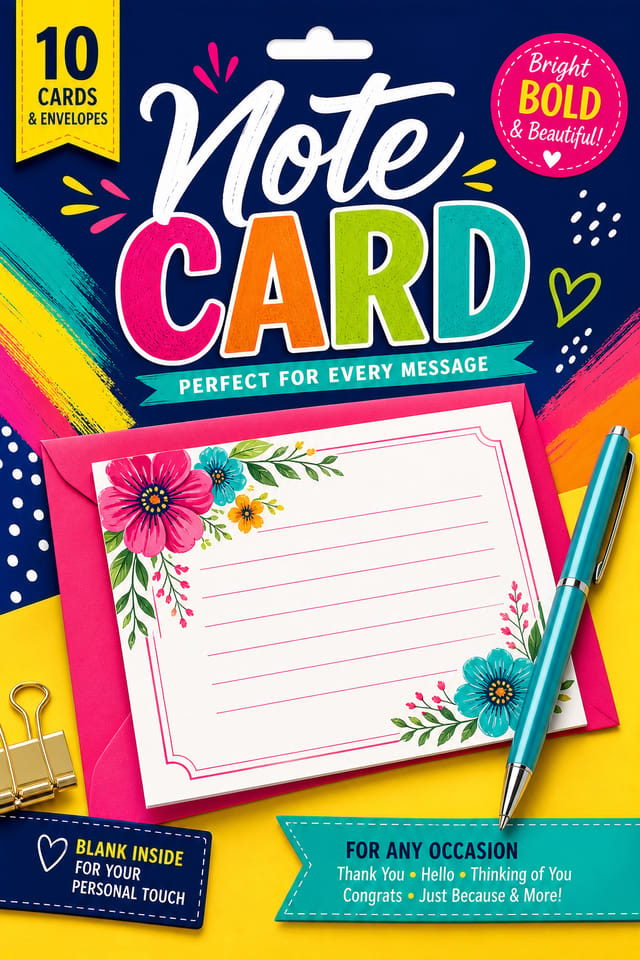
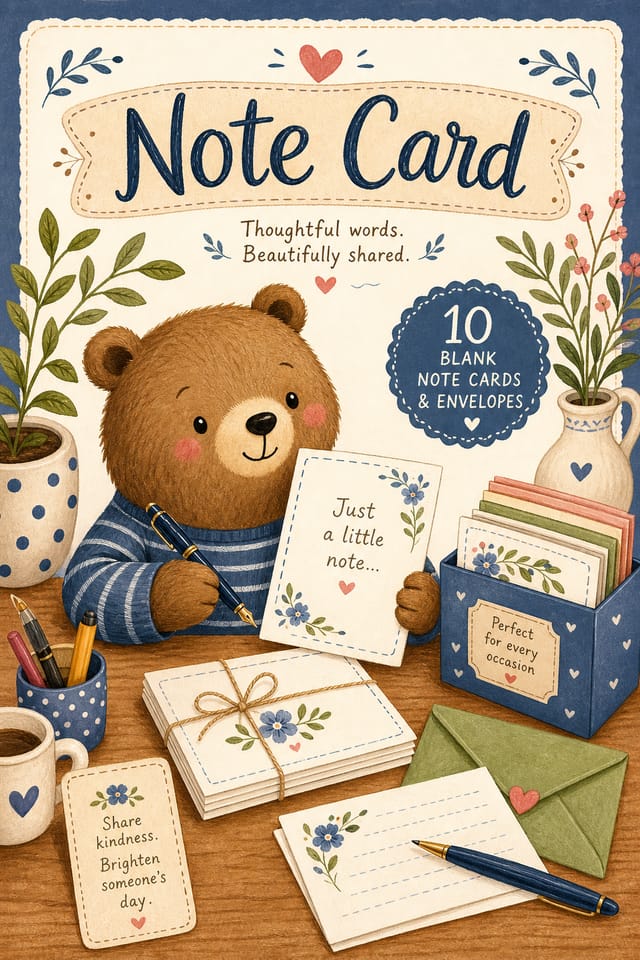
AI Note Card Studio: Effortless Design
Professional note card design without the complexity. Pixazo generates layouts, selects palettes, and handles typography in seconds.
Create Your Note Card FreeStyle Approaches for Note Cards: Across Contexts
Minimalist Note
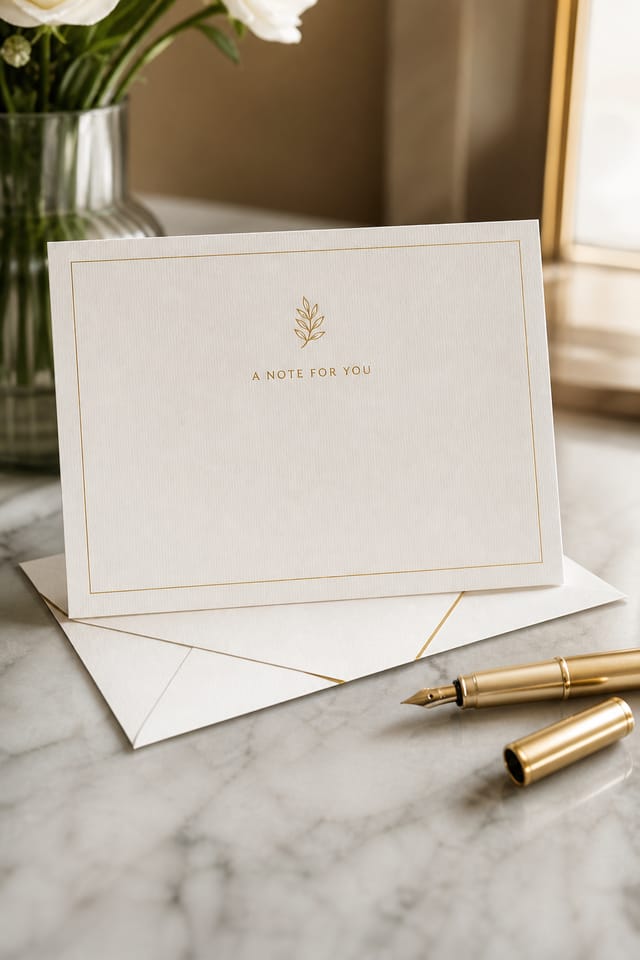
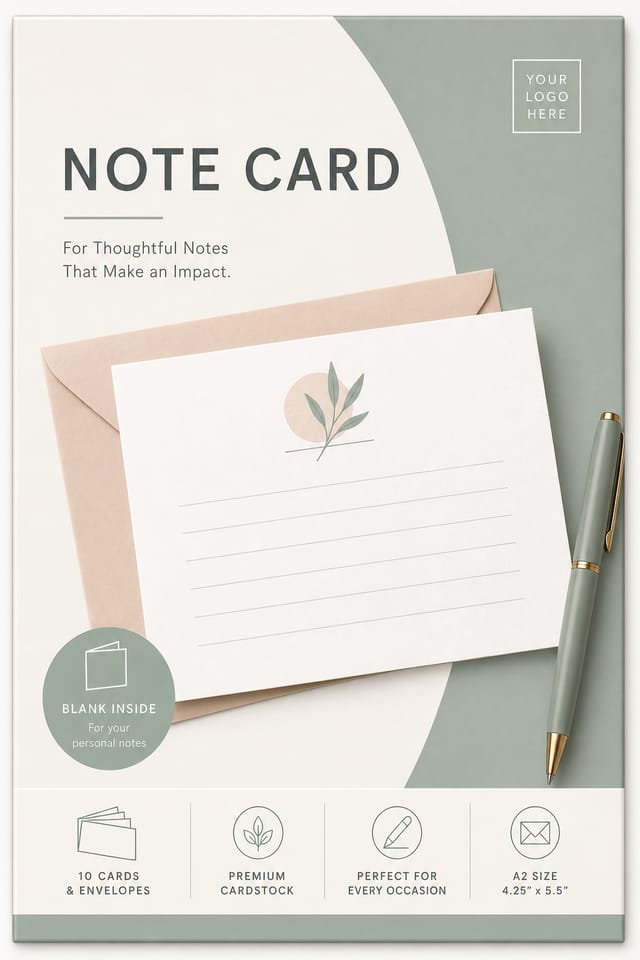
Stripped-back note approach. Fewer elements, more negative space, typography carries more visual weight.
Editorial Note
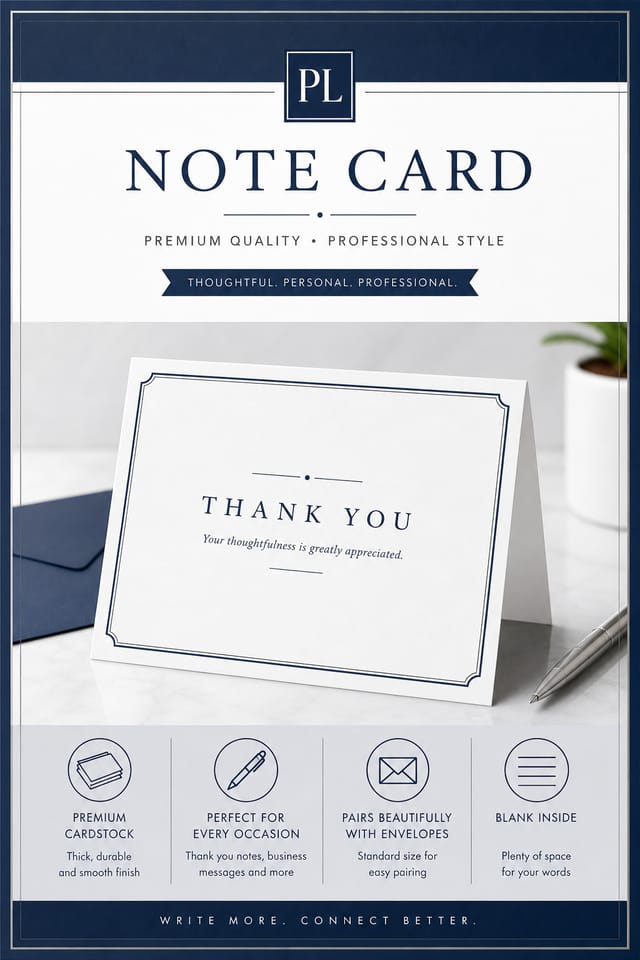
Text-dominant note card layout inspired by print publication design. Typographic variety creates visual rhythm.
Atmospheric Note
Note card design where mood takes priority. Color and composition work together to create a specific feeling.
High-Contrast Note
Bold note visual treatment with strong tonal contrast. Elements read clearly at any viewing distance.
Textured Note
Note design with added surface depth. Background treatments add visual interest without disrupting legibility.
Mastering Note Card Creation: Tips That Work
Get Feedback Early
Share your note card draft with someone outside the project. Fresh eyes catch issues you have become blind to after hours of refinement.
Check Alignment Carefully
Misaligned elements are one of the most common signs of amateur note card design. Use grid lines and snap-to features to keep things precise.
Leave White Space
Resist the urge to fill every area of your note card. Breathing room around key elements makes the overall design more effective.
Prioritize Hierarchy
Every note card needs a clear reading order. Make sure the most important information is the largest and most prominent element in the layout.
Start with a Clear Brief
Before generating any note card, write down the core message, target audience, and intended use. A focused brief produces better results than iterating from a vague idea.
Inside the Note Card Engine: What Sets It Apart
Typography Matching
Typefaces are selected to match note aesthetic expectations. The AI pairs fonts that reinforce your note card's visual identity.
Color Palette Intelligence
Colors are chosen with note style awareness. The AI builds palettes that fit note design conventions rather than selecting arbitrarily.
Context-Aware Design
Describe your note card's purpose and audience. The AI adjusts visual weight, complexity, and clarity based on the intended use context.
Consistency Across Variants
Generate multiple note cards for a project and maintain visual consistency across the set. Specify your core design parameters and vary secondary elements.
Color Temperature Control
Specify warm, cool, or neutral color direction for your note card. The AI builds the full palette around your temperature preference.
Who Creates Note Cards: Practical Examples
Sports and Recreation
Produce note cards for leagues, tournaments, and recreational programs. Energetic designs that build excitement and communicate schedules.
E-Commerce Product Promotion
Design note cards for online store banners, product launches, and seasonal sales. Conversion-focused visuals for digital retail.
Non-Profit Campaigns
Create compelling note campaign cards without allocating budget to design production. Focus resources on mission-critical activities.
Interior Display
Generate note cards for home and office wall display. Get print-ready files that look considered rather than stock-photo generic.
Community Organizations
Create note announcement cards for community groups, non-profits, and local organizations without requiring design expertise.
Your Note Card Workflow: Three Easy Steps
Outline Your Design
Start with a text description of your note card concept. Specify the visual style, colors, layout direction, and key text. Detailed prompts produce more accurate note card designs than general ones.
Probe the Output
Pixazo generates your note card in seconds. Review the design and adjust your prompt to refine specific elements: change the color palette, shift the layout weight, or add visual elements you want included.
Modify the Elements
Iterate on your note card by modifying the aspects that need work. Regenerate with a more targeted prompt until the design matches your vision. Most refinements take one or two iterations.
Round Out the Process
Download your completed note card in the format that fits your use case. High-resolution files for print, web-optimized versions for digital, or PDF for production-ready delivery.
Watch: Creating Note Card designs step by step
Note Card Output Quality: Measurable Impact
Average generation time for a complete note card design from
Average generation time for a complete note card design from prompt to output
Maximum output resolution for print-quality note card design
Maximum output resolution for print-quality note card designs
Full commercial usage rights for all generated note cards
Full commercial usage rights for all generated note cards
Note Card Generation: Where It Falls Short
Known limitations and trade-offs of AI-generated note design. AI note card generation produces strong results within its design domain. These notes describe where human judgment and manual work remain necessary.
Ready-to-Use Note Card Prompt Templates
Copy any prompt below and paste it into Pixazo to generate your design instantly.
Contemporary note card design, grid-based layout, typographic precision, restrained color palette, no decorative excessLarge-format note card design, elements sized for visibility at print scale, no fine detail that would be lost in productionAtmospheric note card, background treatment supports the headline without competing with it, visual weight distributed intentionallyEditorial-style note card, text-dominant design, typographic treatment carries visual weight, layout proportions inspired by print publication designClean note card design, geometric structure, disciplined typography, color accent used selectively for emphasis, printer-optimized resolutionNote Card Export Guide: Choosing the Right Format
Print-ready format for note card files that preserves fonts, colors, and layout across different devices and print services.
PNG
Lossless image format ideal for note card designs with transparency, sharp text, and web display at predictable file sizes.
SVG
Scalable format for note card designs that need to render crisply at any resolution, commonly used for web and responsive layouts.
JPG
Compressed image format suited for note card designs with photographic elements where smaller file size matters more than pixel-perfect edges.
Note Card AI: Questions and Answers
The AI generates designs at the specified dimensions. For professional print production, add 'with bleed area' to your prompt to extend background elements beyond the trim line. Crop marks and registration marks should be added in your print preparation software.
You can specify any aspect ratio in your prompt. Common options include 1:1 for social posts, 4:5 for Instagram, 9:16 for stories, 16:9 for presentations, and standard print sizes like A4 or letter. The AI adapts note composition to fit your chosen ratio.
Brand kits let you save your logo, fonts, and color palette so every note card you generate stays on brand. Once configured, the AI applies your brand parameters automatically alongside note style conventions.
Your prompt history is saved in your account. You can revisit previous note card prompts, duplicate them with modifications, and build a library of proven prompt structures for consistent note design output.
Longer, more detailed prompts generally produce more accurate results for note card design. Include all the relevant information: style direction, color preferences, content to display, intended use, and any specific design elements you want. There is no strict character limit.
The AI generates visual designs, not data visualizations. For note cards that need charts or graphs, generate the note layout in Pixazo and overlay your data graphics in post-production. The design framework will be style-consistent even if data elements are added separately.
Note Makers: Community Creations
Real creators sharing their note designs made with Pixazo AI.
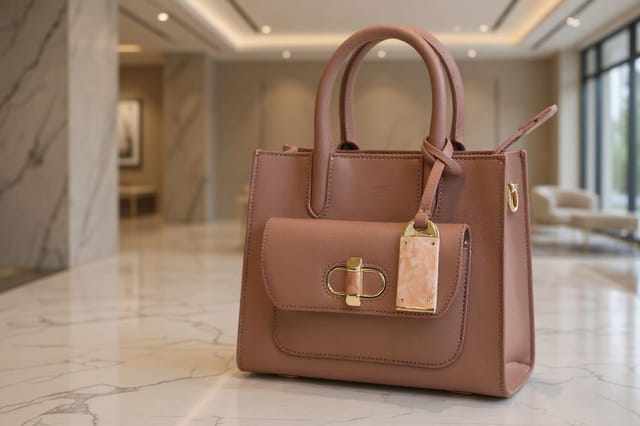
Two-color note card, maximum contrast between primary and secondary color, typography set in one color per level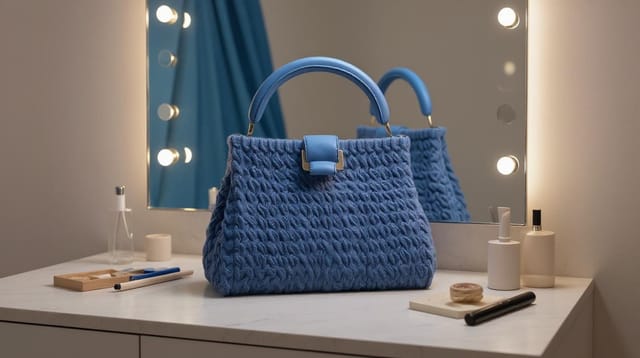
Contemporary note style card, grid-based structure, disciplined spacing, restrained decoration, readable at viewing distance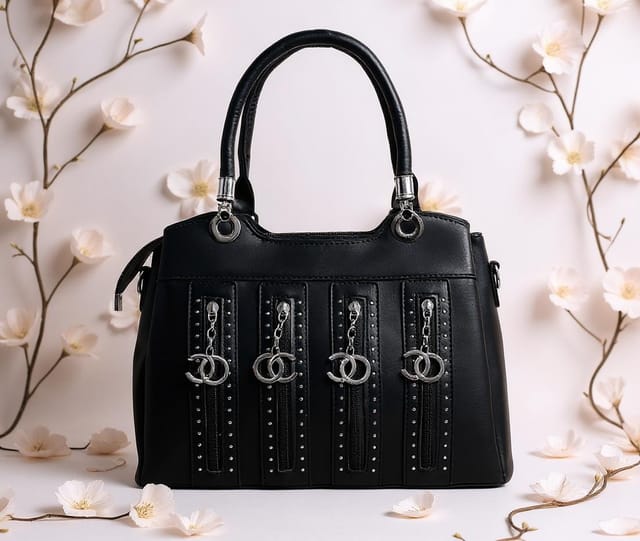
Luxurious note card with gold foil accents on black, thin serif typography, symmetrical centered layout, premium feel
