Achievement Certificate : Create Free Achievement Certificates in Minutes with AI
Create Custom Achievement Certificates Quickly with Pixazo Best AI Achievement Certificate Maker. Try for Free!
Get Started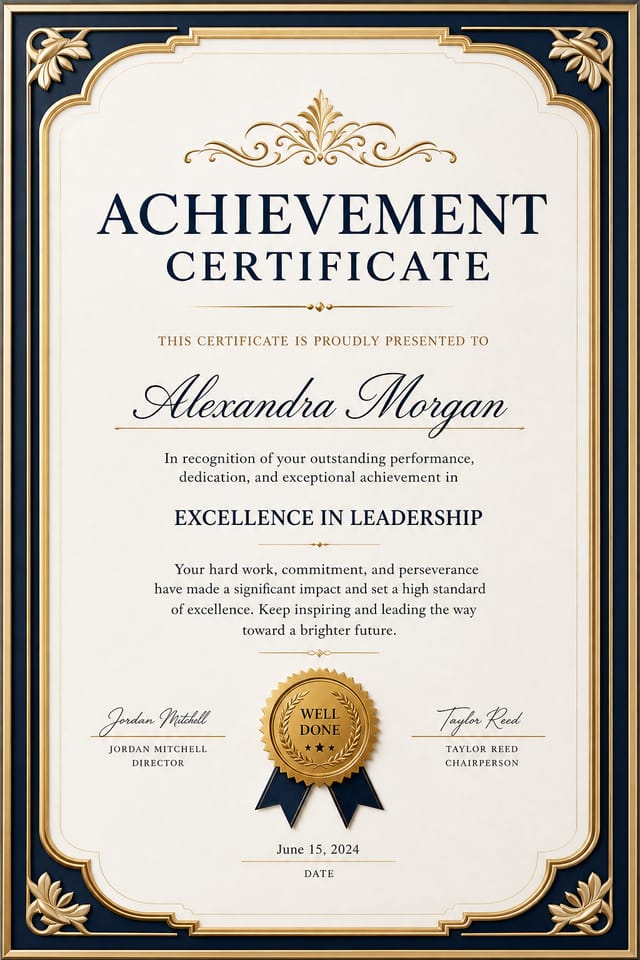
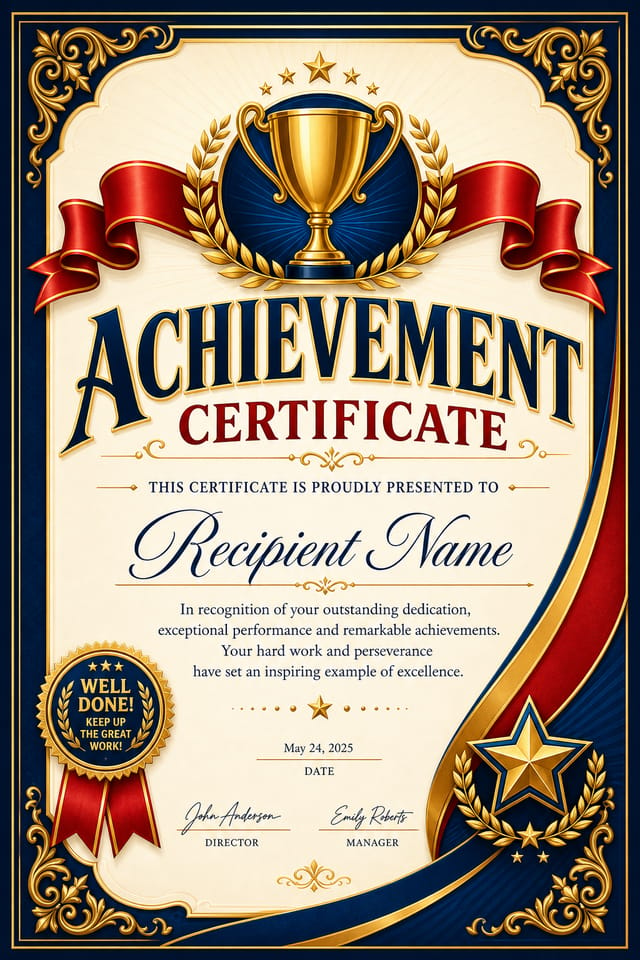
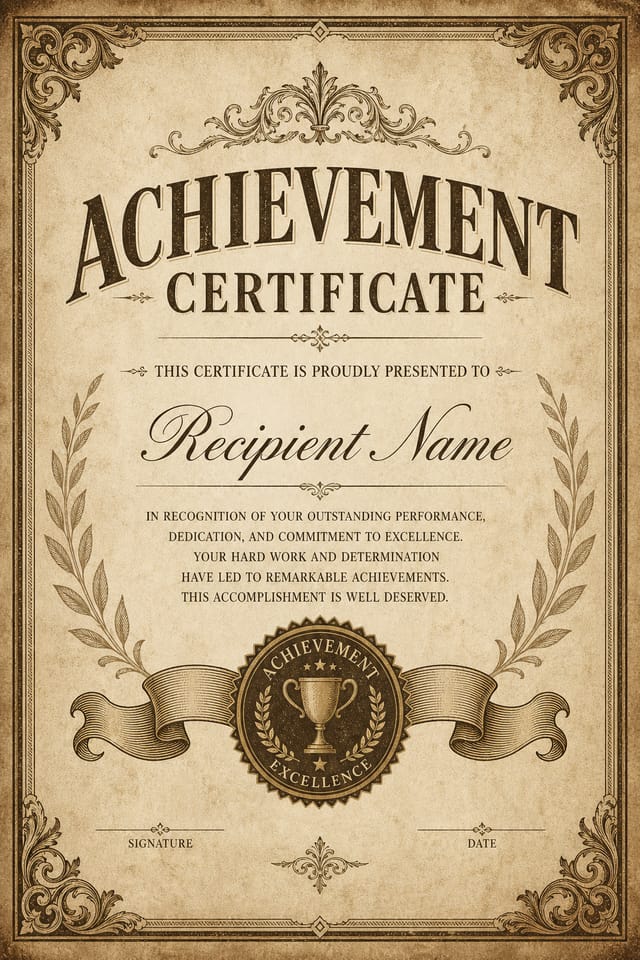
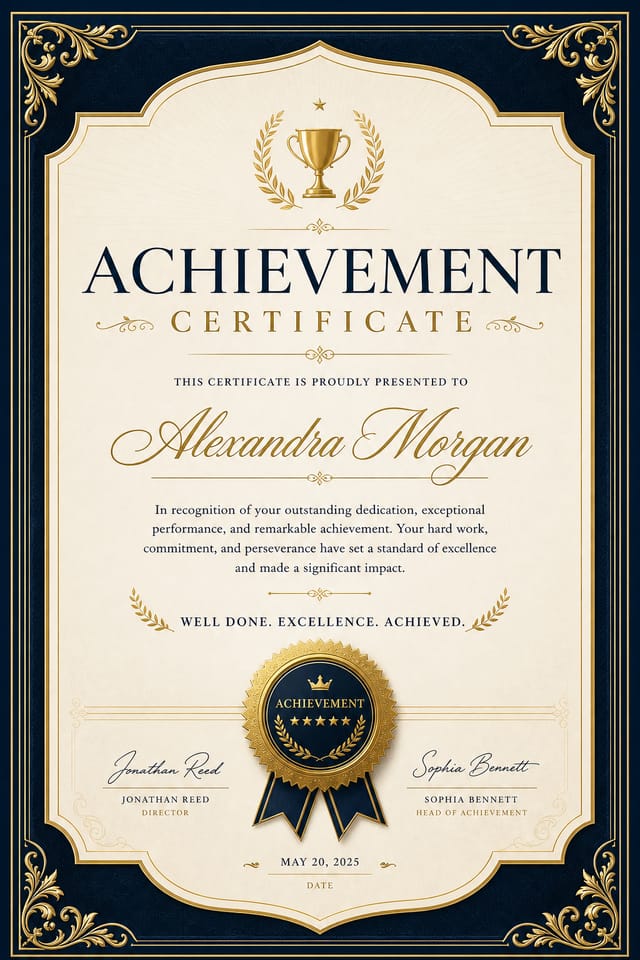
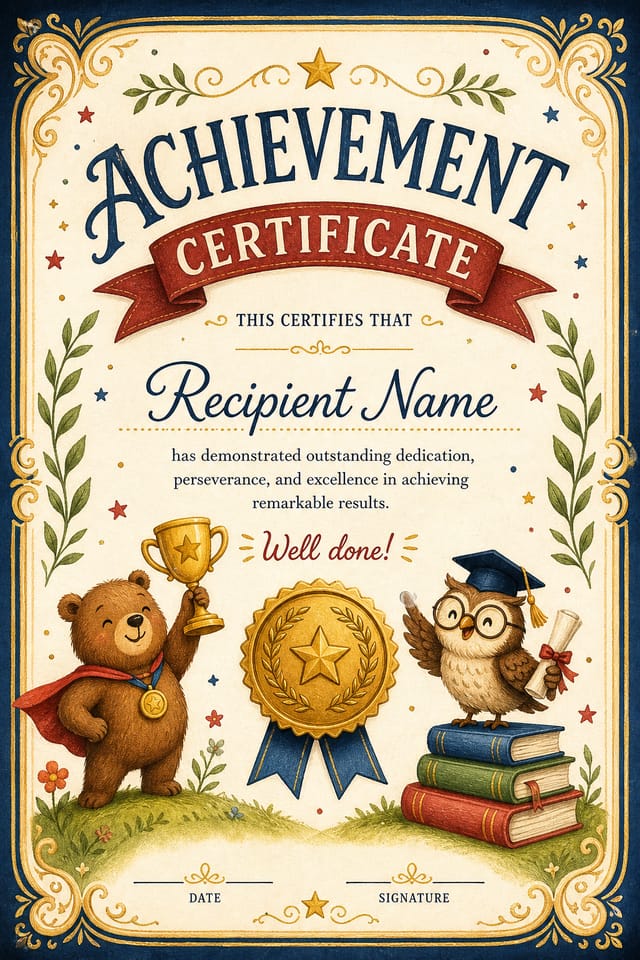
AI Achievement Certificate Workshop: Professional Results Fast
Make achievement certificates with real visual personality. The AI selects design elements that fit achievement aesthetics, not generic templates.
Create Your Achievement Certificate FreeWhat Powers Achievement Certificate Design: Design Powers
Subcategory Awareness
The AI distinguishes between design subcategories. A achievement certificate request produces achievement-appropriate output, not a generic design with achievement text added.
Prompt Refinement
Adjust your description to refine any aspect of the achievement certificate design. The AI responds to specific direction about colors, layout, or content.
Background Variation
Generate achievement certificates with different background treatments. Solid, gradient, textured, or pattern backgrounds all available for achievement style.
Typography Matching
Typefaces are selected to match achievement aesthetic expectations. The AI pairs fonts that reinforce your achievement certificate's visual identity.
No Design Software Required
Create professional achievement certificates without Photoshop, Illustrator, or other design applications. The AI handles all technical production.
Fast Generation
Complete achievement certificate designs generate in seconds. No rendering queues, no waiting for batch processing.
The Path to Your Achievement Certificate: A Quick Guide
Name Your Design Goal
Write a prompt describing your achievement certificate. Include style preferences, color direction, the most important text to display, and any specific visual elements you want. The more specific your description, the more targeted the output.
Contemplate the Draft
The AI produces a achievement certificate based on your description. If the first result isn't exactly right, adjust the prompt to address what needs changing. Most designs reach the target within a few iterations.
Download and Use
Get your final achievement certificate file in one click. Choose your format, download at full resolution, and use the design immediately. No watermarks, no additional fees, no waiting.
Achievement Certificate Specifications
Watch: Creating Achievement Certificate designs step by step
Getting Started with Achievement Certificates: Questions and Answers
Designs created with Pixazo are available for commercial use. You can use your achievement certificates for client projects, product sales, advertising, and other commercial applications without additional licensing fees.
Pixazo generates single-page achievement certificate designs per prompt. For multi-page projects, generate each page individually using consistent prompt language to maintain visual continuity across your achievement document set.
Templates apply a fixed visual structure with placeholder content. AI generation produces original designs based on your specific description. Two achievement certificates generated from different prompts will have genuinely different layouts, not just different text in the same box positions.
The AI generates designs at the specified dimensions. For professional print production, add 'with bleed area' to your prompt to extend background elements beyond the trim line. Crop marks and registration marks should be added in your print preparation software.
Achievement Certificate Workflow Stages: A Production Pipeline
Refine Polish the design
Apply targeted edits to your selected achievement certificate. Adjust typography, spacing, and color until every element meets your quality standard.
Brief Define requirements
Establish the key message, dimensions, color preferences, and target audience for your achievement certificate before any design work begins.
Research Gather references
Collect examples of effective achievement certificate designs, note what works, and identify patterns relevant to your project goals.
Export Deliver final files
Export your achievement certificate in the required formats and resolutions. Organize deliverables for handoff to the production or publishing team.
Achievement Certificate Dos and Don'ts: Dos and Don'ts
Keep the message focused
A strong achievement certificate communicates one primary idea clearly. Supporting details should reinforce, not compete with, the main message.
Maintain brand alignment
Keep your achievement certificate design consistent with existing brand colors, fonts, and visual language for a cohesive identity.
Use a consistent visual hierarchy
Structure your achievement certificate so the viewer's eye follows a clear path from headline to supporting details to call-to-action.
Use grids and alignment
Structured layouts in your achievement certificate create a sense of order and professionalism that unstructured designs cannot match.
Skip proofreading
Typos and grammatical errors on a achievement certificate undermine credibility instantly. Always have someone else review the final text.
Use too many fonts
More than two or three typefaces in a single achievement certificate creates visual noise and makes the design feel disjointed.
Ignore accessibility
Low-contrast text and tiny font sizes in your achievement certificate exclude a significant portion of your potential audience.
Your Achievement Certificate Feature Guide: Features Unpacked
AI Generation
Convert text prompts into polished achievement certificate designs with contextual understanding
Style Transfer
Apply different visual styles to your achievement certificate while maintaining layout integrity
Color Palettes
AI-suggested color combinations that work for achievement certificate design conventions
Who Creates Achievement Certificates: Real Applications
Professional Projects
Create achievement certificates for client work, commercial campaigns, and professional applications where quality and style accuracy matter.
Retail and Hospitality
Produce achievement in-store and venue certificates that communicate quality through design. Achievement aesthetics signal attention to customer experience.
Trade Show and Conference Materials
Generate achievement certificates for booth displays, attendee handouts, and event signage. Professional materials that represent your brand in competitive environments.
Healthcare and Wellness
Design achievement certificates for clinics, wellness centers, and health campaigns. Trustworthy visuals that communicate care and professionalism.
Restaurant and Food Service
Generate achievement certificates for menus, seasonal promotions, and restaurant branding. Designs that reflect cuisine style and dining atmosphere.
Your Achievement Certificate Tool: A Technical Snapshot
Delivering Your Achievement Certificate: Choosing the Right Format
TIFF
High-fidelity format for achievement certificate files destined for professional printing, supporting CMYK color and lossless compression.
SVG
Scalable format for achievement certificate designs that need to render crisply at any resolution, commonly used for web and responsive layouts.
JPG
Compressed image format suited for achievement certificate designs with photographic elements where smaller file size matters more than pixel-perfect edges.
WEBP
Modern web format offering smaller file sizes than PNG or JPG for achievement certificate images without significant quality loss.
Try These Achievement Certificate Prompts Worth Trying
Copy any prompt below and paste it into Pixazo to generate your design instantly.
Achievement aesthetic certificate, palette drawn from achievement design tradition, layout proportions consistent with achievement conventions, purposeful use of each elementLarge-format achievement certificate design, elements sized for visibility at print scale, no fine detail that would be lost in productionTextured achievement certificate, surface treatment adds depth without obscuring legibility, texture consistent with achievement aestheticGeometric achievement certificate, structured grid system, angular composition, colors in blocks rather than gradients, modern clean finishAchievement certificate design, clean layout, strong typography hierarchy, appropriate color palette for achievement aesthetic, high contrast between headline and backgroundTwo-color achievement certificate design, high contrast between primary and secondary color, clean separation between graphic and text zonesAchievement Certificate Creators: Showcase Gallery
Real creators sharing their achievement designs made with Pixazo AI.
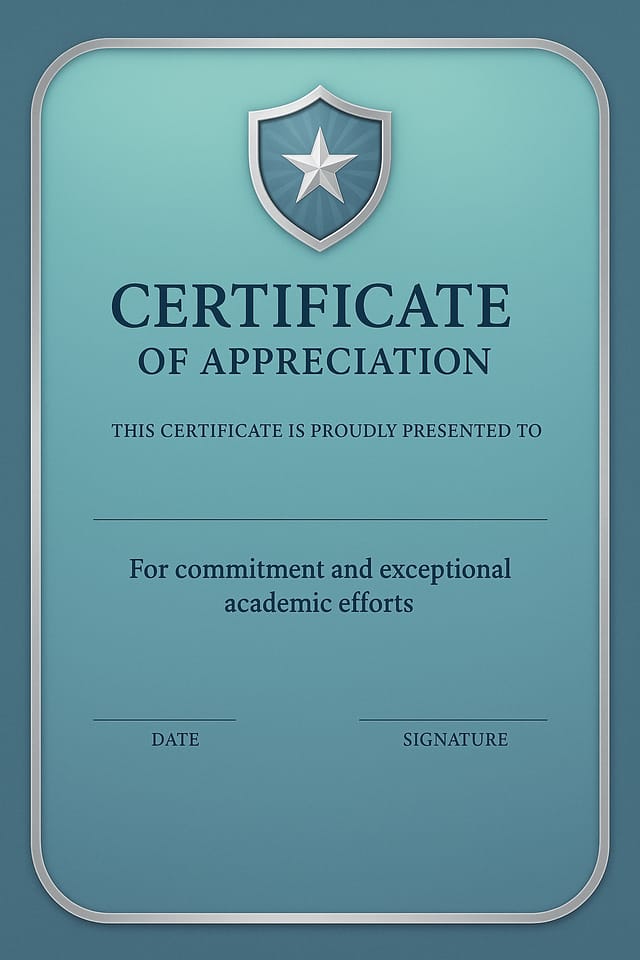
Geometric achievement certificate design, angular composition, color in blocks, structured grid, no decorative flourishes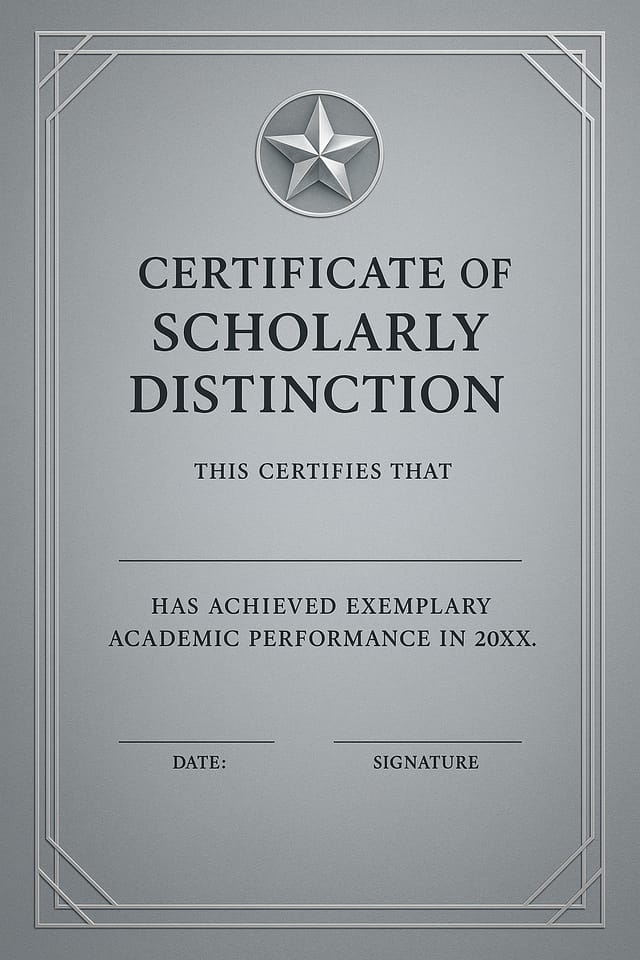
Eco-friendly themed achievement certificate, natural green and kraft tones, organic shapes, sustainability messaging, handcrafted aesthetic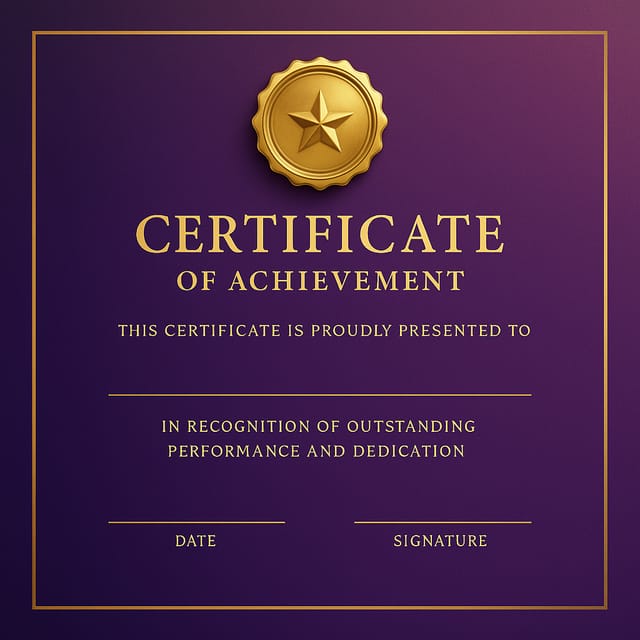
Achievement certificate with Japanese minimalism influence, abundant whitespace, single focal element, restrained palette of black, white, and one accentCurrent Achievement Certificate Limits: Where It Falls Short
Known limitations and trade-offs of AI-generated achievement design. Understanding what the AI handles well and where it falls short helps you structure your achievement certificate design workflow effectively.

