AI Certificate Maker
Generate professional certificates instantly. Recognition, achievement, and completion designs tailored to your organization—no design experience required.
Sample Creations
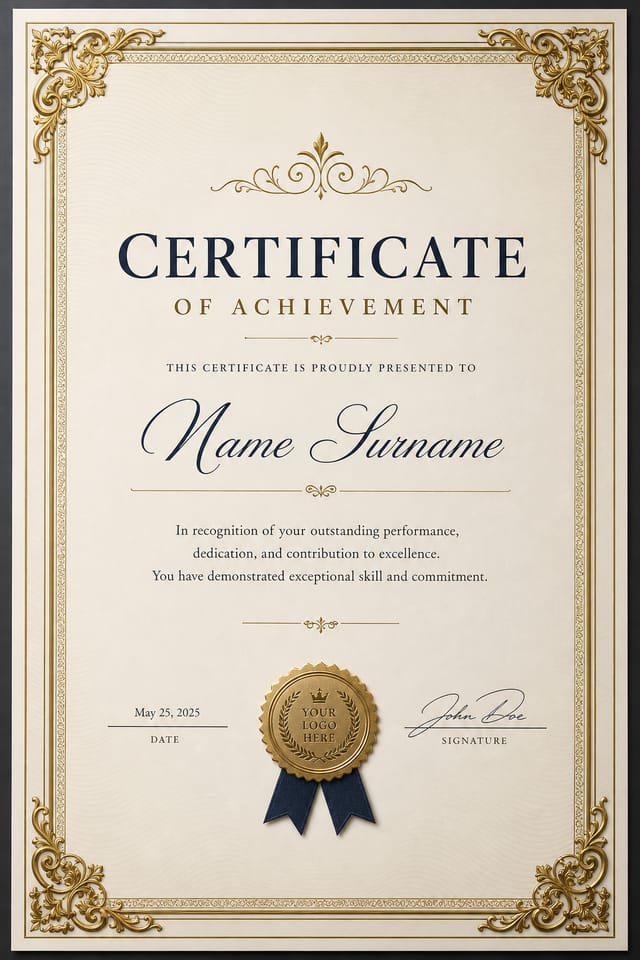
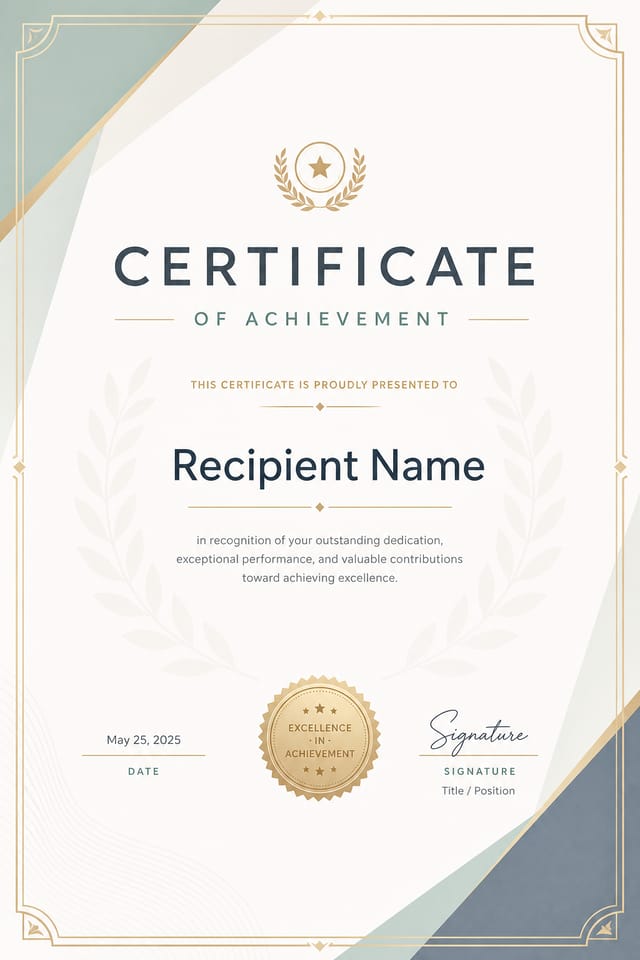
What You Can Create
Six certificate types tailored to recognition, achievement, and organizational needs. Each design adapts to your context and brand.
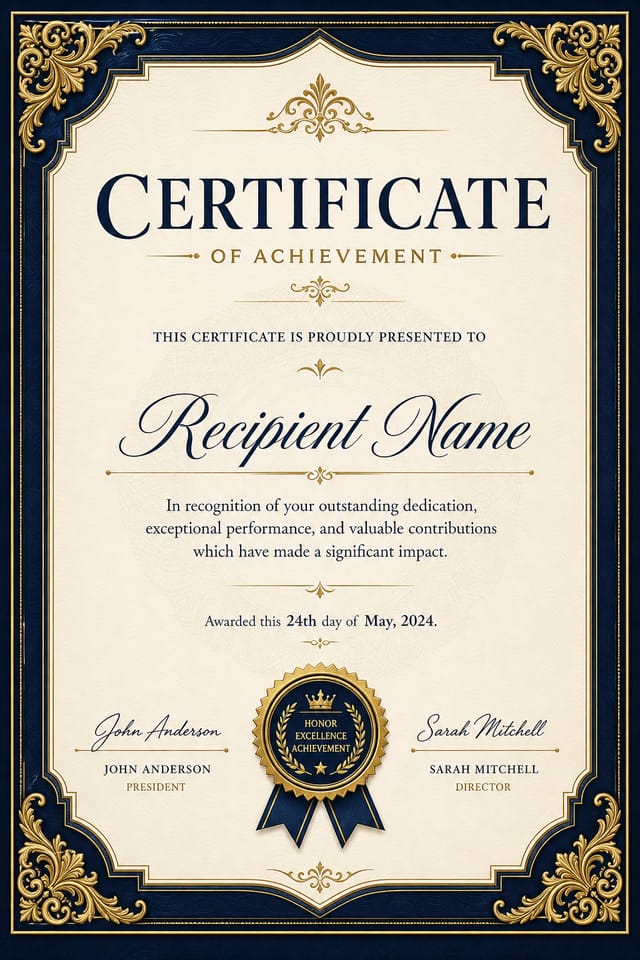
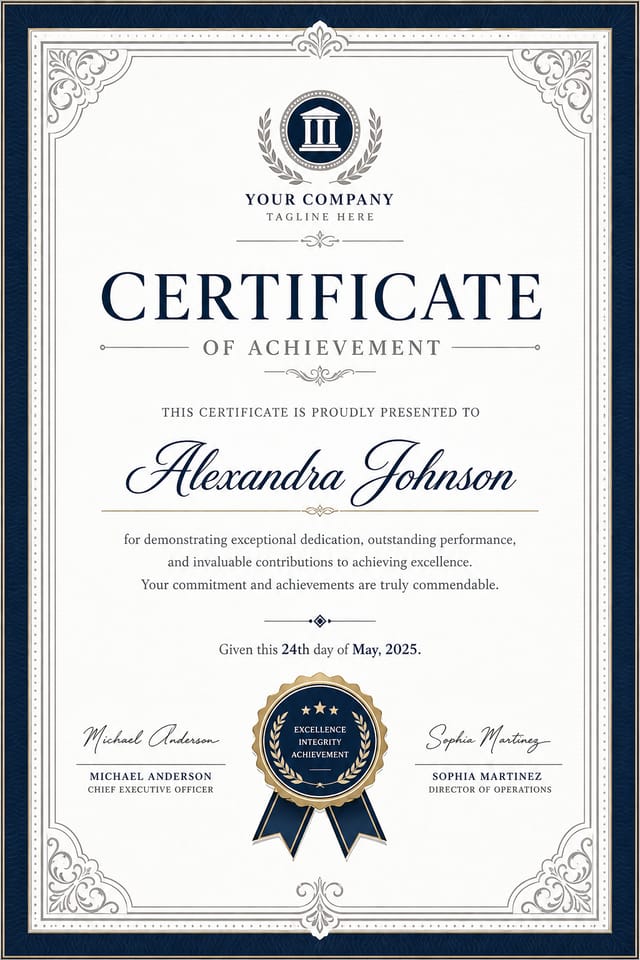
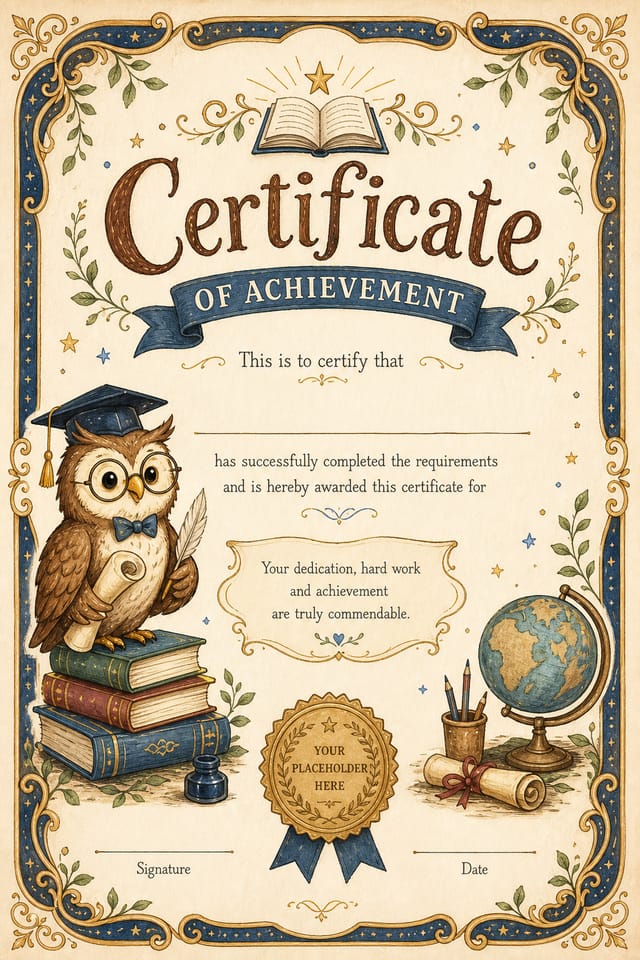
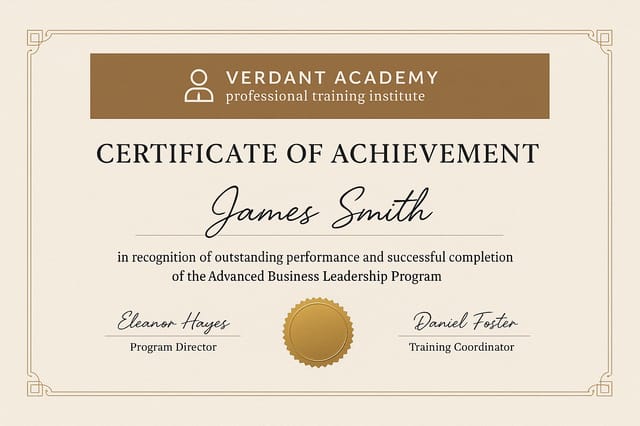
Achievement Certificate
Recognition for academic or professional accomplishments with customizable student/employee details and institutional seals.
Completion Certificate
Mark graduation, course completion, or training milestones with date fields, program names, and signature lines.
Participation Certificate
Event or program participation recognition including event names, dates, and participant details for conferences.
Appreciation Certificate
Thank you and gratitude recognition with warm designs for volunteer appreciation and team recognition.
Excellence/Merit Certificate
Outstanding performance and merit recognition with premium designs for top performers and achievers.
Attendance Certificate
Track and recognize event attendance with registration numbers and compliance tracking fields.
How It Works
Describe Your Certificate
Tell the AI what you need: achievement type, recipient details, organizational branding, and color preferences. Include any specific language or design requirements.
Tip: More detail in your prompt yields more personalized results. Include title, achievement level, and desired tone.AI Generates Design
Pixazo's AI creates a custom certificate layout complete with typography, decorative elements, and organizational styling. Preview the result instantly.
Tip: If design doesn't match your vision, refine the prompt with specific feedback on colors, layout, or embellishments.Export & Print
Download in your preferred format—PDF for professional printing, PNG for digital sharing, or SVG for further editing. Add names and dates as needed.
Tip: For bulk certificates, export as PDF and use mail-merge tools to personalize recipient names and dates.Prompt Tips That Work
- Specify achievement type and category
- Include organizational name and logos
- Mention color palette preferences
- Request specific decorative elements
- State the desired tone and style
- Mention recipient categories
Real Certificates from Real Users
See how educators, HR teams, and organizers use AI Certificate Maker to recognize achievement at scale.
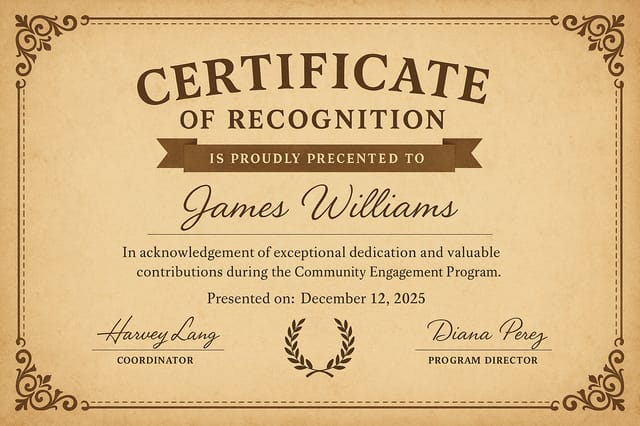
Student Achievement Certificate
"I create achievement certificates for 150+ students annually. The AI-generated designs save me hours—I just customize names and print on certificate stock."
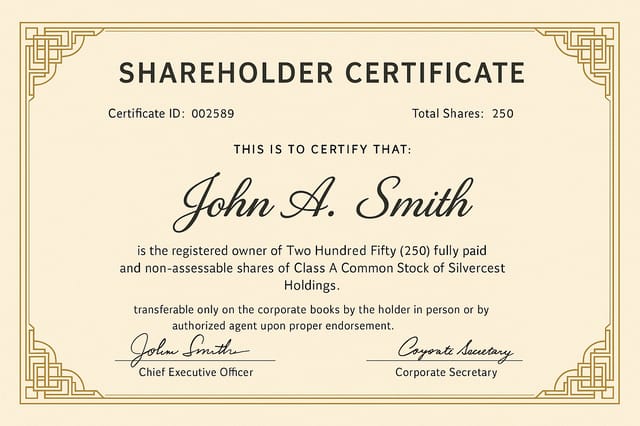
Employee Excellence Certificate
"We use AI certificates for quarterly employee recognition. Our team loves the personalized designs, and it strengthens workplace culture without the cost of traditional services."
Volunteer Appreciation Certificate
"We recognize 500+ volunteers annually. AI certificates let us create personalized recognition without hiring a designer—every volunteer feels valued."
Controls & Variations
Fine-tune every aspect of your certificate design to match your brand and requirements.
Signature Lines
Seal/Badge Placement
Border Style
Certificate Layout
Date & Serial Fields
Ribbon & Accents
Who It's For
Whether you're an educator, corporate HR, or community organizer, scale recognition efforts without hiring a designer.
Teachers & Educators
Create student achievement certificates and honor roll recognition at scale. Customize for each student in seconds.
Corporate HR Managers
Recognize employee excellence, service milestones, and professional development completions. Strengthen company culture.
Event Organizers
Issue participation certificates, speaker badges, and attendance recognition for conferences, workshops, and festivals.
Non-profit Directors
Recognize volunteer contributions and community service. Create meaningful appreciation for hundreds of volunteers annually.
Training Managers
Issue course completion and professional certification credentials. Add serial numbers for official record-keeping.
Sports & Club Managers
Award athletic achievement, participation medals, and club membership credentials. Motivate members with professional recognition.
Export Formats & Print Specs
Choose the format that works best for your workflow. All exports are print-ready at 300 DPI.
Honest Limitations
AI Certificate Maker excels at professional design, but here's where it falls short. Transparency helps you plan accordingly.
Signature Quality — AI Cannot Replicate Authentic Signatures
The AI can design signature lines, but cannot generate realistic handwritten signatures. Plan for blank signature fields where authorized personnel will sign physically or digitally.
Multi-Language Certificates — Requires Separate Generation Per Language
Creating certificates in multiple languages requires separate prompts and exports for each language. Special characters and non-Latin scripts may render inconsistently.
Legal Validity — AI-Generated Certificates Are Not Legally Binding
AI certificates serve recognition and internal documentation purposes. For official or legally binding credentials, you'll need physical signatures, institutional seals, and legal verification.
Security Features — Holographic/Security Printing Requires Specialist Services
Advanced security features (holograms, microprinting, security paper) cannot be generated by AI. For fraud-prevention certificates, partner with professional print services post-export.
Bulk Data Merging — Recipient Names Require Manual Editing or External Tools
Personalizing hundreds of certificates with unique names and dates requires mail-merge integration or manual editing. The AI exports a master template you customize afterward.
Design one certificate template with placeholder fields for recipient name, date, and ID number. Export as PDF, then use Google Docs mail-merge or Adobe InDesign to populate details across bulk certificates—saving hours of manual work.
Frequently Asked Questions
Are AI-generated certificates legally valid or official?
AI-generated certificates serve recognition and internal documentation purposes within your organization. They are not legally binding without physical signatures and official seals from authorized representatives. For official credentials requiring legal validity, combine AI-generated designs with institutional signatures and verification systems.
Can I add my organization's seal or logo to the certificate?
Yes. Include logo and seal details in your prompt: "Add Company XYZ logo in top-right corner" or "Integrate official organizational seal centered below the title." The AI integrates branding elements into the design. For precise brand alignment, export as SVG and fine-tune logo placement in a design editor.
What size should I print certificates?
Standard certificate sizes: Letter (8.5×11 inches) for framing and digital distribution, A4 (210×297mm) for international use, or landscape 11×8.5 inches for wall display. Export as PDF at 300 DPI for professional printing. Confirm with your print service that they support your chosen dimensions and paper stock.
Can I personalize certificates with recipient names and dates?
Yes. Design a master certificate template with placeholder fields like "[Recipient Name]" and "[Date]." Export as PDF, then use mail-merge tools (Google Docs, Microsoft Word, or Adobe InDesign) to populate names and dates across bulk certificates. This scales recognition efforts from one to hundreds of personalized certificates.
Do I need special paper to print certificates?
Standard glossy or matte certificate paper (80–100 lb. cardstock) works best for professional appearance. However, certificates print correctly on regular printer paper as well. For premium results, use official certificate stock from office supply retailers—it enhances durability and visual impact.
Can I create certificates in multiple languages?
Yes, but each language requires a separate design generation. Create a certificate in English, export it, then generate a new design for Spanish, French, or other languages with a prompt specifying the target language. Special characters and scripts may render depending on font availability in the AI model.

