Appreciation Certificate : Create Free Appreciation Certificates in Minutes with AI
Create Custom Appreciation Certificates Quickly with Pixazo Best AI Appreciation Certificate Maker. Try for Free!
Get Started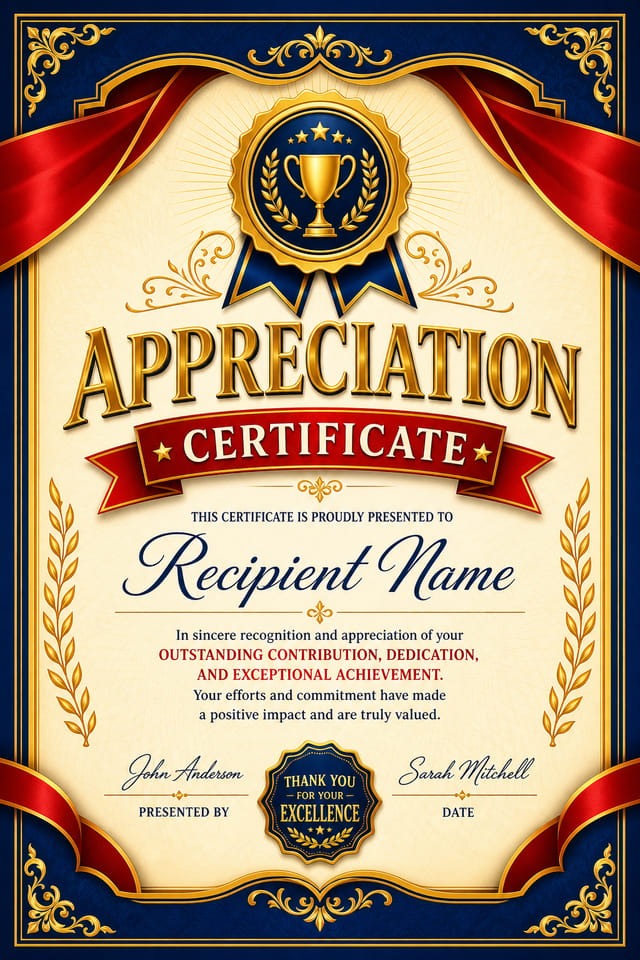
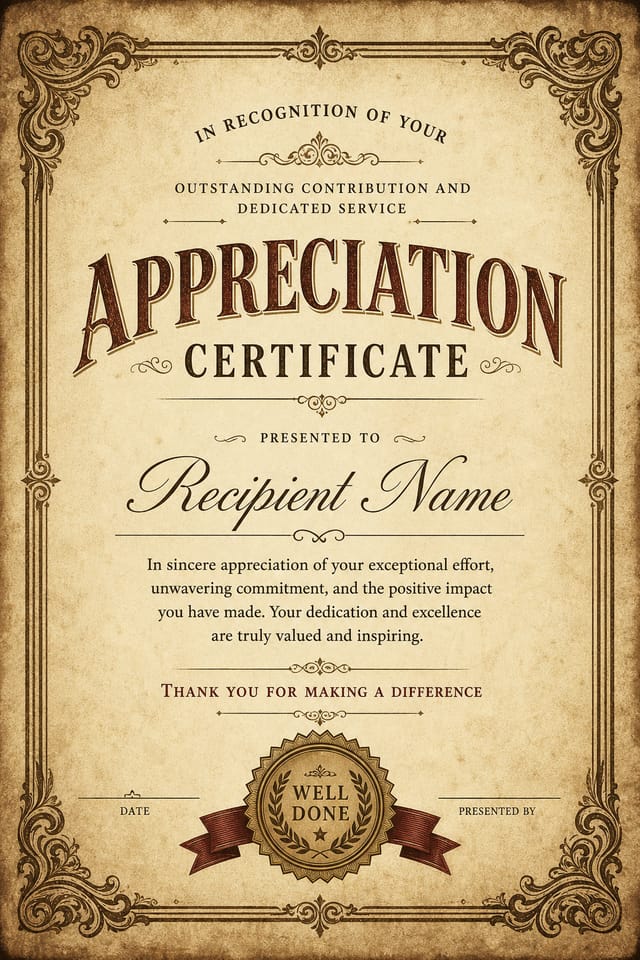
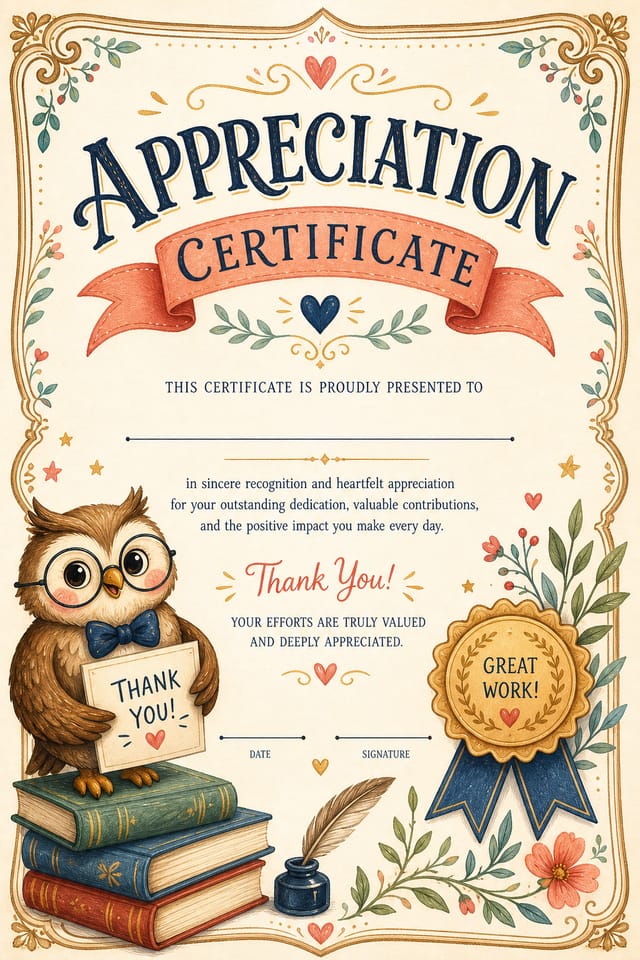
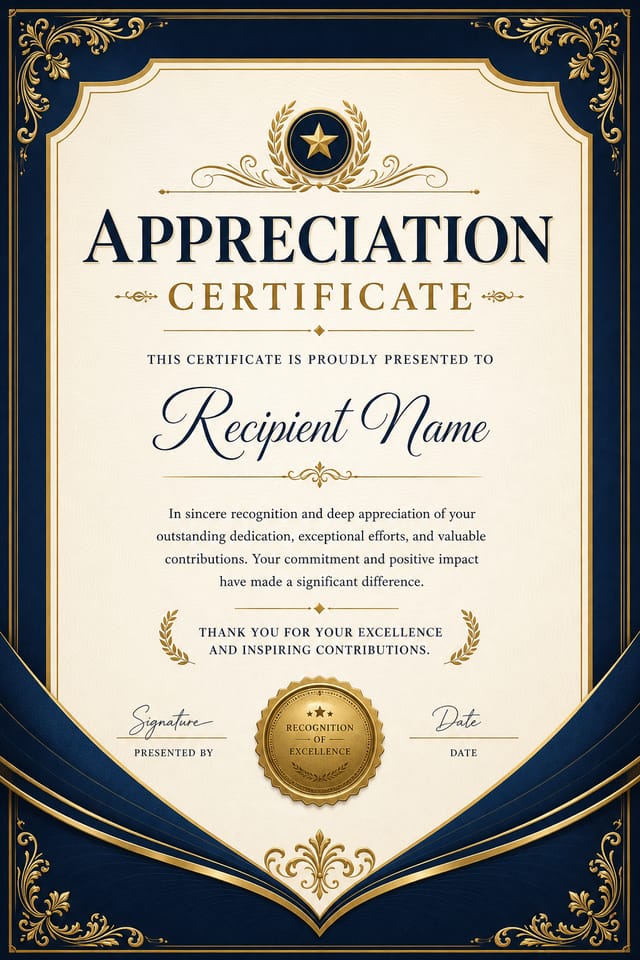
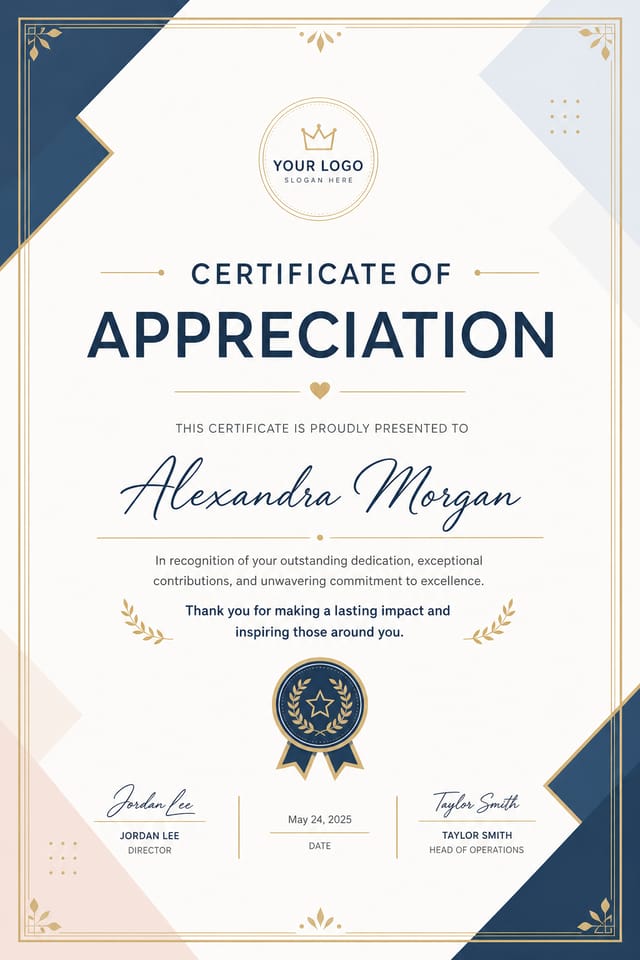
What Separates Good Appreciation Design: A Technical Perspective
What Good Appreciation Certificate Design Actually Involves
Not all certificate design styles work the same way.
Appreciation design has specific characteristics that distinguish it from other approaches: particular color affinities, compositional tendencies, and typographic conventions that trained designers recognize immediately.
Pixazo applies this style knowledge automatically.
When you request a appreciation certificate, the AI pulls from a visual vocabulary appropriate to appreciation design, producing output that reads correctly to anyone familiar with the style.
Core of Appreciation Certificate AI: Key Capabilities
Color Palette Intelligence
Colors are chosen with appreciation style awareness. The AI builds palettes that fit appreciation design conventions rather than selecting arbitrarily.
Resolution Control
Specify output dimensions for your appreciation certificate. Get files sized for web display, social media, or large-format printing.
Commercial Use Rights
Designs generated with Pixazo are yours to use commercially. No additional licensing required for appreciation certificate projects.
Layered Style Application
Combine appreciation style with other design parameters in a single prompt. The AI interprets complex requests and applies multiple style constraints simultaneously.
No Design Software Required
Create professional appreciation certificates without Photoshop, Illustrator, or other design applications. The AI handles all technical production.
Getting More from Appreciation Certificate AI: What Professionals Know
Leave White Space
Resist the urge to fill every area of your appreciation certificate. Breathing room around key elements makes the overall design more effective.
Prioritize Hierarchy
Every appreciation certificate needs a clear reading order. Make sure the most important information is the largest and most prominent element in the layout.
Iterate with Variations
Generate 3-5 versions of your appreciation certificate before committing. Comparing variations side by side often reveals the strongest direction.
Use High Contrast for Readability
Whether your appreciation certificate is displayed on screen or in print, strong contrast between text and background ensures the message gets through at any size.
Appreciation Certificates Across Fields: A Practical Guide
Professional Projects
Create appreciation certificates for client work, commercial campaigns, and professional applications where quality and style accuracy matter.
Music and Audio Production
Produce appreciation certificates for album covers, playlist artwork, and music event promotion. Visual identity that matches the sound.
Sports and Recreation
Produce appreciation certificates for leagues, tournaments, and recreational programs. Energetic designs that build excitement and communicate schedules.
Content Creation Workflow
Incorporate appreciation certificate generation into a content production workflow. Fast output enables higher publishing frequency.
Appreciation Certificate Capabilities: Speed and Quality
What Works in Appreciation Certificate Design: Dos and Don'ts
Use grids and alignment
Structured layouts in your appreciation certificate create a sense of order and professionalism that unstructured designs cannot match.
Keep the message focused
A strong appreciation certificate communicates one primary idea clearly. Supporting details should reinforce, not compete with, the main message.
Maintain brand alignment
Keep your appreciation certificate design consistent with existing brand colors, fonts, and visual language for a cohesive identity.
Optimize for the display medium
Tailor your appreciation certificate resolution, color space, and text size to the specific platform or physical context where it will appear.
Ignore accessibility
Low-contrast text and tiny font sizes in your appreciation certificate exclude a significant portion of your potential audience.
Rely solely on AI output
AI-generated appreciation certificate designs are a starting point. Human review catches issues with context, tone, and accuracy that AI can miss.
Use too many fonts
More than two or three typefaces in a single appreciation certificate creates visual noise and makes the design feel disjointed.
Get Your Appreciation Certificate: A Quick Guide
Relay Your Vision
Write a prompt describing your appreciation certificate. Include style preferences, color direction, the most important text to display, and any specific visual elements you want. The more specific your description, the more targeted the output.
Scan the First Version
The AI produces a appreciation certificate based on your description. If the first result isn't exactly right, adjust the prompt to address what needs changing. Most designs reach the target within a few iterations.
Adjust the Details
Refine the appreciation certificate by updating your description with precise changes. Add constraints you didn't include initially or remove elements that aren't working. The AI responds to specific direction.
Grab the Finished Version
Export your appreciation certificate in the format you need. PNG for web and social, PDF for print production, JPG for email and lightweight sharing. The file is yours to use commercially without restrictions.
Appreciation Certificate Specifications
Watch: Creating Appreciation Certificate designs step by step
Design Variations for Appreciation Certificates: Options and Variations
Contemporary Appreciation
Current appreciation design sensibility with updated proportions, modern typefaces, and contemporary color relationships.
Minimalist Appreciation
Stripped-back appreciation approach. Fewer elements, more negative space, typography carries more visual weight.
Textured Appreciation
Appreciation design with added surface depth. Background treatments add visual interest without disrupting legibility.
Editorial Appreciation
Text-dominant appreciation certificate layout inspired by print publication design. Typographic variety creates visual rhythm.
Atmospheric Appreciation
Appreciation certificate design where mood takes priority. Color and composition work together to create a specific feeling.
Appreciation Design Community: Community Creations
Real creators sharing their appreciation designs made with Pixazo AI.
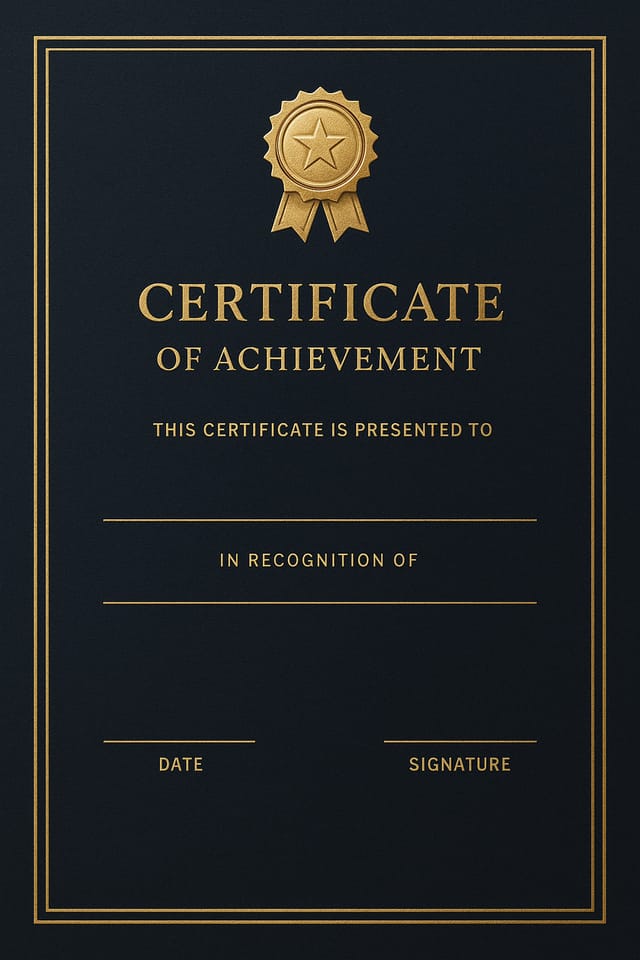
Appreciation certificate for large format print, elements scaled for visibility at distance, colors optimized for print output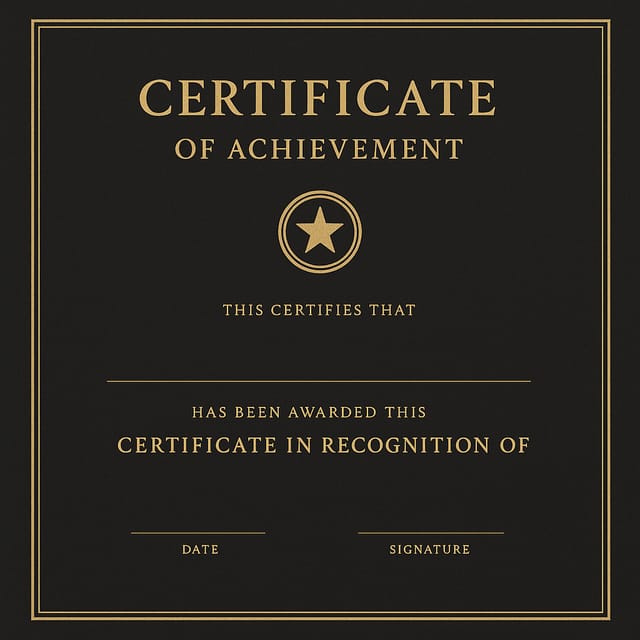
High-contrast appreciation certificate, dark background with light text, accent color used for single key element, modern composition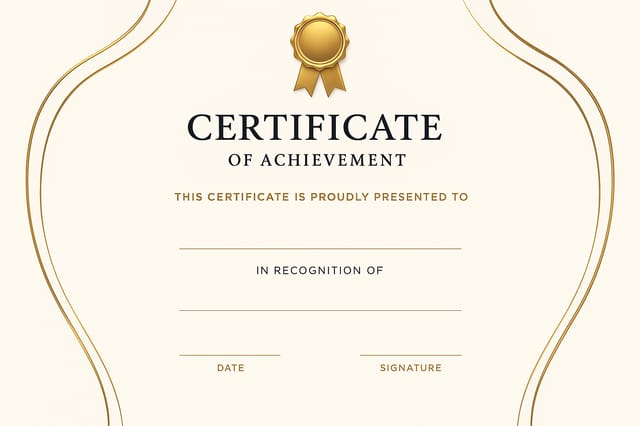
Editorial-inspired appreciation certificate, text-dominant layout, typographic variety creates visual interest, clean structured alignmentWriting Appreciation Certificate Prompts Worth Trying
Copy any prompt below and paste it into Pixazo to generate your design instantly.
Two-color appreciation certificate design, high contrast between primary and secondary color, clean separation between graphic and text zonesAppreciation style certificate, bold headline placement, supporting text at appropriate scale, color palette consistent with appreciation design conventionsRefined appreciation certificate, sophisticated color relationships, intentional whitespace, typefaces appropriate to appreciation style, balanced compositionGeometric appreciation certificate, structured grid system, angular composition, colors in blocks rather than gradients, modern clean finishTextured appreciation certificate, surface treatment adds depth without obscuring legibility, texture consistent with appreciation aestheticAtmospheric appreciation certificate, background treatment supports the headline without competing with it, visual weight distributed intentionallyAppreciation Certificate AI: Straight Answers
Brand kits let you save your logo, fonts, and color palette so every appreciation certificate you generate stays on brand. Once configured, the AI applies your brand parameters automatically alongside appreciation style conventions.
Pixazo offers a free tier that lets you generate appreciation certificates with standard resolution output. Paid plans unlock higher resolution, priority generation, and additional export formats. You can try appreciation certificate generation free with a credit card.
Designs generated through Pixazo are yours to use as you see fit. You retain full usage rights for commercial and personal applications. The platform does not claim ownership over your generated appreciation certificate output.
Your prompt history is saved in your account. You can revisit previous appreciation certificate prompts, duplicate them with modifications, and build a library of proven prompt structures for consistent appreciation design output.
A appreciation certificate generates in seconds after submitting your prompt. Total time from prompt submission to downloadable file is typically under a minute, including any server processing time.
Appreciation Certificate Design Tool Landscape: An Honest Look
| Tool | Description |
|---|---|
| Fotor | Photo editing platform with design templates and batch processing |
| PicMonkey | Photo editor and design tool with brand kit management |
| Pixazo | AI-powered appreciation certificate generator with prompt-based design and professional output quality |
| Desygner | Multi-format design tool with PDF editing and brand management |
| Snappa | Quick graphic creator focused on social media and marketing visuals |
Being Realistic About Appreciation Certificates: Needs Human Help
Known limitations and trade-offs of AI-generated appreciation design. Transparency matters when using AI for appreciation certificate design. The points below describe where you may need to supplement AI output with manual work.

