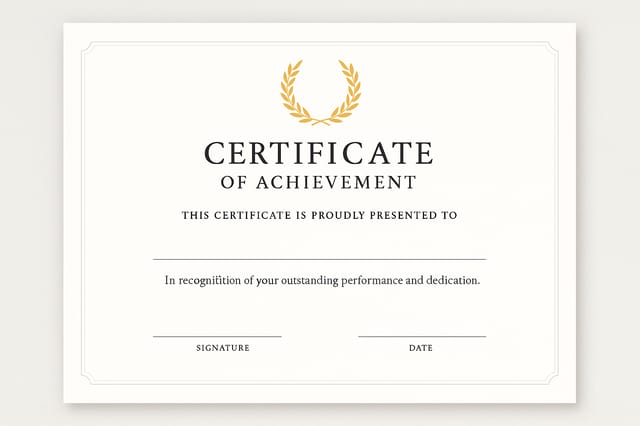
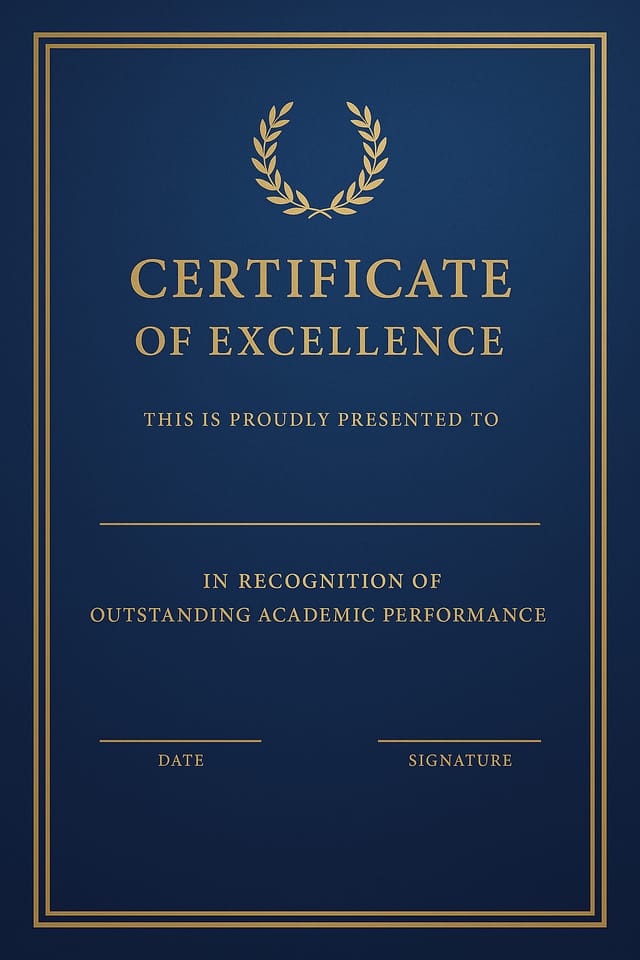
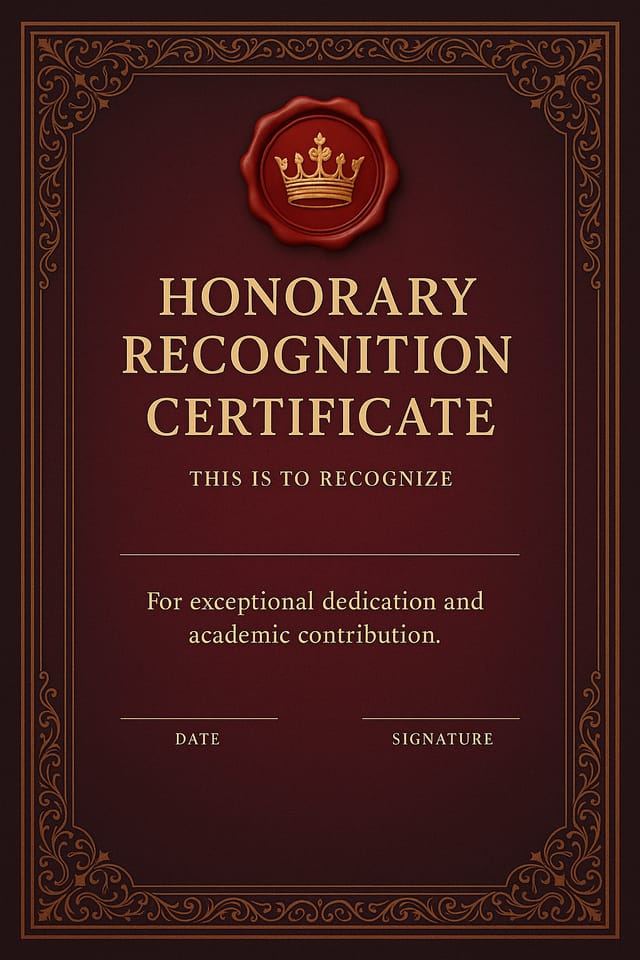
Attendance Certificate : Create Free Attendance Certificates in Minutes with AI
Create Custom Attendance Certificates Quickly with Pixazo Best AI Attendance Certificate Maker. Try for Free!
Get Started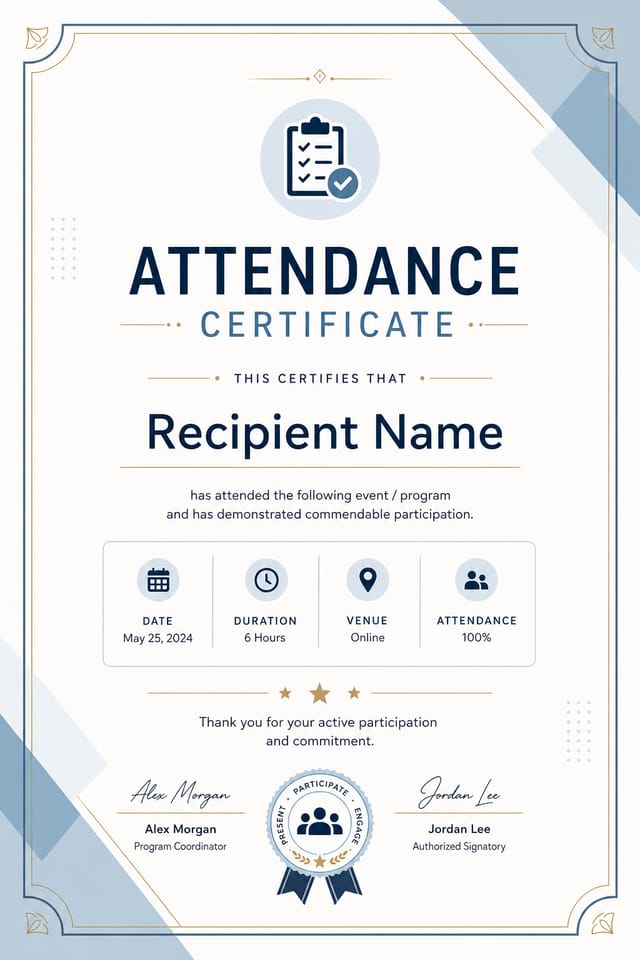
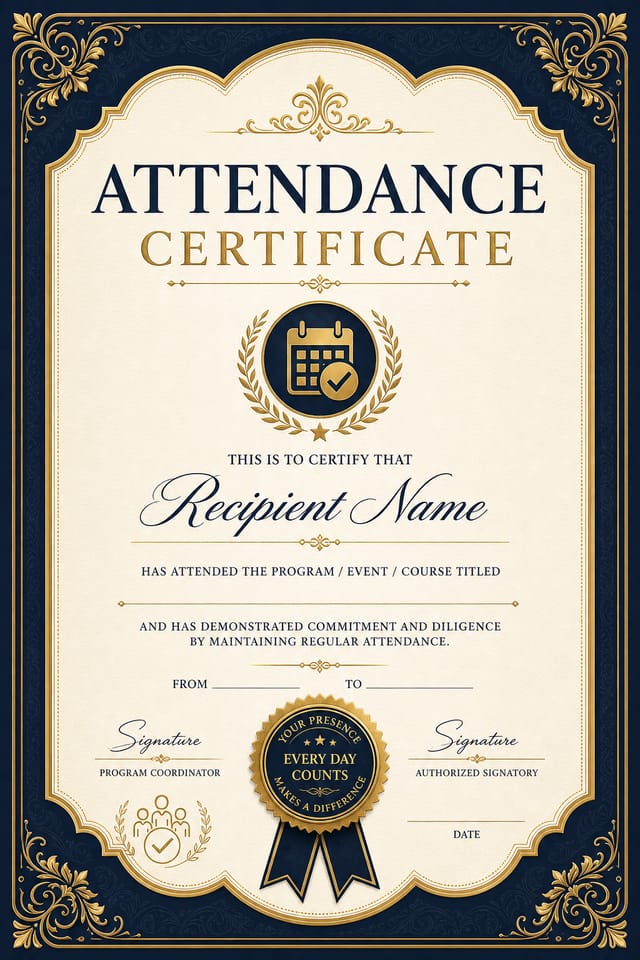
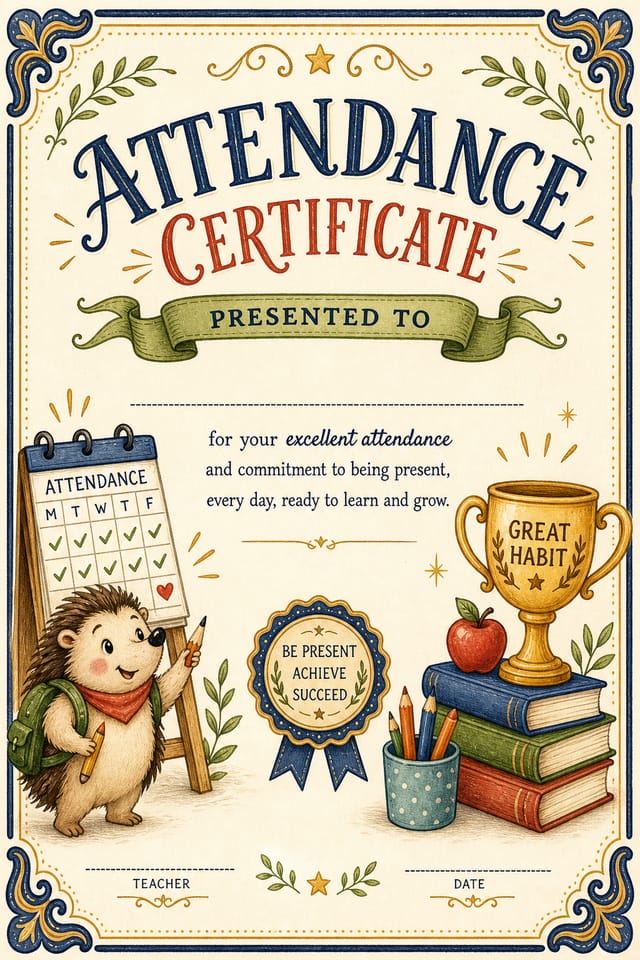
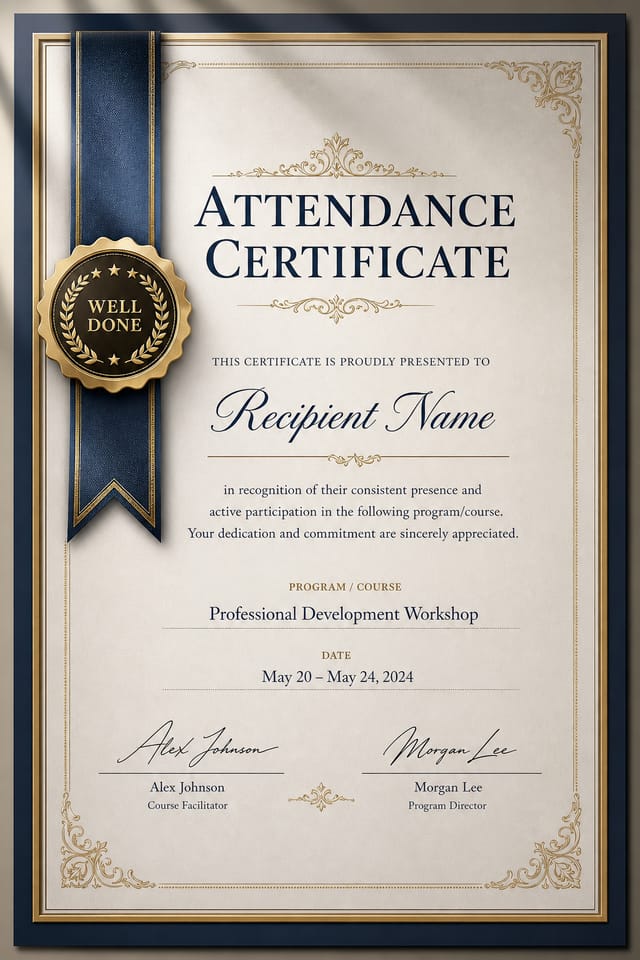
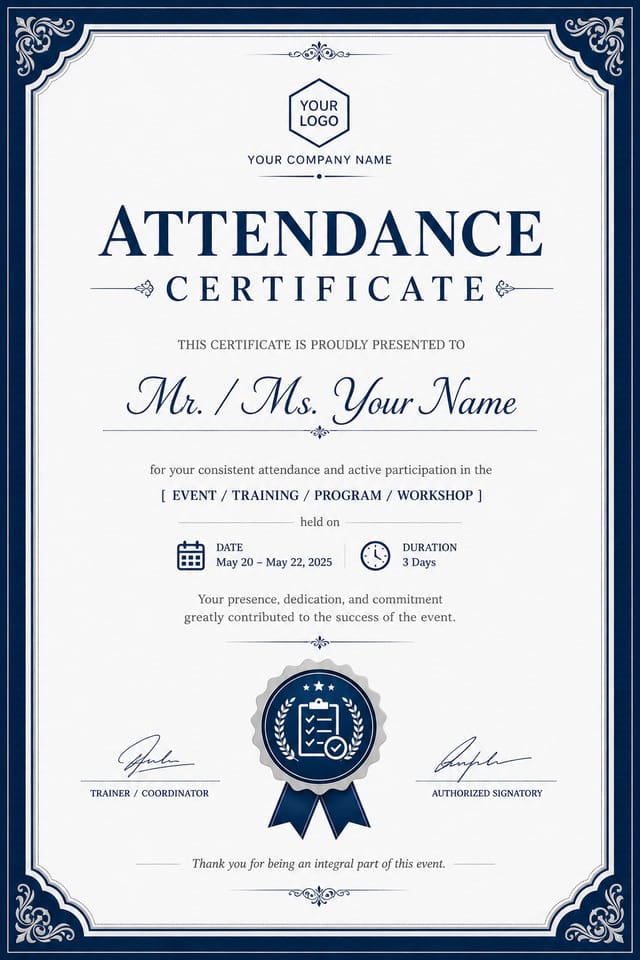
AI Attendance Certificate Generator: Start Creating Now
Make attendance certificates with real visual personality. The AI selects design elements that fit attendance aesthetics, not generic templates.
Create Your Attendance Certificate FreeGetting Your Attendance Certificate Out: File Types and Uses
WEBP
Modern web format offering smaller file sizes than PNG or JPG for attendance certificate images without significant quality loss.
JPG
Compressed image format suited for attendance certificate designs with photographic elements where smaller file size matters more than pixel-perfect edges.
Print-ready format for attendance certificate files that preserves fonts, colors, and layout across different devices and print services.
PNG
Lossless image format ideal for attendance certificate designs with transparency, sharp text, and web display at predictable file sizes.
Styling Your Attendance Certificate: Worth Exploring
Textured Attendance
Attendance design with added surface depth. Background treatments add visual interest without disrupting legibility.
Minimalist Attendance
Stripped-back attendance approach. Fewer elements, more negative space, typography carries more visual weight.
High-Contrast Attendance
Bold attendance visual treatment with strong tonal contrast. Elements read clearly at any viewing distance.
Contemporary Attendance
Current attendance design sensibility with updated proportions, modern typefaces, and contemporary color relationships.
Classic Attendance
Traditional attendance design principles applied to modern certificate format. Clean composition, conventional hierarchy, time-tested visual decisions.
What Powers Attendance Certificate Design: Professional Features
Fast Generation
Complete attendance certificate designs generate in seconds. No rendering queues, no waiting for batch processing.
Prompt Refinement
Adjust your description to refine any aspect of the attendance certificate design. The AI responds to specific direction about colors, layout, or content.
Context-Aware Design
Describe your attendance certificate's purpose and audience. The AI adjusts visual weight, complexity, and clarity based on the intended use context.
Style-Accurate Generation
The AI interprets attendance design conventions and applies them to your certificate, producing output that looks correctly styled rather than generically templated.
No Design Software Required
Create professional attendance certificates without Photoshop, Illustrator, or other design applications. The AI handles all technical production.
Export Flexibility
Download your attendance certificate in formats suited for your use case. Web-optimized versions for digital display, high-DPI files for print.
Attendance Certificate Applications: Across Industries
Social Media Event Promotion
Design attendance certificates sized for Instagram, Twitter, and Facebook event pages. Platform-optimized materials that maximize reach.
Gig and Show Promotion
Create attendance certificates announcing upcoming performances, screenings, and shows. Eye-catching designs that drive ticket sales and attendance.
Merchandise and Collectibles
Generate attendance certificates intended for print on merchandise, limited editions, and collectible items. Designs with commercial print production in mind.
Release Day Announcements
Design attendance certificates for album drops, film releases, and premiere events. Launch-day materials that build buzz across channels.
Attendance Certificate Platform Comparison: Side by Side
Snappa
Quick graphic creator focused on social media and marketing visuals
Pixazo
AI-powered attendance certificate generator with prompt-based design and professional output quality
Fotor
Photo editing platform with design templates and batch processing
VistaCreate
Visual content platform with templates and a built-in asset library
Desygner
Multi-format design tool with PDF editing and brand management
Attendance Certificate Generation: The Workflow Explained
Declare the Design Direction
Describe what you want your attendance certificate to look like. Include the mood, color palette, typography preference, and content hierarchy. Pixazo reads all of this and uses it to generate an appropriate design.
Watch: Creating Attendance Certificate designs step by step
Results with Attendance Certificate AI: Quantified Results
Output formats available for every attendance certificate ge
Output formats available for every attendance certificate generation
Full commercial usage rights for all generated attendance ce
Full commercial usage rights for all generated attendance certificates
Generate attendance certificate designs at no cost with the
Generate attendance certificate designs at no cost with the free plan
Attendance Certificate AI Boundaries: Known Limitations
Known limitations and trade-offs of AI-generated attendance design. Understanding what the AI handles well and where it falls short helps you structure your attendance certificate design workflow effectively.
Proven Attendance Certificate Prompt Techniques
Copy any prompt below and paste it into Pixazo to generate your design instantly.
Full-bleed attendance certificate, background treatment extends to edges, foreground elements positioned for compositional balance, strong central hierarchySeries-compatible attendance certificate design, visual language that extends to multiple formats, consistent design system across variantsLarge-format attendance certificate design, elements sized for visibility at print scale, no fine detail that would be lost in productionRefined attendance certificate, sophisticated color relationships, intentional whitespace, typefaces appropriate to attendance style, balanced compositionClean attendance certificate design, geometric structure, disciplined typography, color accent used selectively for emphasis, printer-optimized resolutionTwo-color attendance certificate design, high contrast between primary and secondary color, clean separation between graphic and text zonesAttendance Certificate Design: FAQ
Templates apply a fixed visual structure with placeholder content. AI generation produces original designs based on your specific description. Two attendance certificates generated from different prompts will have genuinely different layouts, not just different text in the same box positions.
You can request high-contrast or color-blind-friendly palettes in your prompt. Specify 'accessible color palette' or 'deuteranopia-safe colors' and the AI will select attendance-appropriate colors that maintain sufficient contrast for users with color vision deficiencies.
Canva uses fixed templates you customize manually. Pixazo generates original attendance certificate designs from your description, so every output is unique. For attendance work specifically, the AI applies style-specific design decisions rather than offering generic drag-and-drop templates.
A attendance certificate generates in seconds after submitting your prompt. Total time from prompt submission to downloadable file is typically under a minute, including any server processing time.
Specify the dimensions in your prompt. Common formats like A3, 18x24 inches, or 1080x1920 pixels for social media stories all work. The AI generates a attendance certificate composition appropriate for the specified aspect ratio and use case.
Professional attendance certificate design comes down to the right color relationships, appropriate typographic hierarchy, and compositional balance that fits attendance aesthetic conventions. Generic designs miss these details because they apply neutral defaults rather than style-specific decisions. Pixazo applies attendance design knowledge when you specify the style.
Attendance Certificate Dos and Don'ts: Rules Worth Following
Test with real content
Never finalize a attendance certificate with placeholder text. Real copy often has different lengths and line breaks that affect the design.
Use a consistent visual hierarchy
Structure your attendance certificate so the viewer's eye follows a clear path from headline to supporting details to call-to-action.
Use grids and alignment
Structured layouts in your attendance certificate create a sense of order and professionalism that unstructured designs cannot match.
Overcrowd the layout
Filling every pixel of your attendance certificate with content makes it harder to read and reduces the impact of every individual element.
Use too many fonts
More than two or three typefaces in a single attendance certificate creates visual noise and makes the design feel disjointed.
Ignore accessibility
Low-contrast text and tiny font sizes in your attendance certificate exclude a significant portion of your potential audience.
Attendance Certificate Community: Real Creator Work
Real creators sharing their attendance designs made with Pixazo AI.