Membership Certificate : Create Free Membership Certificates in Minutes with AI
Create Custom Membership Certificates Quickly with Pixazo Best AI Membership Certificate Maker. Try for Free!
Get Started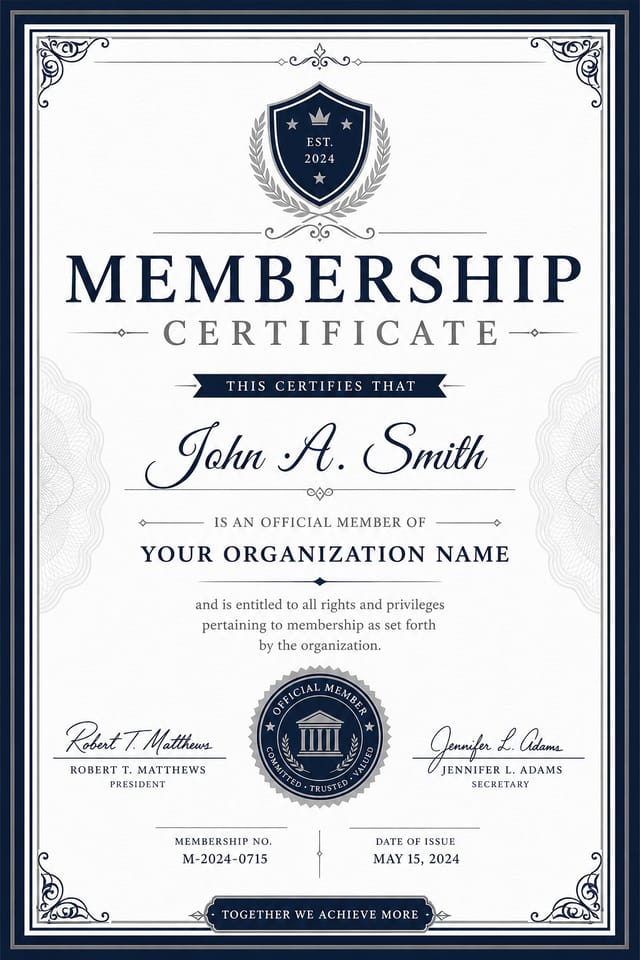
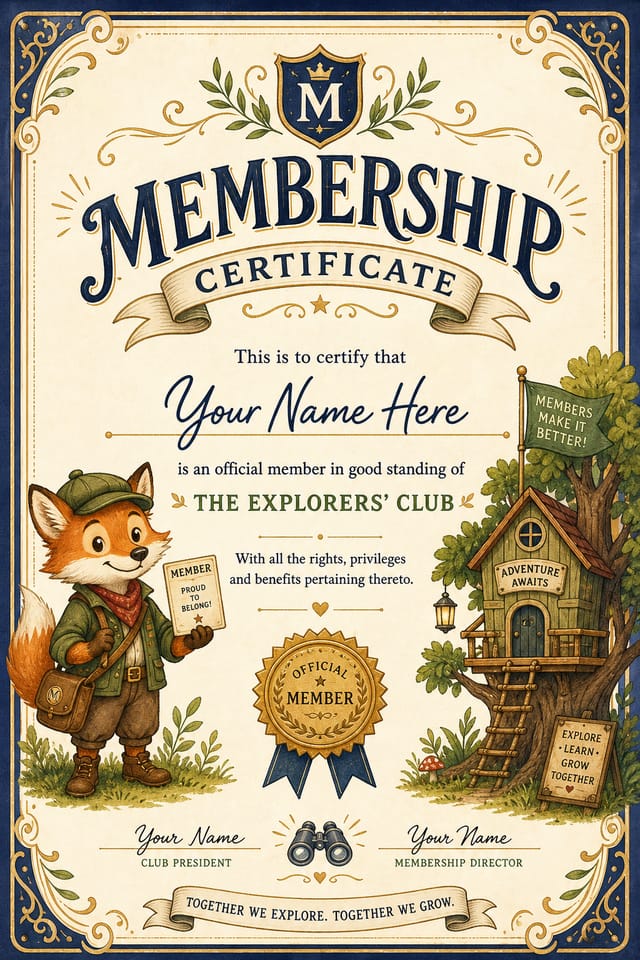
The Membership Certificate Feature Set: Professional Features
Layered Style Application
Combine membership style with other design parameters in a single prompt. The AI interprets complex requests and applies multiple style constraints simultaneously.
Commercial Use Rights
Designs generated with Pixazo are yours to use commercially. No additional licensing required for membership certificate projects.
Fast Generation
Complete membership certificate designs generate in seconds. No rendering queues, no waiting for batch processing.
Subcategory Awareness
The AI distinguishes between design subcategories. A membership certificate request produces membership-appropriate output, not a generic design with membership text added.
Print-Ready Output
Generated membership certificates are sized and structured for professional printing. Download high-resolution files ready for production.
Membership Creator What People Are Making
Real creators sharing their membership designs made with Pixazo AI.
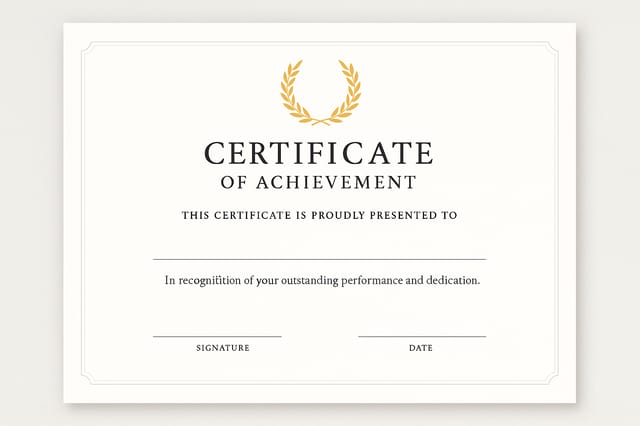
Monochromatic membership certificate, single hue in multiple values, typographic hierarchy creates depth without color complexity
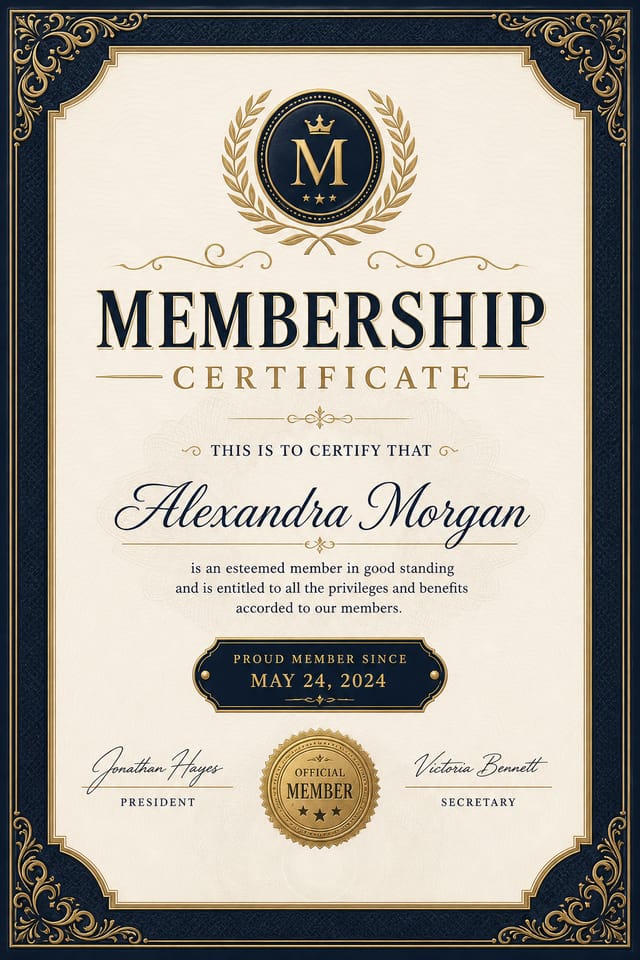
Bold membership certificate with strong central headline, supporting information at secondary scale, background treatment consistent with membership design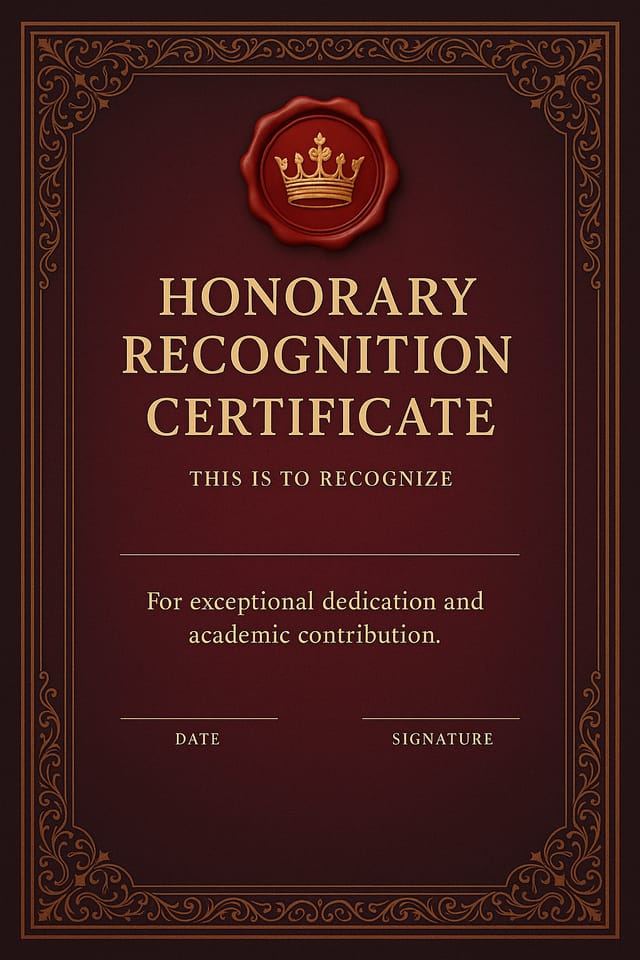
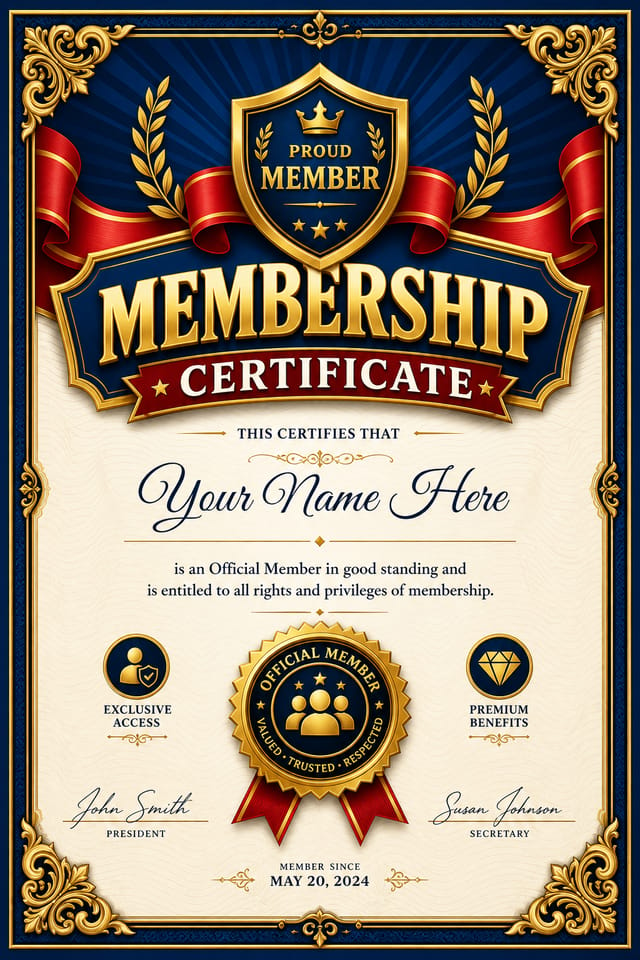
Two-color membership certificate, maximum contrast between primary and secondary color, typography set in one color per levelWhere Membership Certificates Shine: Who Uses Them
Content Creation Workflow
Incorporate membership certificate generation into a content production workflow. Fast output enables higher publishing frequency.
Travel and Tourism Promotion
Design membership certificates for destinations, tour packages, and hospitality brands. Aspirational visuals that inspire booking decisions.
Educational Materials
Design membership certificates for educational contexts. Courses, workshops, and learning materials benefit from the visual clarity of good membership design.
Restaurant and Food Service
Generate membership certificates for menus, seasonal promotions, and restaurant branding. Designs that reflect cuisine style and dining atmosphere.
Get Your Membership Certificate: The Workflow Explained
Paint the Picture in Words
Write a prompt describing your membership certificate. Include style preferences, color direction, the most important text to display, and any specific visual elements you want. The more specific your description, the more targeted the output.
Review What Emerged
The AI produces a membership certificate based on your description. If the first result isn't exactly right, adjust the prompt to address what needs changing. Most designs reach the target within a few iterations.
Complete the Export
Export your membership certificate in the format you need. PNG for web and social, PDF for print production, JPG for email and lightweight sharing. The file is yours to use commercially without restrictions.
Watch: Creating Membership Certificate designs step by step
The Membership Certificate Pipeline: The Full Process
Brief
Establish the key message, dimensions, color preferences, and target audience for your membership certificate before any design work begins.
Approve
Get stakeholder approval on the finished membership certificate. Verify all text is accurate and the design meets brand and technical requirements.
Export
Export your membership certificate in the required formats and resolutions. Organize deliverables for handoff to the production or publishing team.
Refine
Apply targeted edits to your selected membership certificate. Adjust typography, spacing, and color until every element meets your quality standard.
Membership Certificate AI Results: Output Benchmarks
Full commercial usage rights for all generated membership ce
Full commercial usage rights for all generated membership certificates
Output formats available for every membership certificate ge
Output formats available for every membership certificate generation
From initial prompt to finished membership certificate in a
From initial prompt to finished membership certificate in a simple workflow
The Evolution of Membership Certificate Design: Current Directions
Muted Earth Tones
Natural color palettes with warm neutrals and desaturated greens are replacing the bright neon trends of previous years in membership certificate work.
Brutalist Design
Raw, intentionally unpolished membership certificate aesthetics with stark contrasts and unconventional layouts are carving a niche in creative industries.
Minimalist Layouts
Stripped-back membership certificate designs with generous white space and limited elements are gaining favor for their clarity and elegance.
Organic Shapes
Flowing, irregular forms are replacing sharp geometric shapes in membership certificate backgrounds and decorative elements for a softer visual feel.
Visual Styles for Membership Certificates: Options and Variations
Textured Membership
Membership design with added surface depth. Background treatments add visual interest without disrupting legibility.
Atmospheric Membership
Membership certificate design where mood takes priority. Color and composition work together to create a specific feeling.
High-Contrast Membership
Bold membership visual treatment with strong tonal contrast. Elements read clearly at any viewing distance.
Contemporary Membership
Current membership design sensibility with updated proportions, modern typefaces, and contemporary color relationships.
Geometric Membership
Structured membership composition using grid systems and angular forms. Order and precision define the visual approach.
Tested Membership Certificate Prompt Formulas
Copy any prompt below and paste it into Pixazo to generate your design instantly.
Monochromatic membership certificate, single-hue palette with value variation for contrast, typographic hierarchy creates visual interest without color complexityHigh-impact membership certificate, immediate visual read at thumbnail size, clear headline dominance, supporting information structured logicallyPortrait-orientation membership certificate, vertical composition, headline at natural reading entry point, supporting information flows downward logicallySeries-compatible membership certificate design, visual language that extends to multiple formats, consistent design system across variantsContemporary membership certificate design, grid-based layout, typographic precision, restrained color palette, no decorative excessThe Reality of Membership Certificate AI: What to Expect
Known limitations and trade-offs of AI-generated membership design. Understanding what the AI handles well and where it falls short helps you structure your membership certificate design workflow effectively.
Membership Certificate Maker: FAQ
You can request high-contrast or color-blind-friendly palettes in your prompt. Specify 'accessible color palette' or 'deuteranopia-safe colors' and the AI will select membership-appropriate colors that maintain sufficient contrast for users with color vision deficiencies.
The AI generates visual designs, not data visualizations. For membership certificates that need charts or graphs, generate the membership layout in Pixazo and overlay your data graphics in post-production. The design framework will be style-consistent even if data elements are added separately.
Designs generated through Pixazo are yours to use as you see fit. You retain full usage rights for commercial and personal applications. The platform does not claim ownership over your generated membership certificate output.
Pixazo generates original designs rather than copying existing work. The AI creates membership certificates from learned design principles, not by stitching together fragments of existing designs. Generated output does not reproduce copyrighted material or identifiable artistic styles of living creators.
Pixazo generates high-resolution files suitable for both print and digital use. Specify your intended output format in your prompt. Print membership certificates benefit from high-DPI settings, while web and social media use works well with standard resolution output.
Designs created with Pixazo are available for commercial use. You can use your membership certificates for client projects, product sales, advertising, and other commercial applications without additional licensing fees.

