Skip to content
IN
Free online video converter

AVI to MOV Converter

Turn a legacy .AVI into a modern QuickTime .MOV so it plays natively on macOS, iPhone and iPad — and drops straight into Final Cut Pro or iMovie. Upload, convert, download. Free to start.

Free to start No credit card Native on Mac / iPhone No watermark
A weathered AVI door opening onto a lime-lit corridor that leads to a glowing MOV doorway, created with Pixazo AI

How does AVI compare with MOV?

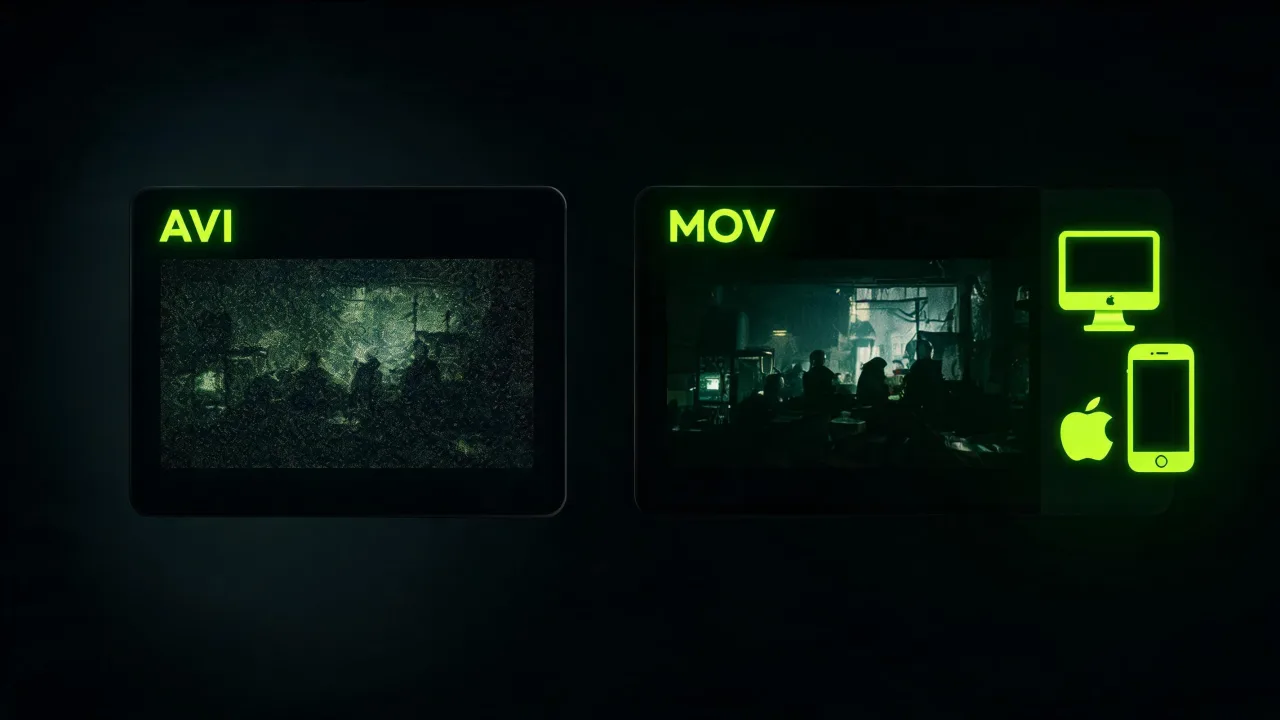
AVI vs MOV — two eras, side by side.
AVIMOV
ContainerAVI · Microsoft-eraQuickTime · Apple
Best forLegacy Windows softwareNative Mac / iOS
Era1992 onwardModern Apple
Cross-platformBest on older WindowsBest on Mac / iOS
PlaybackExtra plugins on MacNative on Apple

Why turn a legacy .AVI into a modern .MOV?

The Pixazo AVI to MOV Converter re-wraps a legacy .AVI file into a modern QuickTime .MOV so it plays natively on macOS, iOS and every Apple editing app. It runs in your browser — desktop or mobile — with no install, no plugin, no watermark, and you keep the source resolution.

Free to start, and it scales with your Pixazo plan when you have long or heavy files to move. An AVI walking in isn't "broken" — it's simply from an older era. The frames stay themselves; only the wrapper around them is renewed so modern Apple hardware can read them without asking for a plugin.

What does the converter actually give you?

Three hero-scale things it does — each with a live example from the Studio.

How do you convert AVI to MOV?

Four moves. The file that walks in as an AVI walks out as a modern QuickTime MOV ready for Apple gear.

  1. Open the converter

    Head to the AI VFX Studio; nothing to download.

  2. Upload your AVI

    Drag in your legacy .AVI or pick it from your device.

  3. Convert to MOV

    Start the conversion and the Studio re-wraps your video into a QuickTime .MOV.

  4. Download your MOV

    Save the finished MOV and drop it into any Mac app, iPhone or Final Cut Pro timeline.

Who is this AVI to MOV converter for?

Five typical people we most often re-wrap AVIs into MOV for.

  • Home archiveAnyone with old family AVIs headed onto Apple devices.
  • Post-productionEditors moving legacy footage into Final Cut Pro.
  • ArchiveArchivists modernising an AVI-era catalogue.
  • PlaybackiPhone / iPad viewers whose AVI won't open.
  • StudiosStudios rescuing older interview or event footage.

What could go wrong — and what to know?

Five honest notes from testing real files. The last two are limitations — we'd rather flag them than let you find them the hard way.

  • Note 01 · PrepStart from the cleanest AVI you have.
  • Note 02 · DurationLong clips take a moment.
  • Note 03 · FidelityVery old AVIs may not be perfect on first pass — that's the source, not the conversion.
  • Limit 04 · ScopeGood to know — it's a converter, not an editor.
  • Limit 05 · OutputGood to know — the output is a standard MOV, not a ProRes master.

Where does it look best on screen?

Old AVI clip being restored to modern MOV, created with Pixazo AI
In-conversion
Restored MOV artifact, created with Pixazo AI
Restored MOV
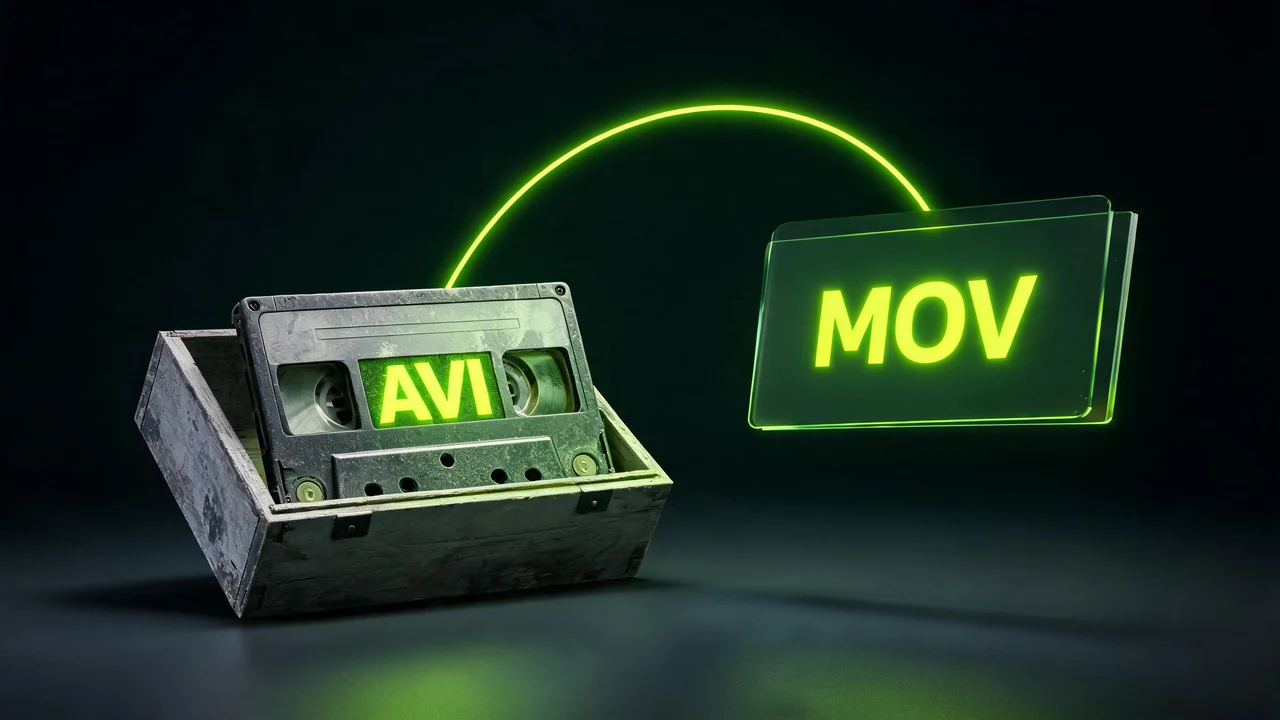
An old AVI cassette tape in an archive crate becoming a modern glowing MOV file, created with Pixazo AI
Before / after

Questions people ask before converting?

Is the AVI to MOV converter free?

Yes, you can start free with no credit card.

Why convert AVI to MOV?

MOV is Apple's native QuickTime format. Modern macOS, iOS and Mac editing tools handle MOV cleanly; AVI often needs plugins or refuses to open at all.

Will converting reduce my video quality?

Conversion re-wraps your video into a QuickTime .MOV at the source resolution and aims to preserve quality. It can't add detail the AVI didn't capture.

Does it keep the audio?

Yes.

Can I convert AVI to MOV on iPhone or Android?

Yes. It runs in your mobile browser with no app to install.

Will the MOV play on Windows?

Yes, most modern Windows setups play MOV via a modern media player like VLC, though its natural home is macOS / iOS.

Do I need to install anything?

No.

Can it also edit or trim my video?

No.

About the author

DJ

By

Content Marketing specialist · Pixazo · Reviewed & updated July 2026

Deepak Joshi is a Content Marketing specialist having a combined experience of 10+ years working in the digital world. He is one of the active contributors to Pixazo Blog and has keen interest creating and marketing content related to AI tools, No-Code technology, Design Industry, Social Influencers, and other trending topics. A health and sport enthusiast, Deepak loves to indulge in all kinds of sports & games.

Ready to bring your AVI into the modern Apple world?

Free to start, no install, no watermark — your AVI walks out as a QuickTime MOV in a couple of clicks.

Convert AVI to MOV free
Free to start No install No watermark
With Pixazo’s platform we deliver enterprise-class security and compliance to you and your customers through every interaction.