AVI to MP4 Converter
Turn an old .avi video into a modern, universal MP4 (H.264 + AAC) that plays everywhere — phones, browsers, editors and social. Upload, convert, download. Free to start, nothing to install, no watermark.
- Free to start
- Cancel anytime
- Outputs H.264 / AAC MP4
- No watermark
Follow one heavy .AVI as it becomes a universal MP4.
The starting point
What is the AVI to MP4 converter, and who is it for?
The AVI to MP4 converter is a free online tool that turns older .AVI video — often large and tied to legacy Windows players — into a modern MP4 with H.264 video and AAC audio that plays on today's phones, browsers, editors and social apps.
It is for anyone sitting on old camcorder footage, screen recordings or archived clips in AVI that today's devices struggle to open or that upload forms reject. Convert once and the same video plays everywhere, usually at a noticeably smaller file size.
The converter reads the real video inside the AVI container regardless of its original codec, re-encodes it to a universal MP4 at your source resolution, and returns it with no watermark. It runs in the browser inside Pixazo's P Agent, on desktop or mobile.
What it does not do: it converts format only. It will not restore or upscale dated footage, trim, or add effects — and it cannot add detail the original AVI never captured.
At a glance
AVI to MP4 in one panel
| Input formats | AVI and other common video |
| Output formats | MP4 (H.264 video · AAC audio) |
| Typical result | Smaller, universal file |
| Works in | Any — conversion is language-independent |
| Runs in | Browser (desktop & mobile) |
| Watermark | None |
| Price | Free to start · scales with your Pixazo plan |
Ready to start the trip? Upload your AVI and get a clean MP4 back.
Convert AVI to MP4 freeThe three-stop route
How do you convert AVI to MP4?
Three steps, all in your browser — nothing to install and no account gymnastics. Upload your AVI, let Pixazo convert it, and download a ready-to-use MP4.
- 1
Upload your AVI
Drag in the .avi clip. It's format-agnostic — it reads the video by its actual content, so it works even if the file is mislabelled or came off an old camcorder.
- 2
Convert to MP4
Pixazo rewrites the video into a standard MP4 with H.264 video and AAC audio — the widely-compatible default the modern web expects.
- 3
Download & use it
Save the finished MP4 and play it on phones, browsers and editors, or upload it straight to social. No watermark is added to your file.
Why convert with Pixazo?

Bring old footage into the modern world
That AVI from an old camcorder, DVD rip or hard-drive archive was built for the desktop era. Pixazo rewrites it into a clean MP4 that opens natively on today's phones, browsers and editors — so footage that used to sit stuck in a folder plays the moment you tap it, with the same picture and sound you already have.
Convert AVI to MP4 freeLighter to carry
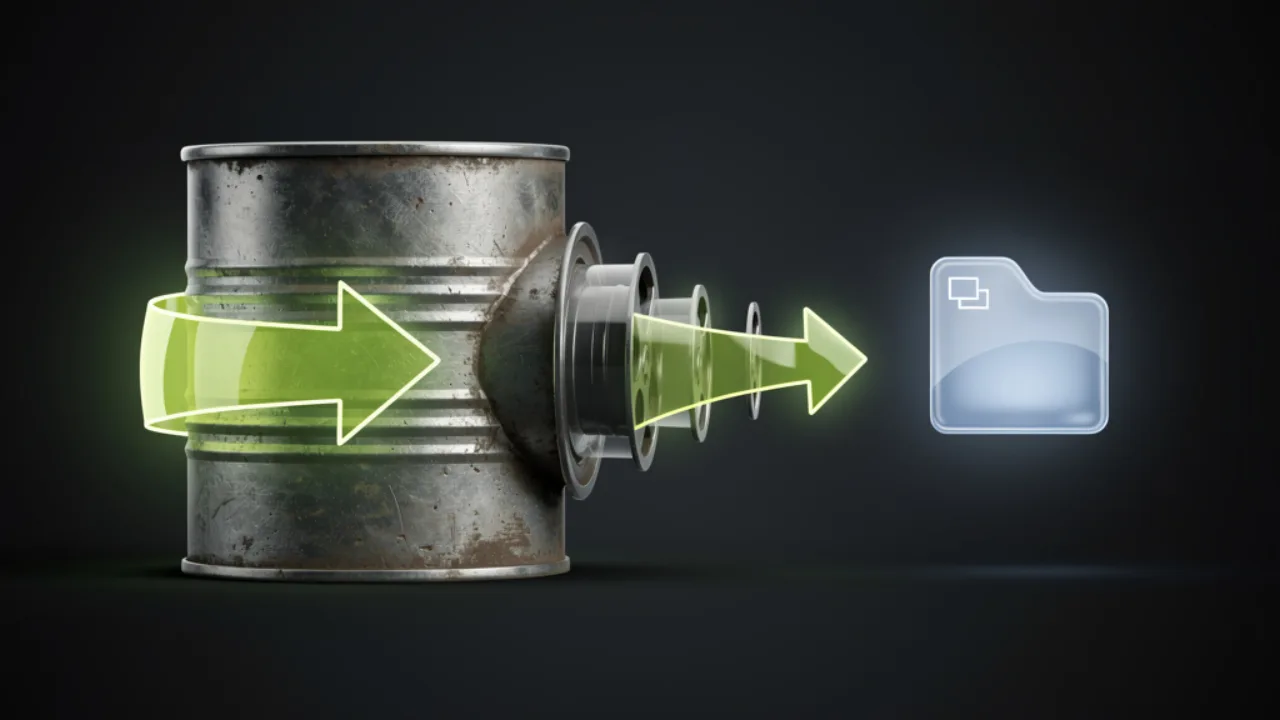
Smaller, more efficient files
Old AVI codecs are heavy. H.264 in an MP4 compresses the same footage far more efficiently, so your converted file is lighter to store, quicker to upload and easier to send — without throwing away the resolution or detail your original captured. Big archives become genuinely shareable.
Shrink your AVI nowOne format, everywhere
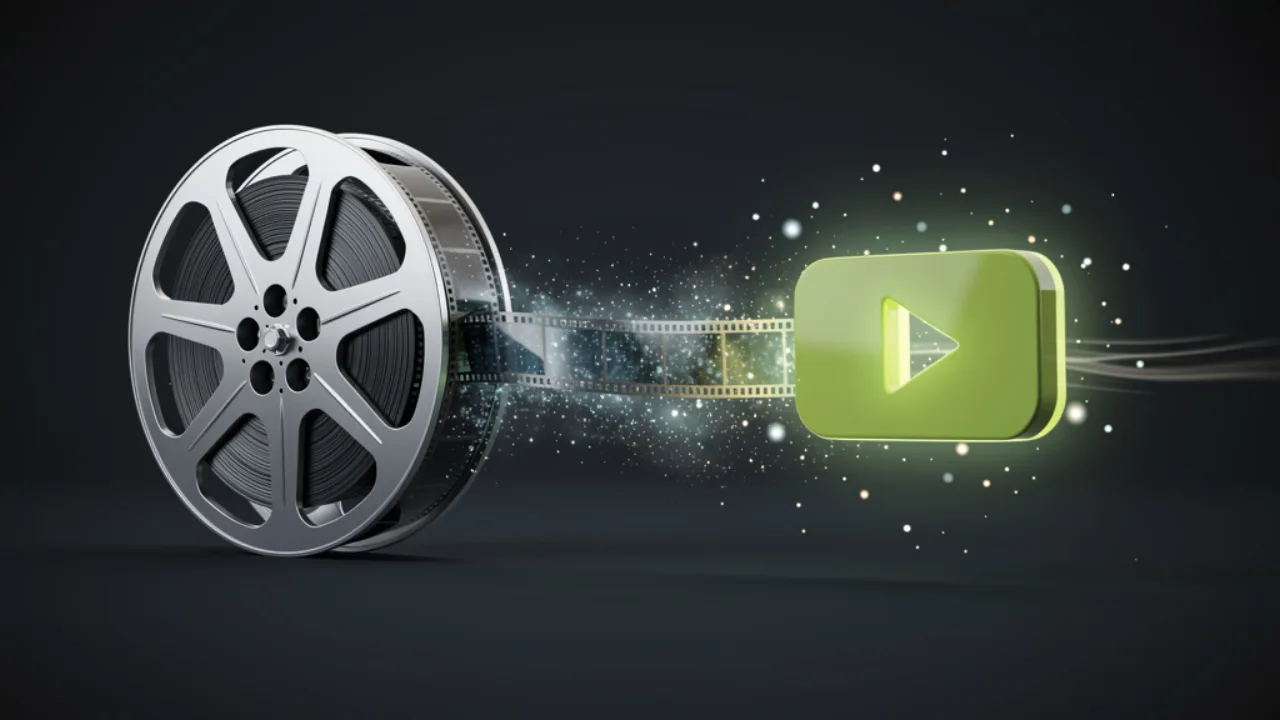
One universal format, ready to share
MP4 is the format the whole modern stack expects — Instagram, TikTok, YouTube, video editors and messaging apps all take it by default, while AVI often gets rejected or silently re-encoded. Convert once and you get a single, no-watermark file that's ready to upload, edit and play anywhere.
Get a shareable MP4Side by side
AVI vs MP4 at a glance
Same footage, different wrapper. AVI is the older Microsoft container; MP4 is today's cross-platform standard. Read them side by side, then convert with confidence.
| Attribute | AVI | MP4 |
|---|---|---|
| Container | RIFF / AVI (Microsoft) | MP4 (MPEG-4 Part 14) |
| Codec inside | DivX / Xvid-era | H.264 video + AAC audio |
| File size | Larger for the same picture | Smaller, more efficient |
| Phone & browser | Patchy on modern devices | Plays natively almost everywhere |
| Editor support | Often needs extra codecs | Imports cleanly into most editors |
| Social uploads | Often rejected or re-encoded | Accepted as the default upload |
Bottom line: keep AVI for legacy desktop archives; convert to MP4 for anything you want to share, upload or edit today.
The destination
Where does an MP4 play?
Just about everywhere your AVI wouldn't. Once it's a standard H.264 / AAC MP4, the same single file works across the modern stack — no per-device conversions, no chasing codec packs, no "unsupported format" dead ends.
| Where | MP4 support |
|---|---|
| Phones & tablets | Yes — native on iOS & Android |
| Web browsers | Yes — plays inline, no plug-ins |
| Video editors | Yes — standard import format |
| Social platforms | Yes — the default upload type |
| Smart TVs & media players | Yes — broadly supported |
One universal file, ready for every screen. Make yours in a couple of clicks.
Convert AVI to MP4 freeFellow travellers
Who converts AVI to MP4?
Anyone sitting on old .avi footage that won't behave on today's devices. The most common cases:
Camcorder & home-video archives
Old family clips and camcorder tapes saved as AVI, ready to modernize so they play on current phones.
Digitized tapes & DVDs
Footage ripped years ago into AVI that now needs to be a portable, shareable MP4.
Editors importing legacy footage
Video editors bringing older AVI clips into a timeline that expects clean, modern MP4.
Uploading old clips to platforms
Anyone posting archive footage to YouTube, Instagram or TikTok, which all favour MP4.
Shrinking large AVI files
Teams and creators trimming bulky AVI down to an efficient size for storage and sending.
Reviving AVIs that won't open
Files that throw "unsupported format" errors, converted into something today's software actually reads.
Good to know
Tips before you set off
A few practical notes so the result matches your expectations before you start.
- Output is always H.264 / AAC MP4. That's the deliberately universal target — not a menu of exotic codecs — so your file plays as widely as possible.
- Convert, then edit. Get the clean MP4 first; from there it drops straight into your editor for trimming, effects or captions.
- Mislabelled file? Still fine. Because it identifies video by content, a wrong or missing extension won't stop the conversion.
- Big or long files take longer. More footage means more to upload, convert and download — give large AVIs a little extra time.
- It converts, it doesn't restore. This modernizes the format; it won't upscale, denoise or invent detail the source AVI never captured.
- It's a converter, not an editor. No trimming, filters or effects happen here — you get a faithful MP4 of the same footage.
Last questions
AVI to MP4: frequently asked questions
Is the AVI to MP4 converter free?
What format is the output?
Will converting change the video quality?
Does the file have to end in .avi?
Can it trim or edit my video?
Is a watermark added to my MP4?
How long does a conversion take?
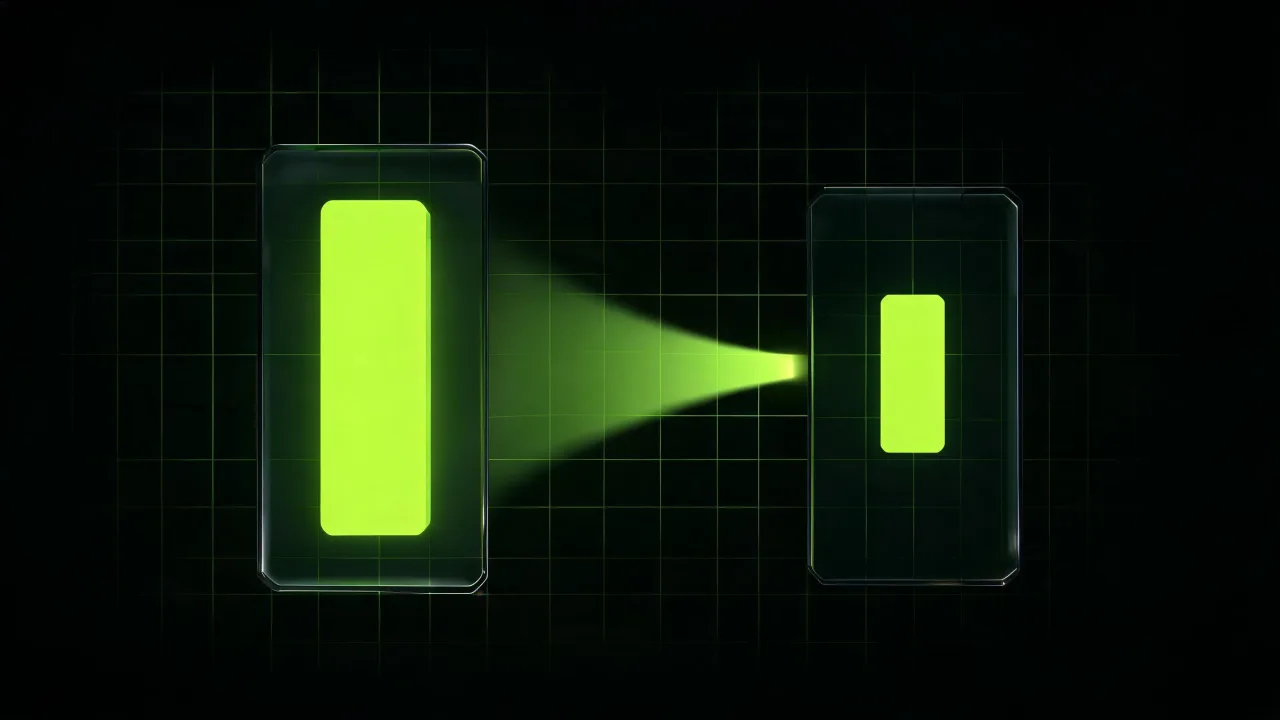
From old AVI to modern MP4
About the author
Convert your AVI to MP4 now.
Upload an AVI, convert it to a clean H.264 / AAC MP4, and download a file that plays everywhere. Free to start, no watermark.
Convert AVI to MP4 freeBuilding it into an app or automating in bulk? Use the AVI to MP4 API.

