AVIF to JPG converter
Pixazo's AVIF to JPG converter moves the picture down to the rung that never breaks. Every AVIF file sits at the top of a support ladder. Modern browsers hold it fine. Climb down through older systems, upload forms and desktop software and the rungs start giving way, until something refuses to open the file. Converting to JPG puts the picture on the one rung nothing has ever missed.
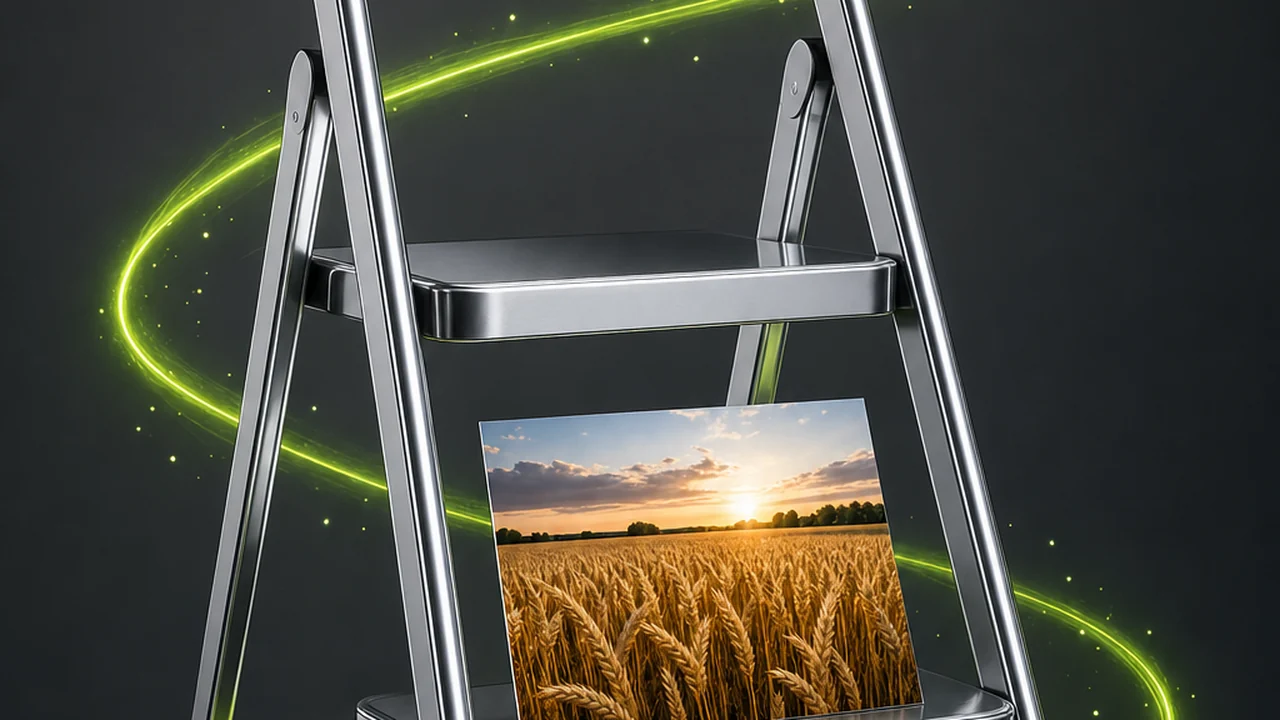 AVIF in · JPG out
Where the ladder gives out
AVIF support is not a yes or a no. It is a descending series of tiers, and the file works until you reach the tier that has not caught up. Knowing which rung you fell off tells you whether you need a conversion at all.
-
Rung 1A current browserHolds
Modern browsers decode AVIF happily. If the picture looks right in a fresh tab and nowhere else, the file is fine and the problem is further down.
-
Rung 2The operating system previewDepends
Recent systems show a thumbnail; older installs give you a blank icon. Nothing is wrong with the image — the previewer just does not know the codec.
-
Rung 3An upload form or CMSDepends
Plenty of forms validate by extension against a fixed list. AVIF is the newest common image format, so it is often missing from that list and the upload is rejected before anything is decoded.
-
Rung 4Email, chat and shared documentsGives way
Once the picture leaves your machine you no longer control what opens it. A recipient on an older client sees an attachment they cannot view — and you never find out.
-
Rung 5The desktop app that refuses the fileGives way
The bottom rung, and the reason most people arrive here: an installed editor or print utility that shows an unsupported-format dialog and stops. No setting fixes it from your side — the file has to change.

What changes when the picture steps down
A conversion is not a neutral copy. AVIF and JPG were built for different jobs, so stepping down trades some of AVIF's capability for JPG's reach. Here is the honest accounting.
Transparency lost
AVIF keeps an alpha channel. JPG has none, so anything see-through becomes solid pixels. If the picture relies on a cut-out edge, JPG is the wrong destination.
Compression re-done
JPG is lossy and re-compresses on every save. One conversion is one save; it is the repeated edit-and-save cycle afterwards that softens a JPG.
Colour headroom narrowed
AVIF carries wide colour gamut and high bit depth, which is why its skies hold together where other formats band. JPG has less room.
Acceptance gained
The whole point. JPG is the most universally accepted image format there is — every browser, phone, printer, CMS and email client takes it.
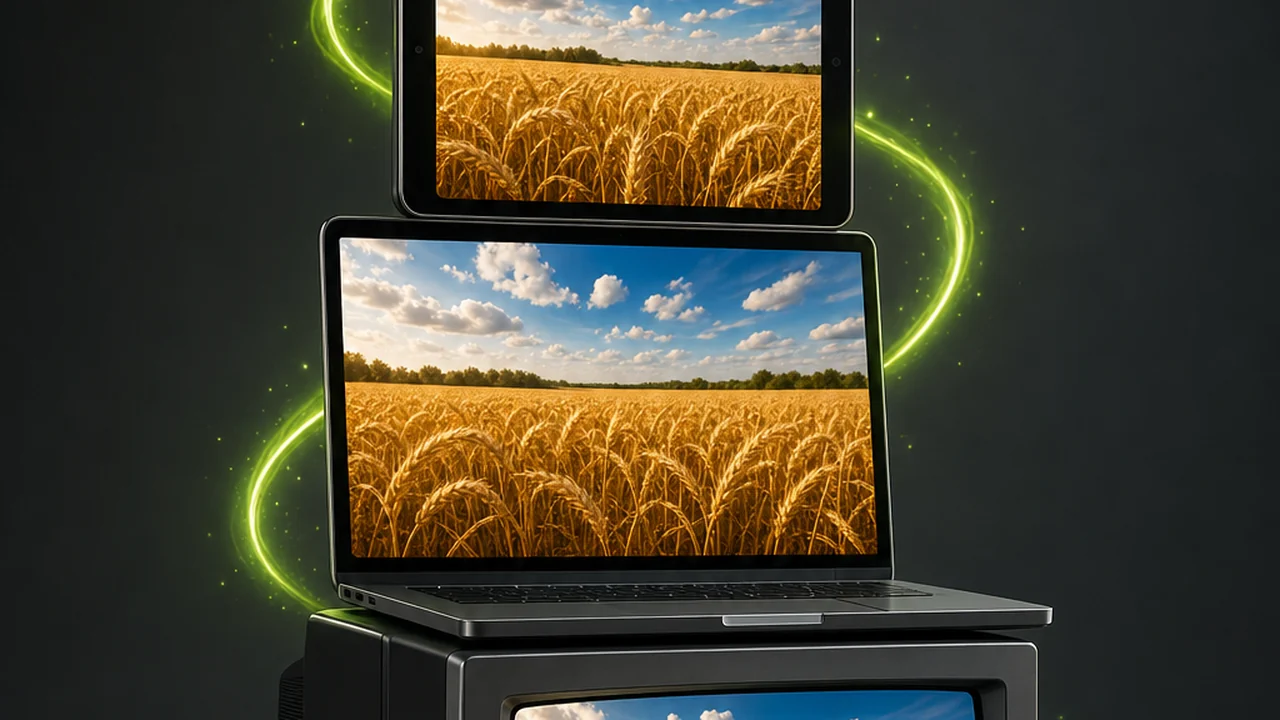
Notice what is not on that list: composition, crop and pixel dimensions stay as they were. This is a format change and nothing more — which is what makes it safe to run on a finished picture.
AVIF and JPG on the same ladder
AVIF is the more capable format; JPG is the more portable one. Read this as a trade, not a ranking — which column you want depends on how far down the ladder your file has to travel.
| Property | AVIF | JPG |
|---|---|---|
| Underlying technology | Built on the AV1 video codec; the newest of the common image formats. | A long-established lossy still-image format, also written JPEG. |
| Compression modes | Lossy and lossless modes both available. | Lossy only. Every save re-compresses the picture. |
| Transparency | Keeps alpha transparency. | No transparency channel at all. |
| Colour and bit depth | Carries wide colour gamut and high bit depth, so gradients and skies hold together where other formats band. | Narrower headroom; smooth gradients band more readily. |
| Size at similar quality | Usually smaller than WebP. | Larger than AVIF, but predictable and well understood. |
| Support beyond modern browsers | Still thin — it is the newest of the group. | Universal. Every browser, phone, printer, CMS and email client takes it. |
| Encoding effort | Takes longer than the older formats. | Fast, and available in essentially every tool. |
| Best used as | Your master and modern-browser delivery format. | Your fallback copy, for anything that must open no matter what. |
No benchmark figures here on purpose: real file sizes depend on the picture, the encoder and the quality setting, so a single quoted number would be a guess dressed as a fact.
Climbing down with the AVIF to JPG converter
Pixazo's image conversion runs inside the P Agent. You attach the picture, ask for the format you want in plain language, and the Studio works out what it was handed.
Open the P Agent
Go to the Studio and sign in — a Pixazo account is required, and nothing needs installing. It all happens in the browser session you already have open.
Attach the AVIF file
Add the image to the conversation as an attachment. You do not need to rename it or declare its format first; the Studio detects the source format itself.
Ask for JPG in plain words
Type a request such as Convert @Image1 to JPG. Plain language is the whole interface — you are naming the destination format and nothing else.
Save it and test the rung that failed
Download the JPG, then reopen it in whatever refused the AVIF — the upload form, the print desk, the desktop app. That is the only test that actually matters.
People who need the fallback copy
Nobody sets out to convert AVIF. You get here because something downstream said no. These are the refusals that come up most often.
Anyone fighting a submission form
Job portals and older CMS media libraries validate against a fixed extension list. A JPG clears that check without an argument.
Designers on an older toolchain
An editor or layout app that predates AVIF refuses to place the file. Convert once, drop the JPG in, keep the AVIF as master.
Anyone sending pictures onward
You cannot audit what software sits at the other end, so a JPG removes the question entirely.
Sellers and store owners
Product feeds, importers and older storefront themes are conservative about formats. JPG is what they were built around.
People organising a photo library
Where gallery software shows blank icons, JPG copies make the collection browsable again.
Anyone visiting a print counter
Print workflows are unadventurous by design. Hand over a JPG and the conversation stays about paper and size.
Jobs the AVIF to JPG converter deliberately leaves alone
The Studio's image conversion is a converter, not an editor. Knowing where it stops saves you expecting a repair it was never meant to perform.
-
It will not crop or resize
Framing and pixel dimensions come through untouched. Do that work first, then convert once at the end.
-
It will not retouch or colour-correct
No exposure fix, no grading, no blemish removal, and no background removal — cut-outs are an editing job.
-
It will not upscale
A small file converts to a small JPG. Changing container adds no resolution.
-
It cannot add detail that is not in the source
If the AVIF was already heavily compressed, the JPG preserves what remains. Converting never restores what an earlier save threw away.
-
It will not keep transparency
A property of JPG, not a Pixazo limitation. If the alpha channel matters, convert to a format that has one.
How to come out of the swap cleanly
None of this is complicated, but the order decides whether the JPG is a good copy or a soft one. Treat the AVIF to JPG converter as the last step, never the first.
- Edit first, convert once. JPG re-compresses on every save, so each edit-and-save round costs a little quality. Finish the picture, then make the JPG.
- Keep the AVIF. It is your master: alpha intact, wider colour headroom, a lossless option. The JPG is a delivery copy, not a replacement.
- Check flat gradients closely. Skies, backdrops and soft shadows are where a narrower format bands first. Look at those areas at full size.
- Decide what sits behind transparency. Flatten the background you want in an editor beforehand, so the JPG does not surprise you.
- Test at the rung that failed — not in your browser, which was never the problem.
AVIF to JPG converter answers from further down the ladder
The questions that come up most often once people understand the trade they are making.
Does Pixazo actually convert AVIF to JPG?
Yes. The AVIF to JPG converter runs inside the P Agent, which handles HEIC, JPG, PNG, WebP and AVIF, so this pair is covered directly.
Do I have to tell it the file is an AVIF?
No. The Studio detects the source format itself. Attach the image and say what you want out of it — Convert @Image1 to JPG.
What happens to transparency in the AVIF?
It cannot survive: JPG has no transparency channel at all, so see-through areas become solid. Flatten the background you want first, or pick a format that keeps alpha.
Will the JPG look sharper than the AVIF?
No. A conversion cannot add detail that is not in the source. If the original was already compressed, the JPG preserves what remains and restores nothing.
Can it crop or resize while it converts?
No. It is a converter, not an editor: no cropping, resizing, retouching, colour correction, background removal or upscaling. Make those changes first.
Do I need to install software?
No. The Studio runs in the browser. You do need to be signed in to a Pixazo account.
Why do some programs refuse my AVIF entirely?
AVIF is the newest of the common image formats, so support outside modern browsers is still thin. That gap is exactly what a JPG copy fills.
Should I keep the AVIF after converting?
Yes. It holds the alpha channel, a lossless option and wider colour headroom, none of which JPG carries. Keep it as the master.
About the author
Put the picture on the rung that never breaks
Attach the AVIF, ask for a JPG, and hand out a file every browser, phone, printer, CMS and email client already accepts. Your original stays as it is.
Building it into an app or automating in bulk? Use the AVIF to JPG API.

