AVIF to PNG converter
Pixazo's AVIF to PNG converter takes the packaging off. An AVIF turns up small, clever and shut. Put it on the bench, take the AV1 packaging off, and out comes a PNG: lossless, alpha still attached, openable by the tool that just refused the original. Pixazo's P Agent does the whole job in the browser.
Pass one · What comes apart
What the strip-down changes, and what it leaves alone
An AVIF is a still image wrapped in the AV1 video codec. That wrapper is why the file is so light, and it is also why so much software shrugs at it. Taking it off is the entire point of this bench.
What changes is the container and the encoding. AVIF stores your picture using AV1's compression machinery, which is very good at packing detail into a small file and very new as far as most desktop software is concerned. PNG stores the same picture as plain lossless pixel data, and nothing about a PNG needs a modern codec to read. That is exactly why it lands cleanly in older editors, print workflows and the upload forms that keep rejecting the AVIF you were handed.
What does not change is the picture. Every pixel that survived the original AVIF encode carries straight through, and PNG is lossless, so nothing further is thrown away on the way out. Transparency travels too: both formats support alpha, so a logo cut out against nothing stays that way.
The one thing to expect is a bigger file. AVIF was designed to be small, PNG was designed to be exact, and a photographic image expressed as exact pixels is heavy. That is a fair trade when what you need is a file every program will open.
One clamp, one job
This is a conversion bench, not a retouching desk. It swaps the format and leaves the artwork exactly as it found it.
Pass two · Readout
Readout from the bench: AVIF and PNG
Two formats built for opposite ends of the same problem: one is trying to be small, the other is trying to be exact. Read the differences off in one place and it is obvious which one your next step needs.
| Reading | AVIF | PNG |
|---|---|---|
| Built on | The AV1 video codec, adapted for still images. | A dedicated lossless still-image format. |
| Compression | Lossy and lossless modes are both available. | Lossless only. Every pixel is kept as saved. |
| Transparency | Alpha transparency supported. | Alpha transparency supported. |
| Colour and bit depth | Carries wide colour gamut and high bit depth, so skies and gradients hold together where other formats band. | Faithful to whatever it was given, with no gamut tricks of its own. |
| Typical file weight | Usually smaller than WebP at a similar quality. | Large for photographs, comfortable for flat graphics. |
| Best suited to | Delivering photographs on the modern web at low weight. | Flat graphics, screenshots, UI exports and logos. |
| Support | The newest of the common formats, so support outside modern browsers is still thin. | Read by effectively everything, old software included. |
| Encoding effort | Encoding takes longer than older formats. | Straightforward to write and to read. |
Comparative only. No percentages, no benchmarks — the honest answer depends on your specific image.
If the readout points at PNG, there is nothing left to decide. Attach the file and ask.
Convert AVIF to PNG freePass three · Procedure
Four passes through the AVIF to PNG converter
There is no export dialog to learn and no source format to declare. You attach the image, you say what you want in plain language, and the Studio works out the rest.
Open the Studio and sign in
Go to the P Agent in your browser. Conversion runs there, and it needs a Pixazo account, so sign in before you start.
Attach the AVIF
Add the image to the conversation as an attachment. You do not have to tell the Studio it is an AVIF; the source format is detected for you.
Ask for PNG in plain words
Type the instruction the way you would say it, for example Convert @Image1 to PNG. No settings panel, no codec choices, no preset to pick.
Check the result and download
Open the returned PNG at full size and confirm the framing and any transparency came through as expected, then save it out of the browser.
Four passes, one file. The bench is open now.
Convert AVIF to PNG freePass four · Intake
Who brings an AVIF to the bench?
Almost nobody sets out to own an AVIF. It arrives — saved from a site, exported by a pipeline, handed over by a developer — and then something downstream refuses to read it.
Designers pulling reference off the web
The image saved as .avif, and the editor you actually work in will not place it. A PNG drops in without argument and keeps its transparency.
Anyone fighting an upload form
Portals, marketplaces, HR systems and internal admin tools tend to accept a short list of formats. PNG is almost always on it; AVIF frequently is not.
Developers handling exported assets
A pipeline emitted AVIF for the web, but the icon or diagram now needs to live in documentation, a slide, or a tool that predates the format.
People preparing files for print or archive
When a file has to be opened years from now by software nobody has chosen yet, a lossless format with universal support is the safer thing to hand over.
Teams sharing screenshots and UI captures
Flat interface graphics are what PNG was made for. Converting them out of AVIF puts crisp edges and text back in their natural home.
Anyone who needs an editable starting point
PNG is the plain base most editors and layout tools expect before you begin working on an image.
Bench log
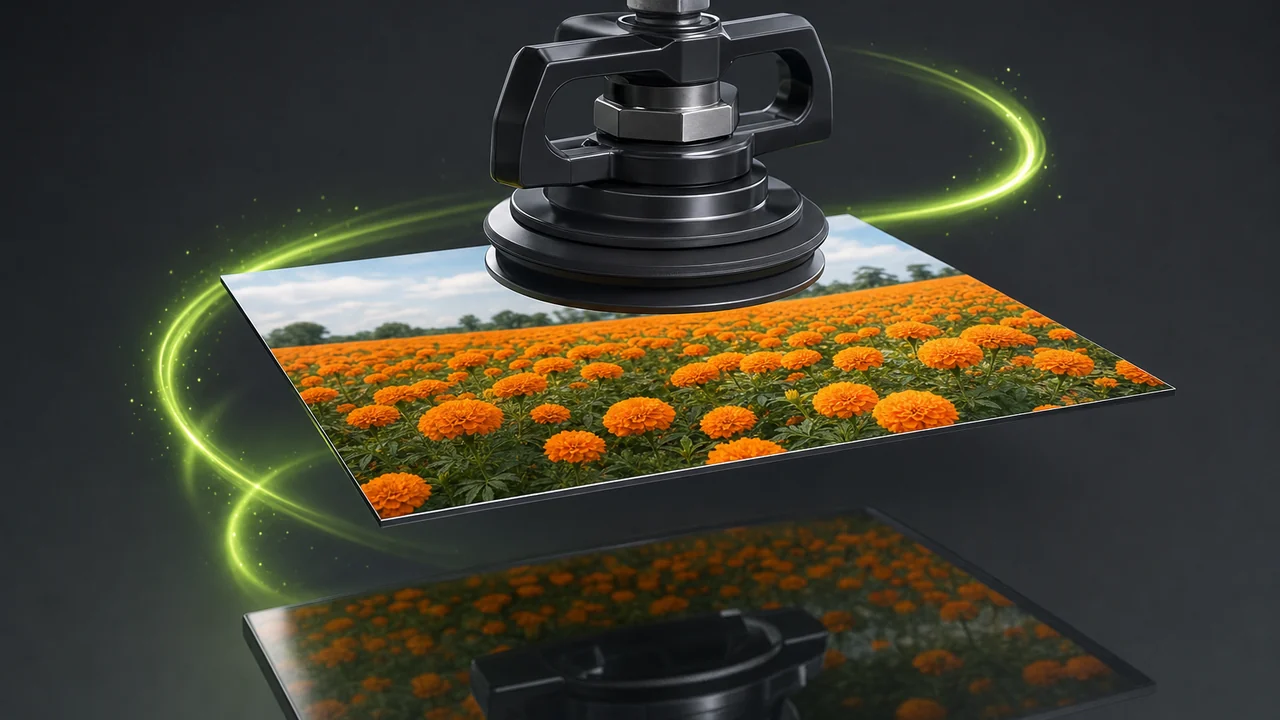
Two jobs off the clamp
The same procedure on two very different files: a cut-out graphic that must keep its transparent background, and a photographic frame where wide colour does the work.
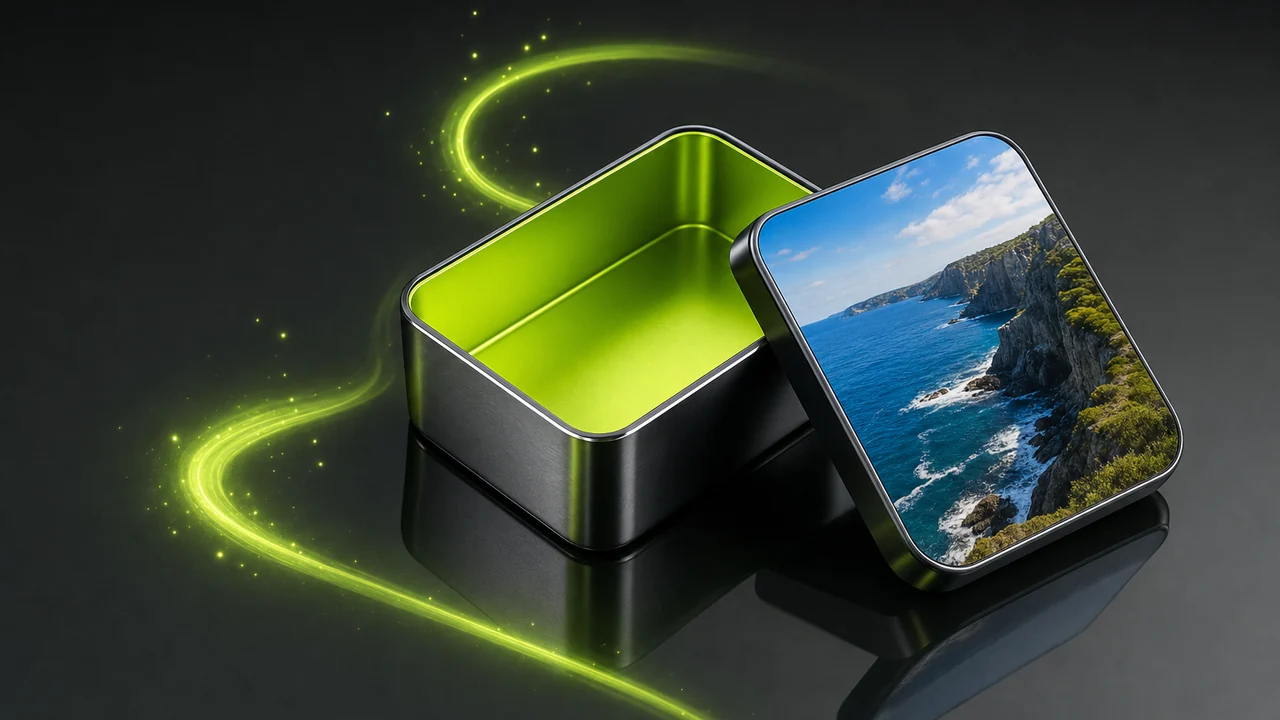
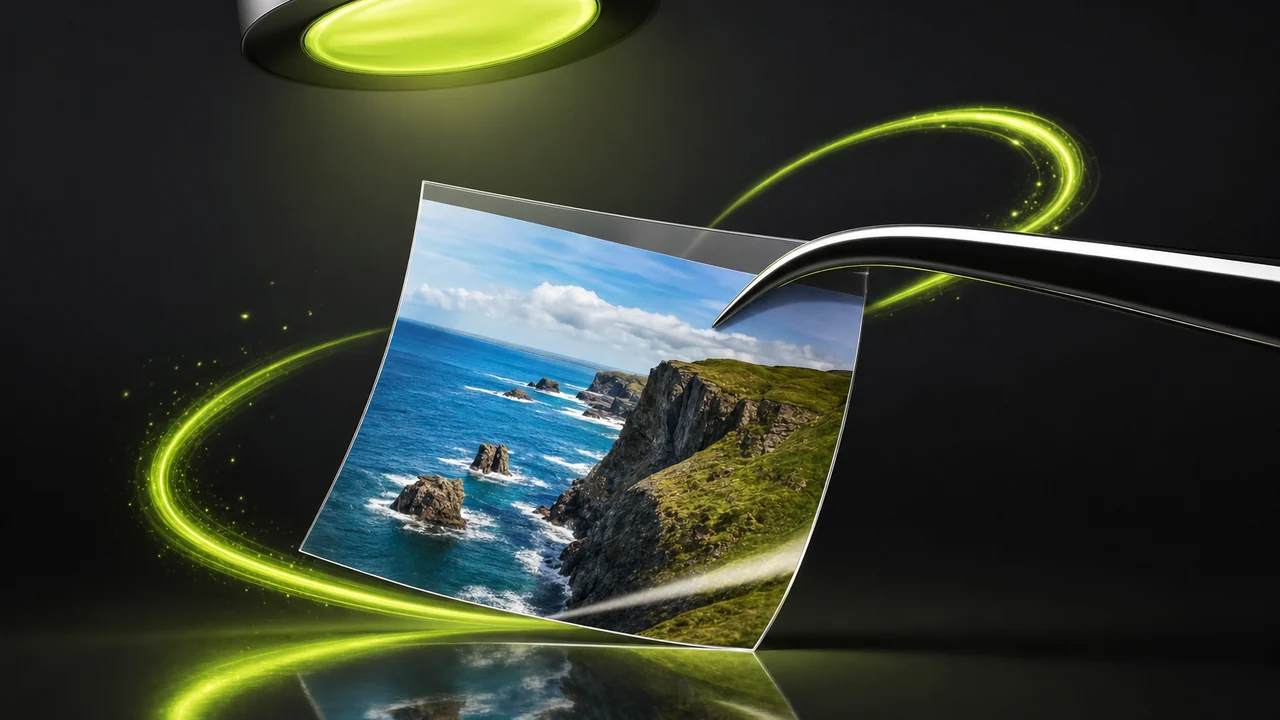
Whichever kind of file you have, the instruction is the same sentence.
Convert AVIF to PNG freeOff limits
Jobs the AVIF to PNG converter turns away
A conversion bench has a narrow remit, and saying so up front saves you a wasted round trip. Here is what it will not take on.
- It will not edit the picture. Cropping, resizing, retouching, colour correction, background removal and upscaling are not part of a conversion. Make those changes first, then convert once.
- It will not add detail that was never there. Moving a small or heavily compressed AVIF into a lossless format preserves what remains; it cannot restore what the original encode threw away.
- It will not make the file smaller. PNG is lossless by design, so a photographic PNG is larger than the AVIF it came from.
- It will not make PNG do animation. PNG carries no animation, so treat whatever you attach as a single still frame.
- It will not work without an account. Conversion happens inside the P Agent in your browser, and that requires a Pixazo account.
Bench notes
Bench notes for a clean pass
Small habits that keep a conversion from turning into three conversions.
Edit first, convert last
Because the Studio converts rather than edits, any crop or colour change belongs upstream. Finish the artwork, then run it across the bench a single time.
Convert from the best copy you have
A lossless target is only as good as its source. If a larger or less-compressed AVIF exists, use that one rather than a thumbnail someone re-saved.
Open the result at full size
Check transparency against a dark and a light backdrop, and look at edges and fine text before you hand the PNG on to anyone else.
Keep the two files apart
Save the PNG under a name that says so. Keeping both files saves you re-converting later when a different tool wants the small one.
Match the format to the endpoint
PNG for editing, screenshots, logos and anything with transparency. Keep the AVIF for web delivery, where its lower weight is the whole advantage.
Say it in one short sentence
Attach the image, then ask for the AVIF to PNG converter directly. There is no need to describe the source, the codec, or how the file was made.
Notes read, bench clear. Bring the file over.
Convert AVIF to PNG freeQueries logged
AVIF to PNG converter queries logged at the bench
The things people check before they hand over the first file.
Can Pixazo convert AVIF to PNG?
Yes. Image conversion runs inside Pixazo's P Agent, which converts images between HEIC, JPG, PNG, WebP and AVIF, so this pair is handled directly.
Do I have to tell it the file is an AVIF?
No. Attach the image and ask for the format you want. The Studio detects the source format on its own, so you only name the destination.
Does transparency survive the AVIF to PNG converter?
It does. AVIF and PNG both support alpha transparency, so a cut-out graphic keeps its transparent background on the way through.
Will the PNG lose quality compared with the AVIF?
PNG is lossless, so nothing further is discarded during the conversion. Anything the original AVIF encode already removed cannot be brought back.
Why is my PNG bigger than the AVIF was?
Because PNG keeps every pixel exactly as saved and AVIF is built to compress. Photographic PNG files are simply large; that is the format behaving correctly.
Can it crop or resize while it converts?
No. This is a converter, not an editor. It does not crop, resize, retouch, colour-correct, remove backgrounds or upscale, so make those edits first and convert once.
Do I need to install anything?
No. The P Agent runs in your browser. You do need a Pixazo account to use it.
Should I keep the original AVIF after converting?
Usually yes. AVIF's smaller size is useful for delivering the image on the web, while the PNG is the copy you edit, upload or archive.
About the author
By Deepak Joshi
Deepak Joshi is a Content Marketing specialist having a combined experience of 10+ years working in the digital world. He is one of the active contributors to Pixazo Blog and has keen interest creating and marketing content related to AI tools, No-Code technology, Design Industry, Social Influencers, and other trending topics. A health and sport enthusiast, Deepak loves to indulge in all kinds of sports & games.
Put the file on the bench
One attachment, one sentence, one plain lossless PNG back. The P Agent detects the AVIF for you and hands over a file the rest of your tools will actually open.
Building it into an app or automating in bulk? Use the AVIF to PNG API.

