JPG to PNG converter
Pixazo's JPG to PNG converter gives your picture a channel it never had. A JPG has no alpha channel, and no way to hold a clean edge through repeated saves. PNG has both. Attach your file inside Pixazo's P Agent, ask for PNG in plain language, and every pixel you have is written into a lossless container.
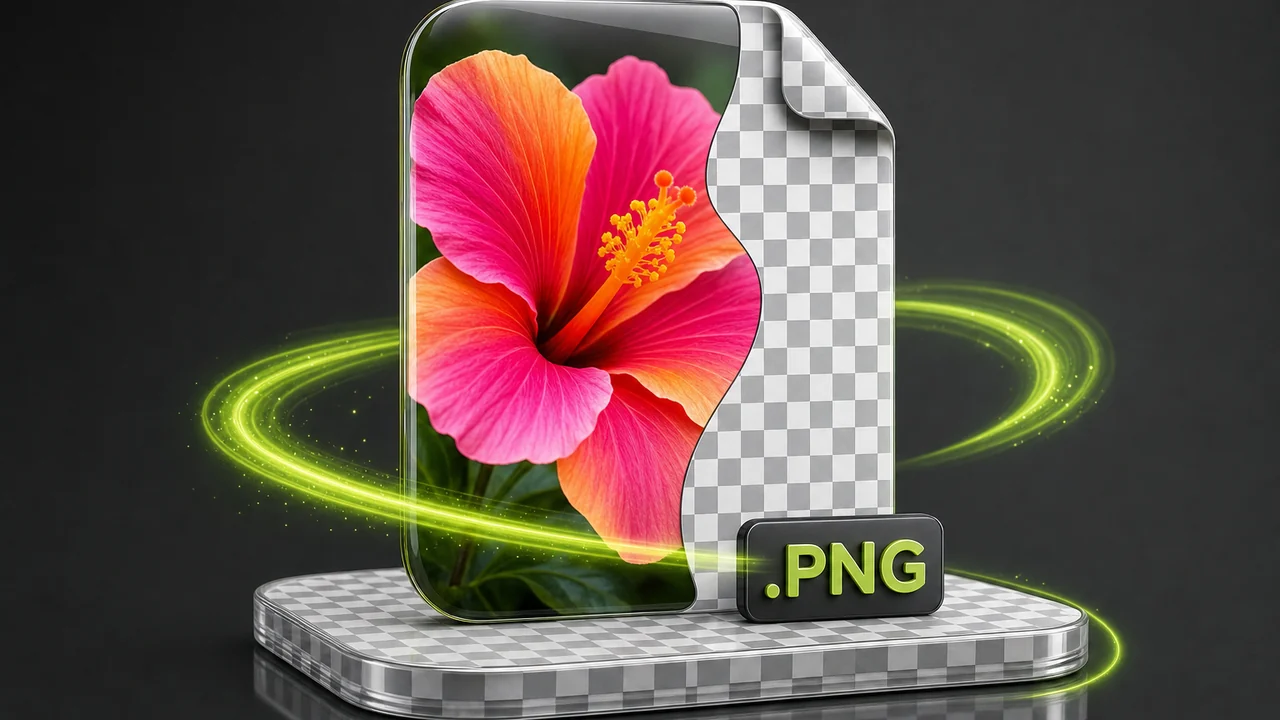
The channel a JPG never had
The checkerboard behind a graphic in any design app is shorthand for "nothing here" — the alpha channel. A JPG cannot draw that square anywhere in the frame, because it stores no transparency at all. PNG can, and that is the structural difference behind this conversion.
Every pixel carries a colour value, including the ones you wanted empty. A cut-out saved as JPG arrives with a solid rectangle around it, and lossy compression softens where the shape meets it.
Alpha gives each pixel an opacity value alongside its colour, so "no pixel here" is a state the file can store. Nothing is re-compressed on save, so the edge you exported stays.

One honest caveat: converting a JPG to PNG does not create transparency that was never in the JPG. It hands you a container that can hold alpha from here on, and stops the file losing a little more on every save.
JPG to PNG: what actually changes when the square is rewritten
A conversion swaps the container and the compression rules. Here is the practical effect of that swap.
JPG discards image data to get small; PNG keeps all of it. Once the PNG exists, saving it again changes nothing.
The file gains an alpha channel — what lets you later knock out a background or place the graphic on a dark page without a pale box around it.
Expect the PNG to be larger, especially for photographs — lossless means nothing is thrown away.
Whatever the JPG already lost stays lost. PNG freezes the image as it is; it is not a repair pass.
Both are read effectively everywhere. JPG remains the most universally accepted image format there is; PNG sits right behind it in browsers, editors and operating systems.
The Studio detects the source format for you, so there is nothing to configure before you ask.
Convert JPG to PNG freeJPG and PNG measured on the same grid
No benchmarks — just the properties written into each format and what they mean for the file on your desktop.
| Property | JPG (JPEG) | PNG |
|---|---|---|
| Compression model | Lossy. Data is discarded to reach a smaller file. | Lossless. Every pixel is preserved exactly as saved. |
| Transparency | None. There is no alpha channel at all. | Full alpha transparency, including soft edges. |
| Repeated saving | Re-compresses each time, so edit-and-save cycles slowly soften the image. | Unaffected. Re-saving does not degrade the pixels. |
| Typical size | Smaller, which is why photo libraries and email attachments favour it. | Larger, and largest of all for photographs. |
| Best suited to | Photographs and any picture that has to be light and universally openable. | Flat graphics, screenshots, UI exports and logos. |
| Animation | Not supported. | Not supported. |
| Support | Accepted by every browser, phone, printer, CMS and email client. | Read everywhere images are read; the default for graphics work. |
How to convert JPG to PNG in four moves
The whole conversion is a sentence typed next to an attachment — no format dropdown, no quality slider.
Open the P Agent
Open the Studio in your browser and sign in to your Pixazo account. Nothing needs installing.
Attach the JPG
Add your image to the message. The Studio identifies the source format itself, so you never declare that the file is a JPG.
Ask for PNG in plain words
Type a request such as Convert @Image1 to PNG. Plain language is the interface; no preset or profile needs to be chosen first.
Check the edges, then save
Open the returned PNG at full size and look along the edges and flat areas. When it looks right, download it and file it with your working assets.
Three squares where this conversion pays off
Each of these starts as the same request to the JPG to PNG converter and ends somewhere different: get the file into a lossless container first, then keep working.
Logos that have to sit on any background
A logo sent to you as a JPG arrives welded to a rectangle. Convert it to PNG and you have a file that can hold alpha, so the cut-out you make next survives every save instead of being flattened back onto a box.
It matters most on dark layouts, where a JPG's background reads as a pale panel behind the mark. The conversion is the prerequisite, not the fix.
Convert JPG to PNG free
Screenshots and UI exports that must stay readable
Flat colour and small type are where lossy compression shows itself: haloes around letters, faint blocks in solid fills. PNG stores those regions exactly, which is why documentation and design specs live in it.
If a screenshot has already been through a JPG round trip, the conversion locks in what remains — it stops the softening compounding, but cannot undo the pass that happened.
See what the Studio handles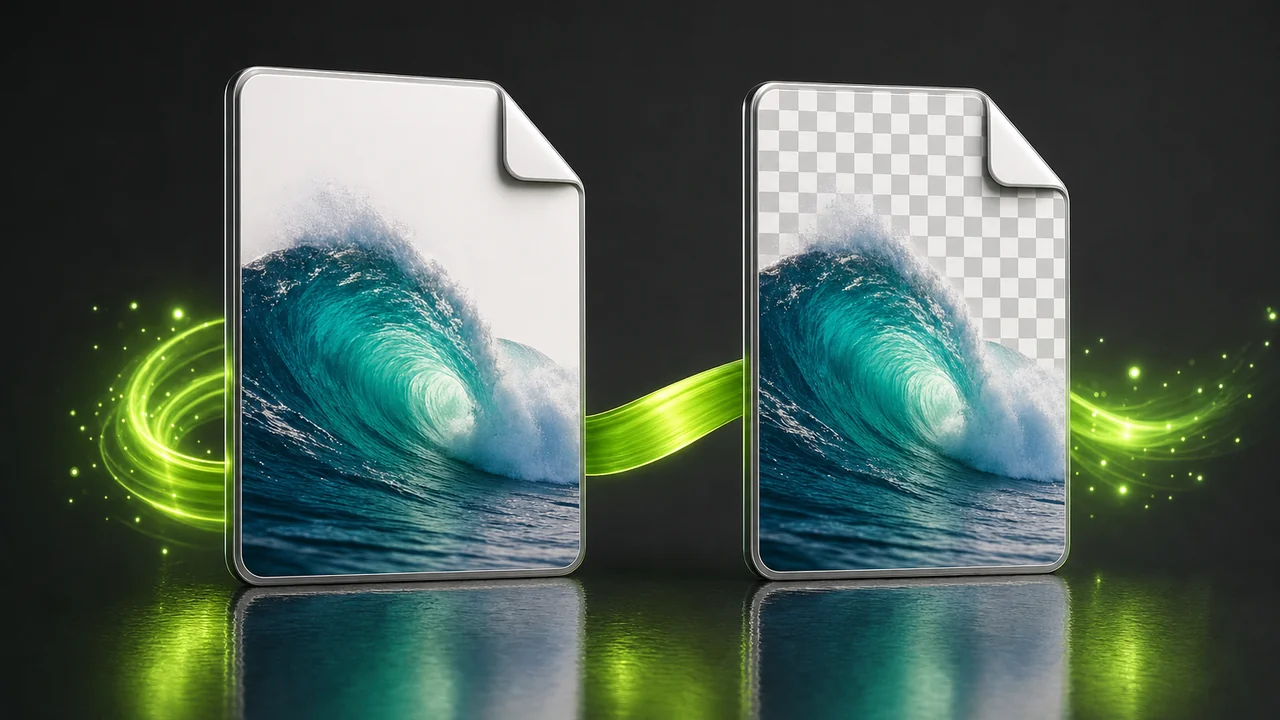
Working files that will be opened again and again
Any asset you expect to revisit belongs in a format that does not charge you for each save. A JPG edited on Monday and again on Thursday is slightly softer by Friday; a PNG is identical.
Convert once at the start, keep the PNG as your master, and export a JPG at the end wherever a small, universally accepted file is what is needed.
Convert JPG to PNG freeWho reaches for a PNG copy?
Different jobs, same first move.
Designers handed flattened assets
Marks, badges and icons that arrived as JPGs need to become alpha-capable files before they can sit over anything but the background they were baked onto.
Writers and support teams
Screenshots in a help centre or release note must stay legible at full size, so the fine type cannot be re-compressed on every edit.
Developers wiring up assets
Sprites, overlays and anything compositing over an arbitrary background need a transparency channel the JPG does not have.
Squares this converter leaves empty
The JPG to PNG converter is a converter, not an editor. Knowing where it stops saves you a round trip.
It does not invent transparency
The PNG can hold alpha, but the conversion does not decide which pixels should be empty. Background removal is a separate edit you make before or after, in an editor.
It does not recover lost detail
It cannot add detail that is not in the source. A small or heavily compressed JPG becomes a faithful PNG of exactly that image — nothing thrown away earlier comes back.
It does not crop, resize or retouch
No cropping, resizing, colour correction or upscaling happens as part of a conversion. Make those changes first, then convert once at the end.
It does not make the file smaller
Lossless storage usually means a bigger file than the JPG you started with, particularly for photographs. That is the cost of keeping every pixel.
Keeping the grid clean
Five habits that separate a PNG you can build on from one you run through the JPG to PNG converter again next week.
Convert the best JPG you have
Go back to the original export, not the copy that has been mailed around. The PNG faithfully preserves whichever version you feed it, re-save history included.
Finish your edits first
Because conversion is not editing, sequence matters: crop, colour-correct and retouch first, then convert once.
Ask for one format, not two
Attach the image, name PNG, send. The source format is detected, so adding "from JPEG" changes nothing.
Inspect at 100 percent
Check the returned PNG at full size along hard edges and flat fills. That is where anything the JPG had already lost shows up.
Keep the PNG as the master
Archive the lossless file and generate JPGs from it whenever something needs to be light and openable anywhere.
One attachment, one sentence, a lossless copy back. That is the whole workflow.
Convert JPG to PNG freeJPG to PNG converter questions, answered
The questions that come up most often, answered against what the Studio genuinely does.
Does converting a JPG to PNG improve the image quality?
No. It preserves what is there rather than improving it, and cannot add detail that is not in the source. What it does prevent is further loss on every future save.
Will my PNG have a transparent background?
Not automatically. PNG supports alpha transparency, but the JPG had none to carry over. You get a file that can hold transparency; removing the background is a separate edit in an editor.
Why is the PNG bigger than the JPG?
Because PNG is lossless and JPG is not. JPG gets small by discarding image data; PNG keeps every pixel exactly as saved, which is why PNG files of photographs are large.
Do I have to tell the Studio the file is a JPG?
No. You attach the image and ask in plain language, for example "Convert @Image1 to PNG". The Studio detects the source format itself, so declaring it changes nothing.
Can it crop or resize the image while converting?
No. It is a converter, not an editor — no cropping, resizing, retouching, colour correction, background removal or upscaling happens as part of a conversion. Make those edits first, then convert once.
Does the P Agent handle image formats other than PNG?
Yes. Alongside video into MP4, it converts an image between HEIC, JPG, PNG, WebP, AVIF and more, with the source format detected for you — the classic fix for an iPhone photo a website will not accept.
Can I convert JPG to PNG online for free?
Yes. The JPG to PNG converter runs online in your browser with no install, and you can start free. It does require a Pixazo account, so sign in first.
Should photographs be converted to PNG at all?
Usually only when you plan to keep editing them. PNG is the right home for flat graphics, screenshots, UI exports and logos; a finished photograph that just needs to be small and openable everywhere is better left as JPG.
About the author
By Deepak Joshi
Content Marketing specialist · Pixazo · Reviewed & updated July 2026
Deepak Joshi is a Content Marketing specialist having a combined experience of 10+ years working in the digital world. He is one of the active contributors to Pixazo Blog and has keen interest creating and marketing content related to AI tools, No-Code technology, Design Industry, Social Influencers, and other trending topics. A health and sport enthusiast, Deepak loves to indulge in all kinds of sports & games.
Drop a JPG on the grid and take back a PNG
Attach the file, ask for PNG, and the JPG to PNG converter hands back a lossless copy that stops losing detail every time you save it.
Building it into an app or automating in bulk? Use the JPG to PNG API.

