JPG to SVG converter
A JPG to SVG converter reads edges out of a photograph rather than converting it. A JPG is a grid of pixels. An SVG is a written description of shapes. Turning one into the other is not a rename — it is a tracer deciding which edges are strong enough to become lines. This page explains that read honestly, including the part where Pixazo does not do it.
What a JPG to SVG converter reads out of a photograph
Every raster-to-vector conversion is a reduction. A tracer finds places where colour changes sharply, calls them edges, and writes each as a path. Anything that is not a clean edge — grain, gradient, soft focus — has nowhere to go.
On the left, a pixel boundary: a staircase, because pixels are squares. The lime line is what a tracer writes instead — one segment, two endpoints. Cleaner than the original, and no longer the original.
The areas between those edges are then filled with flat colour. A logo has maybe four and traces beautifully. A street photograph has thousands, so a tracer either posterises them into blocks or writes so many paths that the SVG ends up heavier than the JPG.
JPG compression leaves faint blocky artefacts along high-contrast edges, and a tracer cannot tell an artefact from a real edge. It traces the damage too.
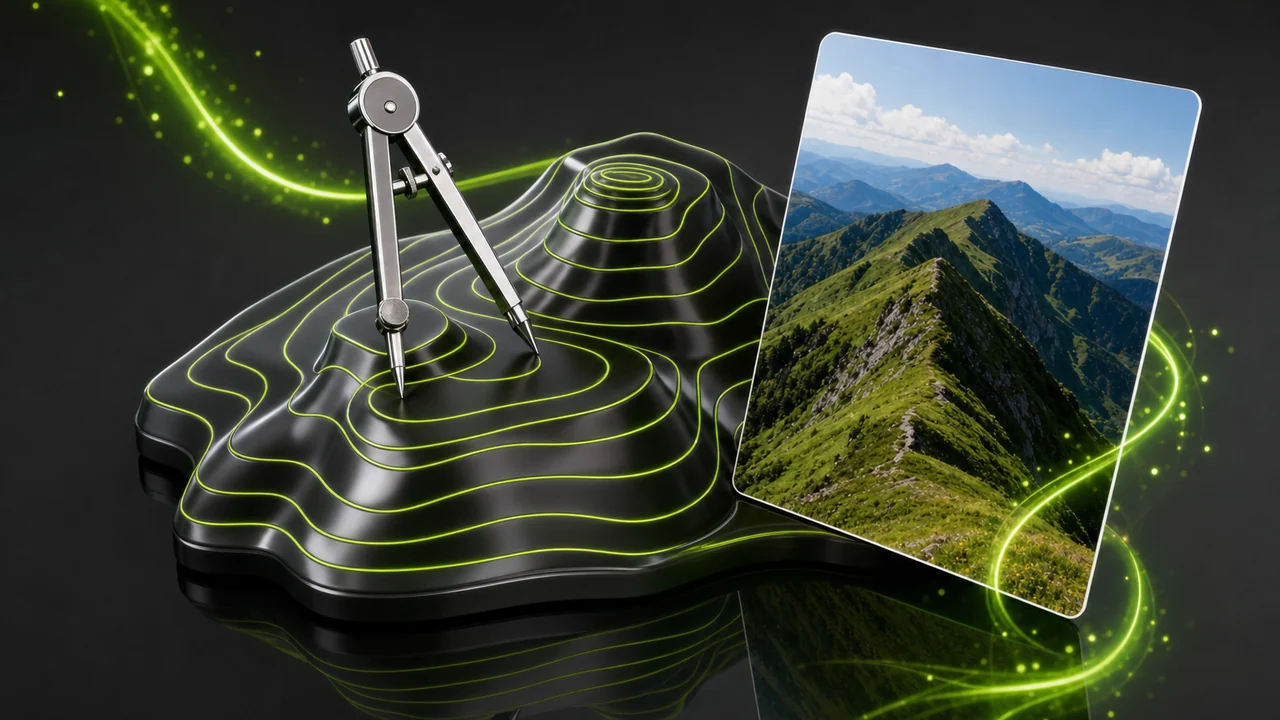
The honest position on this conversion
The most important paragraph on this page, so it is not buried at the bottom.
Pixazo does not convert JPG to SVG. Pixazo's image converter works on raster formats only — HEIC, JPG, PNG, WebP and AVIF. It does not trace raster artwork into vector paths, and it does not rasterise an SVG back into pixels. What it does do is generate images with AI and convert between those five raster formats.
So what is the honest route? For artwork that is already vector somewhere — a logo, an icon set, a chart — ask whoever made it for the original file. That is not a workaround; it beats any trace. For artwork that only ever existed as a photograph, no converter will give you a faithful vector, because a photograph is not made of shapes.
What the Studio converts today
- HEIC, JPG, PNG, WebP and AVIF, between one another
- Raster in, raster out — pixels stay pixels
- AI image generation, if you need new artwork
What it does not do
- Trace a JPG, PNG or photo into vector paths
- Rasterise an SVG into a pixel image
- Read, edit or write SVG markup of any kind
If what you hold is a raster image that needs to become another raster image, that is exactly what the Studio is built for.
Pixels against paths
These are not competing versions of one idea. One stores a measurement of light at every point; the other stores instructions for drawing. Almost every surprise here comes from that difference.
| Contour read | JPG | SVG |
|---|---|---|
| What is stored | A grid of pixels, each holding a colour value. | XML text describing shapes, paths and fills, editable in a text editor. |
| Scaling | Fixed pixel dimensions; enlarging past them softens the image. | Resolution-independent — crisp on a favicon and on a billboard. |
| Photographic detail | Its native strength — every tonal step is recorded. | Cannot hold it, because a photograph is not made of shapes. |
| Transparency | None at all — JPG has no transparency channel. | Supported — anything you do not draw is not there. |
| Compression behaviour | Lossy, and re-compressed on every save, so repeated edit-and-save cycles slowly soften the image. | No image compression involved; flat artwork stays tiny because there is little to describe. |
| Where it is accepted | The most universally accepted image format there is — every browser, phone, printer, CMS and email client takes it. | Excellent in browsers and design tools; less predictable in email clients and some upload fields. |
| Editing after the fact | You edit pixels; recovering a shape means masking it. | You edit shapes — recolour a fill, nudge a node, all without quality loss. |
Every row is a property of the formats themselves. No benchmark or file-size figure is implied.
How a JPG to SVG converter works through your file
If you do trace a JPG somewhere, this is the sequence to expect and where quality is won or lost in each pass. These steps describe the JPG to SVG converter, not a Pixazo feature.
Judge whether the picture has contours at all
Open the JPG at full size and look for hard boundaries between flat areas of colour. A wordmark, stencil or chart has them. A portrait or a gradient sky does not, and no setting will invent them.
Start from the cleanest copy of the source
Find the least re-saved JPG you have, ideally straight from the camera or export. Every save cycle softened edges and left artefacts a tracer will read as real geometry.
Reduce the colour count before tracing
Flatten the image to the few colours the artwork genuinely uses, so the tracer has unambiguous regions to fill. Fewer colours means fewer paths, and fewer paths means a tidy, editable SVG.
Inspect the paths, not the preview
Look at the nodes, not the thumbnail. A straight line should be two points, not forty. If the path count is enormous the trace failed, however convincing the preview looks.
Which pictures survive the trace
The difference between a clean vector and an unusable one is almost never the software. It is whether the source was made of shapes at all.
Hard-edged flat artwork
Wordmarks, monograms, icons, silhouettes, stencils, simple maps and charts — few colours, decisive boundaries, a shape you could describe out loud.
Anything tonal
Portraits, product photography, landscapes, grain, soft shadow, gradient backdrops. There is no contour to find, so the tracer manufactures thousands of tiny ones.
Small text in an image
Fine lettering is only a few pixels tall, so its edges are already blurred by compression. Traced, it becomes mush — set the text again as real type.
Who reaches for a vector copy
The request comes from a place where a fixed-size picture has run out of room. Recognising which case you are in tells you whether a trace is even the right answer.
A logo that only exists as a JPG
Someone needs it on signage or a vehicle wrap and the JPG will not enlarge. Recover the original vector from the designer; a trace is the fallback.
Icons that must stay crisp
Interface icons look soft as raster and perfect as paths on high-density screens. Icons are also flat by nature, the case where tracing behaves.
Cutting, engraving and plotting
Vinyl cutters, laser engravers and plotters follow paths, not pixels, which is why production teams insist on vector artwork.
Someone hoping to sharpen a photo
The most common reason people arrive here, and the one case the conversion cannot help. Vectorising a photograph does not add detail; it removes what was there.
Where the contour read breaks down
Limits stated plainly beat promises. These are the failures worth knowing before you spend an afternoon on a file.
A trace never adds information; it throws information away in a tidier arrangement. A blurry JPG becomes a blurry shape with crisp edges, which often looks worse.
JPG has no transparency channel, so the box behind your logo is baked into the pixels and will be traced as a shape unless you remove it first.
SVG is tiny for flat artwork and enormous for traced photographs. A photographic trace can end up heavier than the JPG and slower to render, because thousands of paths must be drawn on every paint.
Getting a cleaner result out of a difficult source
If you are committed to tracing something, these habits do most of the work, and none needs a particular tool.
A bigger image has more pixels describing each edge. Start from the largest, least-compressed JPG rather than the copy resized for a website.
JPG cannot store transparency, so remove the backdrop before tracing or the tracer will draw a rectangle you never wanted.
Complicated artwork traces better in pieces. Isolate each element, trace it on its own terms, then reassemble into named shapes rather than one blob.
Need the same picture as a different raster format rather than as paths? That conversion is real and supported.
Open the P AgentJPG to SVG converter answers on the gap between pixels and paths
Eight questions we see repeatedly, answered without hedging.
Can Pixazo convert my JPG to SVG?
No. the JPG to SVG converter handles raster formats only — HEIC, JPG, PNG, WebP and AVIF. It does not trace raster artwork into vector paths, so this conversion is not something Pixazo performs today.
What can the P Agent do with my image instead?
It converts between HEIC, JPG, PNG, WebP and AVIF, and Pixazo can generate images with AI. Vector output is not on offer.
Why can an SVG not hold a photograph?
SVG is XML text describing shapes, paths and fills. A photograph is a continuous field of tone, not a set of shapes, so there is nothing to describe faithfully.
Does turning a JPG into paths make it sharper?
No. A trace removes information and reorganises what is left. Edges become mathematically crisp, but no detail is recovered.
Will the white box behind my logo disappear?
Not on its own. JPG has no transparency channel at all, so the backdrop is part of the image and will be traced as a shape unless you remove it first.
Which images actually trace well?
Flat, hard-edged artwork with few colours: wordmarks, icons, silhouettes, stencils, simple charts. Anything tonal or grainy does not.
Can an SVG be turned back into a JPG?
Not by Pixazo. The Studio neither reads nor writes SVG in either direction.
Is a traced SVG always a smaller file than the JPG?
Only for flat artwork, where there is little to describe. A traced photograph can carry thousands of paths and end up heavier and slower to render.
About the author
By Deepak Joshi
Deepak Joshi is a Content Marketing specialist having a combined experience of 10+ years working in the digital world. He is one of the active contributors to Pixazo Blog and has keen interest creating and marketing content related to AI tools, No-Code technology, Design Industry, Social Influencers, and other trending topics. A health and sport enthusiast, Deepak loves to indulge in all kinds of sports & games.
Bring a raster file and the Studio will handle it
Vector tracing is not on the menu here, and we will not pretend otherwise. Converting between HEIC, JPG, PNG, WebP and AVIF is — and if you need new flat artwork, Pixazo can generate it with AI.
Building it into an app or automating in bulk? Use the JPG to SVG API.

