MOV to MP4 Converter
Turn any QuickTime .MOV into a standard MP4 (H.264 · AAC) that plays everywhere — upload, convert, download in seconds. No app, no watermark, free to start.
- Free to start
- No install
- Plays everywhere
What is the MOV to MP4 converter, and who is it for?
The MOV to MP4 converter is a free online tool that turns Apple QuickTime .MOV videos into a standard MP4 with H.264 video and AAC audio — the combination that plays on virtually every phone, browser, editor and social platform.
It is built for anyone who records on Apple hardware and needs the footage to travel: iPhone and Mac users sending clips to Windows or Android, creators uploading to Instagram, TikTok or YouTube, and editors who need a clean MP4 for Premiere, CapCut or DaVinci Resolve.
The converter identifies your video by its actual contents rather than its file extension, re-encodes it to a universal MP4 at your original resolution, and returns it with no watermark. Everything runs in the browser inside Pixazo's P Agent, with nothing to install.
It is a converter, not an editor. It changes the container and codec only — it will not trim, add effects or upscale, and it cannot add detail your original recording never captured.
How do you convert MOV to MP4?
Converting a MOV to MP4 takes four simple steps — open the converter, upload your .MOV, run the conversion, and download the finished MP4. It all happens in your browser inside Pixazo's P Agent, with nothing to install.
- 1
Open the converter
Head to the P Agent — it loads right in your browser on desktop or mobile, with no download or sign-up wall to start.
- 2
Upload your MOV
Drag in your QuickTime file or pick it from your device. The converter reads the real video inside, whatever codec it uses.
- 3
Convert to MP4
Start the conversion and the Studio re-encodes your video into a clean, standard MP4 with H.264 video and AAC audio.
- 4
Download your MP4
Save the finished file and use it anywhere — phone, browser, editor, or a social upload. That's it.
What does the MOV to MP4 converter do?
One focused tool that takes your QuickTime recording and hands you a universal MP4 you can use anywhere — no export presets to learn, no quality guesswork.
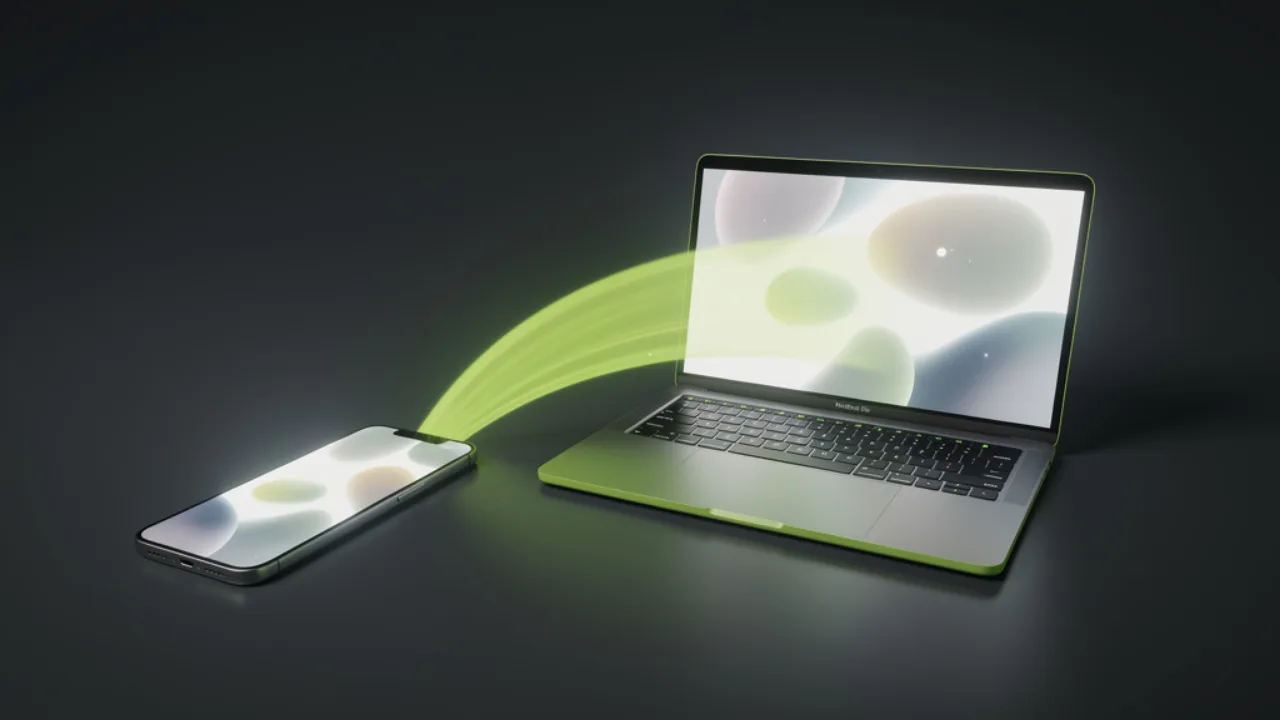
One MP4 that plays on iPhone and Mac alike
Record on your iPhone or export from your Mac, then convert once and the same video plays cleanly across all your devices — and every non-Apple one too. No more clips that open on your phone but stall on someone else's laptop.
Convert MOV to MP4 free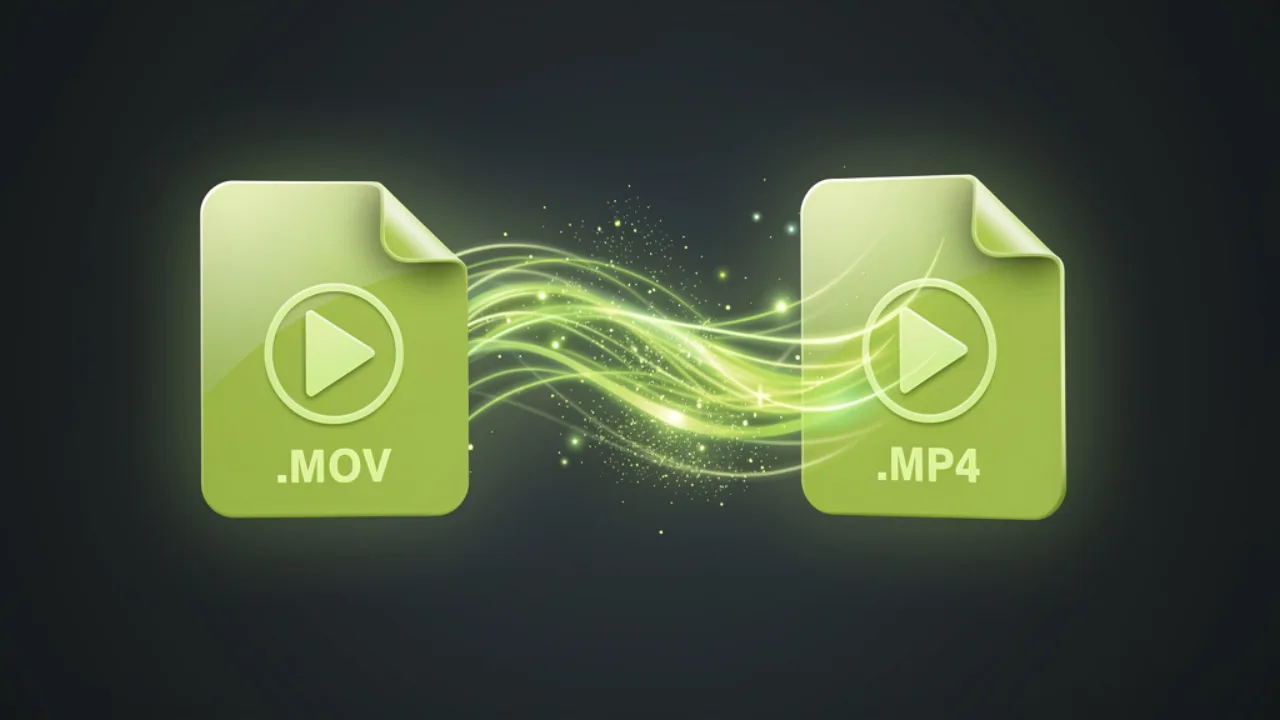
From QuickTime .MOV to universal .MP4
The converter identifies your video by its actual content, not the file extension, and re-encodes it into a standard MP4 with H.264 video and AAC audio. Your resolution and detail carry over — same footage, universal wrapper, no watermark.
Try the converter
Play it everywhere — phone, tablet, laptop, TV
MP4 is the closest thing video has to a universal format. Your converted file drops straight into Instagram, TikTok and YouTube, imports into Premiere, CapCut and DaVinci Resolve, and plays in any browser — without QuickTime or extra codecs.
Get a universal MP4Where does MP4 play?
Just about everywhere — that's the whole point of converting. An H.264 MP4 is accepted across the devices, browsers, social apps and editors people actually use every day.
| Platform / app | Type | Plays MP4 |
|---|---|---|
| iPhone & iPad | Mobile device | ✓ Yes |
| Android phones & tablets | Mobile device | ✓ Yes |
| Mac (macOS) | Desktop | ✓ Yes |
| Windows PC | Desktop | ✓ Yes |
| Chrome & Safari | Web browser | ✓ Yes |
| Social | ✓ Yes | |
| TikTok | Social | ✓ Yes |
| YouTube | Social | ✓ Yes |
| Adobe Premiere Pro | Video editor | ✓ Yes |
| Final Cut Pro | Video editor | ✓ Yes |
In short: if it takes video, it almost certainly takes MP4.
MOV vs MP4: what's the difference?
Both are containers that hold video and audio, and both can look identical on screen. The difference is reach: MOV is tuned for Apple's ecosystem, while MP4 is the universal standard. Neither is "better" — they're built for different jobs.
| MOV | MP4 | |
|---|---|---|
| Container | QuickTime (Apple) | MPEG-4 — universal |
| Typical codec | Varies (often ProRes, H.264) | H.264 + AAC |
| File size | Can be larger, esp. ProRes | Efficient, easy to share |
| Compatibility | Best on Apple devices | Plays almost everywhere |
| Social & web uploads | Sometimes rejected | Widely accepted |
| Best for | Recording & editing on Apple | Sharing, uploading, archiving |
Rule of thumb: record and edit in MOV if you like — convert to MP4 the moment you need to share it.
Who uses a MOV to MP4 converter?
Anyone who records on Apple and needs their video to travel. If a .MOV keeps hitting walls outside your Mac or iPhone — a player that won't open it, an upload that won't accept it, a teammate who can't see it — this is the tool that clears them in one step.
iPhone & Mac users
You recorded on Apple and need to send the clip to friends, family or colleagues on Windows or Android without it refusing to open.
Social creators
You're posting to Instagram, TikTok or YouTube and want a format every platform accepts on the first upload.
Video editors
You need a clean MP4 to drop into Premiere, CapCut or DaVinci Resolve without wrestling with codec warnings.
Teams on Windows
Someone sent you a .MOV and your Windows machine or player won't touch it — convert it once and it just plays.
Anyone hitting an upload wall
A form, CMS or portal rejects MOV and asks for MP4. One convert and your file sails through.
Archivists & sharers
You want one safe, universal master file for a project that anyone can open years from now.
Tips for the best MOV to MP4 conversion
A few practical pointers to get a clean result the first time, plus a couple of honest notes on what this converter does and doesn't do.
- Start from the highest-quality MOV you have. Converting preserves your source but can't add detail that isn't there, so use your original recording rather than a re-shared or compressed copy.
- Keep your audio in the file. The converter carries your audio across as AAC, so leave the sound in your MOV if you want it in the final MP4.
- Give large files a moment. Very long or high-resolution clips take a little longer to process — that's normal, just let the conversion finish.
- Use a stable connection for big uploads. Since the file uploads to convert, a solid connection makes large clips smoother.
- Good to know — it's a converter, not an editor. This tool changes the format only; it won't trim, add effects, or upscale. If you also need to edit, that's a separate step in a video editor.
- Good to know — the output is a standard H.264 / AAC MP4. It's built for maximum compatibility rather than exotic codecs or custom export presets.
MOV to MP4: frequently asked questions
Quick answers to the things people ask most before converting.
Is the MOV to MP4 converter free?
Is my video safe and private?
Will converting reduce my video quality?
Can I convert MOV to MP4 on iPhone or Android?
Does it keep the audio?
What format is the output file?
Do I need to install anything?
Can it also edit or trim my video?
MOV to MP4, visualized
About the author
Get an MP4 that plays everywhere.
Turn any Apple QuickTime .MOV into a standard MP4 (H.264 · AAC) in a few clicks — free to start, no watermark.
Convert MOV to MP4 free- Free to start
- No install
- Plays everywhere
Building it into an app or automating in bulk? Use the MOV to MP4 API.

