Mac MOV to Windows WMV, in one step
The converter reads the real video inside your MOV and re-encodes it as a standard WMV at the source resolution. No watermark, no forced quality drop — just a clean Windows-ready file.
 .MOV → .WMV
Turn a QuickTime .MOV into a Windows Media .WMV so Mac-recorded video plays cleanly in PowerPoint, legacy Windows software and Windows-first enterprise pipelines. Upload, convert, download. Free to start.
Input
MOV (QuickTime)
and other common video
Output
WMV
Runs in
Browser
desktop & mobile
Price
Free to start
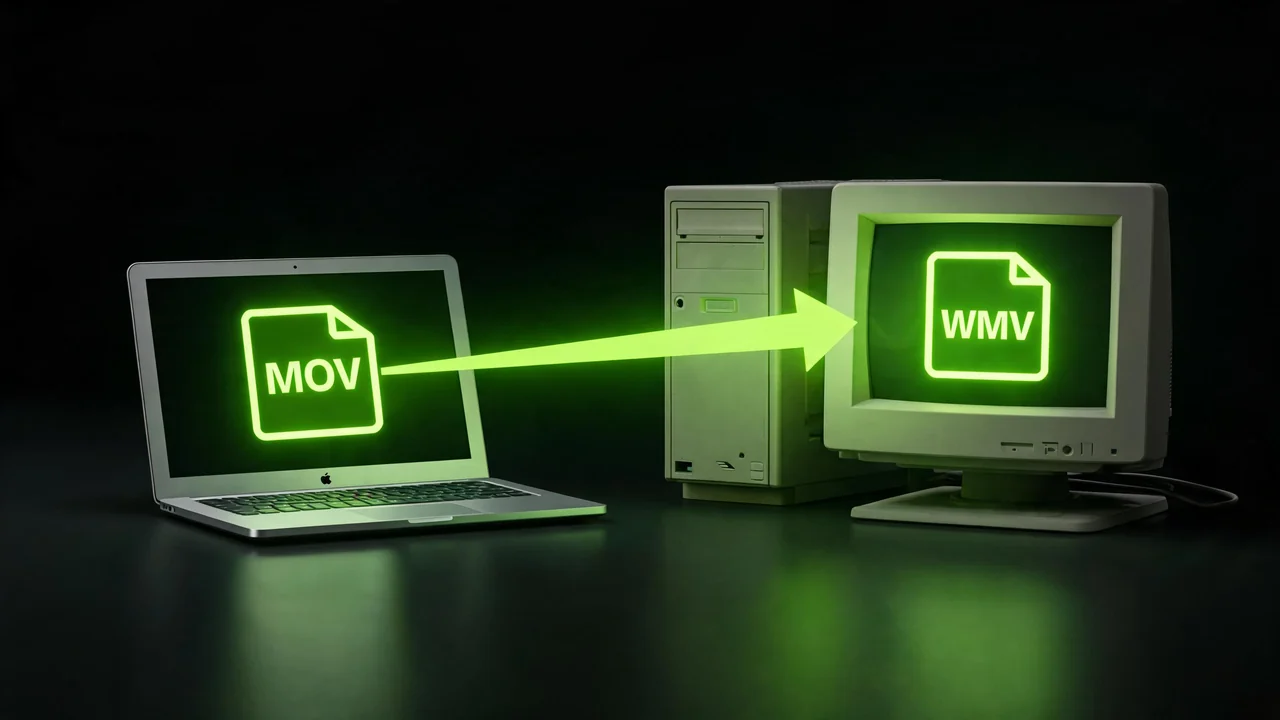
MOV lives on Mac; WMV lives on Windows. This converter is the bridge — it takes your Mac-recorded MOV and hands you a WMV that Windows software just opens.
MOV is Apple's QuickTime container. It's what Final Cut, iMovie, iPhone screen recordings, Mac screen captures and most macOS editors save out by default. Beautiful on a Mac — often awkward the moment it lands on a Windows machine.
WMV is Microsoft's Windows Media container, built for Windows-first pipelines: PowerPoint embeds, legacy Windows editors, IT-standardised playback, enterprise VDI. This converter walks your file from one side to the other.
Upload the .MOV, hit convert, download a .WMV at source resolution. It's the plainest possible crossing between two operating-system families — and that's precisely the point.
No plugins, no install, nothing to configure. The converter reads the real video inside your MOV and re-encodes it as a standard WMV, watermark-free.
Upload, convert, download. No timeline to learn, no plugins to hunt down.
Head to the P Agent; nothing to download.
Drag in your QuickTime .MOV or pick it from your device.
Start the conversion and the Studio re-encodes your video as Windows Media .WMV.
Save the finished .WMV and drop it into PowerPoint, a Windows editor or wherever it needs to play.
The converter reads the real video inside your MOV and re-encodes it as a standard WMV at the source resolution. No watermark, no forced quality drop — just a clean Windows-ready file.
If you've ever embedded a MOV in PowerPoint and hit a playback error, WMV usually solves it in one step. No plugins, no add-ons — the same deck opens on any Windows machine.
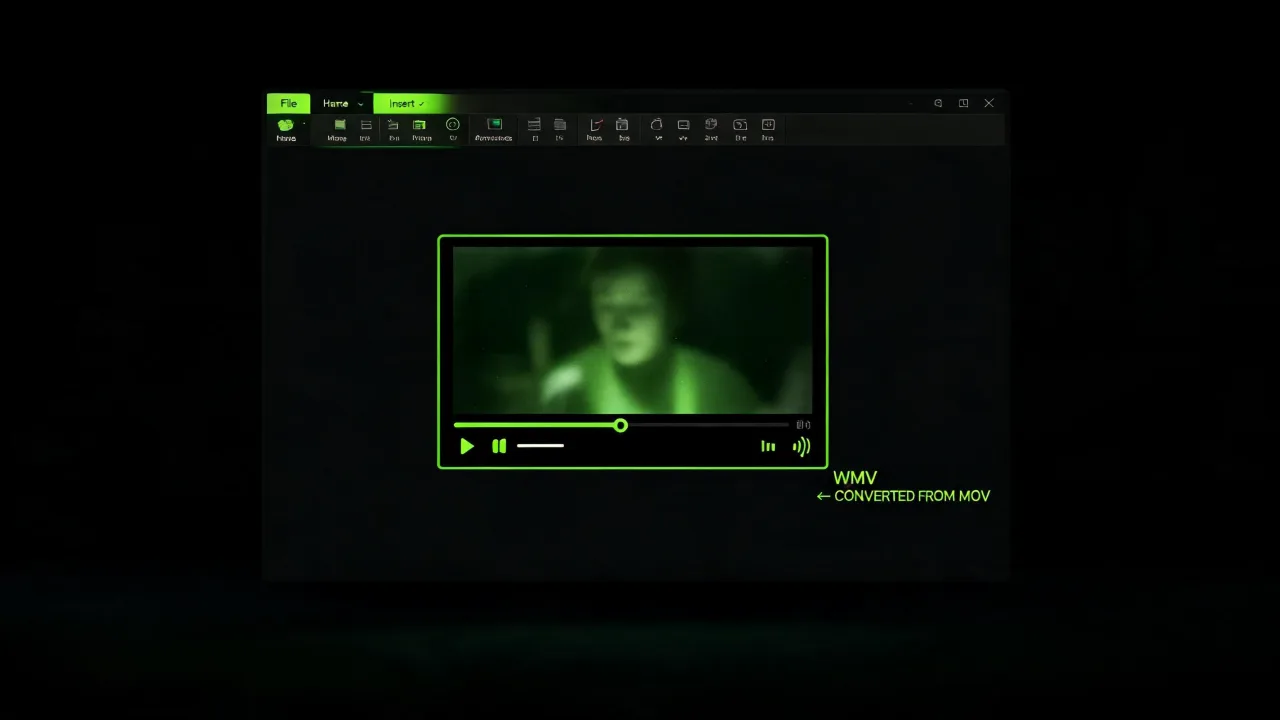
Anyone whose Windows editor, media player or LMS stubbornly rejected a MOV can usually solve it in one step with WMV — no back-and-forth with IT.
Free to start, no install. Your MOV goes in, a WMV comes out.
Convert MOV to WMV freeYou recorded on a Mac; the person receiving the file is on Windows. WMV is the format their Windows software just opens.
Embedding video in a slide deck? PowerPoint prefers WMV. Convert once and the playback error goes away for good.
Handing an iPhone clip or a Final Cut export to a Windows-only editor? Give them a .WMV instead of a .MOV.
Feeding a corporate pipeline where the backend, ingest and viewers are all Windows? WMV is native there.
Anyone whose Windows editor, media player or LMS stubbornly rejected a MOV can usually solve it in one step with WMV.
IT teams that mandate WMV as the delivery format for internal video get a clean, no-install way to comply.
Both carry video. Neither is better in the abstract — what matters is which platform each one belongs to.
| MOV · Mac side | WMV · Windows side | |
|---|---|---|
| Home turf | Apple / macOS / iOS | Microsoft / Windows |
| Best for | Native Mac editing | PowerPoint, Windows apps |
| Native on | Apple | Windows |
| Cross-platform | Needs a modern player on Windows | Needs a player on Mac |
| Typical use | Final Cut, iMovie, iPhone | Windows enterprise / PowerPoint |
Yes, you can start free.
MOV is Apple-native and often fights Windows software. WMV is Microsoft-native and PowerPoint, older Windows editors and Windows-first enterprise systems handle it cleanly.
Conversion re-encodes your video into a WMV at the source resolution and aims to preserve quality. It cannot add detail the MOV didn't have.
Yes.
Yes. It runs in your mobile browser with no app to install.
WMV is Windows-first. Modern Macs need a player like VLC (or a QuickTime add-on such as Flip4Mac) to open it — so keep WMV for Windows-first workflows.
No.
No.
Upload your QuickTime MOV, land a Windows-ready WMV on the other side. No install, no watermark, free to start.

