MP4 to AVIF Converter
The MP4 to AVIF converter pulls a still out of your clip and encodes it in the AV1 image family.
- Input
- MP4 container (H.264, HEVC or AV1 video)
- Output
- One .avif still image
- Stages
- Frame extraction → image encode
- Animation
- Not supported — still frames only
- Audio
- Discarded — an image has no track
- Watermark
- None
- Runs in
- Browser, desktop and mobile
Read this first: the output is a single still image, not an animated AVIF and not a video. If you need motion, keep the MP4 — the MP4 to AVIF converter deals in stills.
Scope — what an MP4 to AVIF job actually produces
The operation, the deliverable and the boundary of the job.
Converting MP4 to AVIF splits the work in two. A frame is pulled out of the video — you scrub to a moment and the decoder hands back that picture at the clip's own pixel dimensions — then that picture is written out in AVIF, a format that reaches small files at a given level of visible quality.
The reasons are familiar: a lighter hero image for a page that already carries a video, a thumbnail that must load fast on a phone, or a modern replacement for a heavy PNG export.
Everything happens in the browser inside the P Agent — no encoder to install. To pull the sound out of the same clip instead, see MP4 to MP3.

Deliverable
One image file per captured frame, with the extension .avif. Capture several moments and you get several separate images.
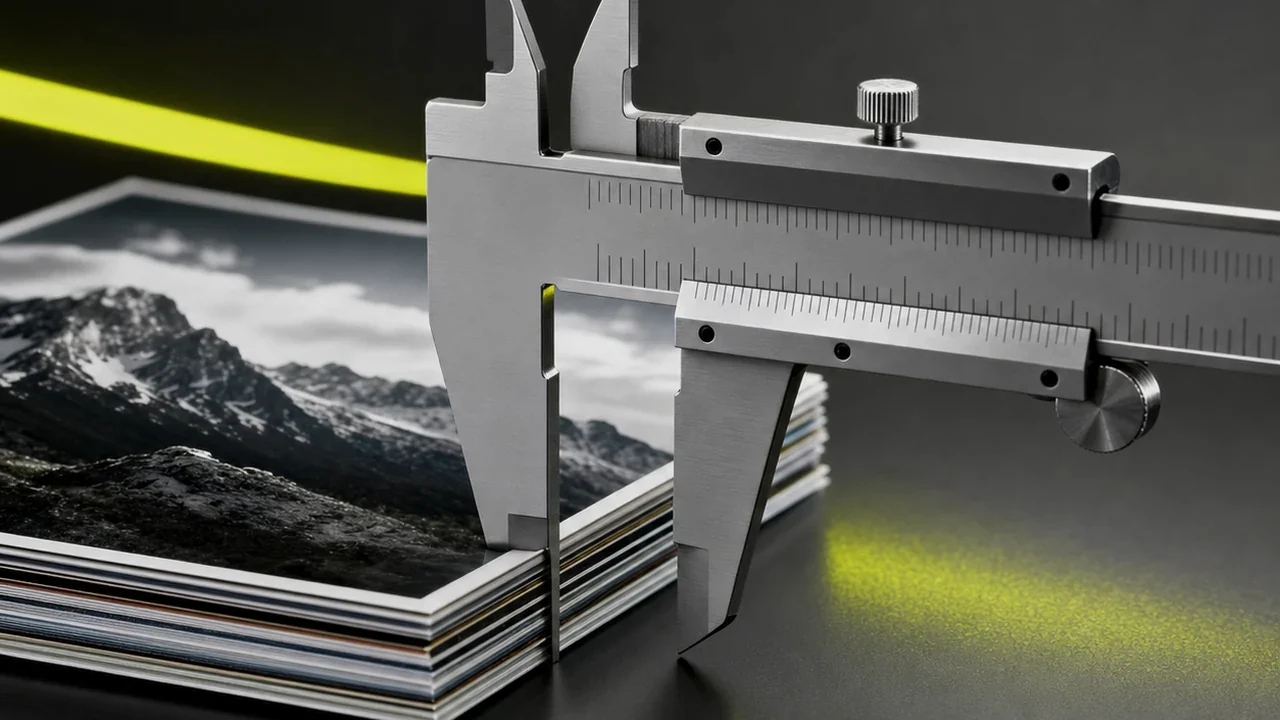
Tolerance notePixel dimensions follow the source. A 1080p clip yields a 1920×1080 still unless you resize it.
Out of scope
Animation. AVIF can technically hold an image sequence, but that is not what this flow makes. Treat the result as a photograph.
Tolerance noteNeed motion on a page? Serve the MP4 — do not rebuild it out of stills.
Editing
The MP4 to AVIF converter captures and encodes. Cropping, colour work and retouching are separate steps in an image editor.
Tolerance noteCrop before you encode — fewer pixels means a smaller file at the same quality.
One frame out, encoded as AVIF at source resolution.
Run the extractionLineage — AVIF and modern video share an ancestor
This is not a conversion between strangers: a still in AVIF is close kin to a frame inside a modern video file.
The coding relationship
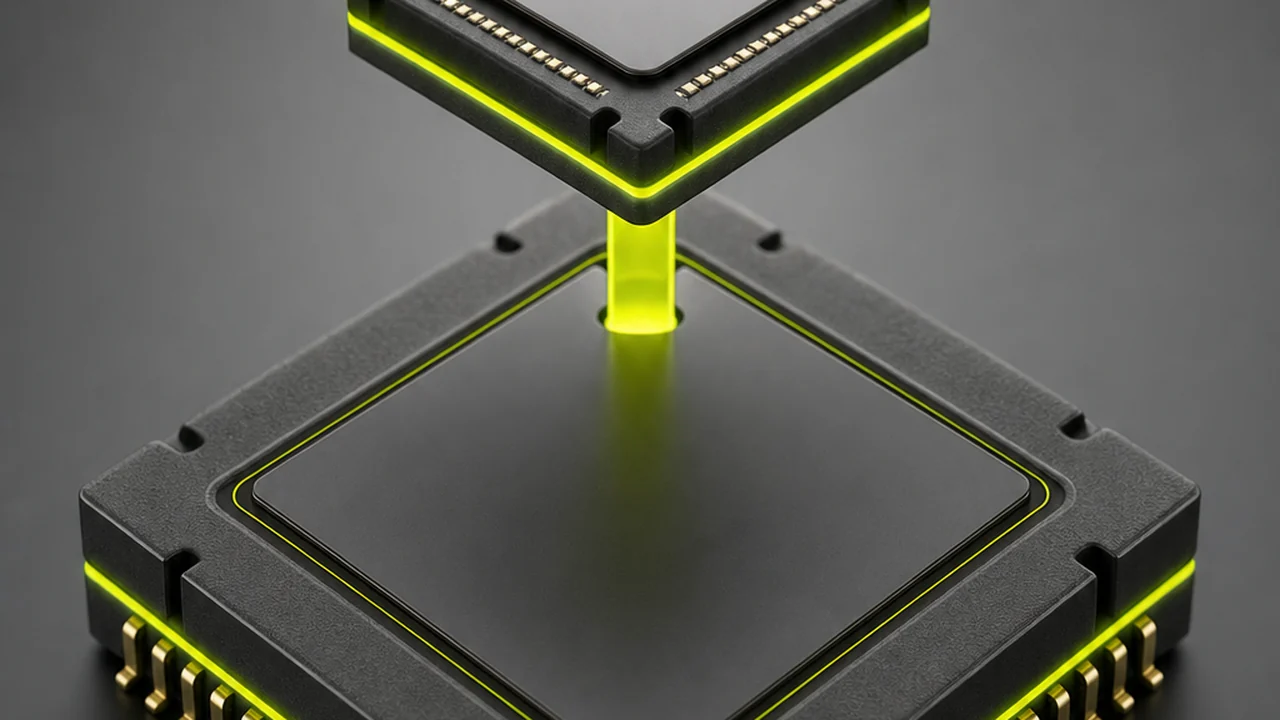
AVIF is a single picture compressed with the still-image side of the AV1 video codec — the part that handles one frame alone, without reference to its neighbours. Every clip needs one such self-contained frame to start from.
Tolerance noteYour MP4 may carry H.264 or HEVC rather than AV1. The frame is decoded to pixels first, so it re-encodes either way.
The container relationship
The wrappers are cousins too. MP4 is built on the ISO base media file format, and AVIF sits in a HEIF-style box structure with the same grammar: boxes inside boxes describing the payload.
Tolerance noteShared grammar does not mean shared support. Old software that opens MP4 fine may still refuse an AVIF still.
Why does it matter in practice?
Because both are coded with related tools, a frame taken out of footage sits comfortably in AVIF: the flat gradients and motion softness video compression leaves behind are what this codec handles best.
Tolerance noteEfficient is not lossless. Encoding a decoded frame again is a second pass of lossy compression.
Procedure — how to convert MP4 to AVIF in four steps
Four operations to convert MP4 to AVIF, in order — most of the time goes on finding the right moment.
Open the P Agent
Open the tool that converts MP4 to AVIF in your browser, on desktop or mobile. Nothing installs, and no encoder needs configuring on your machine.
Upload the MP4
Drag the clip in or pick it from your device. The video is read by content, so H.264, HEVC and AV1 inside an MP4 all behave the same way.
Choose the frame
Scrub to the moment you want and extract it. Pick a steady frame rather than one mid-motion, because motion blur is baked into the picture.
Encode and download
Save the extracted still in AVIF and the image lands in your downloads, ready for a page, a post or an archive.
Parameters — the MP4 to AVIF spec sheet
Each parameter with the condition attached to it — the table to check before committing a batch of stills to AVIF.
| Ref | Parameter | Value and condition |
|---|---|---|
| 4.1 | Source container | MP4, plus other common video wrappers. The frame is decoded before it is re-encoded. |
| 4.2 | Output format | A single .avif still image per captured frame. No animation, no audio track. |
| 4.3 | Resolution | Inherited from the clip — 4K footage gives a much larger still than a 720p upload. |
| 4.4 | File size | Typically well below a PNG of the same frame at comparable visible quality. |
| 4.5 | Encode time | Slower than JPG. The encoder spends real effort on compression, which is the trade for the smaller file. |
| 4.6 | Compatibility | Good in current browsers. Older applications, some editors and some upload forms still reject it. |
| 4.7 | Transparency | Supported by the format, but a video frame is opaque, so there is no alpha to preserve. |
| 4.8 | Cost | Free to start. Heavier use follows your Pixazo plan. |
The MP4 to AVIF converter is free to start.
Open the P AgentApplication notes — where converting MP4 to AVIF pays off
Six situations where taking a video frame to AVIF is the sensible choice.
Fast page hero images
A frame from your own footage, encoded small, loads quickly on a phone connection.
Video thumbnails
Ship the most telling moment as the poster image for that clip on your own site.
Lighter than PNG exports
Replace a heavy PNG with an efficient still and cut the page's transfer size.
Archiving frames
A set of reference stills from a shoot costs far less storage in a modern codec.
Gradient-heavy frames
Skies and slow fades that band in older formats hold together better here.
Editorial stills
Lift a photograph out of an event recording when no photographer was in the room.
Going the other way, the AI image to video generator turns a still into motion; the wider catalogue is in Pixazo AI tools.
Tolerances and limits — read before you convert MP4 to AVIF
The honest constraints — not defects, but the conditions this job runs under.

Encoding is slow next to JPG
AVIF searches much harder for a compact representation. On one still you barely notice; across a large batch the wall-clock difference is real.
Support is good, but not universal
Current browsers display AVIF without help. Older operating systems, some editors and a number of social platforms still reject the file, so keep a JPG fallback for anywhere you do not control.
It cannot restore what the MP4 threw away
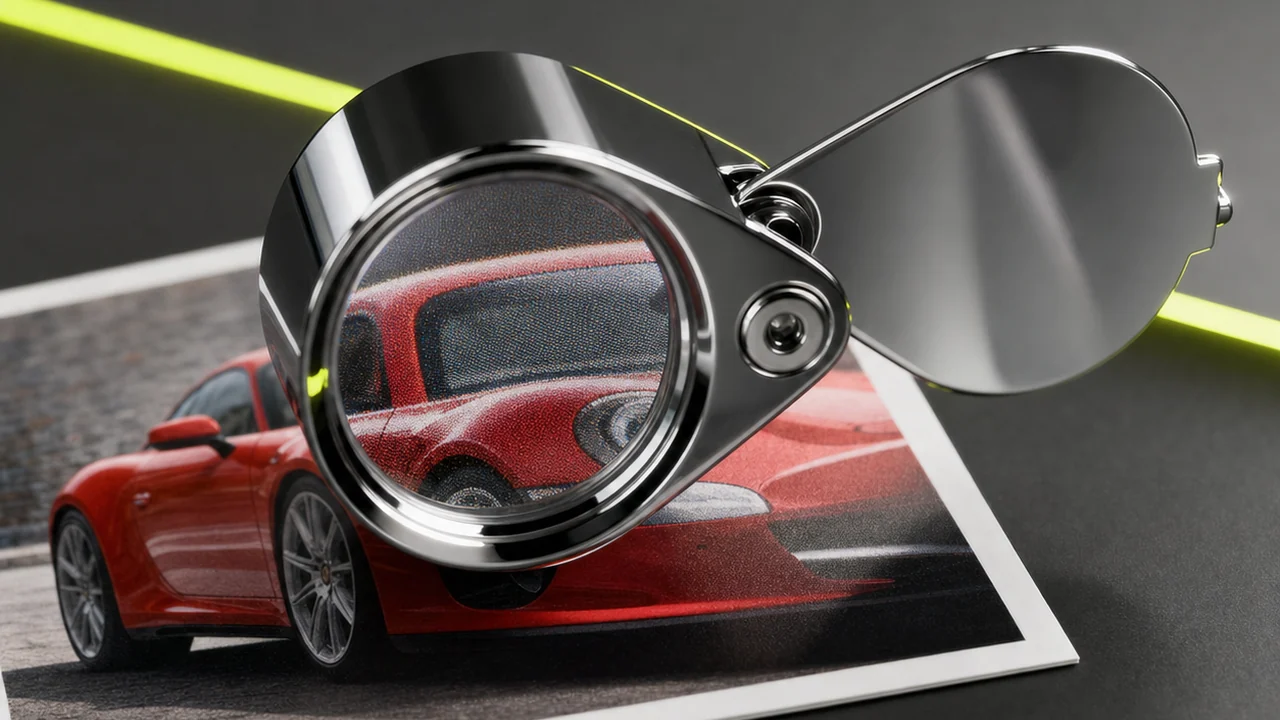
Video compression discards detail permanently. A better codec preserves what is left more efficiently; it cannot bring back detail the clip never stored.
Still images only
One picture at a time. Not an animated AVIF exporter, not a video transcoder — for a different video container use a tool such as MOV to MP4.
Frequently asked questions
Short answers to what people ask before running this job for the first time.
Is the MP4 to AVIF converter free to use?
Yes. You can convert MP4 to AVIF free to start. It runs in Pixazo's P Agent, and heavier use follows your Pixazo plan.
Does this produce an animated AVIF?
No. The output is a single still image. AVIF can hold an image sequence in principle, but this flow encodes one frame only.
What happens to the audio in my MP4?
It is discarded, because an image file has no audio track. For the sound, use a video to audio converter instead.
How big will the AVIF file be?
Usually noticeably smaller than a PNG of the same frame at comparable quality, though the size depends on your clip's resolution and how detailed the frame is.
Will the AVIF open everywhere?
Current browsers display it fine. Older software and some upload forms still refuse AVIF, so keep a JPG copy for those destinations.
Why is AVIF slower to save than JPG?
The encoder spends far more effort looking for a compact representation. That work buys the smaller file, and it is the main cost of the format.
Can it make a blurry frame sharp?
No. Detail that video compression discarded is gone for good. A better codec stores what remains more efficiently; it does not reconstruct what was never recorded.
Can I take a video frame to AVIF on my phone?
Yes. The MP4 to AVIF converter runs in a mobile browser, so you can extract and encode a still on an iPhone or Android phone.
Sheet prepared by
Deepak Joshi is a Content Marketing specialist having a combined experience of 10+ years working in the digital world. He is one of the active contributors to Pixazo Blog and has keen interest creating and marketing content related to AI tools, No-Code technology, Design Industry, Social Influencers, and other trending topics. A health and sport enthusiast, Deepak loves to indulge in all kinds of sports & games.
Convert MP4 to AVIF: one frame, one small file.
Lift the moment you want out of your clip and save it as a modern still image. Free to start, no install, no watermark.

