MP4 to PNG Converter
The MP4 to PNG converter lifts one frame out of your clip and writes it lossless — exactly the pixels the decoder handed over.
- Free to start
- No install
- Lossless output
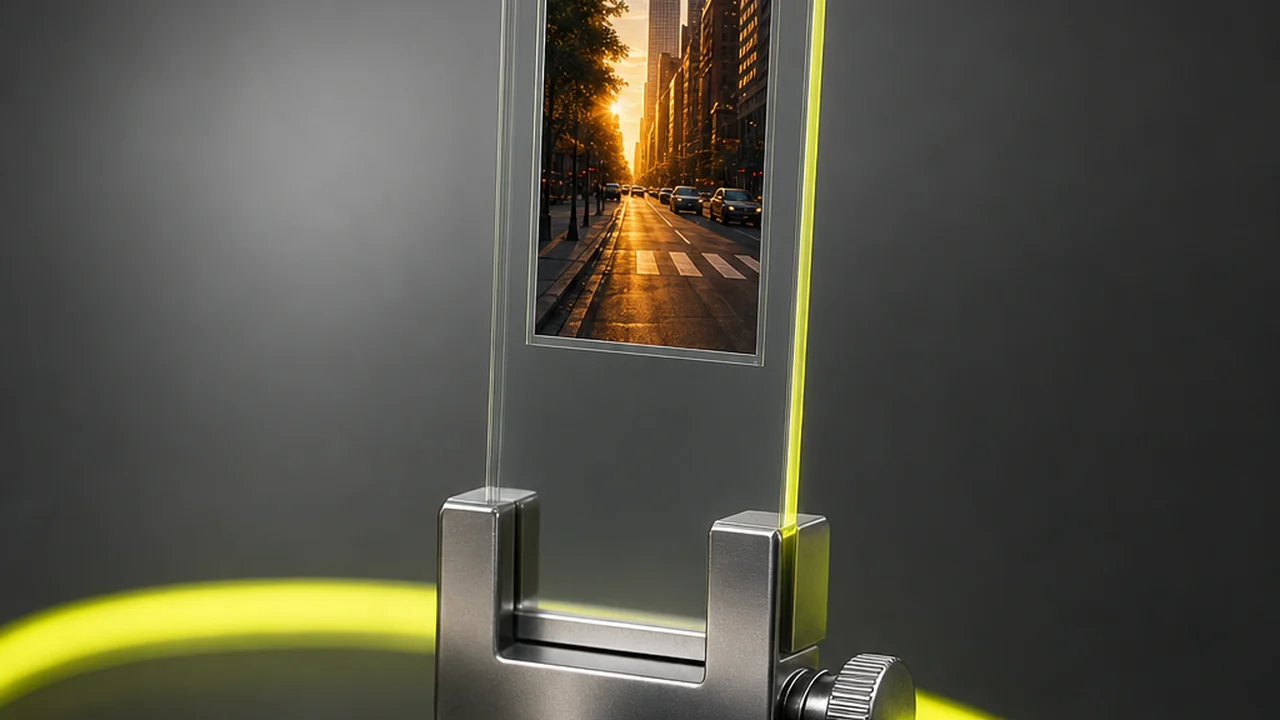
What happens when you convert MP4 to PNG?
An MP4 file does not store pictures. It stores a compressed description of how each frame differs from its neighbours, and a decoder rebuilds the picture when you press play. To get a still out, something has to decode a chosen moment into a grid of pixels and write that grid to an image file.
That is the whole job. Pixazo's P Agent decodes the frame you mark and hands it to the image converter, which writes it out as PNG. Because PNG compression is lossless, the file that lands in your downloads folder holds precisely the pixel values the decoder produced — no second round of quantisation, no new blocking, no drift after re-saving.
People come to a MP4 to PNG converter for the same reasons every time: an interface mock-up needs a clean screen capture from a recording, a designer wants a frame to trace over, an archivist wants a reference still that will survive repeated editing, or a document needs a diagram that was filmed rather than drawn.
Sent to the bench for
Use cases- Screen recordings — text and interface edges stay crisp instead of softening again.
- Design references — a frame you will crop, mask and re-export many times over.
- Archive stills — a master copy that does not degrade each time it is opened and saved.
- Graphics and titles — flat colour and hard lines, which PNG handles cleanly.
- Documentation — a still that drops into a spec or bug report unaltered.
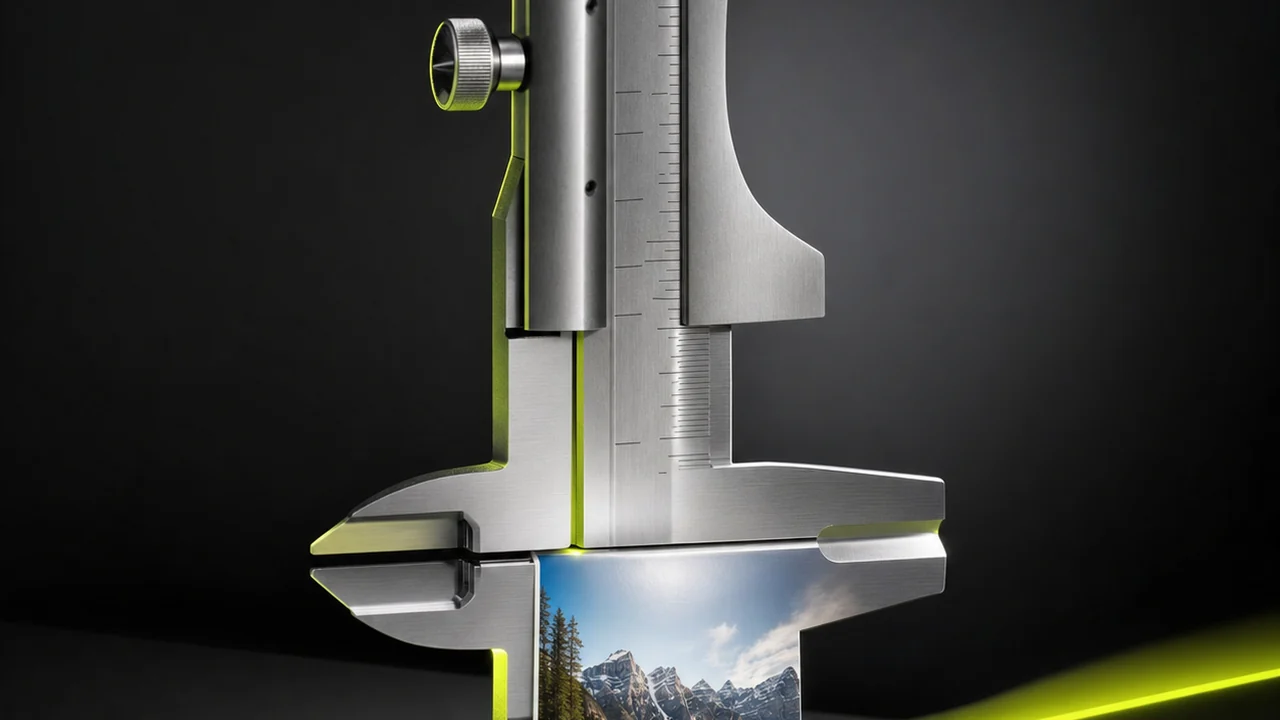
Lossless out, exactly the pixels the decoder handed over.
Open the frame benchLossless is faithful, not flattering
This is the part most converter pages skip, so the MP4 to PNG converter should say it plainly. Lossless means the PNG matches the decoded frame exactly. It does not mean the PNG looks better than the video — and if the video was heavily compressed, the PNG will hold that compression in place, permanently.
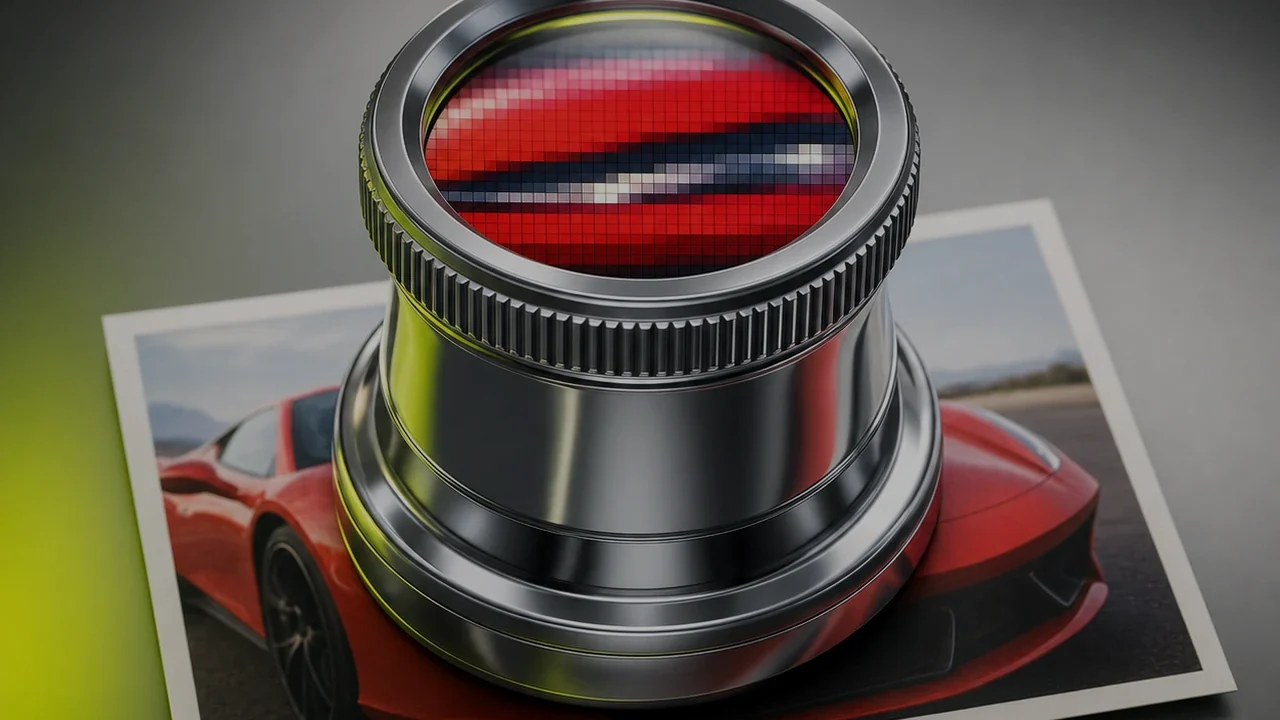
Read the two panels as one statement. A lossless format is a promise about the copy, not about the original. Zoom into a still from a low-bitrate clip and you will find codec blocking, motion smear and colour banding — all of it already in the MP4 before the conversion started. PNG preserves it faithfully, because that is its job.
How do you convert MP4 to PNG in four bench steps?
Four moves to convert MP4 to PNG, start to finish, all inside the browser. Nothing is installed and the clip never needs to be re-encoded.
Open the studio
Load Pixazo's P Agent in any modern browser. There is nothing to download and no plugin to enable, on desktop or on a phone.
Upload your MP4
Drop the clip in and let it load. The MP4 to PNG converter reads the file by its contents, so a mislabelled extension is not a problem.
Mark the frame
Scrub to the moment you want and extract it, or pull a run of stills at a fixed interval if you need a sequence rather than one picture.
Save it as PNG
Send the extracted still through the image converter with PNG selected, then download it at the video's own resolution, unwatermarked.
If instead of a still you want the clip to keep moving, the AI image to video generator works the other way round, and the full file conversion hub lists the other format routes on the bench.
Convert MP4 to PNG in your browser, free to start.
Save a frame as PNGWeigh the file before you commit
Lossless has a price, and it is measured in megabytes. For a photographic frame — skin, foliage, noise, gradients — a PNG is typically several times the size of a comparable JPG, because there is no perceptual shortcut available to it.
Indicative only — relative weights, not measured figures. Actual sizes depend on your frame's resolution and content.
PNG compresses by finding repetition. Large areas of one colour, hard edges and flat interface panels compress beautifully. Fine photographic detail barely repeats at all, so the file stays close to its uncompressed weight.
The practical rule is simple. Choose PNG when the still is going to be edited again, when it contains text or graphics, or when it is the master you will keep. Choose a lossy format when the still is a thumbnail, an email attachment or anything destined straight for a web page where weight matters more than a pixel-exact match.
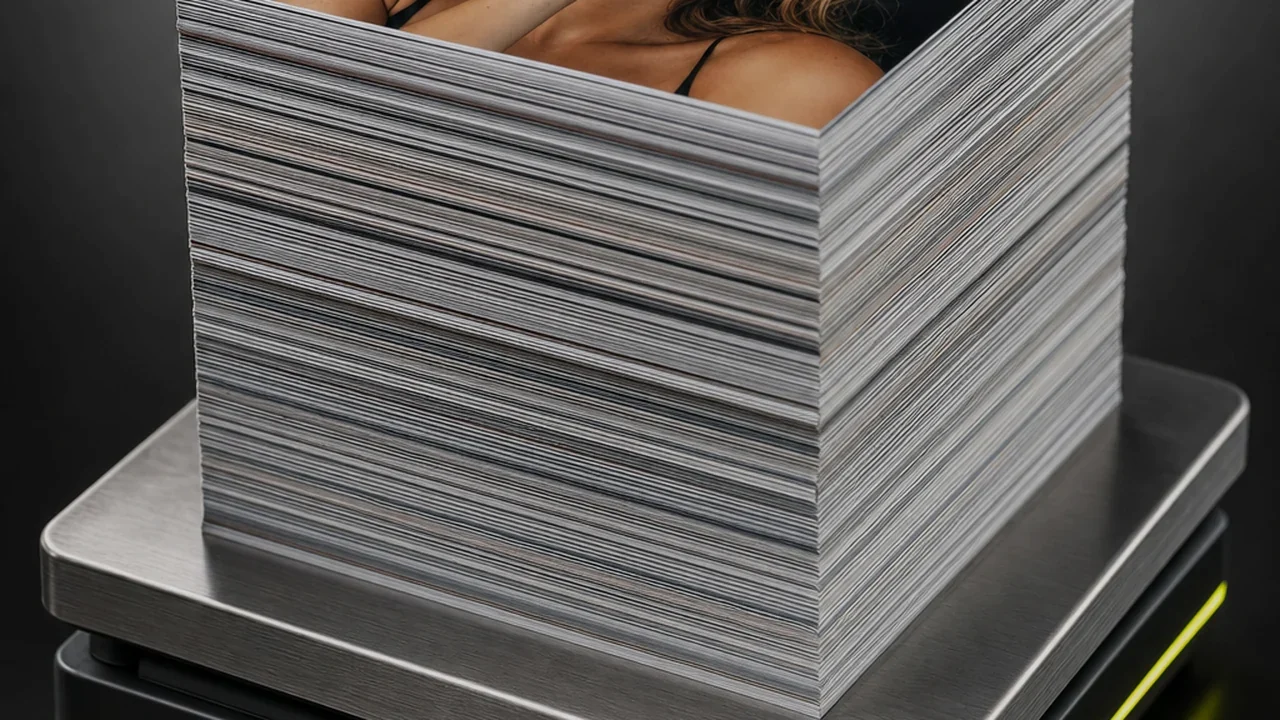
Exactly the decoded pixels, nothing re-compressed.
Pull a lossless stillPNG carries transparency. Your frame has none
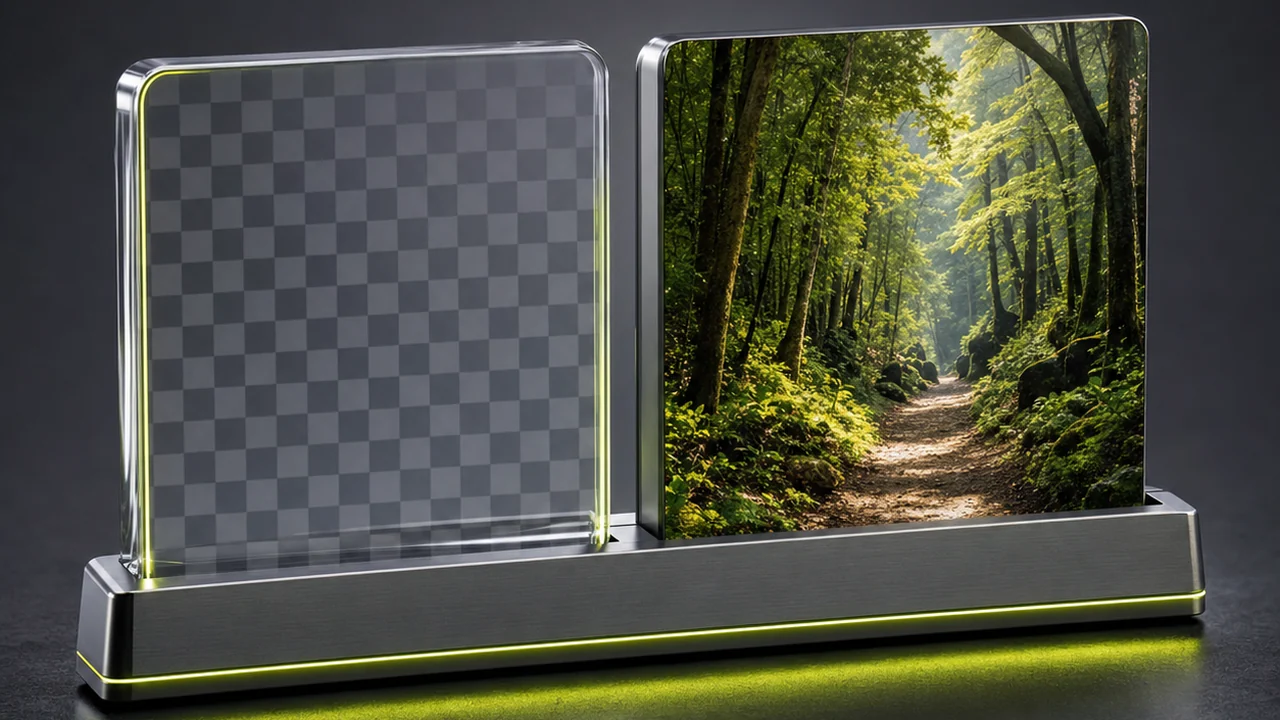
This trips people up often enough to deserve its own bench. PNG supports an alpha channel, so a PNG can be transparent. A video frame cannot be — every pixel in it is opaque, and the format cannot invent an alpha channel that was never recorded.
What is PNG capable of?
The format can store per-pixel transparency, which is why designers reach for it when a logo or a cut-out needs to sit on any background.
What does a decoded frame contain?
A solid, fully opaque rectangle of pixels. Extracting it as PNG gives you an opaque PNG — correct, and not transparent.
If you need a cut-out, that is a separate operation: a background removal or masking pass performed on the still after extraction, in an image editor. It is not something the MP4 to PNG converter can produce, and a clip shot on green screen is no exception — the green is real pixel data until something keys it out.
Limits when you convert MP4 to PNG
Stated plainly, so nothing surprises you after the upload. Extraction is a faithful copy operation, and copying is all it claims to be.
It will not add detail
The still is capped by the clip's resolution and bitrate. A 720p frame is a 720p PNG; upscaling and restoration are different tools entirely.
It will not remove artefacts
Blocking, banding and motion blur that the codec baked in stay exactly where they are, because lossless writing preserves them.
It will not create transparency
You get an opaque PNG. Alpha has to be authored afterwards by masking or removing a background in an editor.
It does not edit
No cropping, colour grading, retouching or resizing happens during extraction. Those are deliberate later steps.
It keeps no audio
A still image has no soundtrack. If the audio is what you are after, that is a different conversion route.
Very long clips take patience
Decoding is real work. A feature-length upload or a dense interval sequence will take noticeably longer than a short clip.
If a still is not what you needed
Frequently asked questions
Is the MP4 to PNG converter free to use?
Yes, it is free to start inside Pixazo's P Agent, and heavier or longer jobs scale with your Pixazo plan. Extracted stills are not watermarked.
Will the PNG look sharper than the video?
No. Lossless means the PNG matches the decoded frame exactly, so it looks the same as that moment of the clip at full size. It cannot look better than its source.
Will my PNG have a transparent background?
No. Video frames are fully opaque, so the extracted PNG is opaque too. Transparency has to be added afterwards by removing or masking the background in an image editor.
Why is my PNG so much larger than a JPG of the same frame?
PNG compresses without discarding anything, and photographic detail does not repeat enough for it to compress well. Flat graphics and interface captures stay far smaller than photographic frames.
What resolution will the still be?
The same as the video. Nothing is resampled during extraction, so a 4K clip yields a 4K still and a 720p clip yields a 720p one.
Can I pull more than one frame at once?
Yes. You can extract a run of stills across the clip at a fixed interval rather than a single picture, which is useful for contact sheets and shot reviews.
Does it work on a phone?
Yes. You can convert MP4 to PNG in a mobile browser, so a clip becomes a still on an iPhone or an Android phone with nothing to install.
Should I choose PNG or JPG for a video thumbnail?
Choose JPG for a thumbnail, because weight matters more than pixel-exact fidelity there. Choose PNG when the still is a master you will keep editing, or when it contains text and graphics.
Take one frame out of the clip, intact.
Extract a still from your clip and write it out as a lossless PNG at the video's own resolution — free to start, no install, no watermark.
Convert MP4 to PNG in the studioDeepak Joshi is a Content Marketing specialist having a combined experience of 10+ years working in the digital world. He is one of the active contributors to Pixazo Blog and has keen interest creating and marketing content related to AI tools, No-Code technology, Design Industry, Social Influencers, and other trending topics. A health and sport enthusiast, Deepak loves to indulge in all kinds of sports & games.

