MXF to GIF converter to Convert MXF to GIF
Convert MXF to GIF in minutes with Pixazo MXF to GIF Converter for Free using AI.
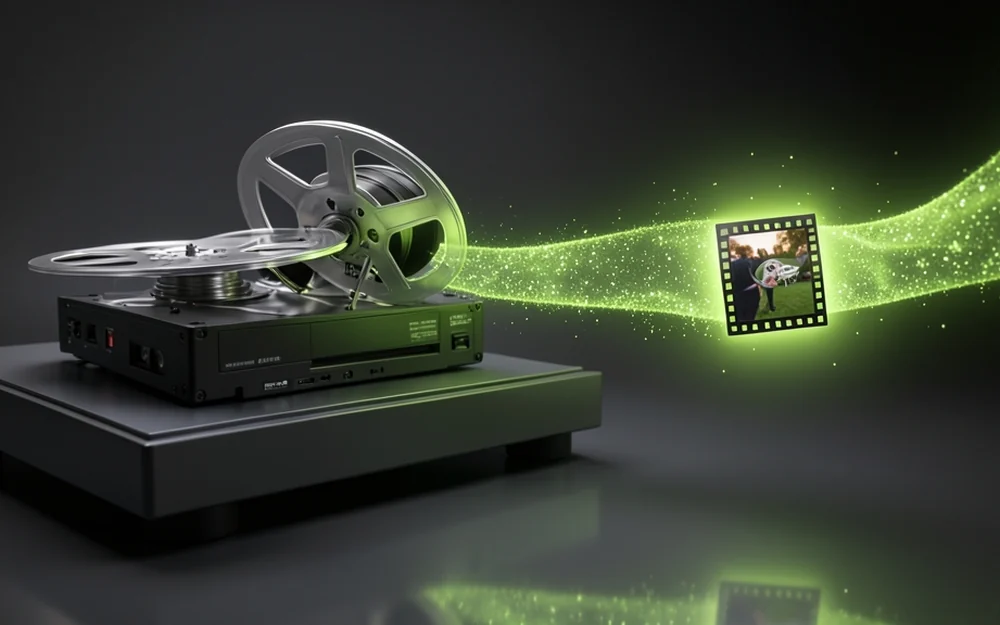
What does an MXF to GIF converter do?
An MXF to GIF converter turns an MXF video file into a GIF. You upload your MXF clip, and the Pixazo MXF to GIF converter saves it as a GIF that loops and plays anywhere.
MXF is a professional broadcast format used in TV and film editing. It holds high-quality video, but it only opens in pro tools like Avid, not in a browser or on a phone. A GIF is the opposite — a small, simple loop that plays everywhere. So an MXF to GIF converter takes a broadcast clip and turns it into something you can share online.
Why convert MXF to GIF?
You convert MXF to GIF when you want to share a broadcast clip, not edit it. An MXF file is huge and will not open outside professional software, so you cannot just post it.
Turn it into a GIF and it drops into a chat, a web page or a social feed and plays on its own. It is the easy way to pull a short moment out of a broadcast project and show it to anyone, on any device.
MXF vs GIF, side by side
The two formats are built for different jobs. MXF is a professional broadcast file that holds top-quality video for editing. A GIF is a small loop that plays anywhere. Here is how they compare.
| Property | MXF | GIF |
|---|---|---|
| Type | Pro video container (SMPTE) | Looping image |
| Used for | Broadcast & editing | Sharing a loop |
| Quality | Broadcast, full colour | 256 colours |
| Audio | Yes | None — always silent |
| File size | Very large | Small |
| Opens in | Pro tools (Avid, etc.) | Any browser or app |
| Best for | TV and film pipelines | Posting online |
What can you use an MXF to GIF converter for?
Use an MXF to GIF converter any time you need to get a broadcast clip out of pro software and onto the web. People use it to:
- Share a broadcast moment — turn a clip from an edit into a GIF you can post anywhere.
- Make a quick preview — send a small looping GIF so people can see a shot without pro software.
- Add it to the web — drop a loop into a page or email that could never open an MXF.
- Post on social — share a short loop from a TV or film project in a feed.
- Make a reaction loop — pull a fun second out of a broadcast clip as a GIF.
- Keep a light copy — save a small GIF version of a clip to show around.
How to convert MXF to GIF with Pixazo
The whole job runs in the Pixazo playground through Agent P — nothing to install. To convert MXF to GIF, four steps:
- Open Agent POpen Agent P in the Pixazo playground and sign in with a free account. The Lite mode runs on basic models, so the conversion costs nothing.
- Attach your MXFClick Attach and add your MXF clip, or type @ to pick a file you have already uploaded.
- Ask for a GIFTell Agent P to convert your MXF to GIF. Your broadcast clip becomes a looping GIF that plays anywhere.
- Download the GIFYour finished GIF lands in the Assets panel with no watermark. Download it and share it anywhere.
MXF to GIF converter limits to know
A GIF plays everywhere, but it is a simple, old format. Before you convert MXF to GIF, keep these simple limits in mind:
- GIFs have only 256 colours. A broadcast clip has millions, so the GIF will look flatter than the MXF.
- GIFs are silent. Any sound in the MXF is dropped — a GIF has no audio.
- Keep it short. GIFs get big fast, so a short loop works best, not a long clip.
- It is not for editing. A GIF is for sharing, not for going back into a broadcast project.
- Quality drops. The GIF is a small, simple copy, not the full broadcast-quality video.
- Big MXF files take longer. A large clip needs more time to turn into a GIF.
Specs of the Pixazo MXF to GIF converter
| Input | MXF (broadcast video) |
|---|---|
| Output | GIF (animated or single frame) |
| Colour | Up to 256 (GIF limit) |
| Audio | Dropped (GIF is silent) |
| Price | Free on the Lite mode |
| Sign-in | Required (free account) |
| Watermark | None |
| Runs in | Your browser — nothing to install |
MXF to GIF converter FAQ
What is an MXF file?
MXF (Material Exchange Format) is a professional video file used in TV and film. It holds high-quality video, audio and timecode, and it opens in pro editing tools like Avid, not in a normal browser.
Why convert MXF to GIF?
To share it. An MXF will not open outside pro software, so turning it into a GIF lets you post the clip on the web, in chats and on social, where it plays on its own.
Does the GIF keep the sound?
No. GIFs are always silent, so any audio in the MXF is dropped. The GIF keeps the picture as a loop, but not the sound.
Will it look as good as the MXF?
No. A GIF shows only 256 colours and is a small, simple copy, so it looks flatter than the full broadcast-quality MXF. It is made for sharing, not for broadcast.
Is the MXF to GIF converter free?
Yes. It is free in the Pixazo playground. You sign in once with a free account, and there is no watermark on your file.
Do I need to install anything?
No. The MXF to GIF converter runs in your browser with Agent P. Just upload your MXF, ask for a GIF, and download it.
How long can the clip be?
Keep it short. GIFs get big fast, so a few seconds works best. A long MXF clip makes a very large GIF.
Can I edit the GIF back into my project?
Not really. A GIF is a small sharing format, not a broadcast one. Keep your MXF for editing, and use the GIF to show the clip online.
Content Marketing Specialist · Pixazo
Deepak Joshi is a Content Marketing specialist with 10+ years of combined experience in the digital world, and one of the active contributors to the Pixazo Blog. He writes Pixazo's format and conversion guides and reviews each for accuracy.
Convert MXF to GIF free
Turn a professional broadcast clip into a small GIF that plays anywhere. Fast, free, and running in your browser with Pixazo's Agent P.
Convert MXF to GIF free