PNG to JPG converter
Pixazo's PNG to JPG converter sets that weight down. A PNG keeps every pixel exactly as it was saved, and the file carries the weight of that promise. A JPG sets some of that weight down in exchange for being the one image format nothing refuses. Put both on the beam, decide which reading you actually need, and make the swap in Pixazo's P Agent.
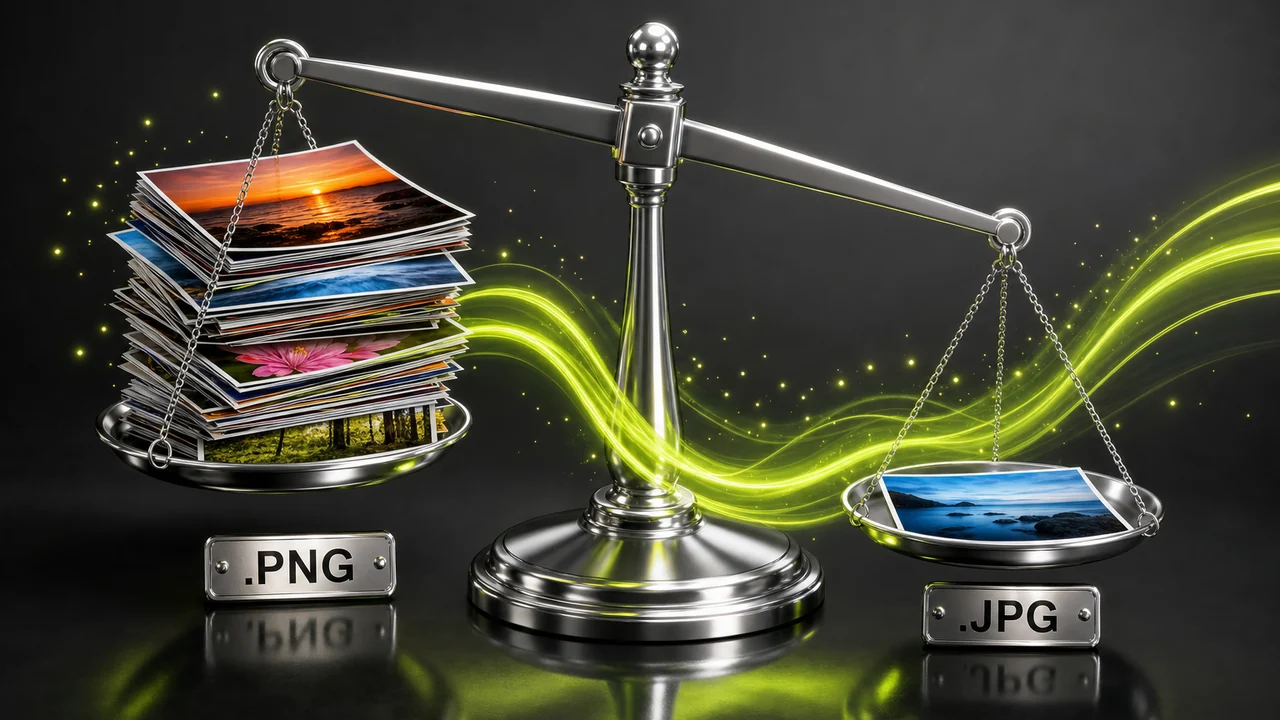
On the beam
What a PNG sets down on the way to JPG
Two things leave the file in this conversion, and both of them are worth knowing before you press convert. Everything else about the picture — the framing, the colours you can see, the pixel dimensions — arrives on the other pan unchanged.
The first thing that goes is the alpha channel. PNG supports transparency, so a logo saved as a PNG keeps its cut-out edge on any background. JPG has no transparency channel at all, so those regions have to become something solid. If the cut-out edge is the point of the file, that is a reason to keep the PNG rather than a flaw in the JPG.
The second thing that goes is losslessness. PNG stores the image without discarding anything; JPG is lossy by design and re-compresses each time it is saved. On a photograph that trade is usually invisible, which is why JPG files of photographs are so much lighter. On a flat screenshot with hard text edges it is far easier to notice.
So the weigh-in comes down to this: you gain universal acceptance and a lighter file, and you give up transparency and the guarantee that every pixel is untouched.
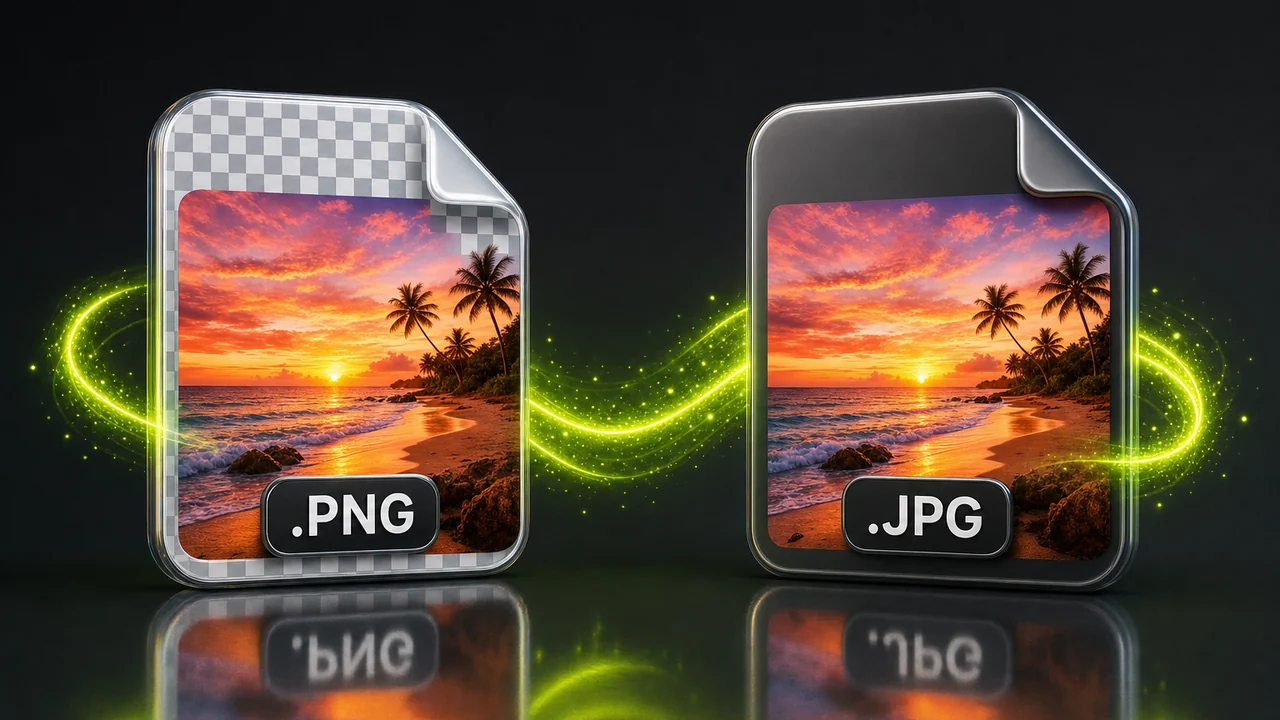
Full pan and light pan
PNG to JPG: which pan each file belongs on
Neither format is better in the abstract. They are built for different loads, and choosing correctly is mostly a matter of asking what the file has to do next.
Heavy pan · PNG
Keep the PNG when edges matter
PNG is the right home for flat graphics, screenshots, UI exports and logos. Hard edges stay hard, text stays crisp, a cut-out stays cut out. Because nothing is discarded, a PNG of a photograph is large — the format doing its job, not a fault. It carries no animation, so a PNG is always a single still frame.
Light pan · JPG
Reach for JPG when it has to be accepted
JPG, also written JPEG, is the most universally accepted image format there is. Every browser, phone, printer, CMS and email client takes it, which is why upload forms and print desks ask for one.
The cost: it is lossy, it has no transparency, and repeated edit-and-save cycles slowly soften the picture.
The scale house
Where the weighing actually happens
Pixazo's PNG to JPG converter lives inside the P Agent. There is no separate PNG utility to find and no format menu to hunt through — you attach the file and say what you want in ordinary words.
Attach the image, name the format you want
The Studio's own description of the tool covers this pair of formats: video to MP4 from MOV, AVI, WMV, MKV or MXF, or an image between HEIC, JPG, PNG, WebP, AVIF and more — the classic fix for a photo a website will not accept. A PNG going out as a JPG is a request it is built to take.
Convert @Image1 to JPGYou do not have to declare that the source is a PNG. The Studio detects the source format itself; your side of the conversation is only the destination. It runs in the browser, and it requires a Pixazo account.
Reading the beam
PNG and JPG measured against each other
The same seven questions, answered for both formats. Read it top to bottom and the right choice for your file usually announces itself.
| What you are weighing | PNG — the heavy pan | JPG — the light pan |
|---|---|---|
| Compression | Lossless — every pixel is kept exactly as saved | Lossy — detail is discarded to save weight |
| Transparency | Full alpha transparency | None at all — transparent areas must become solid |
| File weight | Heavier, and heaviest of all on photographs | Lighter for the same photograph |
| Where it is accepted | Widely supported | The most universally accepted image format there is |
| Repeated saving | Re-saving does not degrade the image | Re-compresses on every save, so the picture slowly softens |
| Natural home | Flat graphics, screenshots, UI exports, logos | Photographs, uploads, email attachments, print submissions |
| Animation | None — a single still frame | None — a single still frame |
No percentages appear in this table on purpose: how much lighter a given JPG lands depends entirely on the picture you started with. Convert PNG to JPG free
Four moves
How to convert PNG to JPG, step by step
Four moves to change a PNG file to JPG, from your desktop to a file an upload form will take. Nothing to install, nothing to configure. The crossing looks like this.
Open the P Agent
Go to the Studio in your browser and sign in to your Pixazo account. The conversion runs there, so there is nothing to download first.
Put the PNG on the scale
Attach the image to your message. You do not need to say that it is a PNG — the Studio reads the source format itself.
Ask for JPG in plain words
Type a request as simple as Convert @Image1 to JPG. Naming the destination format is the only instruction the Studio needs from you.
Check the reading, then save
Open the result and look at the areas that were transparent and at any hard text edges. If it reads right, save the JPG and keep your PNG as the master.
Who steps up
Who brings a PNG to the scale?
Almost everyone who does this conversion is doing it because something downstream will only take a JPG, or because the PNG is heavier than the job needs.
- Anyone stuck at an upload form. Job portals, marketplaces, visa and exam sites and older CMS installs frequently accept JPG and nothing else. Converting is faster than arguing with the form.
- People emailing photographs. A folder of PNG photographs is a heavy attachment. The same set as JPG is lighter and lands in every mail client without comment.
- Print and photo desks. Submission guidelines very often ask for JPG because every printer in the chain understands it.
- Photographers exporting proofs. The lossless master stays a PNG; the copies that go out for review can be JPG, where the compression is rarely noticeable on a photograph.
- Anyone handed a mixed folder. When files arrive as HEIC, PNG and WebP together, converting to one format makes the set predictable — and JPG is the safest common denominator.
Two readings
The same picture, weighed twice
Where the conversion is invisible and where it shows up. Photographic detail travels well; flat graphics with hard edges and cut-out backgrounds are the cases to look at closely.
Loads the scale turns away
What this conversion will never do for you
Being clear about the boundary saves you a wasted attempt. The PNG to JPG converter weighs and re-packages your image; it does not rebuild it.
- It is a converter, not an editor. A conversion does not crop, resize, retouch, colour-correct, remove backgrounds or upscale. Make those edits first, then convert once.
- It cannot add detail that is not in the source. A small or already-compressed image stays small and already-compressed. Converting preserves what is there; it does not restore what was thrown away.
- It cannot carry transparency into JPG. No tool can — JPG has no alpha channel. If a cut-out edge is essential, the file needs to stay a PNG.
- It cannot undo lossy compression. Once a JPG has been saved, going back to PNG locks in whatever the JPG discarded. Keep the PNG as your master copy.
Getting an honest reading
Three habits that keep the result clean
Small choices about order and about what you keep make the difference between a JPG you are happy with and one you re-do.
Edit first, convert last
Do the cropping, retouching and colour work while the file is still a lossless PNG. Converting once at the end means the picture goes through JPG compression a single time.
Keep the heavy original
Treat the PNG as your master and the JPG as the copy that goes out. If a JPG is all you keep, every future edit-and-save cycle takes another small bite out of the picture.
Look at the transparent areas
Before you use the JPG, check whatever used to be see-through and any sharp text. If either looks wrong for the job, the answer is to keep the PNG rather than to convert again.
Asked at the weigh-in
PNG to JPG converter questions, answered
Straight answers about what changes, what stays and what the Studio needs from you.
Does converting PNG to JPG remove transparency?
Yes. JPG has no transparency channel at all, so anything that was see-through in the PNG has to become solid in the JPG. If the transparent edge is the reason the file exists, keep the PNG.
Will the JPG look worse than the PNG?
It depends on the picture. JPG is lossy, so some detail is discarded. On photographs that is usually hard to see, which is why JPG became the standard for them. On flat graphics, screenshots and text-heavy exports it is easier to notice.
Do I have to tell Pixazo that my file is a PNG?
No. You attach the image and ask in plain language, for example Convert @Image1 to JPG. The Studio detects the source format itself, so you only name the format you want out.
Can the Studio crop or resize while it converts?
No. It is a converter, not an editor — a conversion does not crop, resize, retouch, colour-correct, remove backgrounds or upscale. Make those changes first, then convert once.
Will converting sharpen a small or blurry PNG?
No. Conversion cannot add detail that is not in the source. A small or already-compressed image keeps exactly the detail it had; nothing that was thrown away earlier comes back.
Can I convert PNG to JPG online for free?
Yes. The PNG to JPG converter runs online inside the P Agent — nothing to install, and you can start free. You do need a Pixazo account to use it.
Should I keep the original PNG after converting?
Yes, if you can. PNG is lossless, so it stays a clean master no matter how often you re-save it. JPG re-compresses on every save, so working only from the JPG softens the image over time.
Which images are better left as PNG?
Flat graphics, screenshots, UI exports and logos, plus anything that needs a transparent background. Those are the files where lossless storage and an alpha channel are doing real work.
About the author
Set the PNG down, pick up the JPG
Attach the image, ask for JPG in plain words, and the PNG to JPG converter reads the source format for you. Your PNG stays exactly as it was on the heavy pan.
Building it into an app or automating in bulk? Use the PNG to JPG API.

