PNG to SVG converter
A PNG to SVG converter does not save your file as an SVG; it traces it. Turning a PNG into an SVG is not a save-as. It is a trace: vector outlines laid over your pixels, with something deciding where each edge falls. The outline never lands exactly on the pixels underneath, and that offset is the whole job. This page explains the trace honestly — including the fact that Pixazo does not perform it.
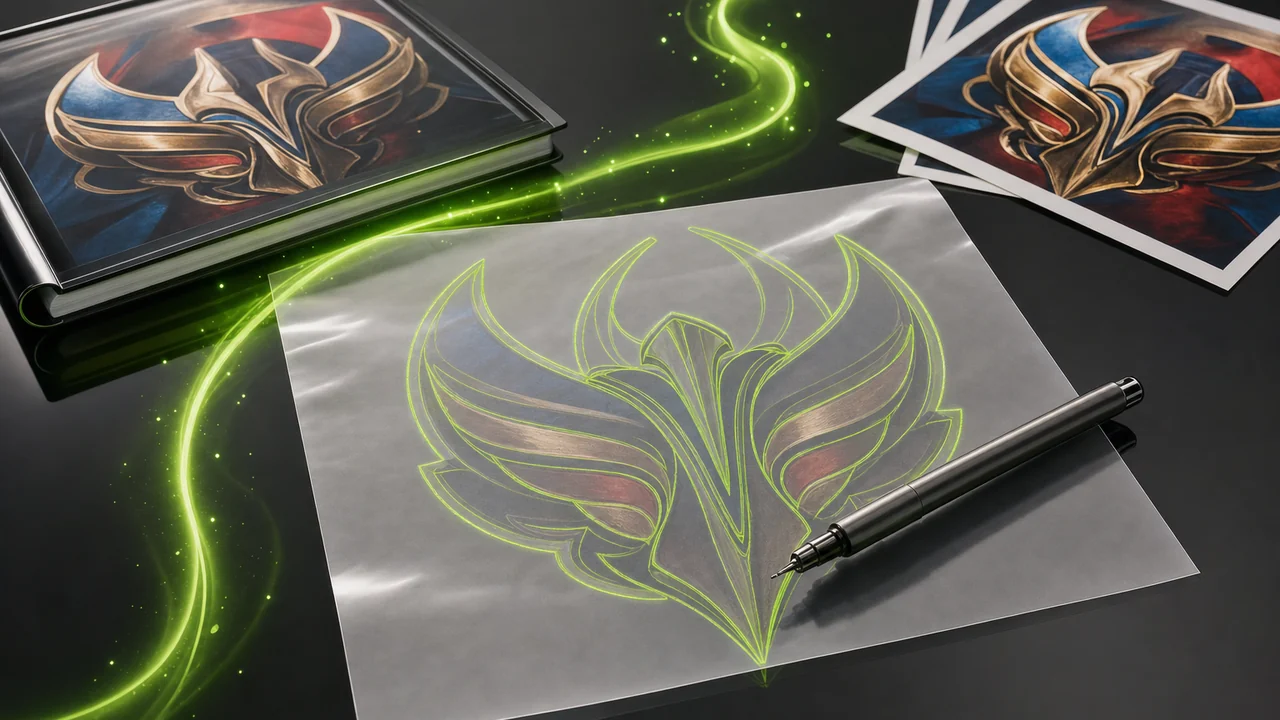
The dashed outline is the vector layer; the artwork under it is the raster layer. Every PNG-to-SVG job lives in the gap between them.
What a PNG to SVG converter actually does to your pixels
A PNG and an SVG are not two versions of one thing. Moving between them means throwing away the idea of a pixel and replacing it with a description of shapes — and a description is always an interpretation.
Layer one — the raster beneath
A PNG is a grid. Each cell holds a colour value, and PNG is lossless, so every value comes back exactly as saved. That precision makes PNG the right home for flat graphics, screenshots, UI exports and logos — and makes photographic PNGs large, since nothing is approximated away.
The grid has a fixed size. Enlarge it and you enlarge the cells; nothing in the file knows a shape was ever meant to be a curve.
Layer two — the outline on top
An SVG holds no pixels. It is XML text describing shapes, paths and fills, readable in any text editor. Because the shapes are instructions rather than samples, they are drawn fresh at any size: the same file is crisp on a favicon and on a billboard.
Getting from one layer to the other means deciding "this run of pixels is one edge, and the edge is here." A judgement call, not a measurement.
Pixazo does not trace PNG artwork into vector paths
Stated up front rather than tucked into a footnote, because it is the most useful thing this page can tell you.
The conversion on this page is not one Pixazo performs today
Pixazo's image converter works on raster formats only. It moves files between HEIC, JPG, PNG, WebP and AVIF — grids of pixels in, grids of pixels out. It does not trace raster artwork into vector paths, and it does not rasterise an SVG back into pixels. If you came expecting to hand a PNG to the P Agent and receive an SVG, that is not what happens, and nothing on this page will imply otherwise.
What Pixazo does do is generate images with AI, and convert between those five raster formats in the P Agent. That is the boundary. The rest of this page is written so you can judge a trace properly wherever it is actually done — in vector drawing software, or by a designer redrawing the mark by hand.
Inside the Studio
- PNG, JPG, HEIC, WebP and AVIF conversions
- Generating new images with AI
Outside the Studio
- Tracing a PNG into vector paths
- Rasterising an SVG into pixels
Where the raster layer and the path layer disagree
Read the table as two layers of the overlay, not a scoreboard. Neither format is better; the question you are asking decides whether a trace is worth attempting.
| Trait | PNG — the raster beneath | SVG — the outline on top |
|---|---|---|
| What the file holds | A grid of pixels, stored exactly as saved. | XML text describing shapes, paths and fills. |
| Scaling | Tied to its grid; enlarging it enlarges the pixels. | Resolution-independent, from favicon to billboard. |
| Transparency | Supports alpha transparency. | Where no shape is defined, nothing is painted. |
| Weight on flat artwork | Stores every cell of the grid. | Tiny for flat artwork — a shape is a line of text. |
| Photographs | Handles them, though the files get large. | Cannot hold photographic detail. |
| How you edit it | In a pixel editor. | In a text editor or a vector tool. |
| Natural subjects | Flat graphics, screenshots, UI exports, logos. No animation. | Logos, icons, marks and diagrams with clean edges. |
| Handled by Pixazo | Yes — one of five raster formats the Studio converts. | No — Pixazo produces no vector paths. |
How a PNG to SVG converter is put together, pass by pass
This is the method, not a Pixazo feature. Follow it in whatever vector tool you use, or hand it to the designer who owns the mark. Each pass tightens the outline against the raster beneath.
Start from the cleanest PNG you have
Find the largest, sharpest export rather than a screenshot of it. PNG is lossless, so a good source still carries every edge as drawn, and a crisp edge is the only thing an outline can honestly follow.
Decide how many shapes the artwork really is
Count the distinct flat regions — a wordmark, a container, two accent slabs. That count is your target number of paths. Asking for more shapes than the artwork holds is how traces become a mess of slivers.
Lay the outline over the raster and look at the gap
Keep the original PNG visible under the new paths at high zoom. Corners that should be square and strokes that should match all show up in the offset between the layers.
Redraw whatever the trace guessed wrong
Replace approximated curves with drawn ones, rebuild text as real type, delete stray paths. An SVG is readable XML, so you can open it and confirm what survived.
The people who genuinely need a path layer
Almost everyone who searches for this wants one thing: artwork that stays sharp at any size. That need points at a handful of situations.
Brand owners with only a PNG logo left
The original artwork is gone and a PNG export is all that survived. They need a path layer before the mark goes on signage or packaging.
Front-end developers shipping icons
An SVG is text, so it sits inline in markup, restyles with CSS and stays crisp at any screen density.
Print and signage production
Output devices scale artwork to the substrate. Resolution-independent shapes remove the question of whether the file was big enough.
Anyone inheriting a diagram
Charts get re-labelled constantly. As shapes and text in XML they can be edited; as a pixel grid they must be redrawn.
The three places a trace always drifts
A trace is an approximation, so it fails in predictable places. Knowing them saves you from shipping a file that looks fine as a thumbnail and falls apart on a poster. A tiny or already-degraded PNG makes all three worse, because the outline has no clean edge to follow and invents one.
Photographs will not become shapes
SVG cannot hold photographic detail, because a photograph is not made of shapes. Trace a portrait and you get flat colour patches, not the picture. Photographs belong in PNG or JPG.
Soft edges have nowhere to go
Gradients, blurs, shadows and anti-aliased type are made of many intermediate pixel values. A path has one fill, so those transitions get banded or dropped — neither resembles the PNG you started from.
A traced letterform is not text
Traced type becomes outlines shaped like letters: not re-typable, not restylable, and no longer matching the live font used elsewhere. Rebuild the wording as real type instead.
Practical habits that keep the outline honest
Three habits separate a usable path layer from one that gets thrown away. All three respect what the raster underneath can support.
Judge the file at both extremes
Check the SVG at icon size, then at poster size. Wobbling curves and stray nodes hide when small and become obvious when drawn large.
Keep the PNG as the reference copy
PNG is lossless, so it stays the truthful record of the artwork. Archive it and treat the SVG as a derivative you can redo.
Read the XML before you ship
Open the SVG in a text editor. Hundreds of paths where you expected a dozen tells you the trace failed, even if the preview looks right.
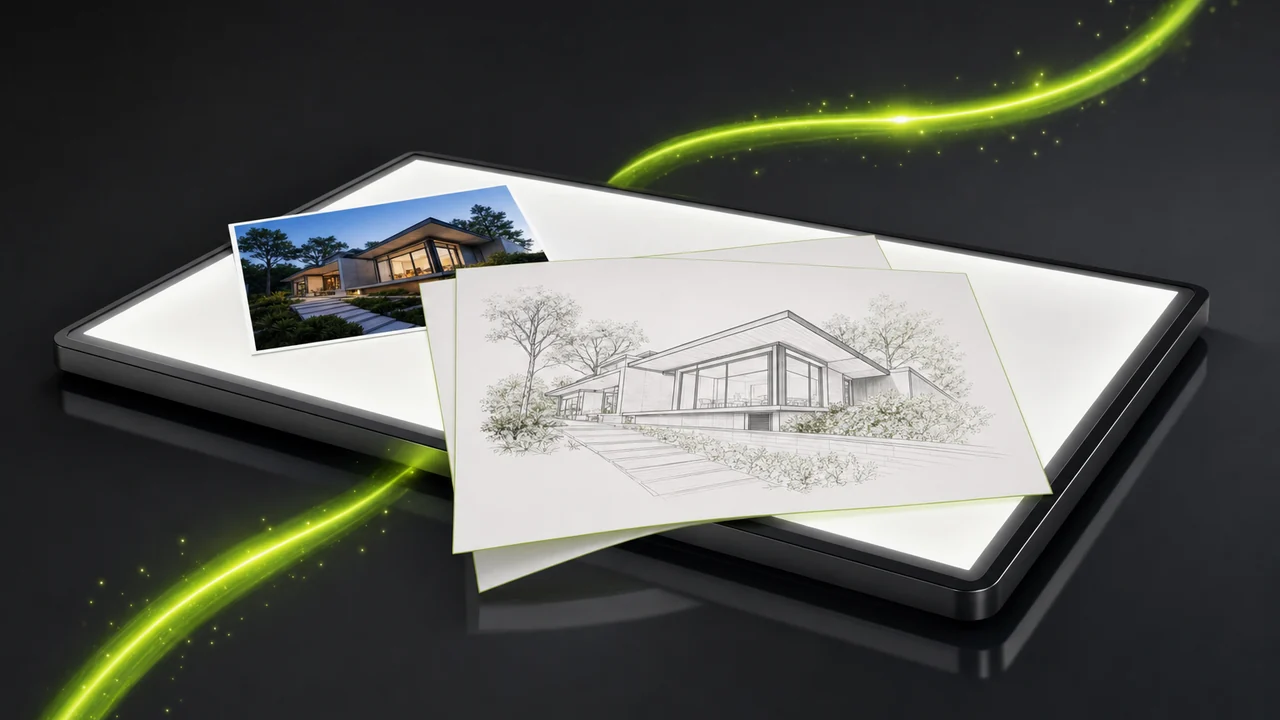
The same shapes at three sizes — a path layer is judged at both extremes.
What the P Agent will convert for you instead
If your problem is a format mismatch rather than a scaling problem, the Studio is the right stop — as long as input and output are both rasters.
Those five are the Studio's territory, in any direction between them: a PNG that has to become a WebP, a HEIC phone photo that has to be a JPG, an AVIF asset a legacy tool refuses to open. Raster in, raster out.
Pixazo also generates images with AI. If you wanted an SVG because your artwork is too small or too rough, generating a fresh clean graphic often beats tracing a bad source and repairing it by hand.
Eight PNG to SVG converter questions, answered honestly
Short answers, grounded in what the two formats are and what Pixazo actually does.
Can Pixazo convert my PNG into an SVG?
No. Pixazo is not a PNG to SVG converter: its image conversion handles raster formats only — HEIC, JPG, PNG, WebP and AVIF. It does not trace raster artwork into vector paths, so this is not a conversion Pixazo performs today.
Why is this called a trace rather than a conversion?
Nothing is re-encoded. PNG stores pixel values, SVG stores shape descriptions, so producing the SVG means deciding where each edge sits. That is interpretation.
Will a photograph work as an SVG?
No. SVG cannot hold photographic detail, because a photograph is not made of shapes. Keep photographs in a raster format such as PNG or JPG.
What kind of PNG traces well?
Flat artwork with clean, well-separated edges: logos, icons, diagrams, solid-colour marks. The fewer intermediate tones, the less the outline guesses.
Does the SVG have to be smaller than the PNG?
For flat artwork it usually is, because a shape costs a line of text while PNG stores every cell of the grid. A trace with hundreds of stray paths can end up larger.
Can I check the result without design software?
Yes. An SVG is XML text, so open it in any text editor. A readable handful of paths is a good sign; a wall of coordinates means far more shapes than the artwork needed.
Should I delete the PNG once I have an SVG?
Keep it. PNG is lossless and supports alpha transparency, so it remains the exact record. The SVG is a derivative you may want to redo later.
Can the Studio turn an SVG back into a PNG?
No. The Studio does not rasterise SVG into pixels either. Its image conversions run between the five raster formats above; it also generates images with AI.
Vector tracing happens elsewhere — raster conversions happen here
A PNG to SVG converter draws paths over your pixels, and Pixazo will not do that. What it will do is move images between HEIC, JPG, PNG, WebP and AVIF, and generate fresh artwork with AI when the source you have is not worth tracing.
Building it into an app or automating in bulk? Use the PNG to SVG API.

