Subtitle file → broadcast caption file
SRT to SCC Converter
Upload an .SRT subtitle file, pick the frame rate your video runs at, and download an .SCC closed-caption file ready to hand to a broadcaster. It runs in the browser inside Pixazo's P Agent, with nothing to install and a free start.
Convert SRT to SCC freeSee how it works
- No install
- Free to start
- 29.97 drop-frame supported
- Upload · convert · download
The short answer
What converting SRT to SCC really involves
An SRT file is plain text. A cue number, a timecode range joined by -->, then the words, repeated until the file ends. That is the whole format, and it is why SubRip is what YouTube, VLC, media players and editing timelines all accept without complaint.
SCC is a different animal. Scenarist Closed Captions store hexadecimal caption data on a timecode grid, built on the CEA-608 caption standard, and that is the file US broadcasters, cable networks and captioning houses ask for on delivery. Converting between the two is not a rename: every cue is re-expressed as caption bytes, dropped onto frame-accurate timecodes, and reshaped to fit what a 608 row can hold.
Pixazo does that work in the browser: you supply the SRT and the frame rate, you get back an .SCC file. What follows is the part most converters skip — which parts of your subtitle file survive that journey, and which cannot.
Why the frame rate is not optional
SRT measures time in hours, minutes, seconds and milliseconds. SCC measures it in frames, so the converter needs to know how many frames a second your video runs at before it can place a single caption. Broadcast material is usually 29.97 drop-frame, and that is the case most delivery specs assume.
Choose the wrong rate and nothing breaks loudly. The file opens, the captions look fine in isolation, and every one of them sits slightly off the dialogue. Match the video the captions belong to and the problem disappears.
Why the text can come back reflowed
CEA-608 works within a restricted character set and roughly 32 characters per line across two or three rows. It is uppercase-friendly by design. A modern subtitle file has none of those constraints, so a long SRT line simply will not fit as written.
When that happens the line is split to fit, so your wording can wrap in a different place than it did in the SRT. The words are all still there and the timings still hold; the shape of the caption on screen is what changes.
Attributes
SRT and SCC, attribute by attribute
One table, no marketing. This is what goes in, what comes out, and where the honest edges of the format sit.
| Attribute | Value | What it means for your file |
|---|---|---|
| Input | .SRT (SubRip) | Plain-text cues: a number, a timecode range with an arrow, then the caption text. |
| Output | .SCC (Scenarist Closed Captions) | Hexadecimal caption data on a timecode grid, built on CEA-608. |
| Frame rate | You choose it | 29.97 drop-frame is the usual broadcast case. The wrong rate shifts every caption in the file. |
| Styling carried | Very little | SCC carries far less styling than a modern subtitle file and works inside a restricted, uppercase-friendly character set. |
| Line length | About 32 characters | Roughly 32 characters a line across two or three rows, so long lines are split to fit. |
| Positioning | Not carried from SRT | SRT has no positioning information, so captions are placed using SCC's own defaults. |
| Runs in | Your browser | Pixazo's P Agent. Upload, convert, download — nothing to install. |
| Price | Free to start | Higher usage follows your Pixazo plan. |
Built for delivery
What a caption conversion has to get right
Nothing exotic. Just the parts of an SRT-to-SCC pass that usually go wrong when a caption file is prepared by hand.
[ 01 ]
Timings land on frames, not guesses
Millisecond timings are mapped onto SCC's frame-accurate grid using the rate you pick, so cue starts and ends stay tied to the picture instead of drifting.
[ 02 ]
Lines are reshaped, not truncated
Where a caption is too long for a 608 row, it is split across the rows available rather than cut short. You keep the whole sentence, even if the break falls somewhere new.
[ 03 ]
Nothing leaves the browser flow
The whole job is an upload, a convert and a download inside P Agent. No plugin, no desktop caption suite, no licence to chase first.
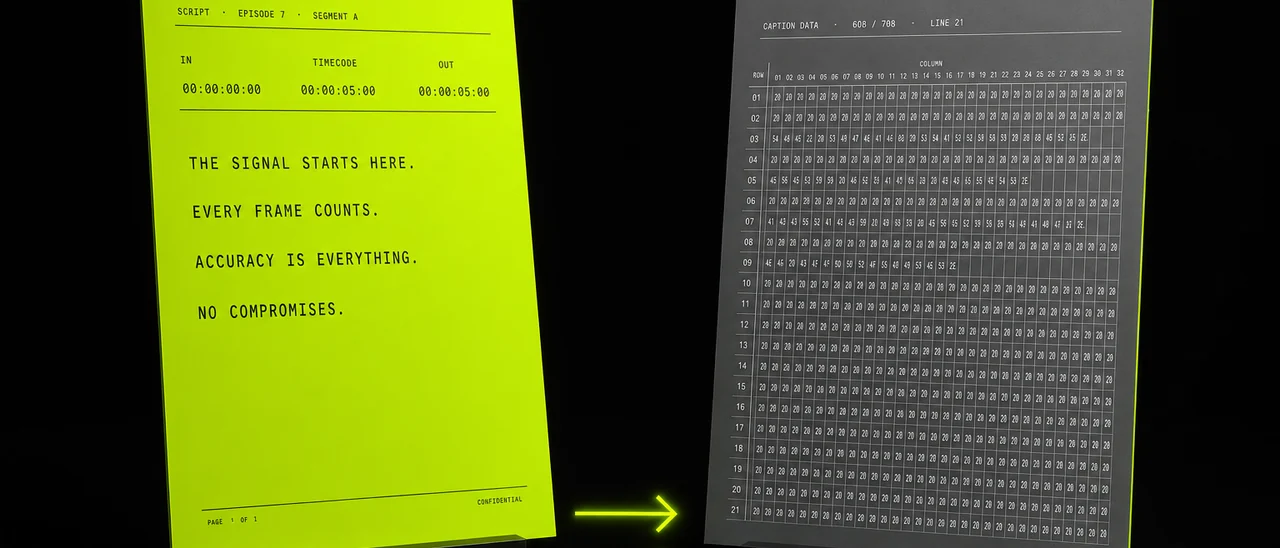
The same dialogue, two formats: readable SRT text on the left of the idea, frame-locked SCC caption data on the right.
Four steps
How to convert an SRT file to SCC
Start to finish it is four moves, and only one of them asks you to make a decision.
[ 1 ]
Open P Agent
Go to Pixazo's P Agent in your browser and pick the subtitle conversion job. There is nothing to download and you can begin free.
[ 2 ]
Upload your .SRT
Drop in the SubRip file you already have — the one your editor, player or subtitle tool exported. Its cue numbering and timings are read as-is.
[ 3 ]
Set the frame rate
Match the video the captions belong to. For broadcast material that is normally 29.97 drop-frame. This is the one setting worth double-checking before you convert.
[ 4 ]
Convert and download
Run the conversion and save the .SCC file. Read it back against the video once, watching the first and last cues, then send it on to whoever asked for it.
Carried and dropped
What survives the switch to SCC
A subtitle file is richer than a broadcast caption file, so some of it has to be left behind. Here is the split, stated plainly, so there are no surprises when you open the output.
Carried across
Comes out the other side intact.
- Every word of every cue, in full
- Start and end times, remapped onto SCC's frame-accurate timecode grid
- The reading order and the number of cues
- Two- and three-row line structure wherever the text already fits
- Standard punctuation that exists inside SCC's character set
Dropped or reshaped
Cannot cross into a CEA-608 file as-is.
- Italic, bold, colour and font markup from the SRT
- Characters that fall outside SCC's restricted set
- Caption positioning — SRT never carried any, so SCC's defaults are used
- Line breaks longer than roughly 32 characters, which are re-split to fit
- Fine mixed-case nuance, since the caption set is uppercase-friendly
The one setting that matters
Getting the frame rate right the first time
If a converted caption file is going to fail a delivery check, this is almost always why. It is worth thirty seconds of attention.
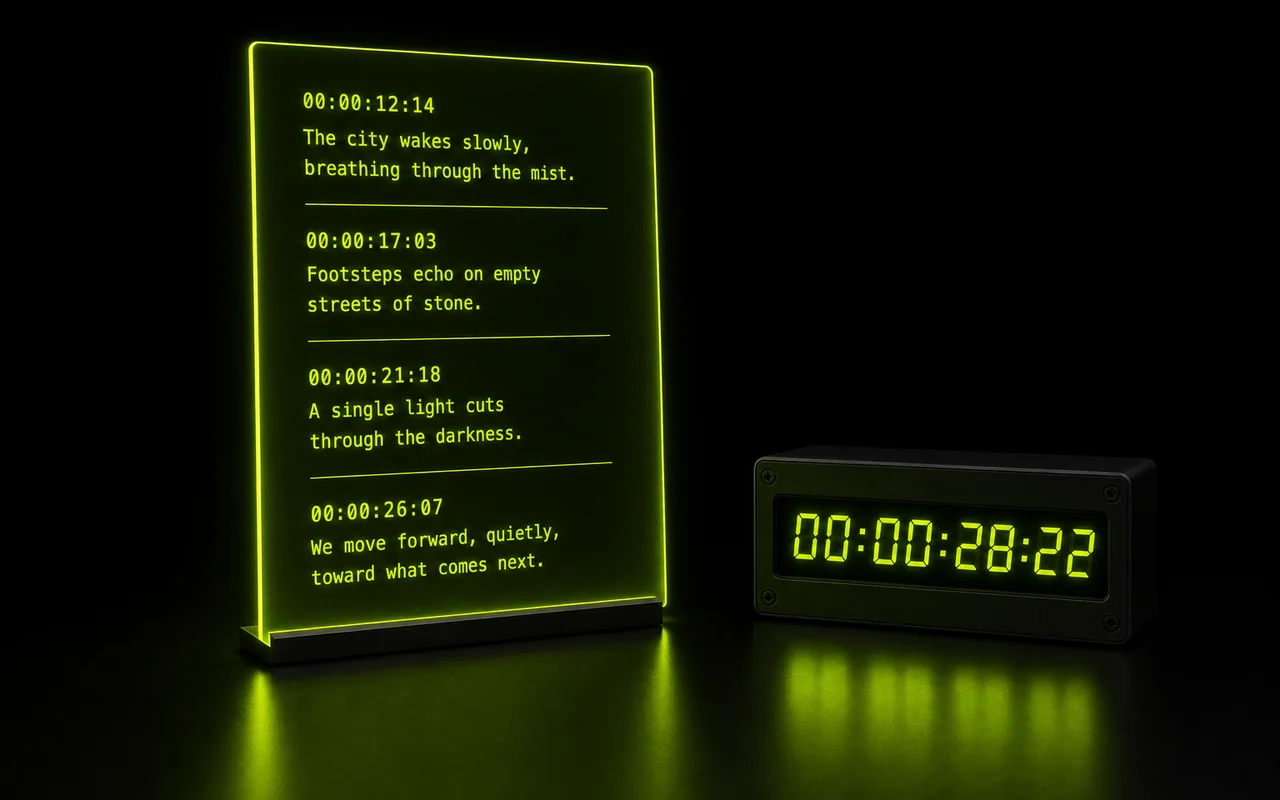
Millisecond cue timings from an SRT being placed onto SCC's frame-based timecode grid.
Because SCC is frame-accurate, a caption begins at a specific frame rather than at a number of milliseconds — so the converter has to be told how many frames a second the picture runs at. US broadcast programming is usually 29.97 drop-frame, and that is the rate most delivery paperwork names.
The failure mode is quiet, which is what makes it worth checking. A mismatched rate still validates and still opens; only against picture do the captions read early or late, with the gap widening across the programme. Set the converter to what the master actually is, not what you assume it is.
One habit worth keeping: after downloading, play the SCC back against the video and watch two cues, the very first and the very last. If both land where the dialogue lands, the mapping holds for everything in between.
Audiences
Who asks for an SCC file
Almost nobody wants SCC for its own sake. It gets requested because something downstream in a broadcast chain expects it.
- [Broadcast delivery coordinators]
- [Cable network operations]
- [Captioning houses]
- [Post-production editors]
- [Localisation and subtitling teams]
- [Ad agencies delivering spots]
- [Archive and library teams]
- [Educational broadcasters]
- [Documentary producers]
- [Sports and live-to-tape crews]
The common thread is that a subtitle file already exists, and then a delivery spec arrived asking for closed captions in the broadcast format. That gap is a format change, not a fresh captioning pass.
Before and after
Caption files on both sides of the conversion
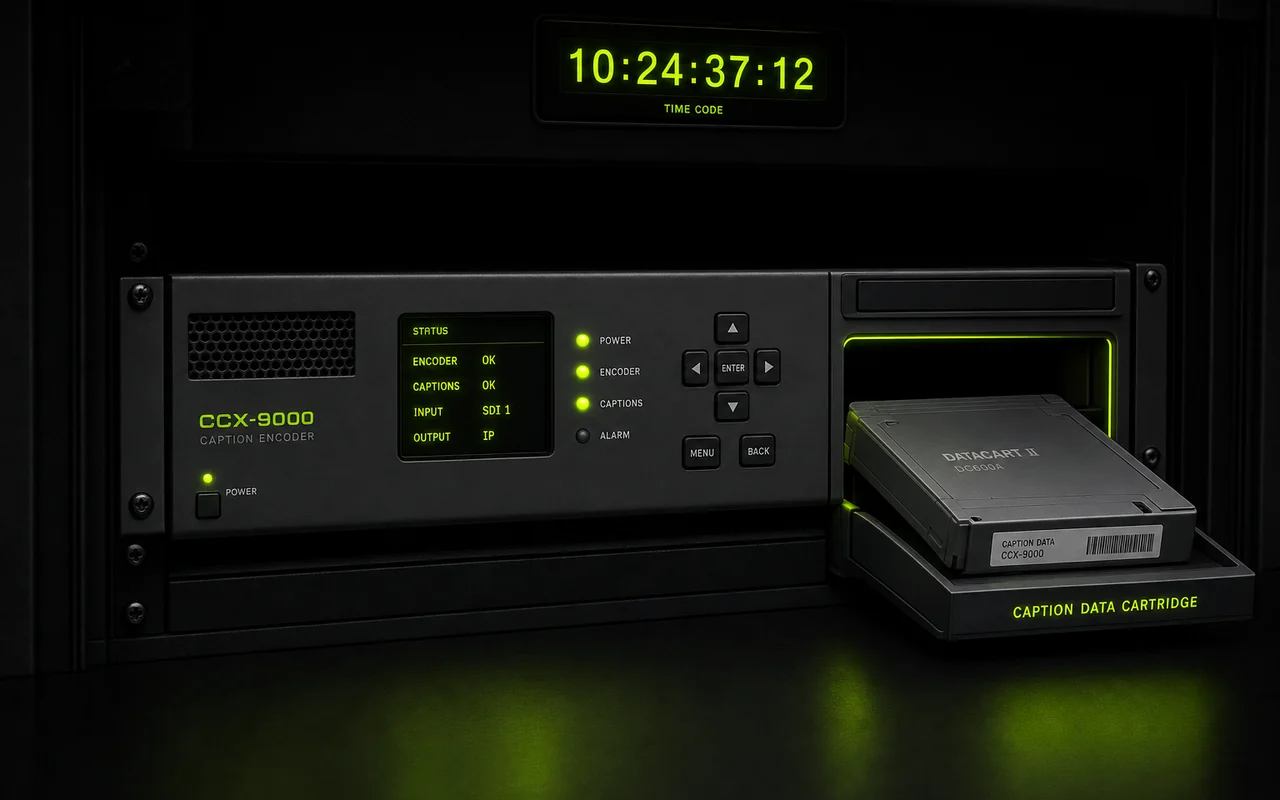
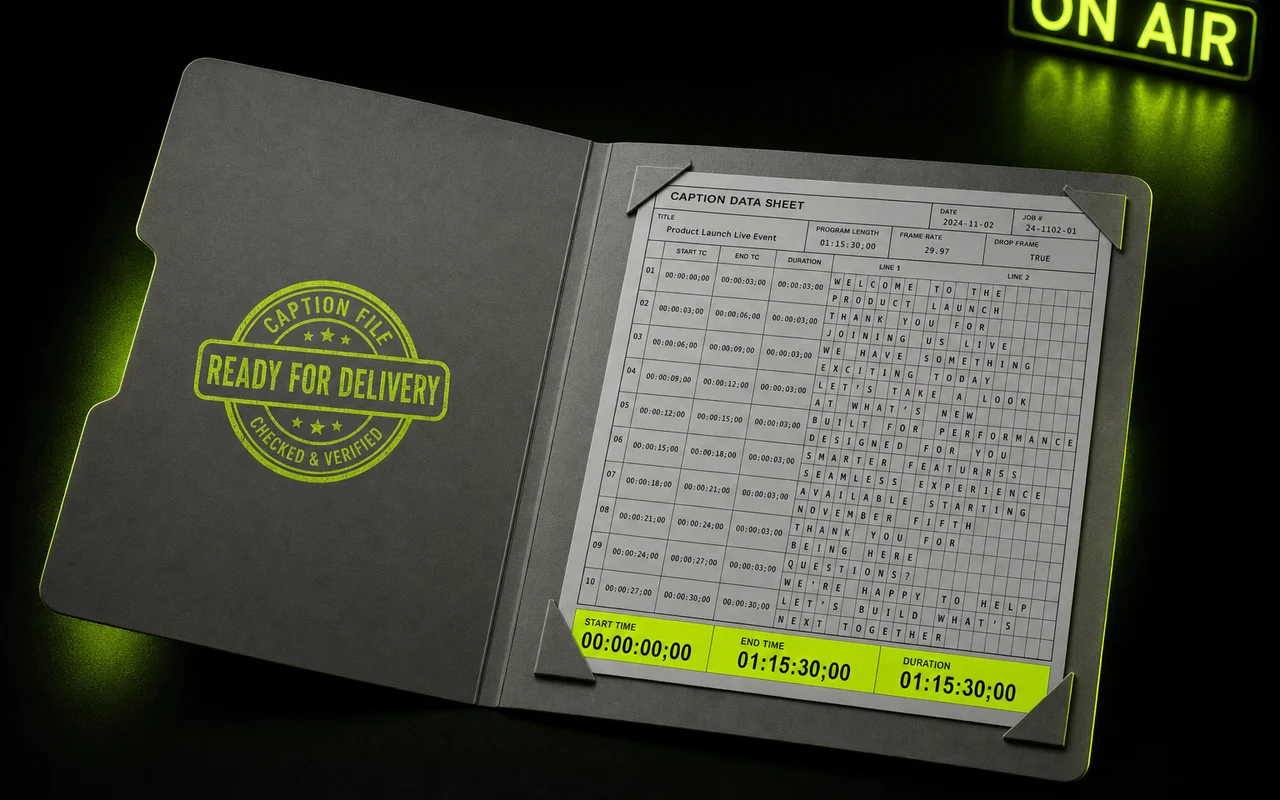
Two views of the same material: the subtitle file you bring in, and the broadcast caption file you take away.
Scope
Where a format converter stops
Being clear about the boundary saves you a wasted upload.
This tool converts a caption file you already have: it reads your SRT and writes an SCC. It does not listen to audio, so it cannot caption a video that has none yet, and it will not invent cues the SRT did not contain. A typo or a mistimed cue in the source comes through to the SCC exactly as written.
Generating captions in the first place is a separate capability. Pixazo can create subtitles from a video or audio file as .srt or .vtt, and that output is a good starting point here: produce the subtitles, review the text and timings while they are still editable plain text, then convert to SCC for delivery. Fixing wording is far easier in an SRT than in hexadecimal caption bytes.
What the converter removes is the tedious part: the byte-level rewriting, the reflowing to fit caption rows, and the timecode mathematics. Matching the result to the delivery spec you were sent is still your call.
Questions
SRT to SCC questions, answered
Is the SRT to SCC converter free?
Yes, you can start free. It runs in Pixazo's P Agent, and higher usage follows your Pixazo plan.
Why convert SRT to SCC?
Because broadcast asked for it. SRT is the web's subtitle format, while SCC is the closed-caption format US broadcasters, cable networks and captioning houses expect for delivery.
What frame rate should I use?
Match the video the captions belong to. Broadcast material is usually 29.97 drop-frame, and picking the wrong rate shifts every caption in the file.
Will my styling survive the conversion?
Mostly not. SCC is built on CEA-608, so it carries far less styling than a modern subtitle file and works within a restricted character set and roughly 32 characters a line.
What happens to long caption lines?
They get split to fit SCC's line limits, so wording can wrap differently than it did in your SRT.
Does SRT carry caption positioning?
No. SRT has no positioning information, so the conversion places captions using SCC's own defaults.
Can it create captions from my video?
That's a different job. Pixazo can generate subtitles from a video or audio file as .srt or .vtt, and this converter takes an existing caption file and changes its format.
Do I need to install anything?
No. Everything runs in the browser through an upload, convert, download flow.
Credits
About the author
Your SRT is already written. Turn it into the file broadcast wants.
Upload the subtitle file, set the frame rate to match your master, and download an .SCC ready for delivery. It takes an upload and a download, and you can start without paying.
- Runs in the browser
- Free to start
- 29.97 drop-frame
- No install
Need the subtitles first? Pixazo can generate them from your video or audio as .srt or .vtt, then bring that file back here.

