WebP to JPG converter
Pixazo's WebP to JPG converter reissues the same picture as the one format nobody argues with. WebP travels light, but it still gets stopped at a surprising number of gates — an old print workflow, a form that only takes JPEG, a desktop app that shrugs at the extension. JPG is the document that gets waved through. Attach your WebP in the P Agent, ask for JPG in plain words, and collect a file nobody questions.
One attachment, one plain-language request — the Studio reads the incoming format itself.
§What you surrender and what you carry through
A format change is a customs procedure, not a rewrite. Some of what WebP carries goes through the gate untouched; the rest is left at the counter permanently. Read this column pair before you convert.
Left at the counter — not carried into JPG
- Alpha transparency. WebP keeps it in both lossy and lossless mode; JPG has no transparency channel at all, so anything see-through resolves to solid pixels.
- Animation. A WebP can hold an animated sequence. A JPG is a single still frame, full stop.
- WebP's size advantage. At comparable visual quality it is smaller than both JPG and PNG; you trade that efficiency for acceptance.
Stamped through — arrives intact
- The picture itself. Subject, framing, colours and pixel dimensions cross over as they are.
- Universal admission. JPG is the most widely accepted image format there is: every browser, phone, printer, CMS and email client takes it.
- A file nobody questions. No plugin notes, no upload form quietly rejecting the extension.
§Two documents, two levels of clearance
WebP is the modern travel document: efficient, capable, read fluently by every current major browser. JPG is the passport everything already recognises. Neither is better in the abstract — they clear different borders, and this table decides which one your file should be holding.
| Checked at the gate | WebP | JPG (JPEG) |
|---|---|---|
| Origin | Developed by Google. | Also written JPEG. |
| Compression modes | Both a lossy and a lossless mode. | Lossy only. |
| Transparency | Kept in either mode. | No transparency channel at all. |
| Animation | Can hold animation. | Single still image only. |
| File size at comparable quality | Smaller than both JPG and PNG. | Larger than WebP for a comparable look. |
| Where it is admitted | Every current major browser reads it, but plenty of older desktop software, print workflows and upload forms still refuse it. | The most universally accepted image format there is — every browser, phone, printer, CMS and email client takes it. |
| Repeated saving | Lossless mode is the safe working copy. | Re-compresses on every save, so repeated edit-and-save cycles slowly soften the image. |
§Using the WebP to JPG converter in four moves
Conversion happens inside Pixazo's P Agent, which runs in the browser and needs a Pixazo account. No format dropdown, no settings dialog to decode — you attach the file and say what you want in ordinary language.
Open the Studio and sign in
Go to the P Agent in your browser and sign in to your Pixazo account. Nothing installs, and the WebP to JPG converter desk is where the Studio handles all its format work.
Present the WebP file
Attach the image you want converted. You do not have to declare that it is a WebP — the Studio detects the incoming format on its own.
State your request in plain words
Type something as simple as Convert @Image1 to JPG. Plain language is the whole interface; there is no preset to pick and no profile to configure.
Collect the stamped file
The Studio returns your JPG. Open it once to check the frame and the colours look right, then send it wherever the WebP was being turned away.
§The WebP to JPG converter is a checkpoint, not a retouching studio
The Studio's own description of the tool is refreshingly narrow: video to MP4 from MOV, AVI, WMV, MKV or MXF with the format detected for you, or an image between HEIC, JPG, PNG, WebP, AVIF and more — the classic fix for an iPhone photo a website will not accept.
That narrowness buys predictability. The file that comes back is the file you gave it, reissued under a different format — nothing quietly cropped, sharpened or stripped of its background. If you need those changes, make them first and convert once at the end.
Edit, then convert. Because JPG re-compresses on every save, doing the cropping and colour work while the file is still WebP keeps the softening to a single pass.
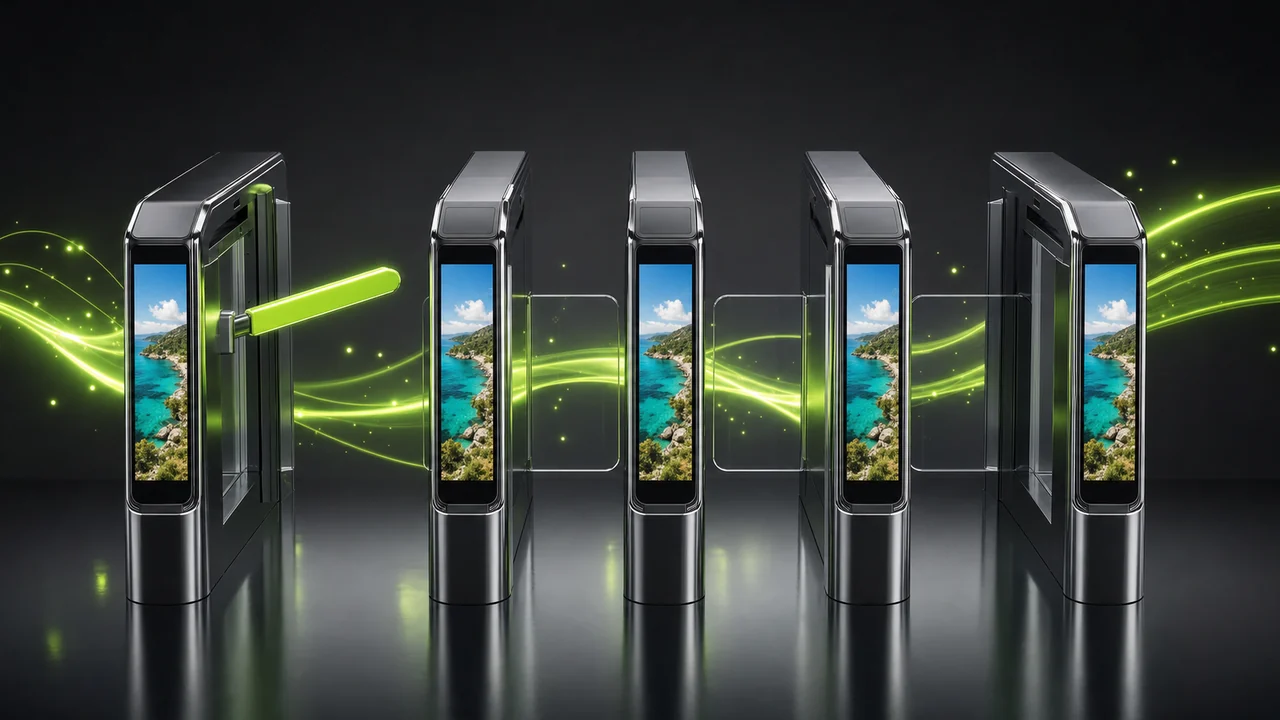
A plain-language request is the entire control surface: no format dropdown, no quality slider, no export profile to second-guess.
§Whose files keep getting turned back?
Nobody converts a working WebP for fun. It happens the moment a file meets a system that predates the format — and those systems are everywhere outside the browser.
Anyone sending art to a printer
Print workflows are conservative by design. A WebP handed to a print desk is often refused outright; the same picture as a JPG is placed without a word.
Applications with a fixed upload list
Portals, marketplaces, job forms and school systems often accept JPEG and nothing newer. Converting is faster than arguing with the validator.
Older desktop applications
Plenty of installed software still cannot open a WebP. One conversion turns it into something every version of everything understands.
People sending pictures to clients
You cannot audit the recipient's setup. JPG removes the question of whether they will be able to open it.
Editors working in an older CMS
Some publishing systems only build their crops from formats they recognise. Feeding them JPG keeps the pipeline behaving.
Anyone building a long-lived library
If a collection must stay readable by unknown software years from now, the most broadly recognised format is the safer document to hold.
§What this stamp does not grant you
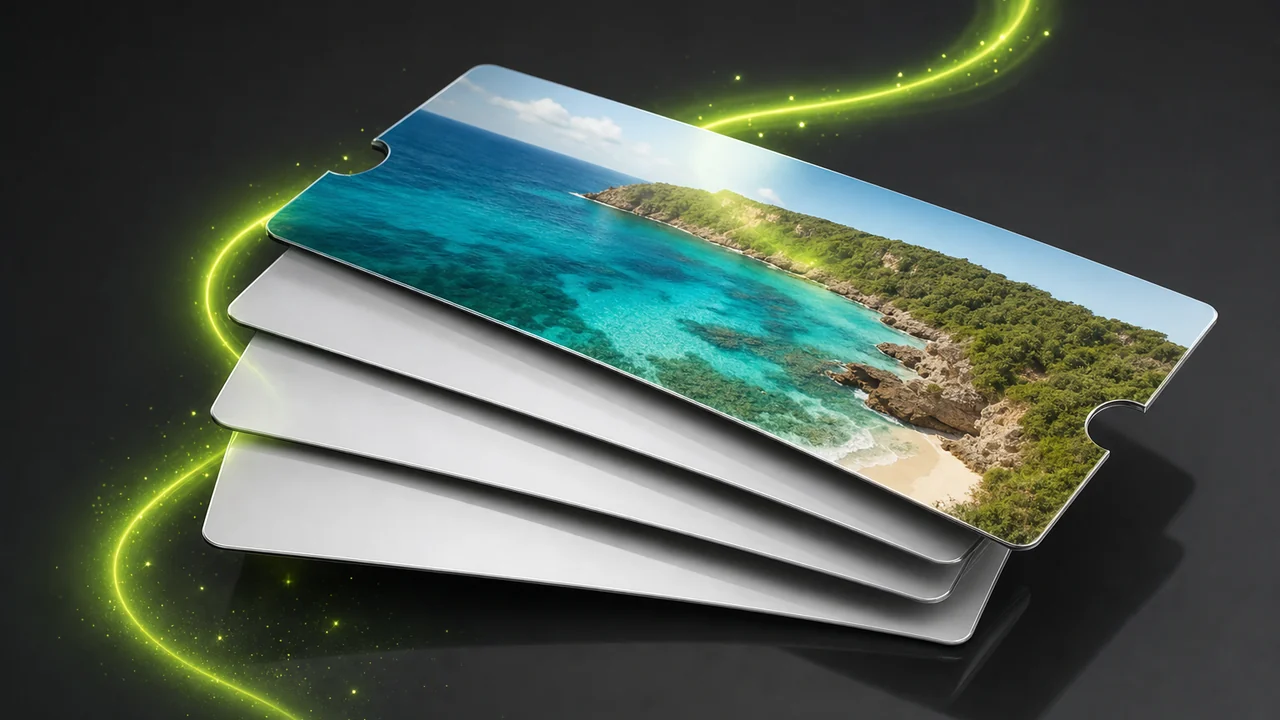
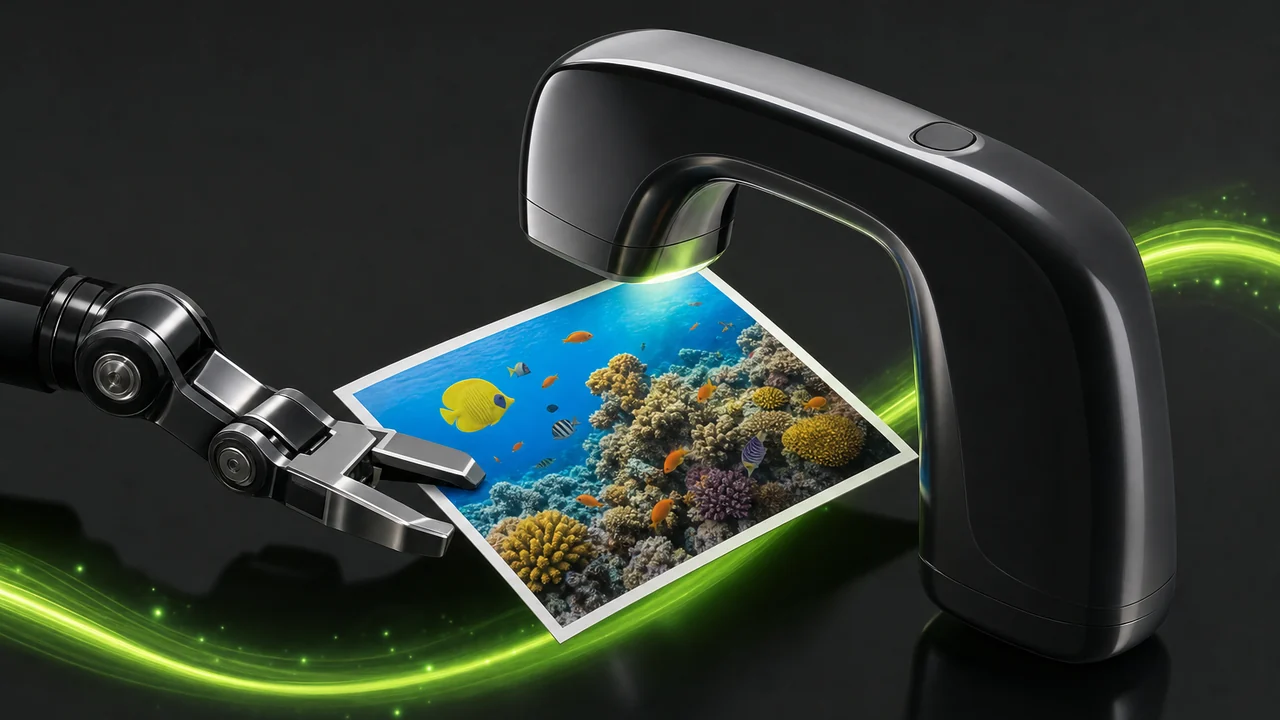
The same picture, reissued. A conversion changes the document, not the photograph inside it.
Honest limits beat a long feature list. Here is what this conversion will not do, so you can plan around it rather than discover it afterwards.
JPG has no alpha channel, so a transparent background cannot survive the crossing. Convert to PNG if you need it.
An animated WebP cannot become a moving JPG, because no such thing exists. Expect a still image.
Conversion cannot add detail that is not in the source. A small or already-compressed WebP produces a small, already-compressed JPG.
It is a converter, not an editor: no cropping, resizing, retouching, colour correction, background removal or upscaling.
WebP is the more efficient format at comparable quality, so treat the JPG as a compatibility document rather than a saving.
§Packing advice for a clean crossing
-
Check the background first
Look for transparency before you convert. If the subject sits on nothing, decide now what it should sit on — JPG forces that decision either way.
-
Convert last, not first
Do the cropping, straightening and colour work while the image is still WebP. Every JPG save re-compresses, so you want exactly one of them at the end of the chain.
-
Keep the original
Hold on to the WebP as your master. It stays smaller at comparable quality, and you can reissue a fresh JPG from it instead of re-saving the JPG.
-
Look at the result once
Open the returned file before you send it on. A quick check of the frame and the colours catches the rare case where the source was not what you thought it was.
The last check before departure: open the JPG, confirm the frame and the colour, then send it on.
The Studio also travels the other way — between HEIC, JPG, PNG, WebP and AVIF — and it detects the incoming format every time.
§WebP to JPG converter questions travellers ask first
Does Pixazo convert WebP to JPG?
Yes. The WebP to JPG converter runs inside Pixazo's P Agent, which converts an image between HEIC, JPG, PNG, WebP, AVIF and more.
Do I have to tell it the file is a WebP?
No. The Studio detects the source format itself. You attach the image and ask in plain language, for example Convert @Image1 to JPG.
What happens to a transparent background?
It cannot come with you. JPG has no transparency channel at all, so transparency has to resolve to solid pixels. If keeping it matters, convert to PNG instead.
Can an animated WebP become a JPG?
WebP can hold animation and JPG cannot — a JPG is a single still image. Expect one frame rather than a moving file.
Will the JPG look worse than the WebP?
JPG is lossy and re-compresses whenever it is saved, so keep the WebP as your master and convert once at the end rather than re-saving the JPG repeatedly.
Can it sharpen or upscale the image while converting?
No. It cannot add detail that is not in the source, and it is a converter rather than an editor — no cropping, resizing, retouching, colour correction, background removal or upscaling happens during a conversion.
Do I need to install anything?
No. The Studio runs in the browser. You do need a Pixazo account to use it.
Why convert at all if WebP is the smaller format?
Because acceptance beats efficiency when a system says no. Every current major browser reads WebP, but older desktop software, print workflows and upload forms often refuse it.
About the author
§Hand over the WebP, walk out with a JPG
Attach the file, say what you want in one line, and let the Studio do the paperwork. It detects the incoming format, returns a JPG that every browser, phone, printer, CMS and email client accepts, and leaves the picture itself alone.
Building it into an app or automating in bulk? Use the WebP to JPG API.

