WMV to MP4 Converter
Convert WMV to a universal MP4 (H.264/AAC) in your browser — and play it everywhere. Upload, convert, download.
- Free to start
- No watermark
WMV to MP4 — at a glance
| Input formats | WMV and other common video |
| Output formats | MP4 (H.264 · AAC) |
| Frees you from | Windows-only playback |
| Works in | Any — language-independent |
| Runs in | Browser (desktop & mobile) |
| Watermark | None |
| Price | Free to start · scales with plan |
What is the WMV to MP4 converter, and who is it for?
The WMV to MP4 converter is a free online tool that turns Windows Media .WMV video into a standard MP4 with H.264 video and AAC audio — freeing your clip from the Windows-only ecosystem so it plays on iPhone, Mac, Android, browsers, editors and social platforms.
It is for anyone handed a .WMV that won't open on a Mac or phone, or blocked by an upload form that only accepts MP4. Convert once and the video just plays, everywhere.
The converter reads the actual video inside the WMV container, re-encodes it to a universal MP4 at your original resolution, and returns it with no watermark. Everything runs in the browser inside Pixazo's P Agent, with nothing to install on desktop or mobile.
Output profile
- MP4 · H.264 / AACContainer & codecs
- NoneWatermark
- Original resolutionQuality carried through
- Free to startCancel anytime
Where does MP4 play vs WMV?
Essentially everywhere your WMV won't. WMV is Microsoft's Windows Media format; MP4 (H.264/AAC) is the standard the whole web agreed on. One conversion unlocks every screen below.
| Where you play it | WMVWindows Media | MP4H.264 + AAC |
|---|---|---|
| iPhone / iPad | ✗ | ✓ |
| Mac / QuickTime | ✗ | ✓ |
| Safari | ✗ | ✓ |
| Chrome / web <video> | ✗ | ✓ |
| Android | ✗ | ✓ |
| Instagram / TikTok / YouTube | ✗ | ✓ |
| Premiere Pro / Final Cut | ✗ | ✓ |
| Smart TVs / consoles | ✗ | ✓ |
How do you convert WMV to MP4?
No install, no codec packs, no command line. Open Pixazo's P Agent, drop in your file, and download a universal MP4 in a few clicks.
Upload your WMV
Drag in your .wmv file. Pixazo reads it by its real content, not the file name.
Convert to MP4
Hit convert. You get a standard H.264 video + AAC audio MP4 — the universal target.
Download & play anywhere
Save the MP4 and use it on iPhone, Mac, the web, editors or social. No plugins needed.
One file. Every device.
Pixazo turns a Windows-locked WMV into a clean, standards-compliant MP4 (H.264/AAC) that opens the same way everywhere — no codec hunts, no watermark, no quality games.
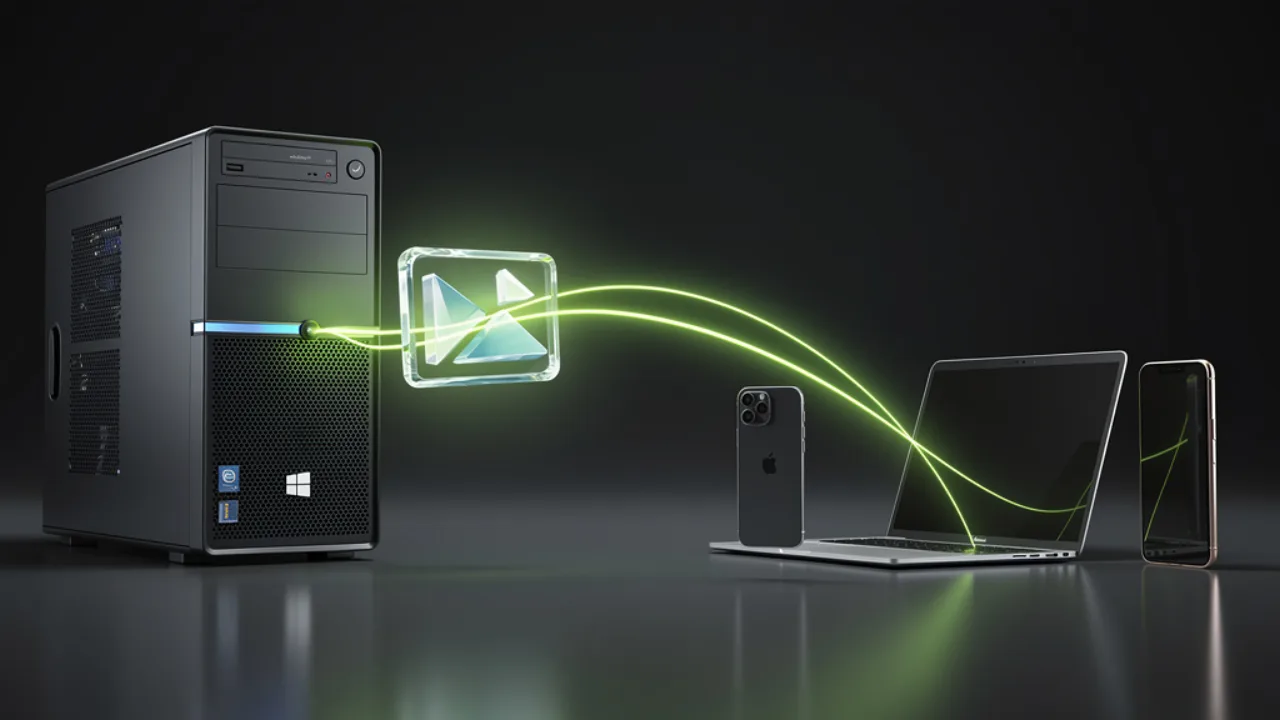
From Windows-only to every screen
A WMV is happy on a Windows PC and awkward everywhere else. Convert it once and the same video plays natively on iPhone, iPad, Mac, Safari, Chrome and Android — no “format not supported,” no plugins, no asking people what software they have. One MP4 that behaves identically on every device you hand it to.
Convert WMV to MP4 free →
Unlock the file, keep the quality
Pixazo identifies your video by its real content, not the .wmv label, then re-packages the exact same footage into a standard MP4. Your original resolution and detail carry straight through — nothing is re-shot, cropped or degraded. You simply swap a Windows-first wrapper for a universal one, and the clip stops being locked to a single ecosystem.
Ready to post, ready to edit
Instagram, TikTok and YouTube expect MP4 — so uploads that bounce as WMV go straight through once converted. The same file also imports cleanly into Premiere Pro, Final Cut and DaVinci Resolve without codec workarounds. Post it, edit it or send it to a collaborator, all from the one universal export.
Get a social-ready MP4 →WMV vs MP4: the honest comparison
One is Microsoft's Windows format; the other is the industry-standard container the whole web agreed on. Here's how they line up.
| Attribute | WMV | MP4 |
|---|---|---|
| Owner / ecosystem | Microsoft · Windows Media | ISO standard · industry-wide |
| Typical codecs | WMV3 / VC-1 video, WMA audio | H.264 video, AAC audio |
| Cross-platform playback | Poor — Windows-centric | Broad — plays on nearly everything |
| Social & web ready | Rarely accepted | The expected upload format |
| Editor support | Often needs extra codecs | Native in Premiere, Final Cut, DaVinci |
| Mobile playback | Patchy on iOS & Android | Native on iPhone and Android |
| Best for | Legacy Windows-only playback | Sharing, uploading and editing anywhere |
Best for a Windows-only archive: WMV. Best for anything you'll share, upload or edit: MP4.
If a file only ever lives on one Windows machine, WMV is fine. The moment it needs to reach a phone, a browser, a social feed or a collaborator's editor, MP4 is the format that gets it there — which is why converting is usually the shortest path to a video that simply works.
Who converts WMV to MP4?
Anyone who receives, edits or shares a video that started life on Windows and now has to travel further.
Got a .wmv from a Windows PC
Someone shared a WMV and it won't open on your iPhone or Mac. Convert it once and it plays in Photos, QuickTime and Safari.
Importing WMV into an editor
Premiere Pro or Final Cut is fighting a WMV import. An MP4 (H.264/AAC) drops onto the timeline without codec workarounds.
Posting old Windows recordings
Old screen captures, webinars or camcorder clips are stuck as WMV. Convert them to MP4 to upload to YouTube, Reels or TikTok.
Standardising on one format
Mixed Windows, Mac and mobile teams want one file that opens for everyone. MP4 is the common denominator.
Embedding video on a site
A WMV won't play in an HTML5 <video> tag. MP4 is the safe cross-browser choice for embedded web video.
Sending video to non-Windows users
Sharing a clip with someone who isn't on Windows? MP4 means it just plays, whatever device they open it on.
The thread through all of these is the same: the video is fine, but the format is holding it back. Converting to MP4 removes that friction once, so the file stops being a Windows problem and starts being something you can send, post or edit without a second thought.
Tips for the best results
A few honest pointers so you know exactly what the converter does — and what it doesn't.
Output is MP4 with H.264 video and AAC audio by design — the universally-compatible target, not a menu of exotic codecs. That's what makes it play everywhere.
Keep the original file when you can. Converting works from your source WMV, so a clean, undamaged original gives the best MP4.
It converts, it doesn't edit or upscale. It re-packages the same footage — it can't add sharpness, resolution or quality the source WMV never captured.
Large or long videos take longer. Conversion time scales with file size and length, so a feature-length clip needs a little patience.
WMV to MP4: frequently asked questions
The quick answers people ask before converting — on cost, quality, privacy, devices and the format you get back.
Is the WMV to MP4 converter free?
Will the MP4 play on iPhone and Mac?
Is it safe and private?
Will converting reduce my video's quality?
Do I need to install extra codecs?
What format does the converter output?
Does it work on my phone?
Does the file have to be named .wmv?
WMV, freed to play everywhere

About the author
Convert once. Play everywhere.
Turn your WMV into a universal MP4 (H.264/AAC) in your browser — free, no codec hunts.
Convert WMV to MP4 freeBuilding it into an app or automating in bulk? Use the WMV to MP4 API.

