Art Flyer : Create Free Art Flyers in Minutes with AI
Create Custom Art Flyers Quickly with Pixazo Best AI Art Flyer Maker. Try for Free!
Get Started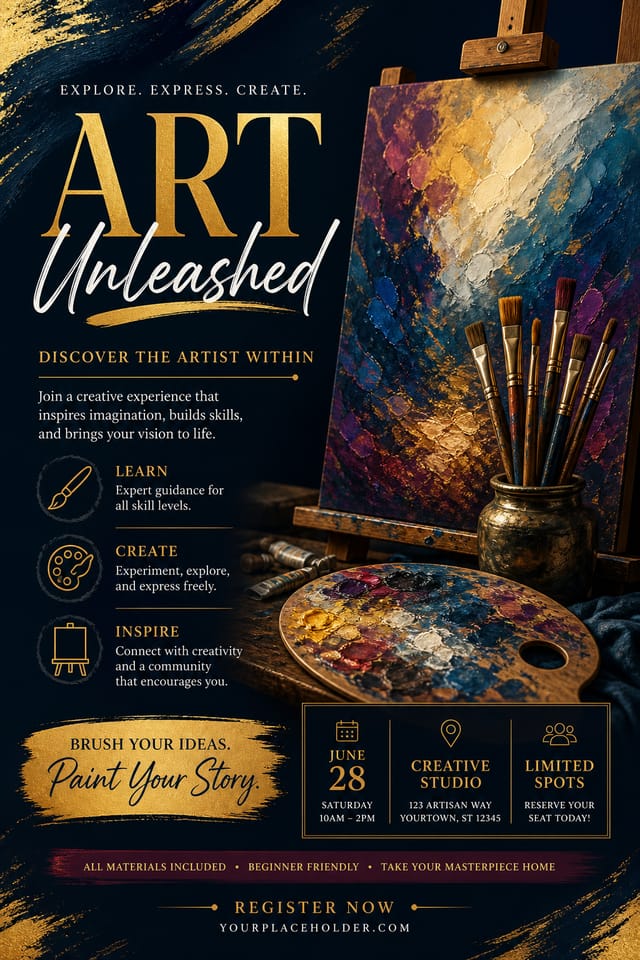
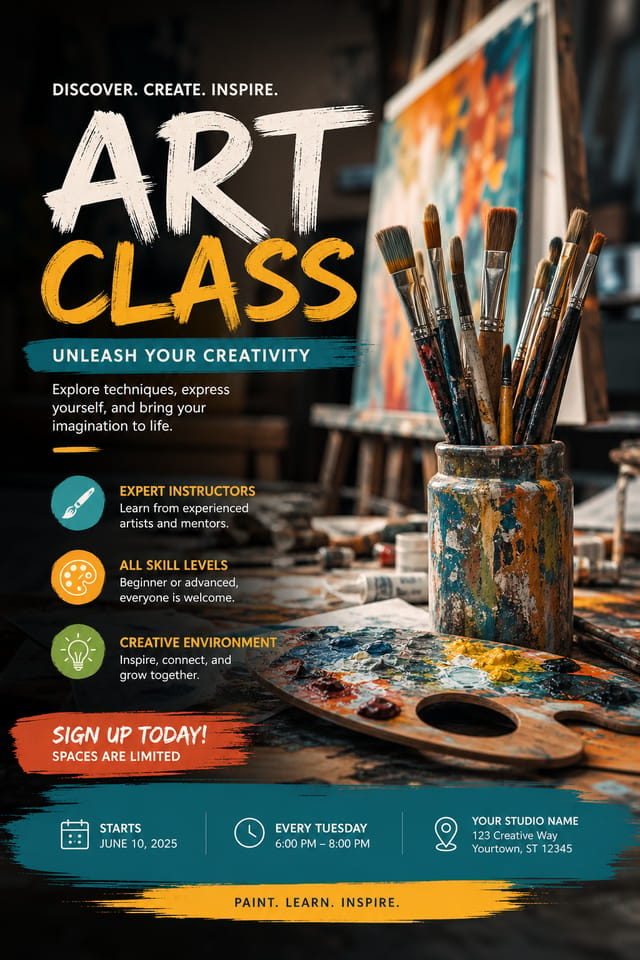
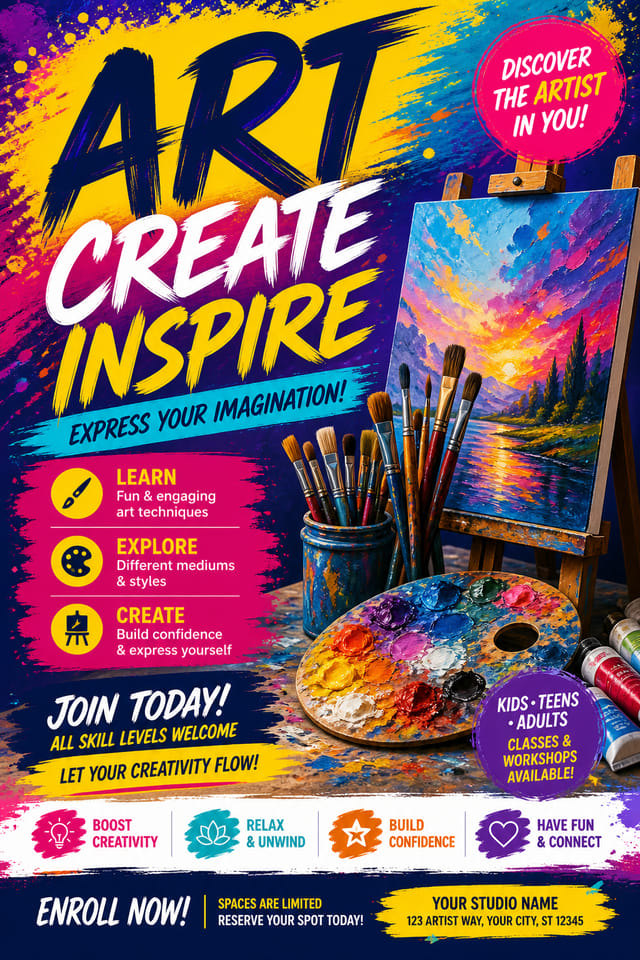
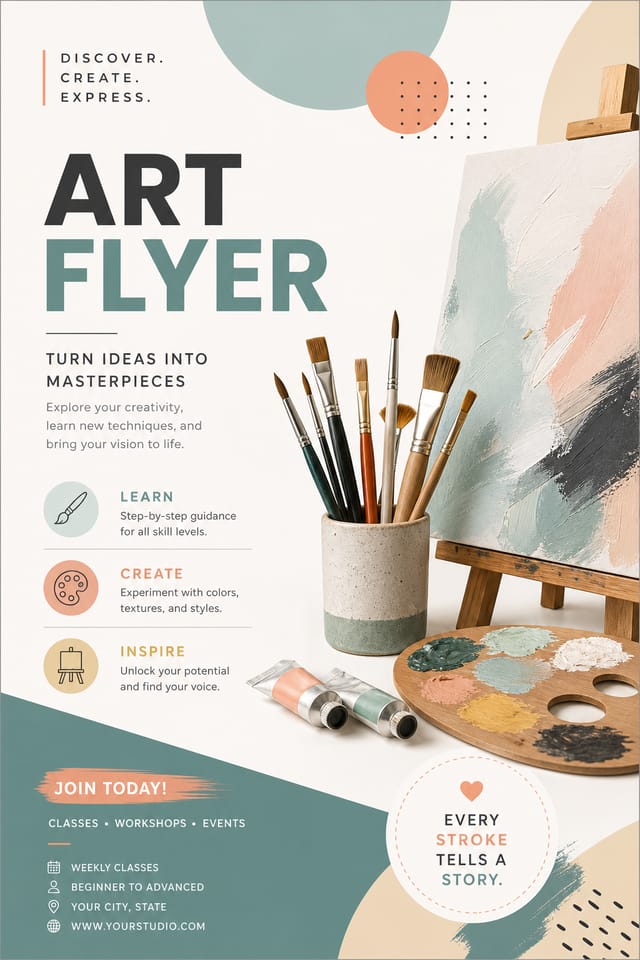
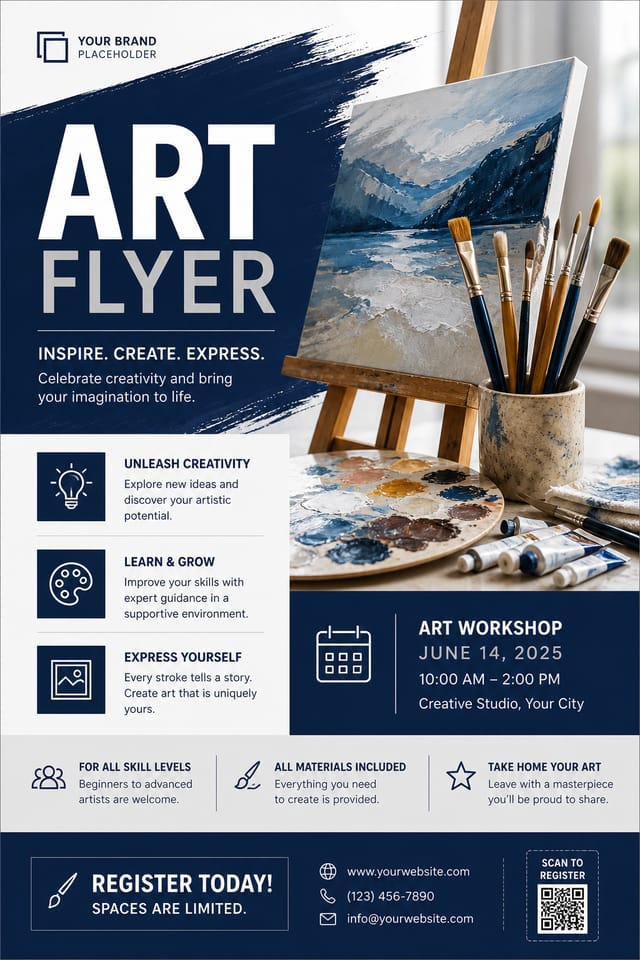
AI Art Flyer Builder: Design Reimagined
Create art flyers with accurate style interpretation. Pixazo understands art visual language and applies it to your specific request.
Create Your Art Flyer FreeDownload Your Art Flyer: Choosing the Right Format
JPG
Compressed image format suited for art flyer designs with photographic elements where smaller file size matters more than pixel-perfect edges.
TIFF
High-fidelity format for art flyer files destined for professional printing, supporting CMYK color and lossless compression.
WEBP
Modern web format offering smaller file sizes than PNG or JPG for art flyer images without significant quality loss.
PNG
Lossless image format ideal for art flyer designs with transparency, sharp text, and web display at predictable file sizes.
Print-ready format for art flyer files that preserves fonts, colors, and layout across different devices and print services.
What Makes Art Flyer Design Work: Design Intelligence at Work
The Art Flyer Design Framework
Art design carries specific visual associations that viewers pick up on immediately.
The right palette, the right typographic approach, the right compositional balance.
Get these right and your art flyer communicates clearly.
Precision Art Flyer Tools: What It Can Do
Commercial Use Rights
Designs generated with Pixazo are yours to use commercially. No additional licensing required for art flyer projects.
Layered Style Application
Combine art style with other design parameters in a single prompt. The AI interprets complex requests and applies multiple style constraints simultaneously.
Color Temperature Control
Specify warm, cool, or neutral color direction for your art flyer. The AI builds the full palette around your temperature preference.
No Design Software Required
Create professional art flyers without Photoshop, Illustrator, or other design applications. The AI handles all technical production.
Real Art Flyer Projects: Across Industries
Music and Audio Production
Produce art flyers for album covers, playlist artwork, and music event promotion. Visual identity that matches the sound.
Social Media Content
Design art flyers sized for social platforms. Get content that looks intentional and well-crafted, not thrown together.
Restaurant and Food Service
Generate art flyers for menus, seasonal promotions, and restaurant branding. Designs that reflect cuisine style and dining atmosphere.
Retail and Hospitality
Produce art in-store and venue flyers that communicate quality through design. Art aesthetics signal attention to customer experience.
Your Art Flyer Tool: Performance Metrics
Art Flyer Generation: A Quick Guide
Write Your Prompt
Describe what you want your art flyer to look like. Include the mood, color palette, typography preference, and content hierarchy. Pixazo reads all of this and uses it to generate an appropriate design.
Watch: Creating Art Flyer designs step by step
Exploring Art Flyer Directions: From Classic to Bold
Textured Art
Art design with added surface depth. Background treatments add visual interest without disrupting legibility.
Editorial Art
Text-dominant art flyer layout inspired by print publication design. Typographic variety creates visual rhythm.
Geometric Art
Structured art composition using grid systems and angular forms. Order and precision define the visual approach.
Contemporary Art
Current art design sensibility with updated proportions, modern typefaces, and contemporary color relationships.
Atmospheric Art
Art flyer design where mood takes priority. Color and composition work together to create a specific feeling.
Art Creator Showcase Gallery
Real creators sharing their art designs made with Pixazo AI.
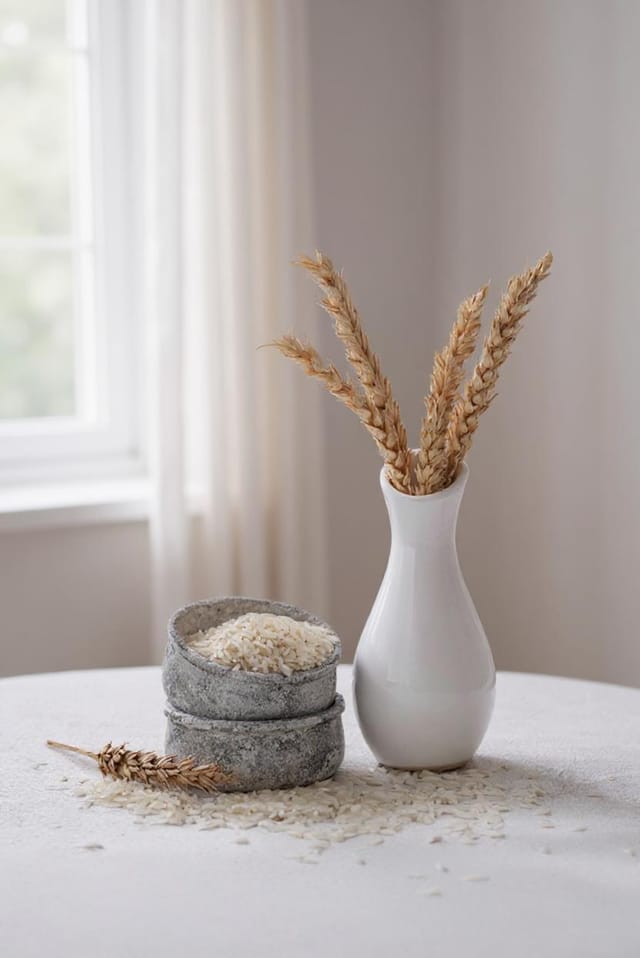
Art flyer for large format print, elements scaled for visibility at distance, colors optimized for print output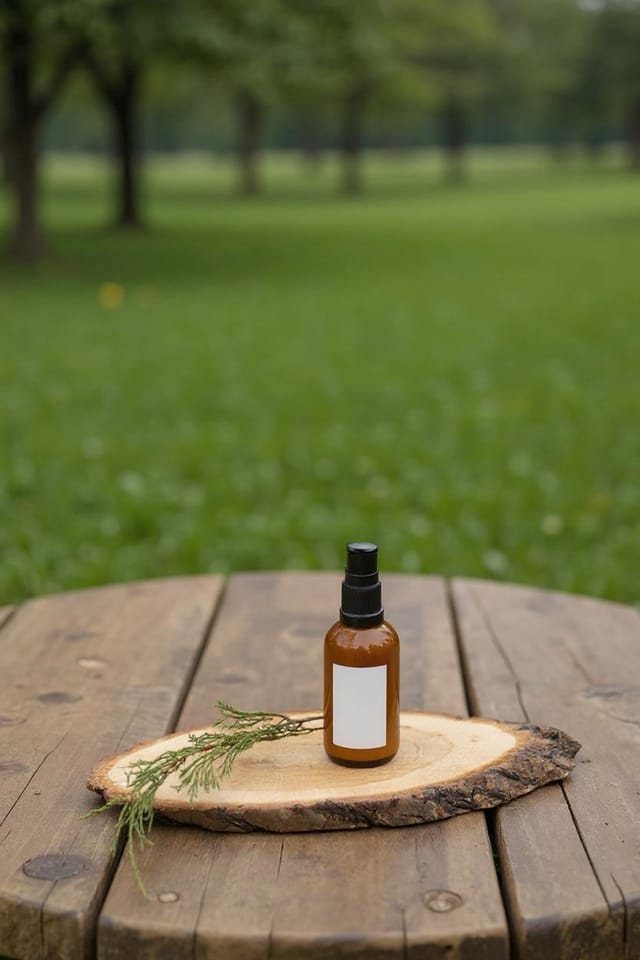
Art flyer designed for dark mode display, OLED-optimized black background, vibrant accent colors, high contrast text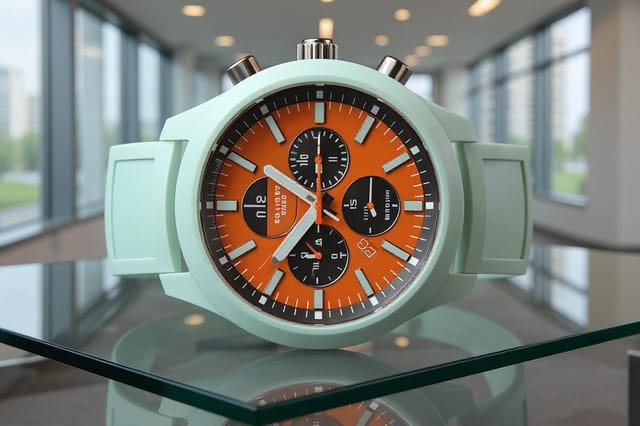
Art flyer with retro 1970s color palette, warm oranges and browns, groovy display type, textured paper background feelTested Art Flyer Prompt Examples
Copy any prompt below and paste it into Pixazo to generate your design instantly.
Monochromatic art flyer, single-hue palette with value variation for contrast, typographic hierarchy creates visual interest without color complexityAtmospheric art flyer, background treatment supports the headline without competing with it, visual weight distributed intentionallyGeometric art flyer, structured grid system, angular composition, colors in blocks rather than gradients, modern clean finishRefined art flyer, sophisticated color relationships, intentional whitespace, typefaces appropriate to art style, balanced compositionContemporary art flyer design, grid-based layout, typographic precision, restrained color palette, no decorative excessPortrait-orientation art flyer, vertical composition, headline at natural reading entry point, supporting information flows downward logicallyGetting Started with Art Flyers: Frequently Asked
The AI recognizes art design as a distinct visual category with its own conventions. Specifying art style in your prompt triggers appropriate design decisions around color, typography, and composition rather than defaulting to generic poster layout.
Specific prompts produce better results than vague ones. Include the visual style you want, any color preferences, the most important text to display, and the intended use. For art design specifically, noting whether you want a contemporary or classic interpretation of art style helps the AI make the right design decisions.
Specify the dimensions in your prompt. Common formats like A3, 18x24 inches, or 1080x1920 pixels for social media stories all work. The AI generates a art flyer composition appropriate for the specified aspect ratio and use case.
Pixazo generates original designs rather than copying existing work. The AI creates art flyers from learned design principles, not by stitching together fragments of existing designs. Generated output does not reproduce copyrighted material or identifiable artistic styles of living creators.
Your prompt history is saved in your account. You can revisit previous art flyer prompts, duplicate them with modifications, and build a library of proven prompt structures for consistent art design output.
Include 'transparent background' in your prompt to generate a art flyer with no background fill. Download as PNG to preserve transparency. This is useful for art designs that will be composited over other imagery or placed on colored surfaces.
Streamlining Art Flyer Creation: Stages Explained
Refine
Apply targeted edits to your selected art flyer. Adjust typography, spacing, and color until every element meets your quality standard.
Research
Collect examples of effective art flyer designs, note what works, and identify patterns relevant to your project goals.
Export
Export your art flyer in the required formats and resolutions. Organize deliverables for handoff to the production or publishing team.
Brief
Establish the key message, dimensions, color preferences, and target audience for your art flyer before any design work begins.
Current Art Flyer Limits: Areas for Improvement
Known limitations and trade-offs of AI-generated art design. Being specific about what AI flyer generation can and cannot do helps you plan your workflow and set accurate expectations.

