Blood Donation Flyer : Create Free Blood Donation Flyers in Minutes with AI
Create Custom Blood Donation Flyers Quickly with Pixazo Best AI Blood Donation Flyer Maker. Try for Free!
Get Started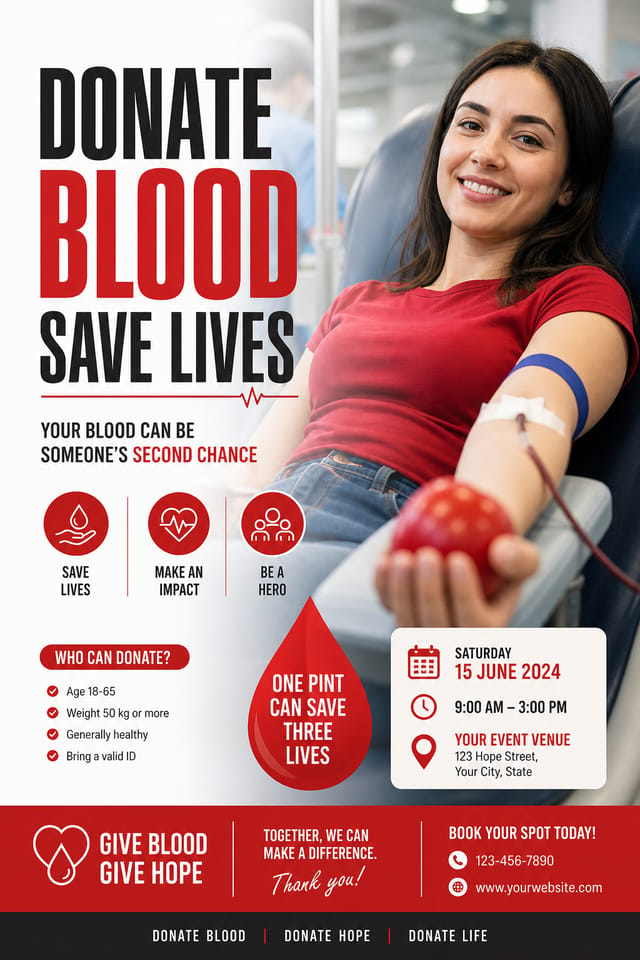
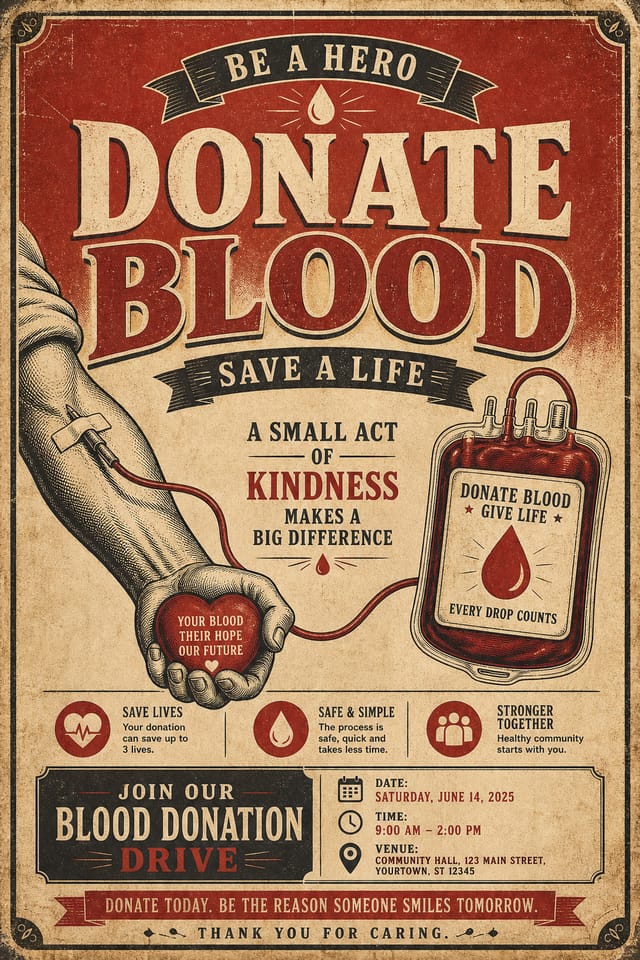
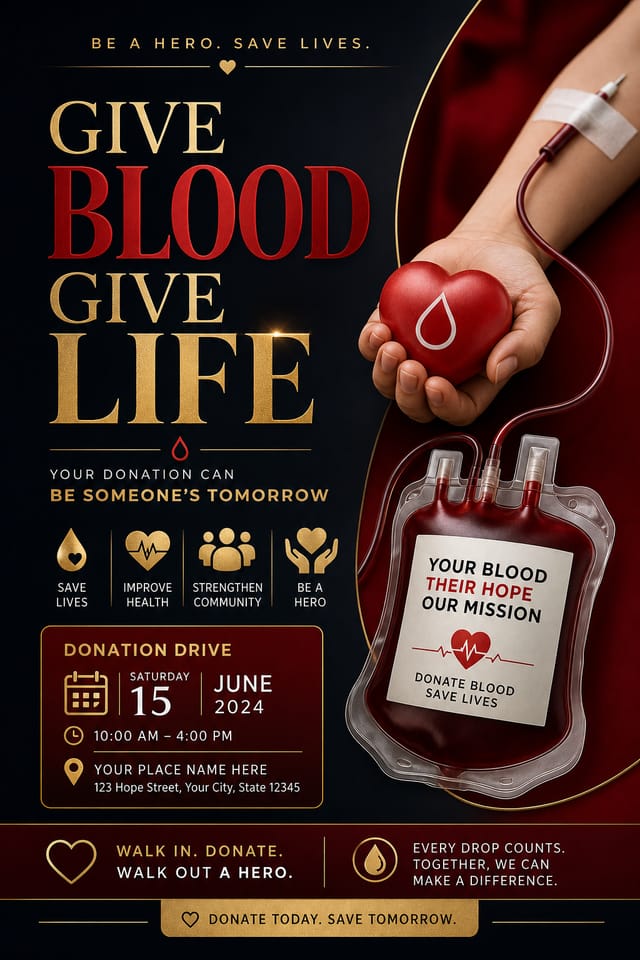
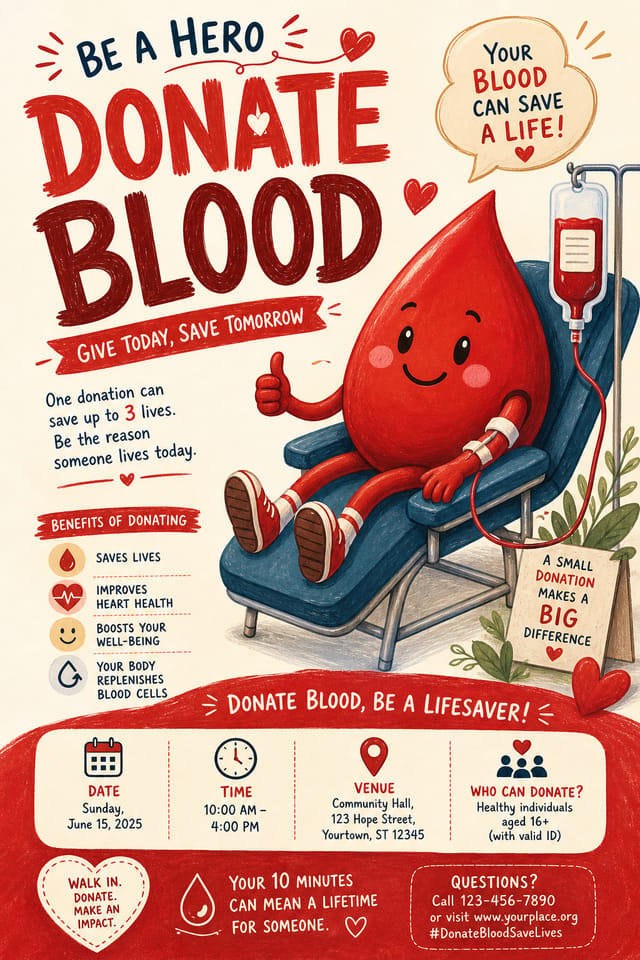
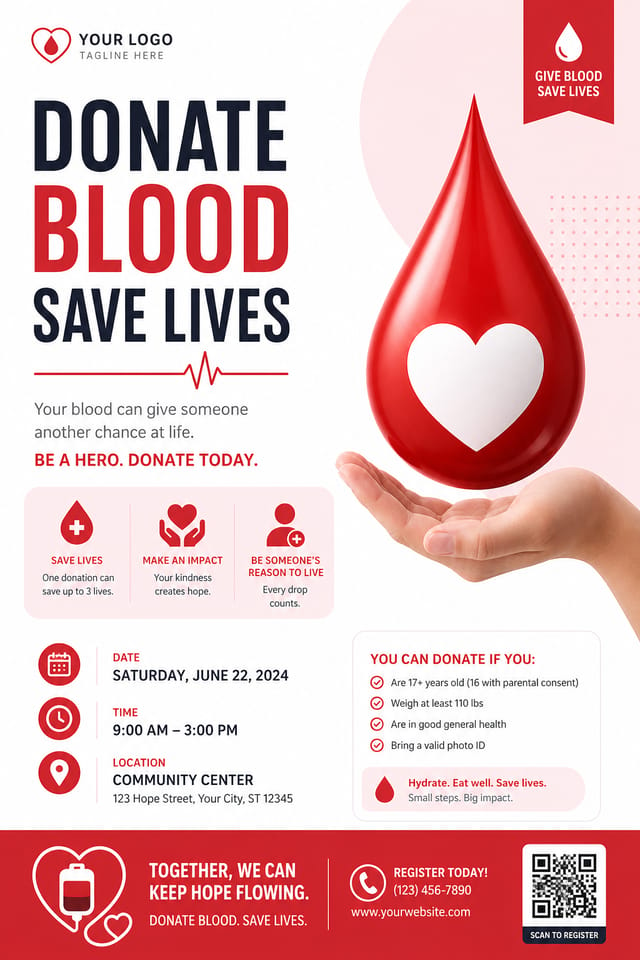
AI Blood-Donation Flyer Builder: Instant Professional Output
Make blood-donation flyers with real visual personality. The AI selects design elements that fit blood-donation aesthetics, not generic templates.
Create Your Blood Donation Flyer FreeStyling Your Blood-Donation Flyer: Aesthetic Choices
High-Contrast Blood-Donation
Bold blood-donation visual treatment with strong tonal contrast. Elements read clearly at any viewing distance.
Geometric Blood-Donation
Structured blood-donation composition using grid systems and angular forms. Order and precision define the visual approach.
Minimalist Blood-Donation
Stripped-back blood-donation approach. Fewer elements, more negative space, typography carries more visual weight.
Textured Blood-Donation
Blood-Donation design with added surface depth. Background treatments add visual interest without disrupting legibility.
Atmospheric Blood-Donation
Blood-Donation flyer design where mood takes priority. Color and composition work together to create a specific feeling.
Behind Blood-Donation Flyer Design: A Closer Look
Color Palette Intelligence
Colors are chosen with blood-donation style awareness. The AI builds palettes that fit blood-donation design conventions rather than selecting arbitrarily.
Commercial Use Rights
Designs generated with Pixazo are yours to use commercially. No additional licensing required for blood-donation flyer projects.
Instant Iterations
Generate multiple blood-donation flyer variations from a single prompt. Compare options and refine until the design matches your vision.
Context-Aware Design
Describe your blood-donation flyer's purpose and audience. The AI adjusts visual weight, complexity, and clarity based on the intended use context.
Resolution Control
Specify output dimensions for your blood-donation flyer. Get files sized for web display, social media, or large-format printing.
How Blood-Donation Flyer Projects Flow: Workflow Breakdown
Brief Define requirements
Establish the key message, dimensions, color preferences, and target audience for your blood-donation flyer before any design work begins.
Research Gather references
Collect examples of effective blood-donation flyer designs, note what works, and identify patterns relevant to your project goals.
Refine Polish the design
Apply targeted edits to your selected blood-donation flyer. Adjust typography, spacing, and color until every element meets your quality standard.
Export Deliver final files
Export your blood-donation flyer in the required formats and resolutions. Organize deliverables for handoff to the production or publishing team.
Generate Create initial designs
Use AI to produce multiple blood-donation flyer variations based on your brief. Start broad and narrow down from the strongest options.
Blood-Donation Flyers Across Fields: Use Case Roundup
Podcast and Media Branding
Generate blood-donation flyers for podcast covers, episode artwork, and media channel identity. Consistent visual branding across audio and video platforms.
Personal Creative Work
Generate blood-donation flyers for personal projects, home display, and creative experiments without spending production time on design execution.
Wedding and Celebration Planning
Create blood-donation flyers for invitations, signage, and event branding. Cohesive visual systems that carry a celebration's theme across every touchpoint.
Interior Display
Generate blood-donation flyers for home and office wall display. Get print-ready files that look considered rather than stock-photo generic.
Healthcare and Wellness
Design blood-donation flyers for clinics, wellness centers, and health campaigns. Trustworthy visuals that communicate care and professionalism.
Making Blood-Donation Flyers: In Minutes
Spell Out the Requirements
Write a prompt describing your blood-donation flyer. Include style preferences, color direction, the most important text to display, and any specific visual elements you want. The more specific your description, the more targeted the output.
Watch It Come Together
Pixazo generates your blood-donation flyer in seconds. Review the design and adjust your prompt to refine specific elements: change the color palette, shift the layout weight, or add visual elements you want included.
Hone the Details
Adjust your prompt to modify specific elements of the blood-donation flyer. Change the color palette, shift typography weight, or reposition the compositional focus. Each iteration gets you closer to the final design.
Seal the Design
Get your final blood-donation flyer file in one click. Choose your format, download at full resolution, and use the design immediately. No watermarks, no additional fees, no waiting.
Watch: Creating Blood Donation Flyer designs step by step
The Blood-Donation Flyer Impact: Measurable Impact
Output formats available for every blood-donation flyer gene
Output formats available for every blood-donation flyer generation
Full commercial usage rights for all generated blood-donatio
Full commercial usage rights for all generated blood-donation flyers
Maximum output resolution for print-quality blood-donation f
Maximum output resolution for print-quality blood-donation flyer designs
Practical Blood-Donation Flyer Tips: Practical Guidance
Match Tone to Audience
A blood-donation flyer for a corporate event needs a different visual tone than one for a music festival. Let the audience guide your style choices.
Prioritize Hierarchy
Every blood-donation flyer needs a clear reading order. Make sure the most important information is the largest and most prominent element in the layout.
Test at Actual Size
Always preview your blood-donation flyer at the dimensions it will be displayed. Design details that look fine at 100% can disappear or crowd at real-world scale.
Iterate with Variations
Generate 3-5 versions of your blood-donation flyer before committing. Comparing variations side by side often reveals the strongest direction.
Use High Contrast for Readability
Whether your blood-donation flyer is displayed on screen or in print, strong contrast between text and background ensures the message gets through at any size.
Where Blood-Donation Flyer AI: Trade-Offs to Know
Known limitations and trade-offs of AI-generated blood donation design. Understanding what the AI handles well and where it falls short helps you structure your blood-donation flyer design workflow effectively.
Blood-Donation Flyer Prompts: Prompts to Try
Copy any prompt below and paste it into Pixazo to generate your design instantly.
Blood-Donation flyer with strong visual hierarchy, largest element reads clearly, supporting elements organized by importance, clean background treatmentRefined blood-donation flyer, sophisticated color relationships, intentional whitespace, typefaces appropriate to blood-donation style, balanced compositionContemporary blood-donation flyer design, grid-based layout, typographic precision, restrained color palette, no decorative excessGeometric blood-donation flyer, structured grid system, angular composition, colors in blocks rather than gradients, modern clean finishClean blood-donation flyer design, geometric structure, disciplined typography, color accent used selectively for emphasis, printer-optimized resolutionFull-bleed blood-donation flyer, background treatment extends to edges, foreground elements positioned for compositional balance, strong central hierarchyNew to Blood-Donation Flyers? Common Questions Answered
Describe your core design parameters in each prompt and vary only the specific elements that should change across the series. Maintaining consistent color palette, typographic approach, and compositional structure across blood-donation flyer variations creates a coherent series.
Pixazo works in any modern mobile browser. The interface adapts to phone and tablet screens so you can generate blood-donation flyers from anywhere. A dedicated mobile app is in development for an even smoother on-device experience.
Designs created with Pixazo are available for commercial use. You can use your blood-donation flyers for client projects, product sales, advertising, and other commercial applications without additional licensing fees.
Pixazo generates single-page blood-donation flyer designs per prompt. For multi-page projects, generate each page individually using consistent prompt language to maintain visual continuity across your blood-donation document set.
Blood-Donation Flyer Creators: Creator Highlights
Real creators sharing their blood donation designs made with Pixazo AI.

Blood-Donation flyer at 1080x1920 pixels for Instagram stories, bold sans-serif headline centered, gradient background in blood-donation tones, call-to-action at bottom
Blood-Donation flyer for large format print, elements scaled for visibility at distance, colors optimized for print output
High-contrast blood-donation flyer, dark background with light text, accent color used for single key element, modern composition
