Car Show Flyer : Create Free Car Show Flyers in Minutes with AI
Create Custom Car Show Flyers Quickly with Pixazo Best AI Car Show Flyer Maker. Try for Free!
Get Started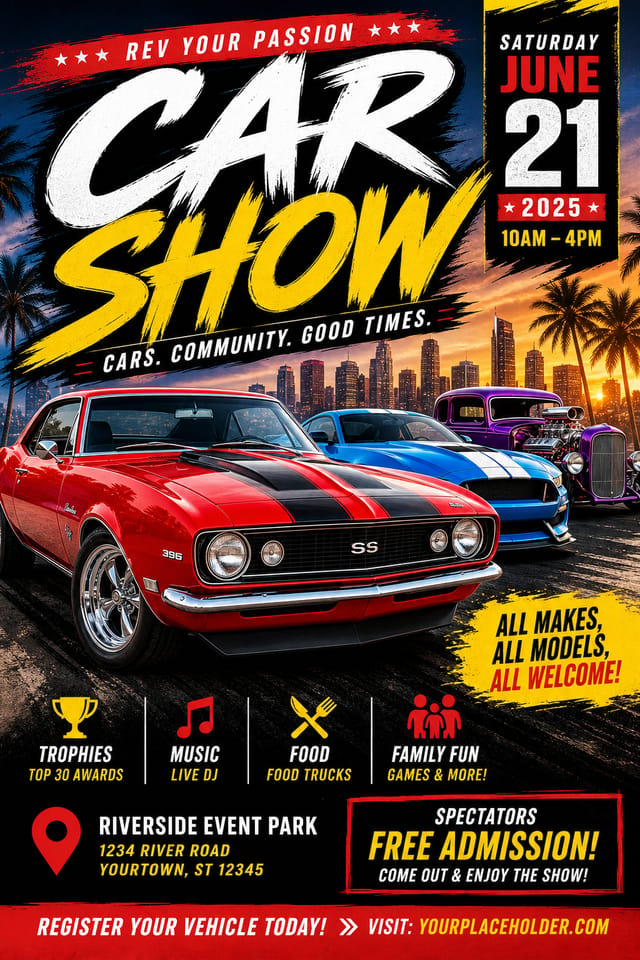
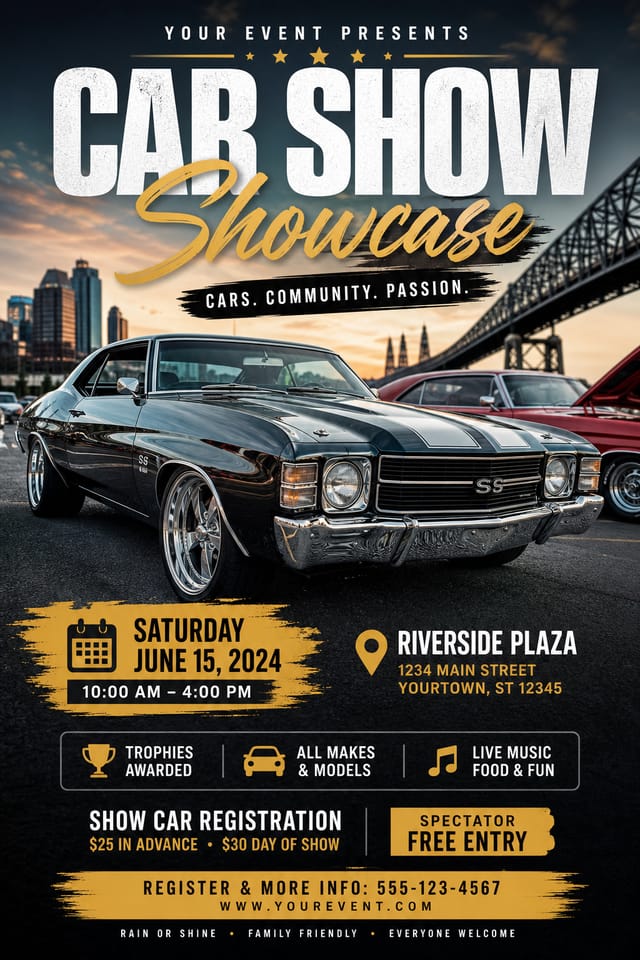
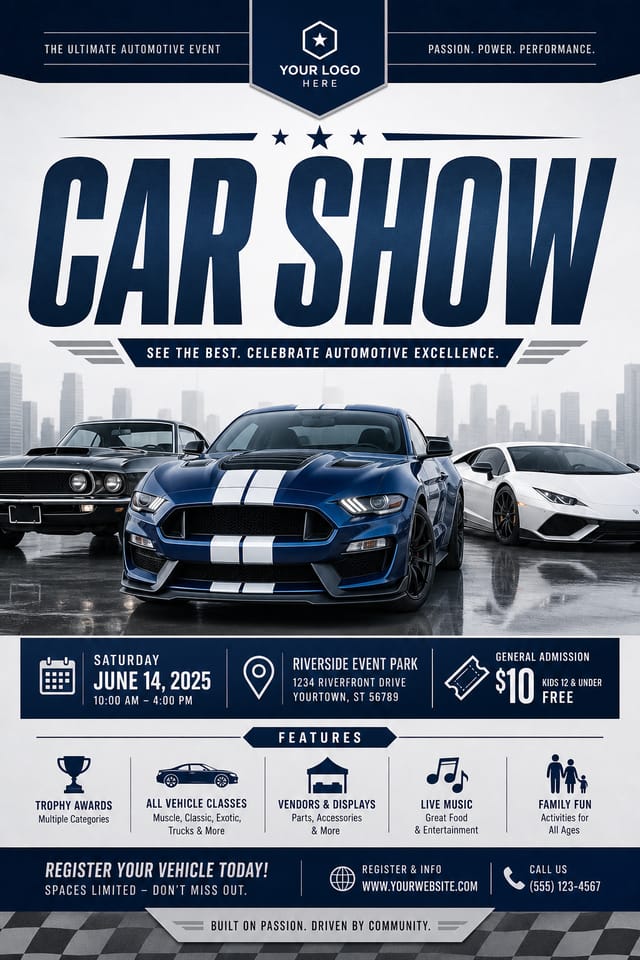
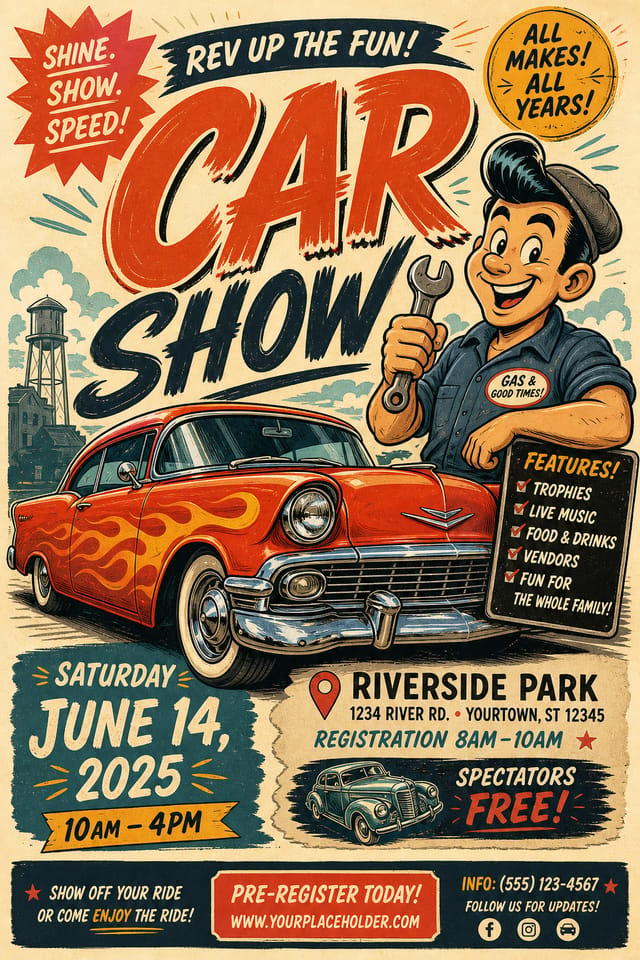
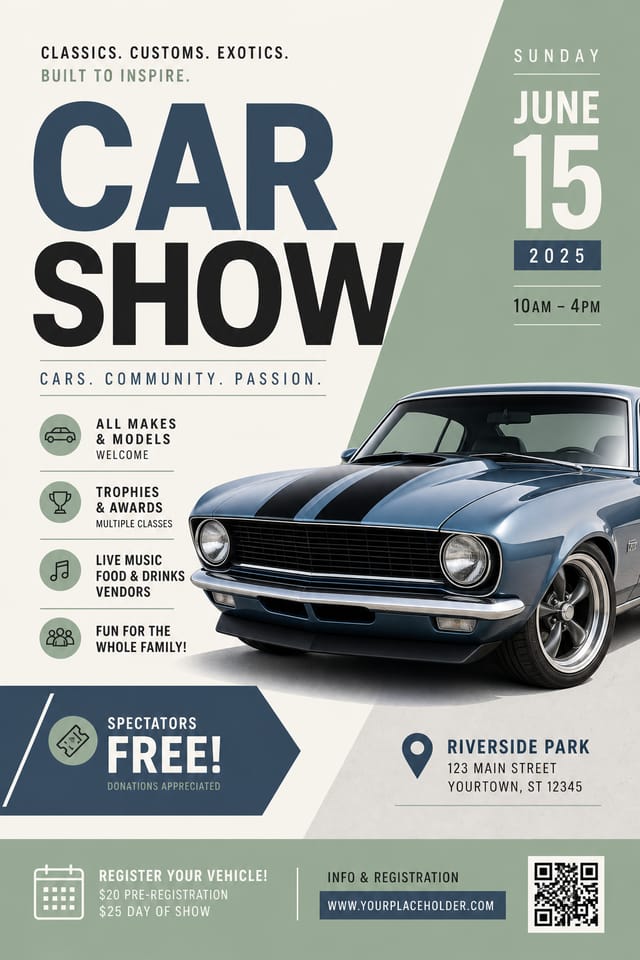
AI Car-Show Flyer Maker: Start Creating Now
Generate car-show flyers that capture the right visual mood. Pixazo's AI handles composition, color, and typography so you can focus on your message.
Create Your Car Show Flyer FreeWhat Powers Car-Show Flyer Design: Capabilities Explained
Print-Ready Output
Generated car-show flyers are sized and structured for professional printing. Download high-resolution files ready for production.
Instant Iterations
Generate multiple car-show flyer variations from a single prompt. Compare options and refine until the design matches your vision.
Commercial Use Rights
Designs generated with Pixazo are yours to use commercially. No additional licensing required for car-show flyer projects.
Consistency Across Variants
Generate multiple car-show flyers for a project and maintain visual consistency across the set. Specify your core design parameters and vary secondary elements.
Inside Car-Show Flyer Creation: The Creation Flow
Write Your Prompt
Start with a text description of your car-show flyer concept. Specify the visual style, colors, layout direction, and key text. Detailed prompts produce more accurate car-show flyer designs than general ones.
Get Your First Draft
Your car-show flyer generates immediately after submission. Evaluate the design against your requirements and refine the prompt to correct any elements that don't match your intent.
Correct and Resubmit
Adjust your prompt to modify specific elements of the car-show flyer. Change the color palette, shift typography weight, or reposition the compositional focus. Each iteration gets you closer to the final design.
Archive the Result
Export your car-show flyer in the format you need. PNG for web and social, PDF for print production, JPG for email and lightweight sharing. The file is yours to use commercially without restrictions.
Car Show Flyer Specifications
Watch: Creating Car Show Flyer designs step by step
About Car-Show Flyers: Your Questions Answered
Designs created with Pixazo are available for commercial use. You can use your car-show flyers for client projects, product sales, advertising, and other commercial applications without additional licensing fees.
Individual car-show flyers generate in seconds. For batch production, you can submit multiple prompts in sequence and download results as they complete. A series of ten car-show flyer variations typically takes under five minutes total.
Common sizes include 1080x1080 for Instagram feed, 1080x1920 for stories and reels, 1200x628 for Facebook links, 1500x500 for Twitter headers, and 1080x1350 for Pinterest. Specify the platform in your prompt and Pixazo optimizes car-show layout for that format.
The AI recognizes car-show design as a distinct visual category with its own conventions. Specifying car-show style in your prompt triggers appropriate design decisions around color, typography, and composition rather than defaulting to generic poster layout.
Effective Car-Show Flyer Strategies: A Quality Guide
Use a consistent visual hierarchy
Structure your car-show flyer so the viewer's eye follows a clear path from headline to supporting details to call-to-action.
Optimize for the display medium
Tailor your car-show flyer resolution, color space, and text size to the specific platform or physical context where it will appear.
Keep the message focused
A strong car-show flyer communicates one primary idea clearly. Supporting details should reinforce, not compete with, the main message.
Test with real content
Never finalize a car-show flyer with placeholder text. Real copy often has different lengths and line breaks that affect the design.
Skip proofreading
Typos and grammatical errors on a car-show flyer undermine credibility instantly. Always have someone else review the final text.
Overcrowd the layout
Filling every pixel of your car-show flyer with content makes it harder to read and reduces the impact of every individual element.
Use too many fonts
More than two or three typefaces in a single car-show flyer creates visual noise and makes the design feel disjointed.
Forget the call to action
A car-show flyer without a clear next step for the viewer is a missed opportunity. Always include direction on what to do next.
Advanced Car-Show Flyer Features: Features Unpacked
Layout Intelligence
AI understands car-show flyer layout conventions and applies them automatically
Typography Matching
Font selection that matches the visual tone of your car-show flyer design
Composition Rules
Automatic application of design principles like hierarchy and balance
Car-Show Flyer Maker Comparison: A Neutral Comparison
Snappa
Quick graphic creator focused on social media and marketing visuals
Pixazo
AI-powered car-show flyer generator with prompt-based design and professional output quality
Crello
Template-based design tool with animation and video support
Piktochart
Infographic and presentation maker for data-driven visuals
Adobe Express
Streamlined creative tool backed by Adobe's design ecosystem
Putting Car-Show Flyers to Work: A Practical Guide
Gig and Show Promotion
Create car-show flyers announcing upcoming performances, screenings, and shows. Eye-catching designs that drive ticket sales and attendance.
Social Media Event Promotion
Design car-show flyers sized for Instagram, Twitter, and Facebook event pages. Platform-optimized materials that maximize reach.
Venue and Festival Signage
Generate car-show flyers for venue lobbies, festival grounds, and event spaces. Large-format prints that create atmosphere.
Merchandise and Collectibles
Generate car-show flyers intended for print on merchandise, limited editions, and collectible items. Designs with commercial print production in mind.
Fan Community Materials
Create car-show flyers for fan clubs, viewing groups, and appreciation events. Designs that celebrate fandom and community.
Your Car-Show Flyer Tool: Specs and Limits
Tested Car-Show Flyer Prompt Templates
Copy any prompt below and paste it into Pixazo to generate your design instantly.
Two-color car-show flyer design, high contrast between primary and secondary color, clean separation between graphic and text zonesTextured car-show flyer, surface treatment adds depth without obscuring legibility, texture consistent with car-show aestheticCar-Show flyer design, clean layout, strong typography hierarchy, appropriate color palette for car-show aesthetic, high contrast between headline and backgroundGeometric car-show flyer, structured grid system, angular composition, colors in blocks rather than gradients, modern clean finishCar-Show style flyer, bold headline placement, supporting text at appropriate scale, color palette consistent with car-show design conventionsCar-Show flyer with strong visual hierarchy, largest element reads clearly, supporting elements organized by importance, clean background treatmentCommunity Car-Show Flyer: Designs Worth Seeing
Real creators sharing their car show designs made with Pixazo AI.
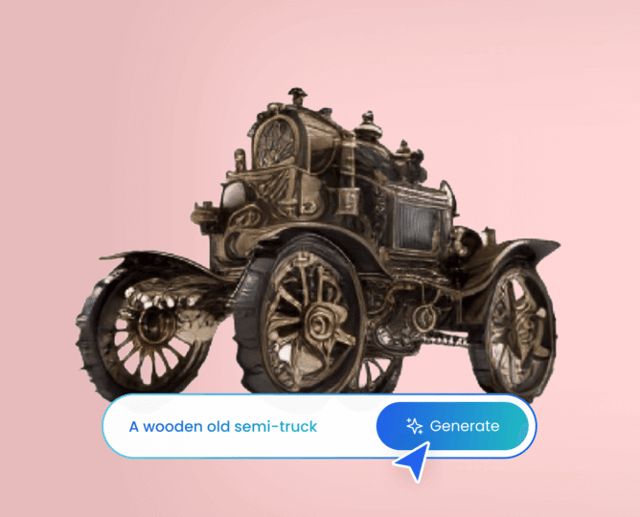
Bold car-show flyer with strong central headline, supporting information at secondary scale, background treatment consistent with car-show design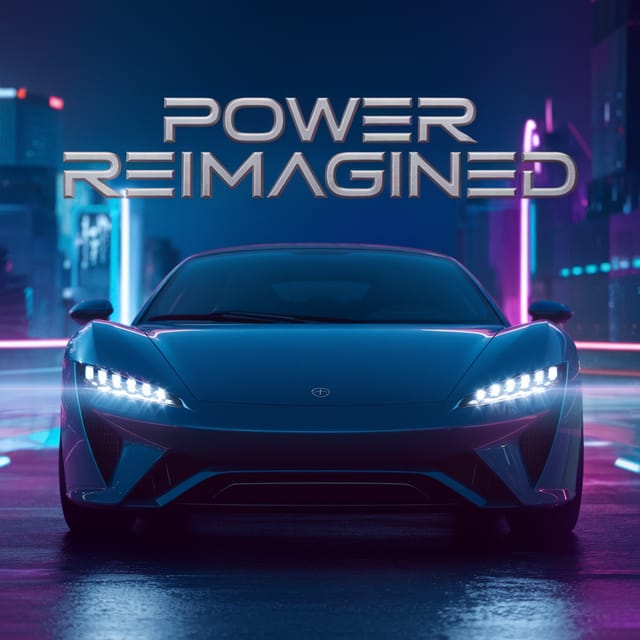
Car-Show flyer with retro 1970s color palette, warm oranges and browns, groovy display type, textured paper background feel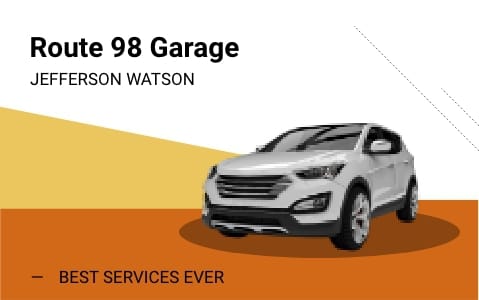
Car-Show flyer designed for dark mode display, OLED-optimized black background, vibrant accent colors, high contrast textThe Fine Print on Car-Show Flyers: Areas for Improvement
Known limitations and trade-offs of AI-generated car show design. Understanding what the AI handles well and where it falls short helps you structure your car-show flyer design workflow effectively.

