Election Flyer : Create Free Election Flyers in Minutes with AI
Create Custom Election Flyers Quickly with Pixazo Best AI Election Flyer Maker. Try for Free!
Get Started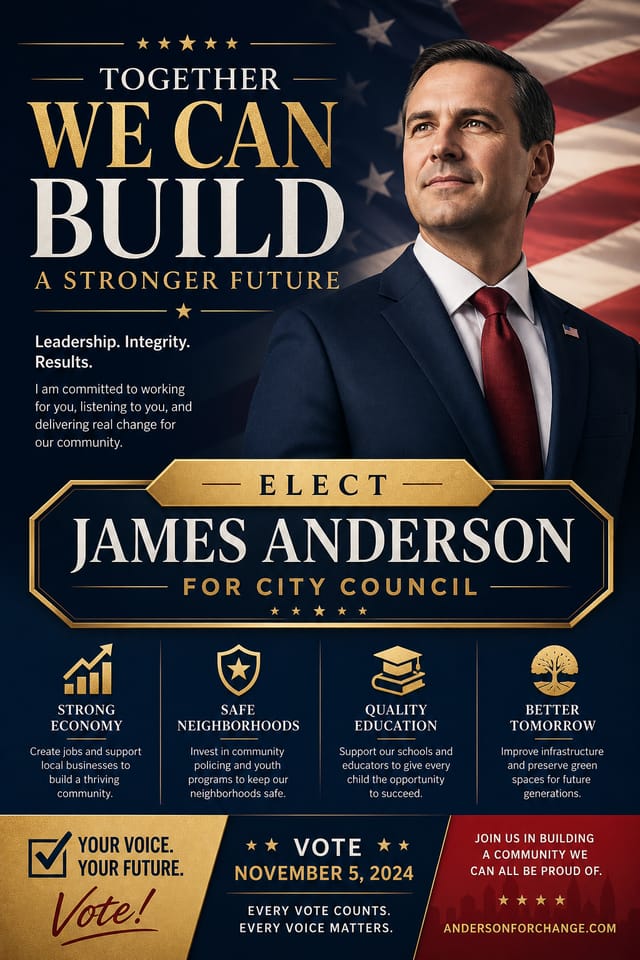
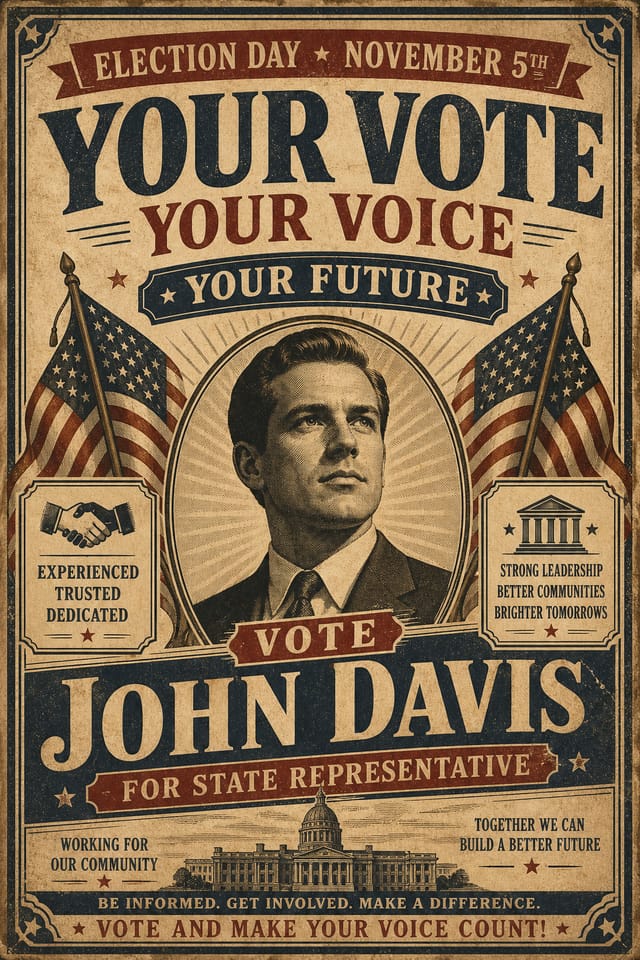
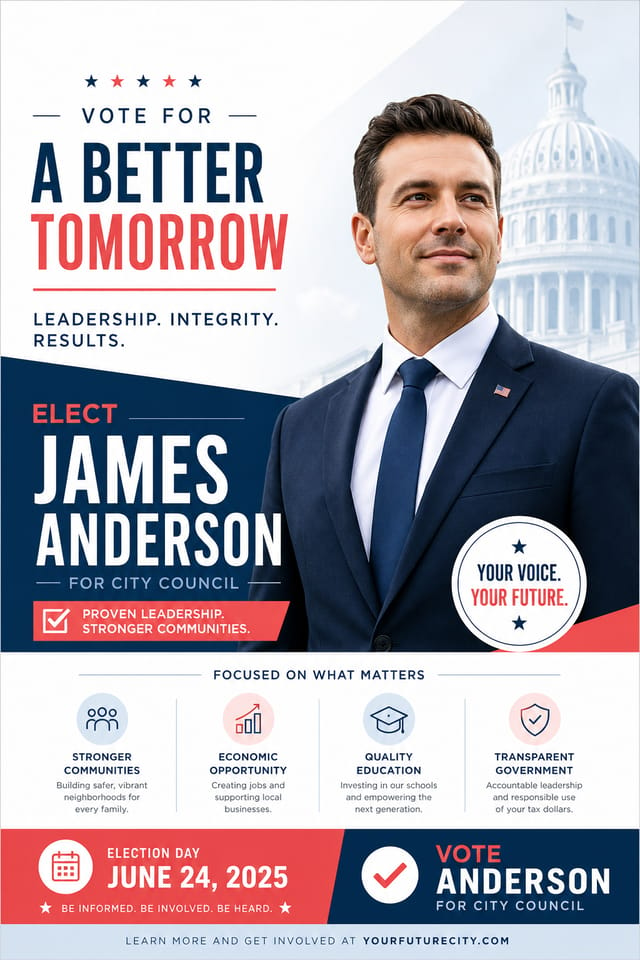
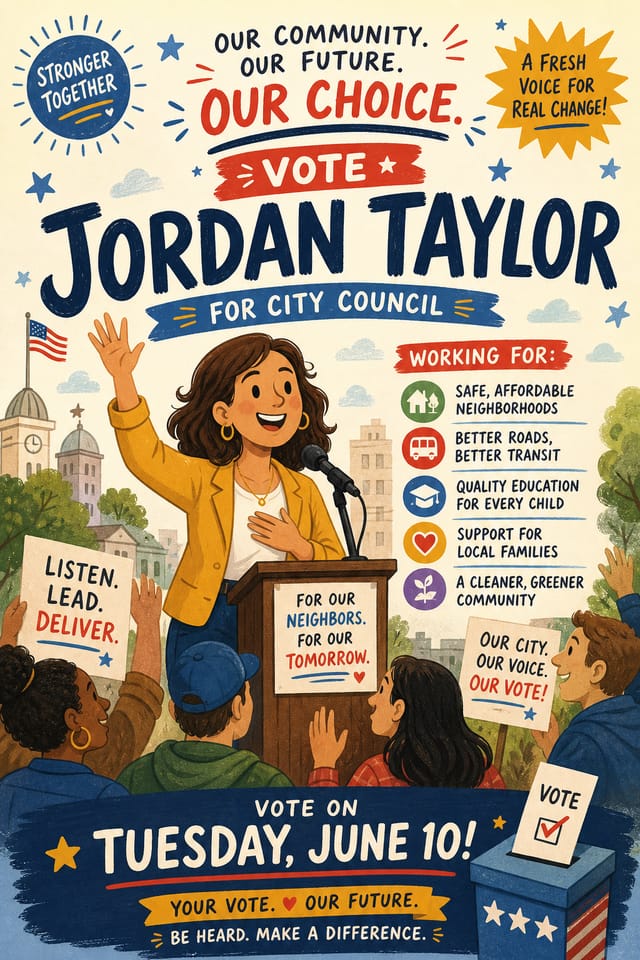
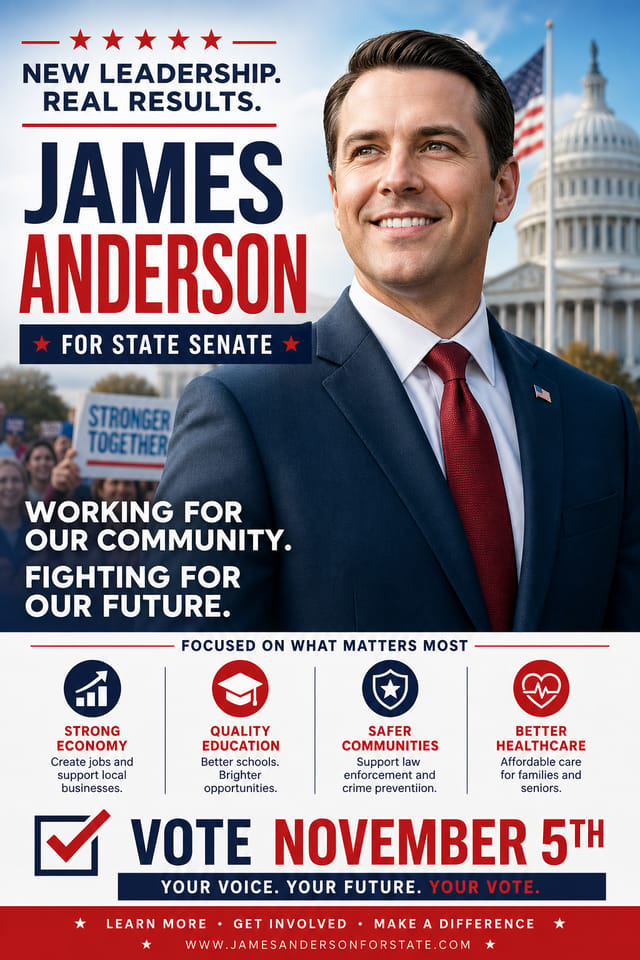
AI Election Flyer Builder: Create Like a Pro
Pixazo AI builds election flyers from your description. Describe the look you want and get a design that fits your exact context.
Create Your Election Flyer FreeWhat Election Creators Built: Showcase Gallery
Real creators sharing their election designs made with Pixazo AI.
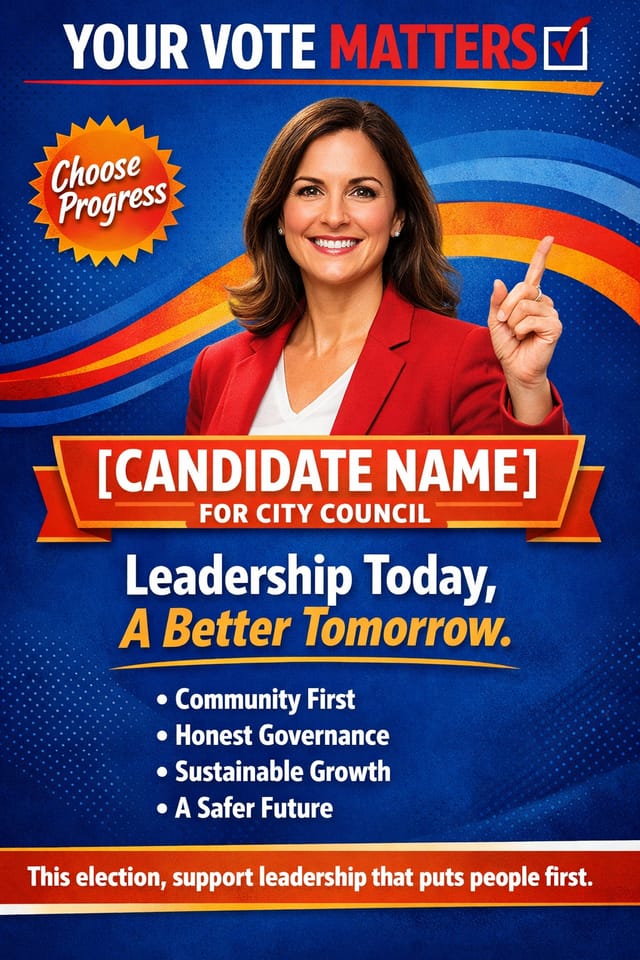
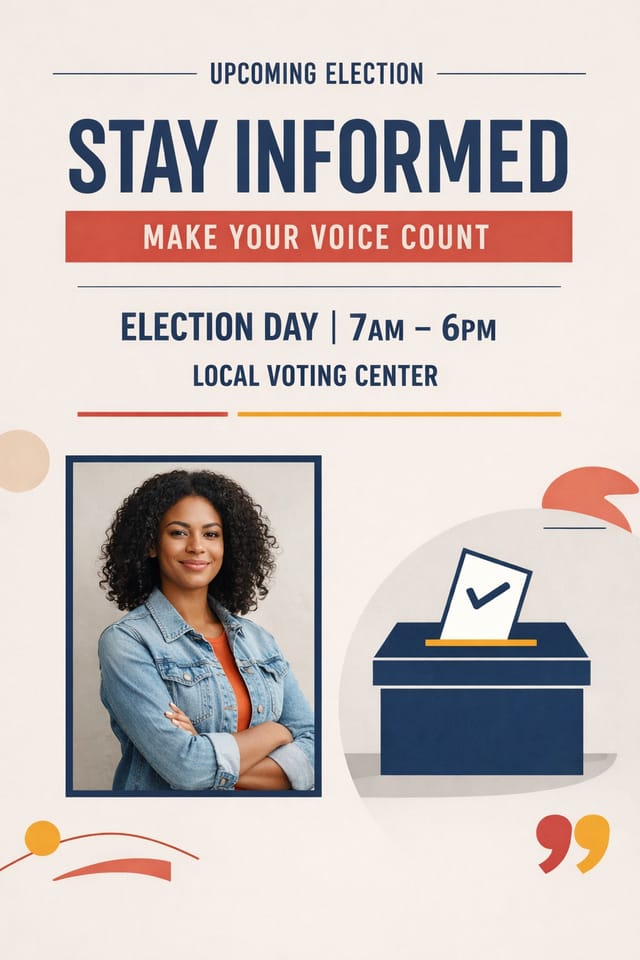
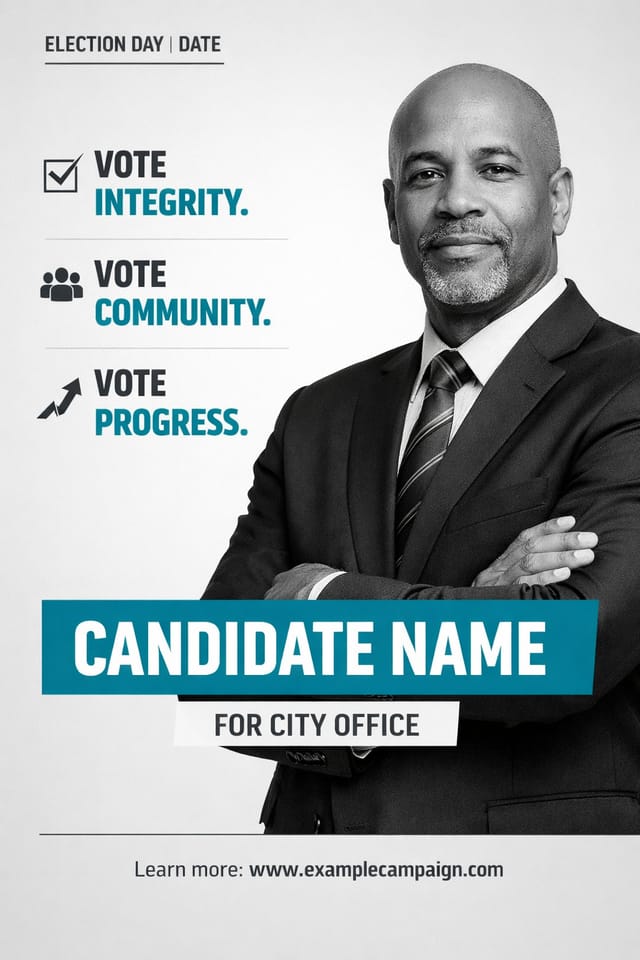
The Logic of Election Flyer Design: What Good Design Involves
Understanding Election Flyer Design Conventions
Election flyer design has its own visual conventions that differ significantly from other styles.
The AI recognizes these patterns and applies them when generating your design, rather than defaulting to a generic layout.
When you describe a election flyer, Pixazo selects typography, color relationships, and compositional approaches appropriate to election aesthetics.
The result is a design that looks like it belongs in its context, not a repurposed template with the wrong visual DNA.
Practical Election Flyer Tips: Lessons from the Field
Limit Your Color Palette
Stick to 2-3 primary colors in your election flyer design. Too many colors compete for attention and weaken the visual hierarchy.
Iterate with Variations
Generate 3-5 versions of your election flyer before committing. Comparing variations side by side often reveals the strongest direction.
Get Feedback Early
Share your election flyer draft with someone outside the project. Fresh eyes catch issues you have become blind to after hours of refinement.
Leave White Space
Resist the urge to fill every area of your election flyer. Breathing room around key elements makes the overall design more effective.
Use High Contrast for Readability
Whether your election flyer is displayed on screen or in print, strong contrast between text and background ensures the message gets through at any size.
Putting Election Flyers to Work: Practical Examples
Travel and Tourism Promotion
Design election flyers for destinations, tour packages, and hospitality brands. Aspirational visuals that inspire booking decisions.
Professional Projects
Create election flyers for client work, commercial campaigns, and professional applications where quality and style accuracy matter.
Non-Profit Campaigns
Create compelling election campaign flyers without allocating budget to design production. Focus resources on mission-critical activities.
Healthcare and Wellness
Design election flyers for clinics, wellness centers, and health campaigns. Trustworthy visuals that communicate care and professionalism.
Political and Advocacy Campaigns
Create election campaign flyers for candidates, ballot measures, and social causes. Persuasive designs that mobilize and inform.
How to Evaluate Election Flyers: From Weak to Strong
Precision Election Flyer Tools: Core Strengths
Print-Ready Output
Generated election flyers are sized and structured for professional printing. Download high-resolution files ready for production.
Prompt Refinement
Adjust your description to refine any aspect of the election flyer design. The AI responds to specific direction about colors, layout, or content.
No Design Software Required
Create professional election flyers without Photoshop, Illustrator, or other design applications. The AI handles all technical production.
Resolution Control
Specify output dimensions for your election flyer. Get files sized for web display, social media, or large-format printing.
How Election Flyer AI Works: The Workflow Explained
Capture Your Intent
Write a prompt describing your election flyer. Include style preferences, color direction, the most important text to display, and any specific visual elements you want. The more specific your description, the more targeted the output.
Screen the Design
Your election flyer generates immediately after submission. Evaluate the design against your requirements and refine the prompt to correct any elements that don't match your intent.
Ship the Final File
Export your election flyer in the format you need. PNG for web and social, PDF for print production, JPG for email and lightweight sharing. The file is yours to use commercially without restrictions.
Watch: Creating Election Flyer designs step by step
The Election Flyer Platform: Technical Overview
Election Flyer Quality Checklist: What to Do and What to Avoid
Use grids and alignment
Structured layouts in your election flyer create a sense of order and professionalism that unstructured designs cannot match.
Test with real content
Never finalize a election flyer with placeholder text. Real copy often has different lengths and line breaks that affect the design.
Keep the message focused
A strong election flyer communicates one primary idea clearly. Supporting details should reinforce, not compete with, the main message.
Maintain brand alignment
Keep your election flyer design consistent with existing brand colors, fonts, and visual language for a cohesive identity.
Forget the call to action
A election flyer without a clear next step for the viewer is a missed opportunity. Always include direction on what to do next.
Ignore accessibility
Low-contrast text and tiny font sizes in your election flyer exclude a significant portion of your potential audience.
Rely solely on AI output
AI-generated election flyer designs are a starting point. Human review catches issues with context, tone, and accuracy that AI can miss.
Skip proofreading
Typos and grammatical errors on a election flyer undermine credibility instantly. Always have someone else review the final text.
Proven Election Flyer Prompt Collection
Copy any prompt below and paste it into Pixazo to generate your design instantly.
Textured election flyer, surface treatment adds depth without obscuring legibility, texture consistent with election aestheticElection aesthetic flyer, palette drawn from election design tradition, layout proportions consistent with election conventions, purposeful use of each elementLarge-format election flyer design, elements sized for visibility at print scale, no fine detail that would be lost in productionElection flyer with strong visual hierarchy, largest element reads clearly, supporting elements organized by importance, clean background treatmentAtmospheric election flyer, background treatment supports the headline without competing with it, visual weight distributed intentionallyRefined election flyer, sophisticated color relationships, intentional whitespace, typefaces appropriate to election style, balanced compositionUnderstanding Election Flyers: Questions and Answers
Generated designs that miss the mark usually need more specific prompts. Add details about the visual hierarchy you want, the feeling the election flyer should create, or specific elements to include or avoid. More context in the prompt produces more targeted output.
Templates apply a fixed visual structure with placeholder content. AI generation produces original designs based on your specific description. Two election flyers generated from different prompts will have genuinely different layouts, not just different text in the same box positions.
Longer, more detailed prompts generally produce more accurate results for election flyer design. Include all the relevant information: style direction, color preferences, content to display, intended use, and any specific design elements you want. There is no strict character limit.
Pixazo supports PNG, JPEG, and PDF export for election flyers. PNG preserves transparency if your design uses it. JPEG works well for web and social media. PDF is the preferred format for print production of election flyers.
Specify the dimensions in your prompt. Common formats like A3, 18x24 inches, or 1080x1920 pixels for social media stories all work. The AI generates a election flyer composition appropriate for the specified aspect ratio and use case.
What Election Flyer AI: Where It Falls Short
Known limitations and trade-offs of AI-generated election design. Transparency matters when using AI for election flyer design. The points below describe where you may need to supplement AI output with manual work.

