Happy Hour Flyer : Create Free Happy Hour Flyers in Minutes with AI
Create Custom Happy Hour Flyers Quickly with Pixazo Best AI Happy Hour Flyer Maker. Try for Free!
Get Started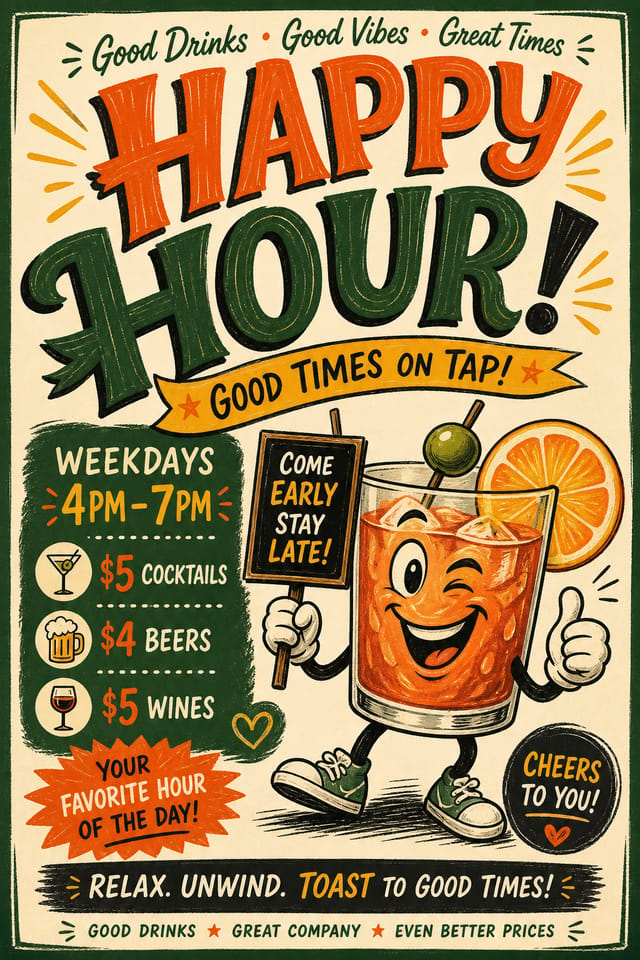
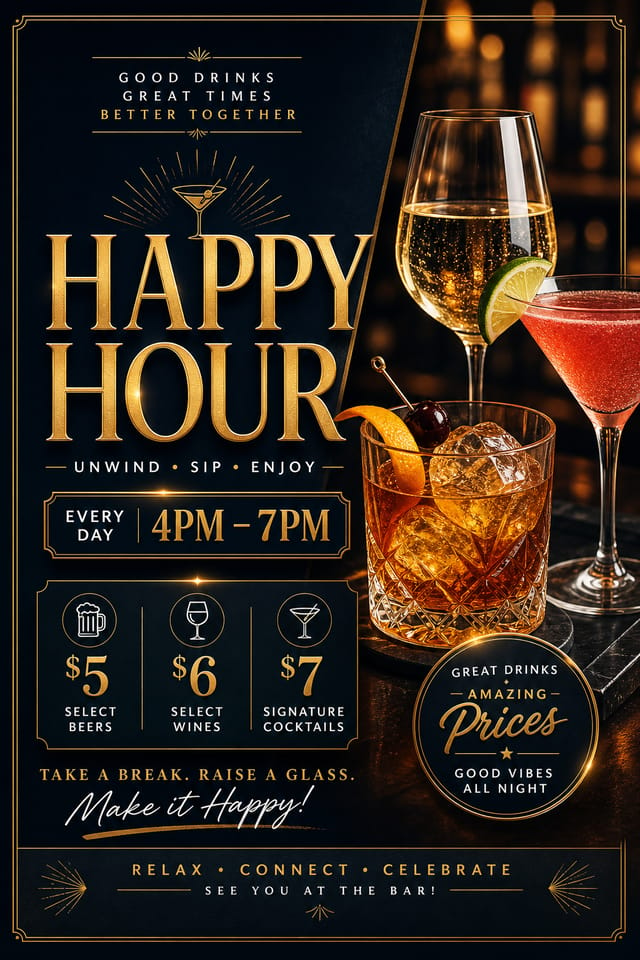
AI Happy-Hour Flyer Engine: From Idea to Reality
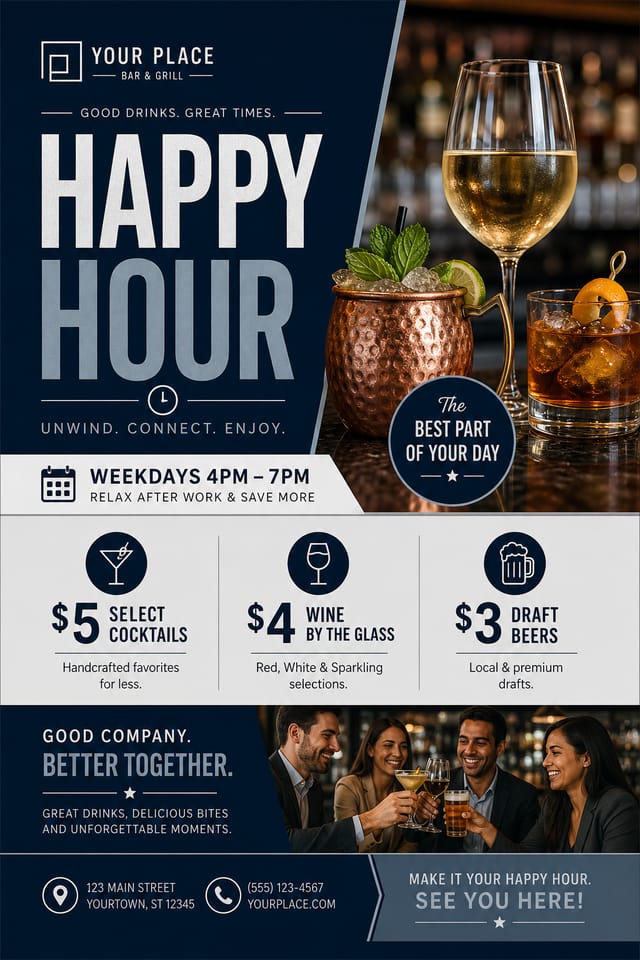
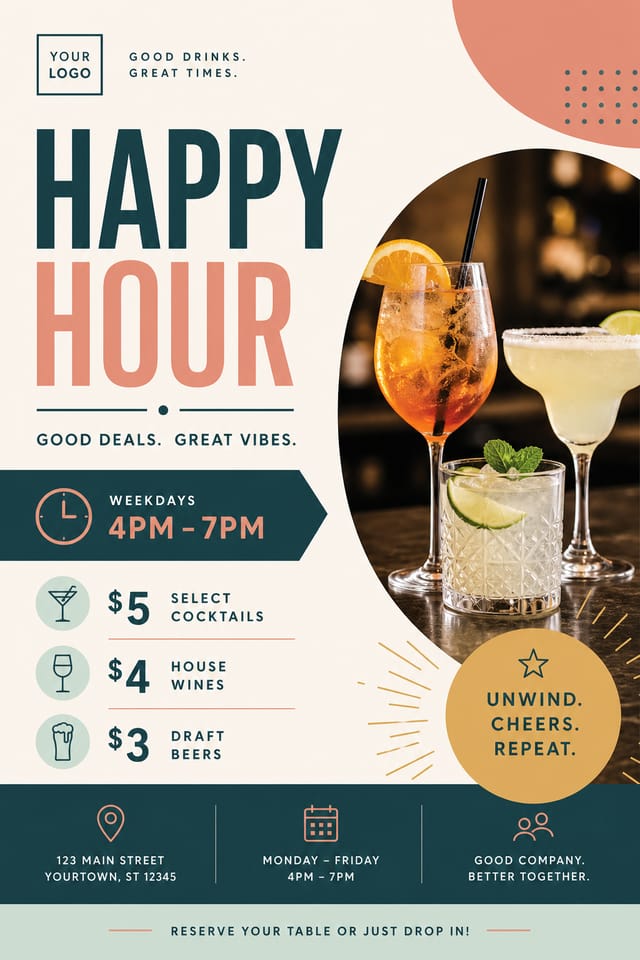
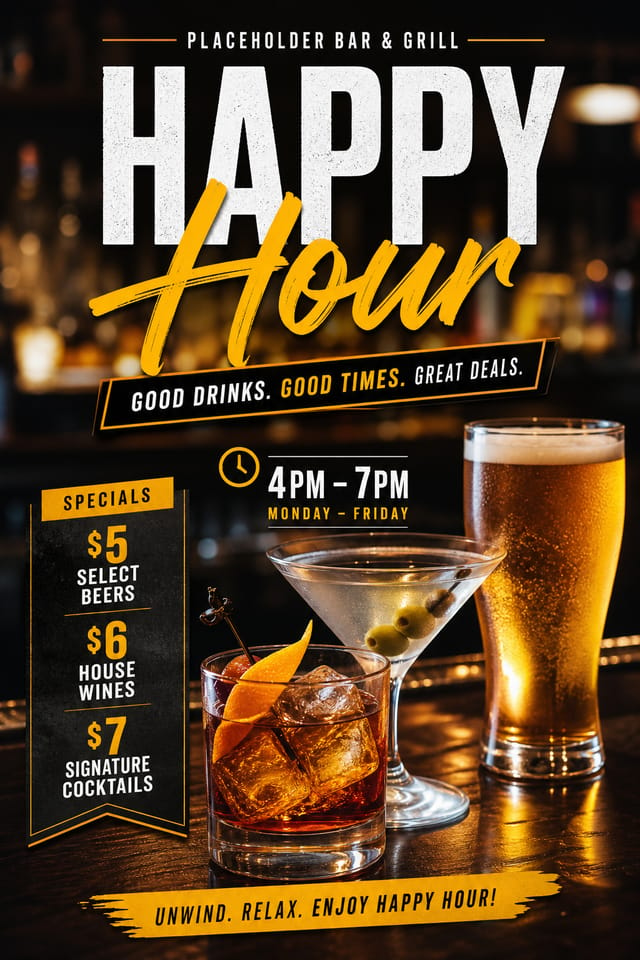
Create happy-hour flyers with accurate style interpretation. Pixazo understands happy-hour visual language and applies it to your specific request.
Create Your Happy Hour Flyer FreeHappy-Hour Flyer Design Guidance: Practical Guidelines
Optimize for the display medium
Tailor your happy-hour flyer resolution, color space, and text size to the specific platform or physical context where it will appear.
Use a consistent visual hierarchy
Structure your happy-hour flyer so the viewer's eye follows a clear path from headline to supporting details to call-to-action.
Use grids and alignment
Structured layouts in your happy-hour flyer create a sense of order and professionalism that unstructured designs cannot match.
Forget the call to action
A happy-hour flyer without a clear next step for the viewer is a missed opportunity. Always include direction on what to do next.
Ignore accessibility
Low-contrast text and tiny font sizes in your happy-hour flyer exclude a significant portion of your potential audience.
Overcrowd the layout
Filling every pixel of your happy-hour flyer with content makes it harder to read and reduces the impact of every individual element.
The Happy-Hour Design Approach: Visual Processing Explained
Why Happy-Hour Flyer Design Requires Specific Knowledge
Effective happy-hour flyer design depends on understanding what makes happy-hour work visually.
Color relationships, typographic choices, and spatial arrangement all carry different weight depending on the design style.
Pixazo's AI has been trained to recognize these distinctions.
The practical result is that a happy-hour flyer prompt produces designs that fit happy-hour conventions rather than generic poster layouts.
Delivering Your Happy-Hour Flyer: Export Options Explained
WEBP
Modern web format offering smaller file sizes than PNG or JPG for happy-hour flyer images without significant quality loss.
TIFF
High-fidelity format for happy-hour flyer files destined for professional printing, supporting CMYK color and lossless compression.
JPG
Compressed image format suited for happy-hour flyer designs with photographic elements where smaller file size matters more than pixel-perfect edges.
PNG
Lossless image format ideal for happy-hour flyer designs with transparency, sharp text, and web display at predictable file sizes.
How People Use Happy-Hour Flyers: Contexts and Scenarios
Educational Materials
Design happy-hour flyers for educational contexts. Courses, workshops, and learning materials benefit from the visual clarity of good happy-hour design.
Content Creation Workflow
Incorporate happy-hour flyer generation into a content production workflow. Fast output enables higher publishing frequency.
Travel and Tourism Promotion
Design happy-hour flyers for destinations, tour packages, and hospitality brands. Aspirational visuals that inspire booking decisions.
Small Business Marketing
Produce happy-hour marketing flyers without a design agency budget. Get professional results from a text description.
Happy-Hour Flyer AI: Key Capabilities
Fast Generation
Complete happy-hour flyer designs generate in seconds. No rendering queues, no waiting for batch processing.
Text Placement Options
Describe where you want text elements positioned in your happy-hour flyer. The AI follows compositional direction about headline placement and body copy layout.
Color Temperature Control
Specify warm, cool, or neutral color direction for your happy-hour flyer. The AI builds the full palette around your temperature preference.
Print-Ready Output
Generated happy-hour flyers are sized and structured for professional printing. Download high-resolution files ready for production.
Commercial Use Rights
Designs generated with Pixazo are yours to use commercially. No additional licensing required for happy-hour flyer projects.
Export Flexibility
Download your happy-hour flyer in formats suited for your use case. Web-optimized versions for digital display, high-DPI files for print.
Understanding Happy-Hour Flyers: What You Should Know
Adjust your prompt to change any element of the design. If a generated happy-hour flyer is close but not quite right, describe what you want changed and regenerate. The AI responds to specific direction about individual elements like color, layout, or typographic weight.
Generate your initial happy-hour flyer, review the output, then modify your prompt to adjust specific elements. Each regeneration produces a fresh design incorporating your changes. Most users reach their final happy-hour flyer design within two to four iterations.
Include 'transparent background' in your prompt to generate a happy-hour flyer with no background fill. Download as PNG to preserve transparency. This is useful for happy-hour designs that will be composited over other imagery or placed on colored surfaces.
Designs created with Pixazo are available for commercial use. You can use your happy-hour flyers for client projects, product sales, advertising, and other commercial applications without additional licensing fees.
Individual happy-hour flyers generate in seconds. For batch production, you can submit multiple prompts in sequence and download results as they complete. A series of ten happy-hour flyer variations typically takes under five minutes total.
The AI recognizes happy-hour design as a distinct visual category with its own conventions. Specifying happy-hour style in your prompt triggers appropriate design decisions around color, typography, and composition rather than defaulting to generic poster layout.
The Happy-Hour Flyer Process: A Quick Guide
Document the Vision
Write a prompt describing your happy-hour flyer. Include style preferences, color direction, the most important text to display, and any specific visual elements you want. The more specific your description, the more targeted the output.
Judge the AI Result
Your happy-hour flyer generates immediately after submission. Evaluate the design against your requirements and refine the prompt to correct any elements that don't match your intent.
Correct and Resubmit
Iterate on your happy-hour flyer by modifying the aspects that need work. Regenerate with a more targeted prompt until the design matches your vision. Most refinements take one or two iterations.
Claim Your Output
Download your completed happy-hour flyer in the format that fits your use case. High-resolution files for print, web-optimized versions for digital, or PDF for production-ready delivery.
Watch: Creating Happy Hour Flyer designs step by step
Design Standards for Happy-Hour Flyer: The Essentials
Typographic Clarity
Type choices in happy-hour flyer design should serve legibility first. Font selection should reinforce the happy-hour aesthetic while remaining readable at intended viewing distances.
Edge Treatment
How elements meet the edge of a happy-hour flyer matters. Full-bleed images feel immersive. Generous margins feel premium. The edge is a design decision, not an afterthought.
Texture and Depth
Subtle texture in happy-hour flyer design adds visual interest without competing with content. Surface treatments create depth and suggest quality when used sparingly.
Honest Notes on Happy-Hour Flyers: Current Boundaries
Known limitations and trade-offs of AI-generated happy hour design. Every AI design tool has boundaries. Knowing these limits before you start helps you get the most out of happy-hour flyer generation.
Proven Happy-Hour Flyer Prompt Templates
Copy any prompt below and paste it into Pixazo to generate your design instantly.
Monochromatic happy-hour flyer, single-hue palette with value variation for contrast, typographic hierarchy creates visual interest without color complexityFull-bleed happy-hour flyer, background treatment extends to edges, foreground elements positioned for compositional balance, strong central hierarchyHappy-Hour style flyer, bold headline placement, supporting text at appropriate scale, color palette consistent with happy-hour design conventionsClean happy-hour flyer design, geometric structure, disciplined typography, color accent used selectively for emphasis, printer-optimized resolutionSeries-compatible happy-hour flyer design, visual language that extends to multiple formats, consistent design system across variantsInside the Happy-Hour Community: Community Showcase
Real creators sharing their happy hour designs made with Pixazo AI.

Refined happy-hour aesthetic flyer, sophisticated color relationships, intentional negative space, type selection matching happy-hour conventions
Moody happy-hour flyer with deep shadows and dramatic lighting feel, dark palette, cinematic atmosphere, headline in condensed uppercase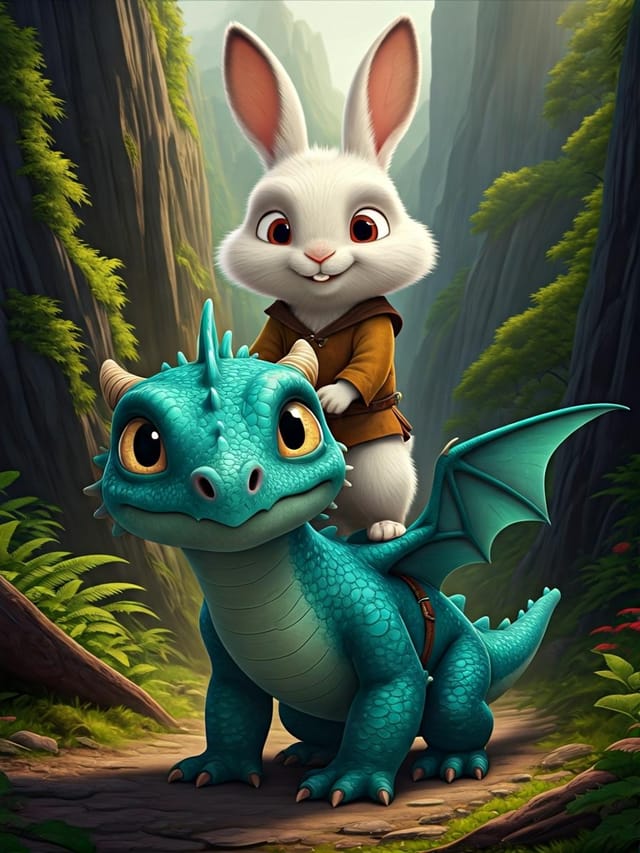
Happy-Hour flyer at 1080x1920 pixels for Instagram stories, bold sans-serif headline centered, gradient background in happy-hour tones, call-to-action at bottom
