Political Flyer : Create Free Political Flyers in Minutes with AI
Create Custom Political Flyers Quickly with Pixazo Best AI Political Flyer Maker. Try for Free!
Get Started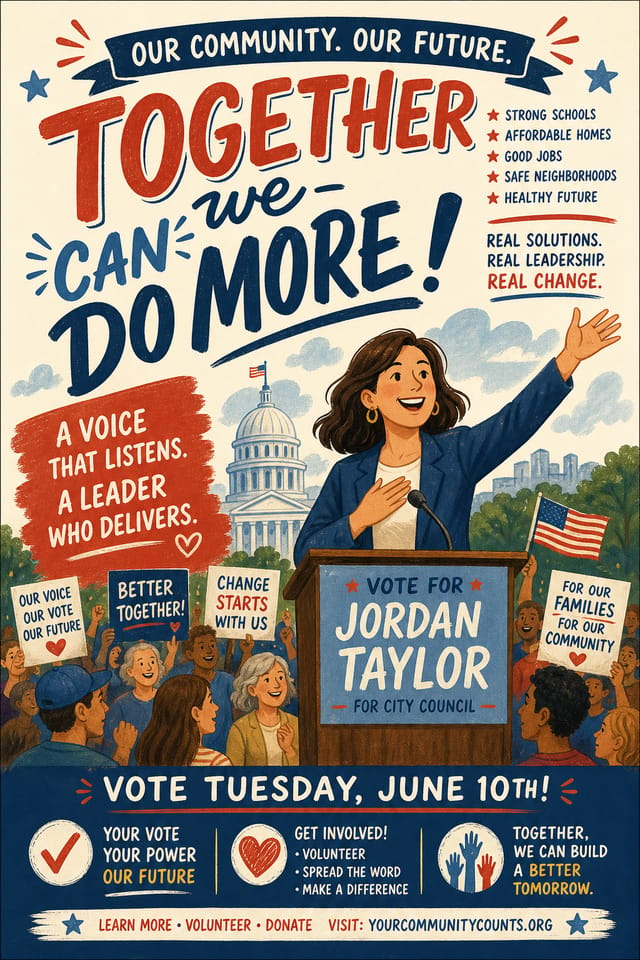
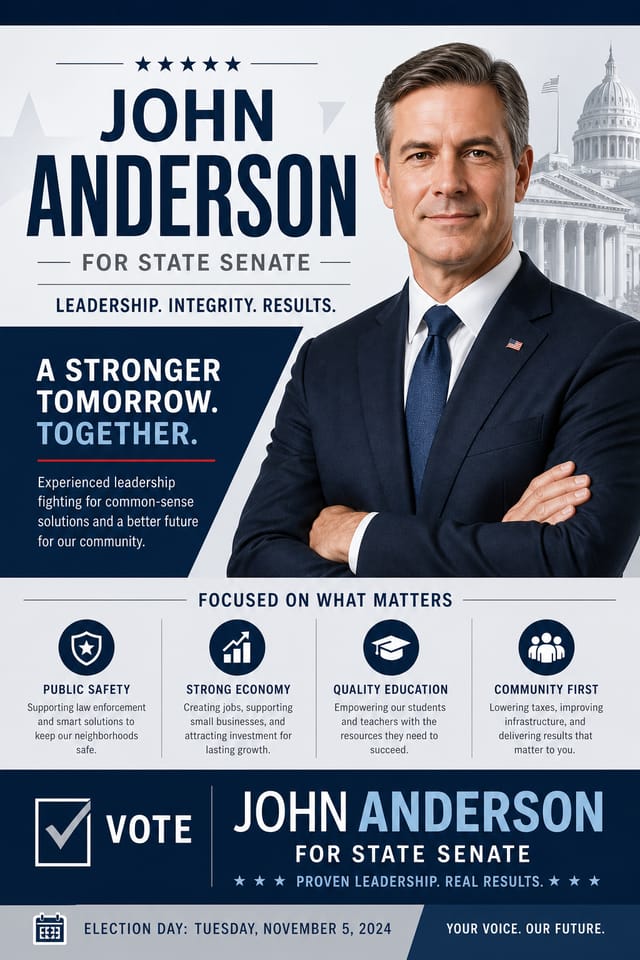
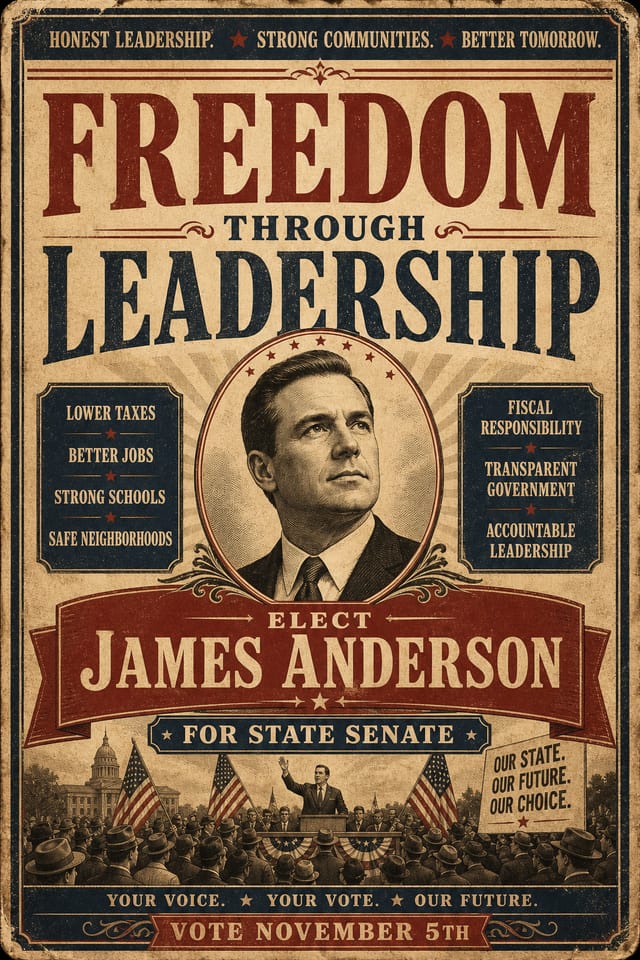
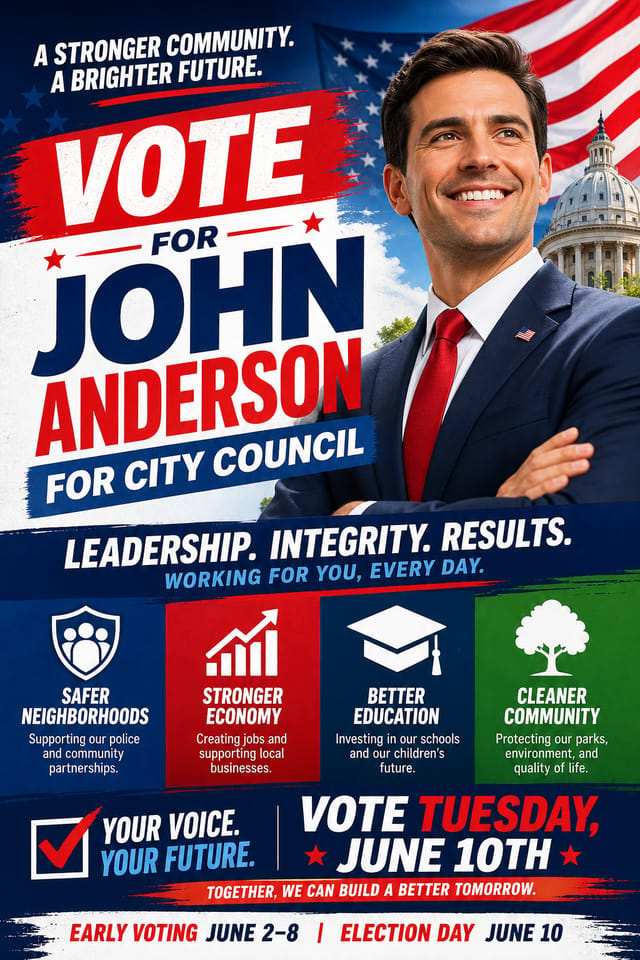
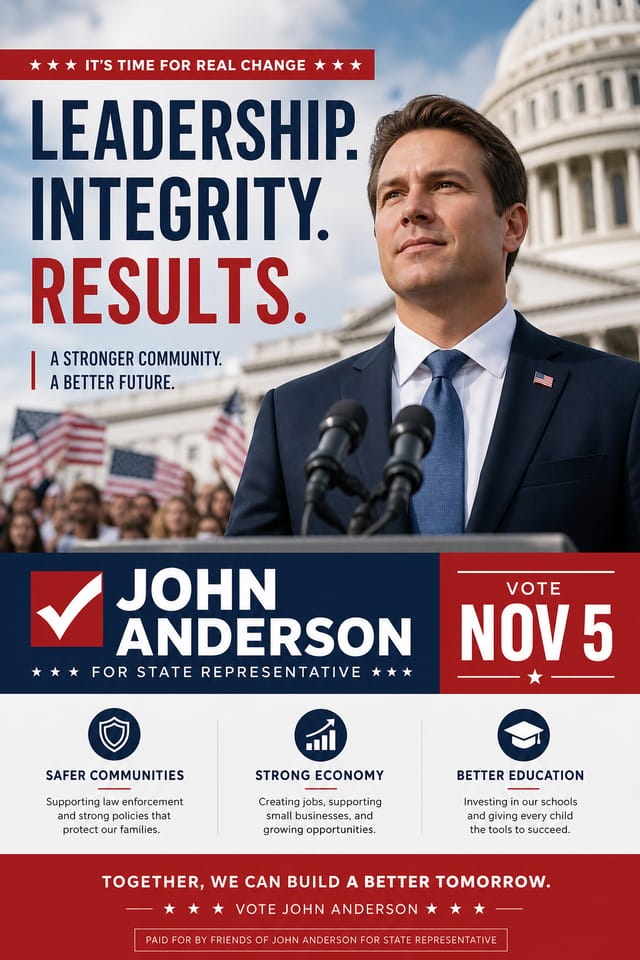
Visual Thinking Behind Political Flyers: AI Interpretation
The Political Design Approach: How Pixazo Handles It
Creating a convincing political flyer requires understanding political as a design vocabulary, not just as a label.
The color relationships, the type choices, the spatial organization.
These elements work together to create the impression of intentional political design.
Pixazo's generation model recognizes political design patterns and applies them systematically.
Political Flyer Design Steps: What Actually Happens
Present the Brief
Start with a text description of your political flyer concept. Specify the visual style, colors, layout direction, and key text. Detailed prompts produce more accurate political flyer designs than general ones.
Get Your First Draft
Pixazo generates your political flyer in seconds. Review the design and adjust your prompt to refine specific elements: change the color palette, shift the layout weight, or add visual elements you want included.
Stash the Design
Get your final political flyer file in one click. Choose your format, download at full resolution, and use the design immediately. No watermarks, no additional fees, no waiting.
Watch: Creating Political Flyer designs step by step
Political Flyer File Formats: Output Formats Compared
WEBP
Modern web format offering smaller file sizes than PNG or JPG for political flyer images without significant quality loss.
PNG
Lossless image format ideal for political flyer designs with transparency, sharp text, and web display at predictable file sizes.
SVG
Scalable format for political flyer designs that need to render crisply at any resolution, commonly used for web and responsive layouts.
TIFF
High-fidelity format for political flyer files destined for professional printing, supporting CMYK color and lossless compression.
Political Flyer AI: A Closer Look
Fast Generation
Complete political flyer designs generate in seconds. No rendering queues, no waiting for batch processing.
No Design Software Required
Create professional political flyers without Photoshop, Illustrator, or other design applications. The AI handles all technical production.
Export Flexibility
Download your political flyer in formats suited for your use case. Web-optimized versions for digital display, high-DPI files for print.
Commercial Use Rights
Designs generated with Pixazo are yours to use commercially. No additional licensing required for political flyer projects.
Color Temperature Control
Specify warm, cool, or neutral color direction for your political flyer. The AI builds the full palette around your temperature preference.
Text Placement Options
Describe where you want text elements positioned in your political flyer. The AI follows compositional direction about headline placement and body copy layout.
Your Political Flyer Questions: The Essentials
Longer, more detailed prompts generally produce more accurate results for political flyer design. Include all the relevant information: style direction, color preferences, content to display, intended use, and any specific design elements you want. There is no strict character limit.
You can request high-contrast or color-blind-friendly palettes in your prompt. Specify 'accessible color palette' or 'deuteranopia-safe colors' and the AI will select political-appropriate colors that maintain sufficient contrast for users with color vision deficiencies.
Pixazo provides an API for programmatic political flyer generation. Integrate it into your content pipeline to automate design production at scale. API documentation covers authentication, prompt formatting, and output retrieval.
The AI renders text as specified in your prompt, so double-check spelling and punctuation before generating. If text renders incorrectly in a political flyer, adjust your prompt and regenerate. The AI follows your exact text input.
Who Creates Political Flyers: Contexts and Scenarios
Small Business Marketing
Produce political marketing flyers without a design agency budget. Get professional results from a text description.
Educational Materials
Design political flyers for educational contexts. Courses, workshops, and learning materials benefit from the visual clarity of good political design.
Trade Show and Conference Materials
Generate political flyers for booth displays, attendee handouts, and event signage. Professional materials that represent your brand in competitive environments.
Podcast and Media Branding
Generate political flyers for podcast covers, episode artwork, and media channel identity. Consistent visual branding across audio and video platforms.
Healthcare and Wellness
Design political flyers for clinics, wellness centers, and health campaigns. Trustworthy visuals that communicate care and professionalism.
Key Political Flyer Differentiators: Advantages Explained
Prompt-to-Design Intelligence
Describe your political flyer in plain language and the AI interprets visual intent, layout preferences, and stylistic cues to generate a design that matches your brief.
Iterative Refinement
Start with an initial generation and refine your political flyer through follow-up prompts that adjust specific elements while preserving what already works.
Multi-Format Export
Export your completed political flyer in the format that fits your workflow. PNG for web, PDF for print, and JPG for universal compatibility.
Political Flyer Aesthetics: Visual Approaches
Atmospheric Political
Political flyer design where mood takes priority. Color and composition work together to create a specific feeling.
High-Contrast Political
Bold political visual treatment with strong tonal contrast. Elements read clearly at any viewing distance.
Geometric Political
Structured political composition using grid systems and angular forms. Order and precision define the visual approach.
Contemporary Political
Current political design sensibility with updated proportions, modern typefaces, and contemporary color relationships.
Political Flyer Trends to Watch: Where Design Is Going
Brutalist Design
Raw, intentionally unpolished political flyer aesthetics with stark contrasts and unconventional layouts are carving a niche in creative industries.
Gradient Overlays
Smooth color transitions are being used as primary design elements in political flyer work, adding depth without the complexity of photographic backgrounds.
Dark Mode Aesthetics
Dark backgrounds with high-contrast accents are increasingly common in political flyer design, reducing visual fatigue and adding sophistication.
Data-Driven Visuals
Incorporating charts, statistics, and structured data directly into political flyer layouts helps communicate complex messages at a glance.
Bold Typography
Oversized type and expressive fonts are dominating political flyer design, turning headlines into visual centerpieces rather than just text.
Organic Shapes
Flowing, irregular forms are replacing sharp geometric shapes in political flyer backgrounds and decorative elements for a softer visual feel.
Ready-to-Use Political Flyer Prompt Starters
Copy any prompt below and paste it into Pixazo to generate your design instantly.
Two-color political flyer design, high contrast between primary and secondary color, clean separation between graphic and text zonesSeries-compatible political flyer design, visual language that extends to multiple formats, consistent design system across variantsAtmospheric political flyer, background treatment supports the headline without competing with it, visual weight distributed intentionallyFull-bleed political flyer, background treatment extends to edges, foreground elements positioned for compositional balance, strong central hierarchyPolitical flyer design, clean layout, strong typography hierarchy, appropriate color palette for political aesthetic, high contrast between headline and backgroundTextured political flyer, surface treatment adds depth without obscuring legibility, texture consistent with political aestheticWhat Political Creators Built: Real Creator Work
Real creators sharing their political designs made with Pixazo AI.
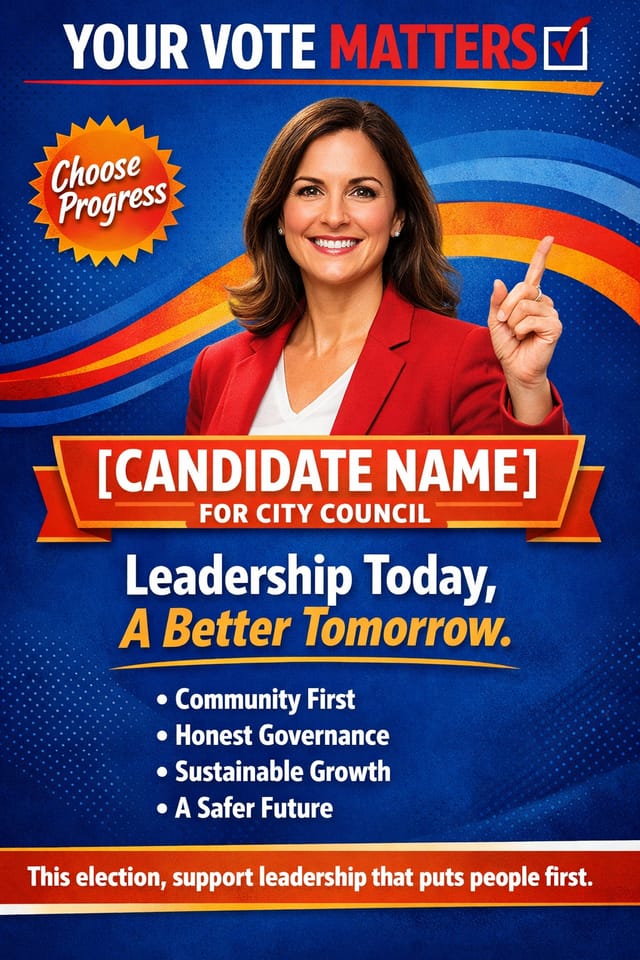
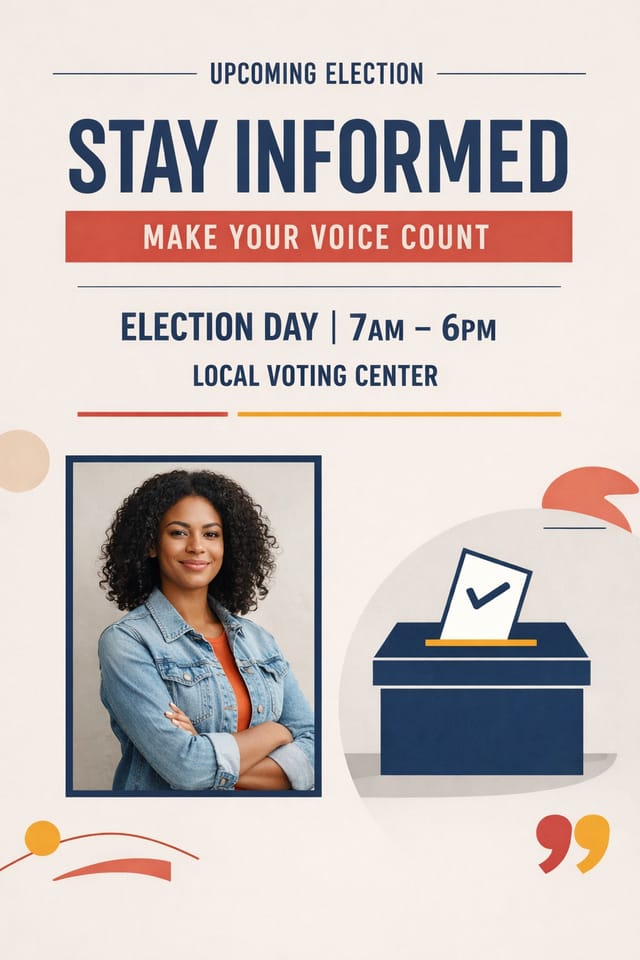
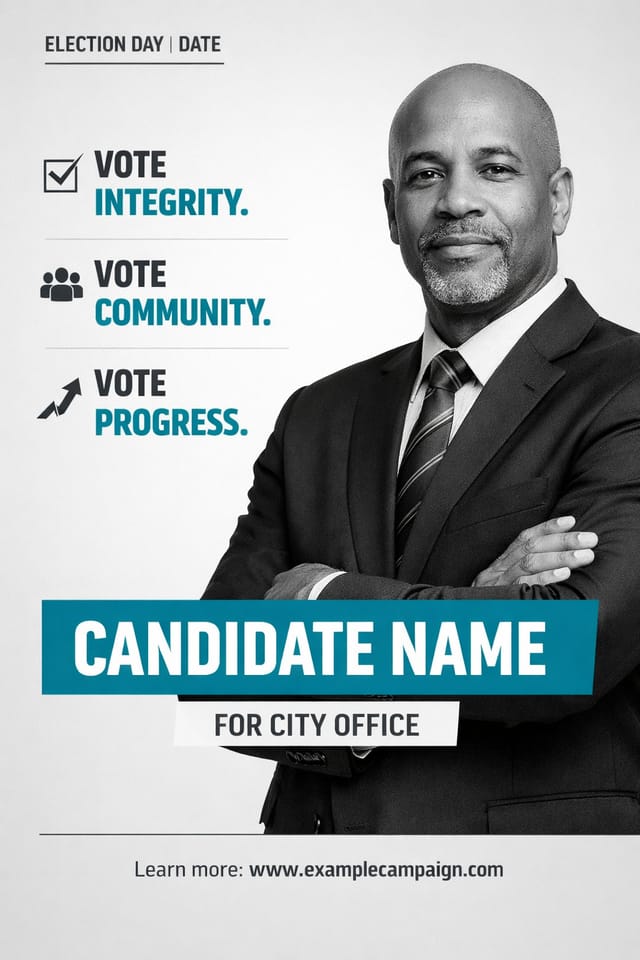
Political Flyer Maker Comparison: Tools Compared
| Tool | Description |
|---|---|
| PicMonkey | Photo editor and design tool with brand kit management |
| Pixazo | AI-powered political flyer generator with prompt-based design and professional output quality |
| Desygner | Multi-format design tool with PDF editing and brand management |
| Snappa | Quick graphic creator focused on social media and marketing visuals |
| Stencil | Lightweight image creator optimized for fast social media graphics |
AI Political Flyer Design: Needs Human Help
Known limitations and trade-offs of AI-generated political design. Being specific about what AI flyer generation can and cannot do helps you plan your workflow and set accurate expectations.

