Tournament Flyer : Create Free Tournament Flyers in Minutes with AI
Create Custom Tournament Flyers Quickly with Pixazo Best AI Tournament Flyer Maker. Try for Free!
Get Started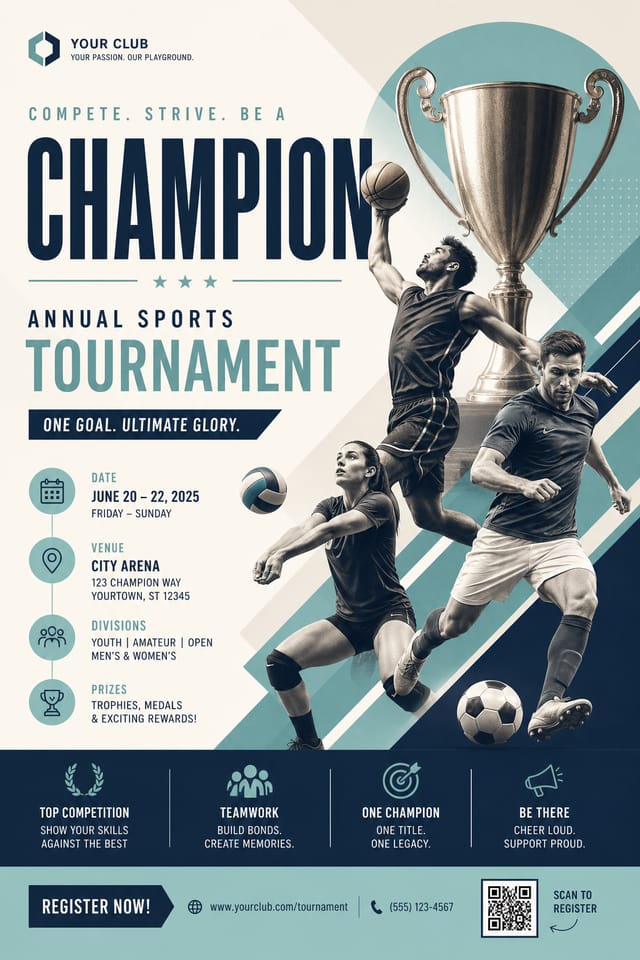
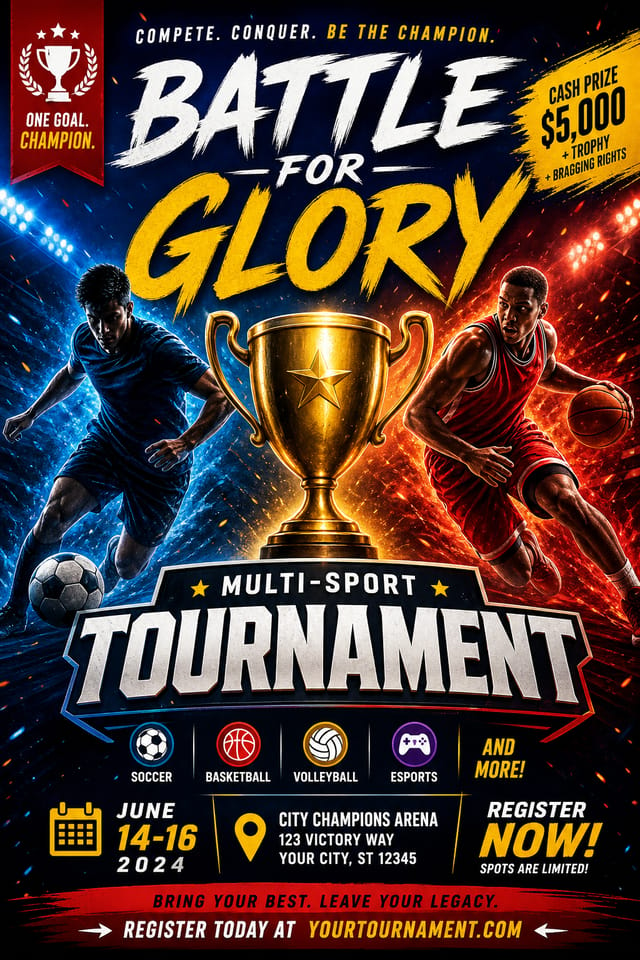
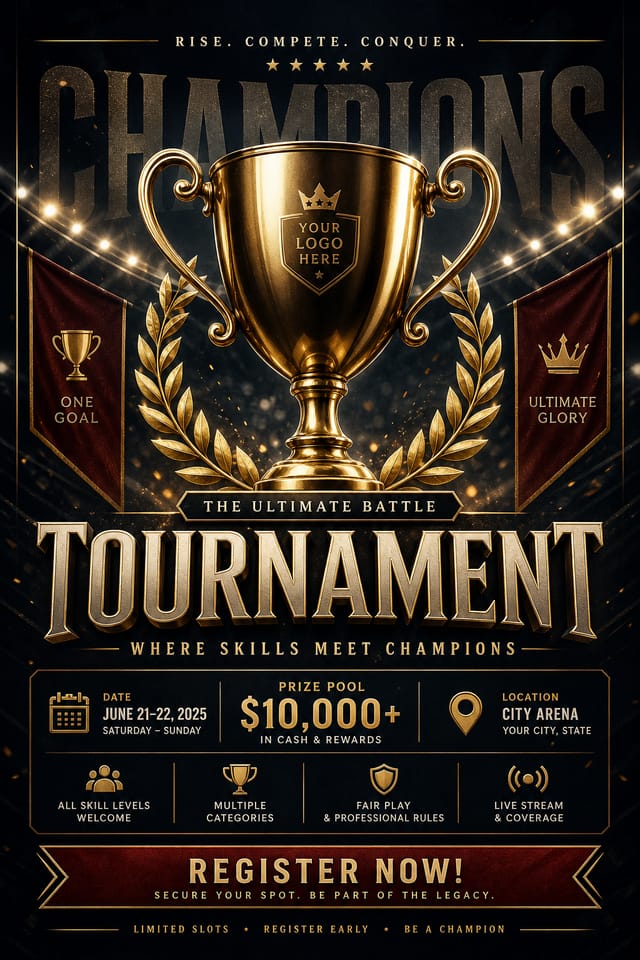
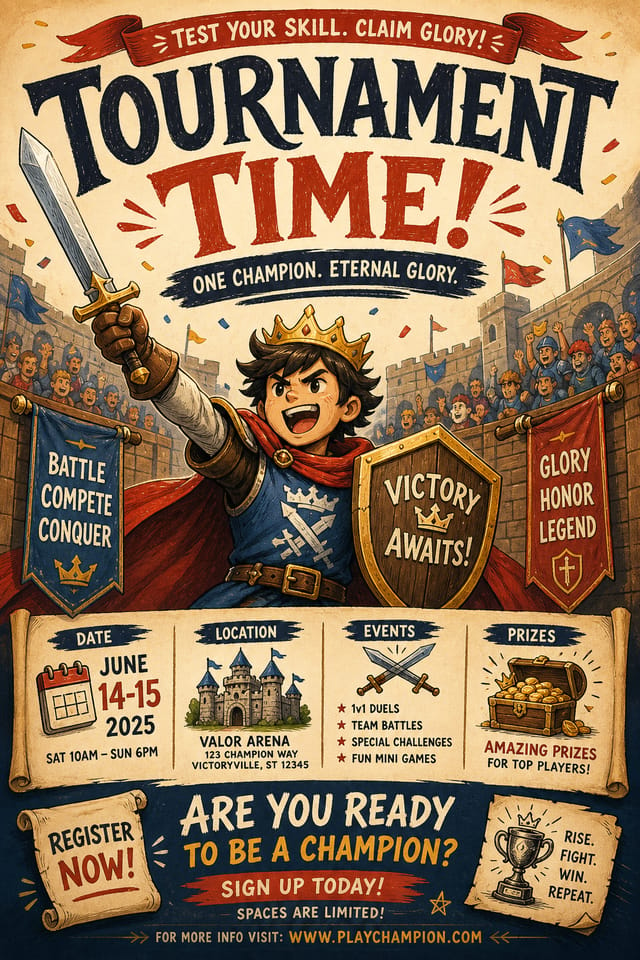
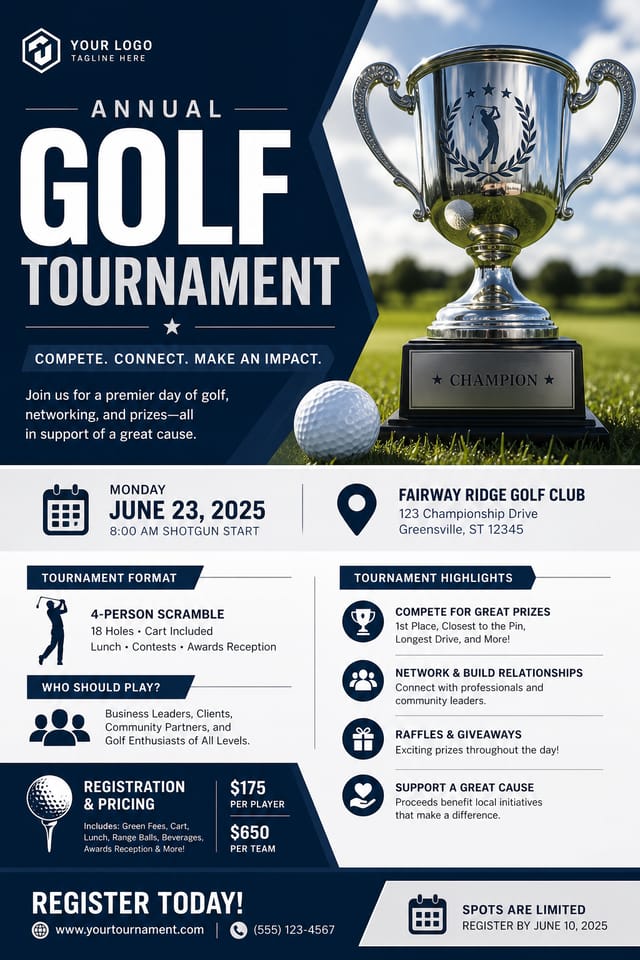
AI Tournament Flyer Design: From Idea to Reality
Create tournament flyers that fit your brand and purpose. Hash-based design variations mean your tournament posters look distinct every time.
Create Your Tournament Flyer FreeTournament Makers: Creator Highlights
Real creators sharing their tournament designs made with Pixazo AI.
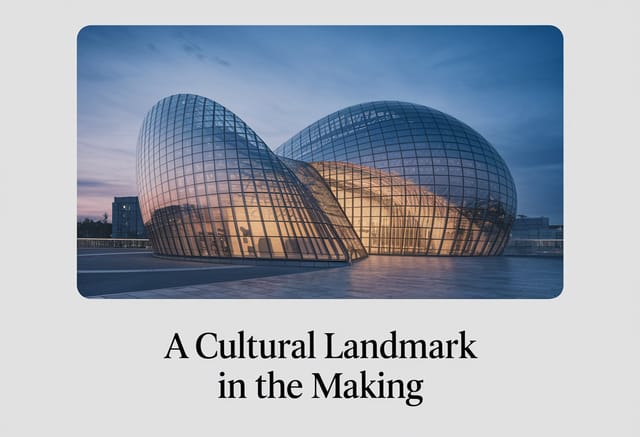
Eco-friendly themed tournament flyer, natural green and kraft tones, organic shapes, sustainability messaging, handcrafted aesthetic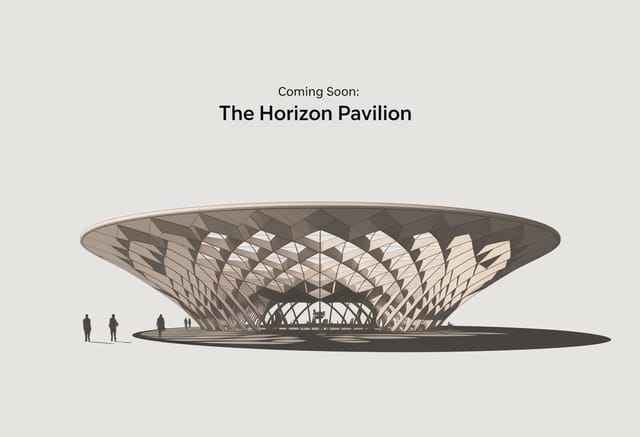
Moody tournament flyer with deep shadows and dramatic lighting feel, dark palette, cinematic atmosphere, headline in condensed uppercase
High-contrast tournament flyer, dark background with light text, accent color used for single key element, modern compositionTournament Flyer Applications: Practical Examples
Fan Zone Signage
Design tournament flyers for fan areas, viewing parties, and supporter events. Large-format prints that create atmosphere around tournament events.
Match Day Announcements
Create tournament flyers that announce upcoming games, fixtures, and match schedules. Include team names, venue, and kickoff details in a design that builds anticipation.
Team and Club Promotions
Produce tournament flyers for team merchandise, membership drives, and club identity campaigns. Visual materials that strengthen team brand loyalty.
Watch Party Invitations
Design tournament flyers for group viewing events at bars, community centers, and homes. Casual promotional materials that drive attendance.
Youth Academy Recruitment
Create tournament flyers for sports academies, tryouts, and training camps. Designs that appeal to young athletes and their parents.
Tournament Flyer Maker Capabilities: Technical Breakdown
Commercial Use Rights
Designs generated with Pixazo are yours to use commercially. No additional licensing required for tournament flyer projects.
Context-Aware Design
Describe your tournament flyer's purpose and audience. The AI adjusts visual weight, complexity, and clarity based on the intended use context.
Background Variation
Generate tournament flyers with different background treatments. Solid, gradient, textured, or pattern backgrounds all available for tournament style.
Compositional Structure
Layout and hierarchy decisions reflect tournament design patterns. The proportions and arrangement match how tournament designs are conventionally structured.
Fast Generation
Complete tournament flyer designs generate in seconds. No rendering queues, no waiting for batch processing.
Tournament Style Options: From Classic to Bold
Editorial Tournament
Text-dominant tournament flyer layout inspired by print publication design. Typographic variety creates visual rhythm.
Geometric Tournament
Structured tournament composition using grid systems and angular forms. Order and precision define the visual approach.
Textured Tournament
Tournament design with added surface depth. Background treatments add visual interest without disrupting legibility.
High-Contrast Tournament
Bold tournament visual treatment with strong tonal contrast. Elements read clearly at any viewing distance.
Atmospheric Tournament
Tournament flyer design where mood takes priority. Color and composition work together to create a specific feeling.
Your Tournament Flyer Workflow: Made Simple
Register Your Concept
Write a prompt describing your tournament flyer. Include style preferences, color direction, the most important text to display, and any specific visual elements you want. The more specific your description, the more targeted the output.
Benchmark the Output
Pixazo generates your tournament flyer in seconds. Review the design and adjust your prompt to refine specific elements: change the color palette, shift the layout weight, or add visual elements you want included.
Fine-Tune Your Design
Adjust your prompt to modify specific elements of the tournament flyer. Change the color palette, shift typography weight, or reposition the compositional focus. Each iteration gets you closer to the final design.
Wrap the Project
Download your completed tournament flyer in the format that fits your use case. High-resolution files for print, web-optimized versions for digital, or PDF for production-ready delivery.
Watch: Creating Tournament Flyer designs step by step
The Evolution of Tournament Flyer Design: Trend Report
Retro Revival
Vintage aesthetics from the 1970s and 1990s are influencing tournament flyer design with textured backgrounds, serif fonts, and warm gradients.
Bold Typography
Oversized type and expressive fonts are dominating tournament flyer design, turning headlines into visual centerpieces rather than just text.
Data-Driven Visuals
Incorporating charts, statistics, and structured data directly into tournament flyer layouts helps communicate complex messages at a glance.
Organic Shapes
Flowing, irregular forms are replacing sharp geometric shapes in tournament flyer backgrounds and decorative elements for a softer visual feel.
Gradient Overlays
Smooth color transitions are being used as primary design elements in tournament flyer work, adding depth without the complexity of photographic backgrounds.
Asymmetric Composition
Breaking grid symmetry in tournament flyer layouts creates visual tension and a modern, editorial feel that stands out.
Tournament Flyer Design Rules: What to Do and What to Avoid
Keep the message focused
A strong tournament flyer communicates one primary idea clearly. Supporting details should reinforce, not compete with, the main message.
Use grids and alignment
Structured layouts in your tournament flyer create a sense of order and professionalism that unstructured designs cannot match.
Maintain brand alignment
Keep your tournament flyer design consistent with existing brand colors, fonts, and visual language for a cohesive identity.
Forget the call to action
A tournament flyer without a clear next step for the viewer is a missed opportunity. Always include direction on what to do next.
Overcrowd the layout
Filling every pixel of your tournament flyer with content makes it harder to read and reduces the impact of every individual element.
Ignore accessibility
Low-contrast text and tiny font sizes in your tournament flyer exclude a significant portion of your potential audience.
Use too many fonts
More than two or three typefaces in a single tournament flyer creates visual noise and makes the design feel disjointed.
Tournament Flyer Prompts: Prompt Starters
Copy any prompt below and paste it into Pixazo to generate your design instantly.
Tournament flyer with strong visual hierarchy, largest element reads clearly, supporting elements organized by importance, clean background treatmentClean tournament flyer design, geometric structure, disciplined typography, color accent used selectively for emphasis, printer-optimized resolutionContemporary tournament flyer design, grid-based layout, typographic precision, restrained color palette, no decorative excessTournament style flyer, bold headline placement, supporting text at appropriate scale, color palette consistent with tournament design conventionsAtmospheric tournament flyer, background treatment supports the headline without competing with it, visual weight distributed intentionallyBeing Realistic About Tournament Flyers: Capabilities and Caveats
Known limitations and trade-offs of AI-generated tournament design. AI tournament flyer generation produces strong results within its design domain. These notes describe where human judgment and manual work remain necessary.
Comparing Tournament Flyer Tools: A Neutral Comparison
| Tool | Description |
|---|---|
| Stencil | Lightweight image creator optimized for fast social media graphics |
| Snappa | Quick graphic creator focused on social media and marketing visuals |
| Pixazo | AI-powered tournament flyer generator with prompt-based design and professional output quality |
| Crello | Template-based design tool with animation and video support |
| Piktochart | Infographic and presentation maker for data-driven visuals |
Tournament Flyer AI: Key Things to Know
Include the target language in your prompt when generating tournament flyers with non-English text. The AI selects typographic approaches appropriate for the language and applies tournament design conventions to the overall layout regardless of language.
Adjust your prompt to change any element of the design. If a generated tournament flyer is close but not quite right, describe what you want changed and regenerate. The AI responds to specific direction about individual elements like color, layout, or typographic weight.
Designs generated through Pixazo are yours to use as you see fit. You retain full usage rights for commercial and personal applications. The platform does not claim ownership over your generated tournament flyer output.
Common sizes include 1080x1080 for Instagram feed, 1080x1920 for stories and reels, 1200x628 for Facebook links, 1500x500 for Twitter headers, and 1080x1350 for Pinterest. Specify the platform in your prompt and Pixazo optimizes tournament layout for that format.

