Tropical Flyer : Create Free Tropical Flyers in Minutes with AI
Create Custom Tropical Flyers Quickly with Pixazo Best AI Tropical Flyer Maker. Try for Free!
Get Started
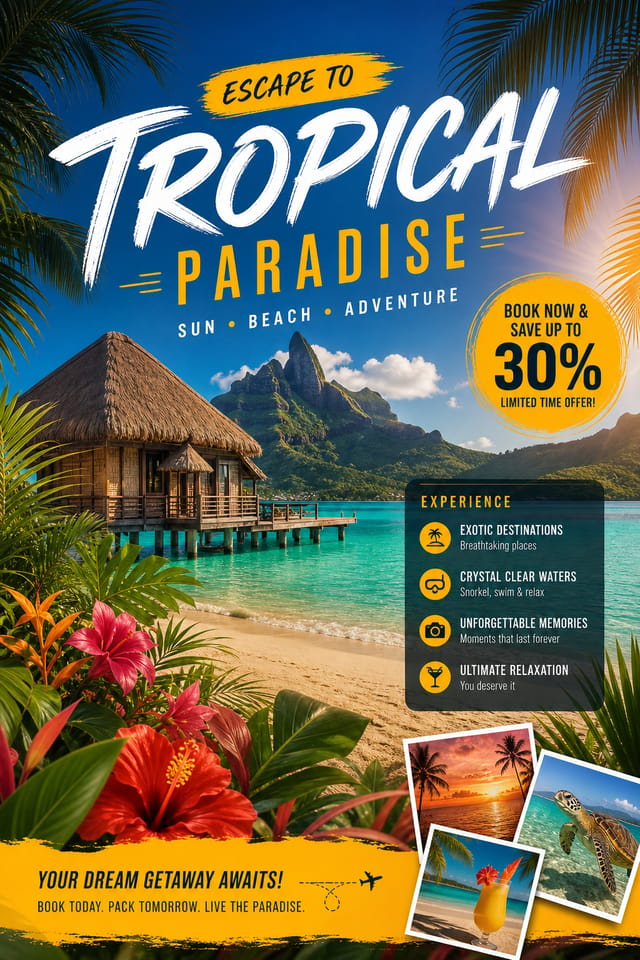
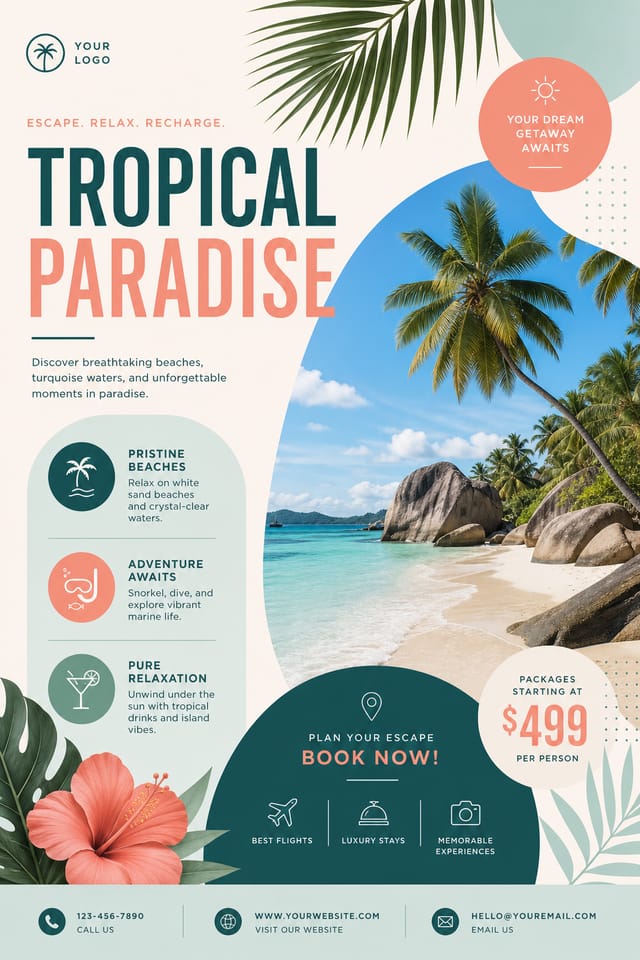
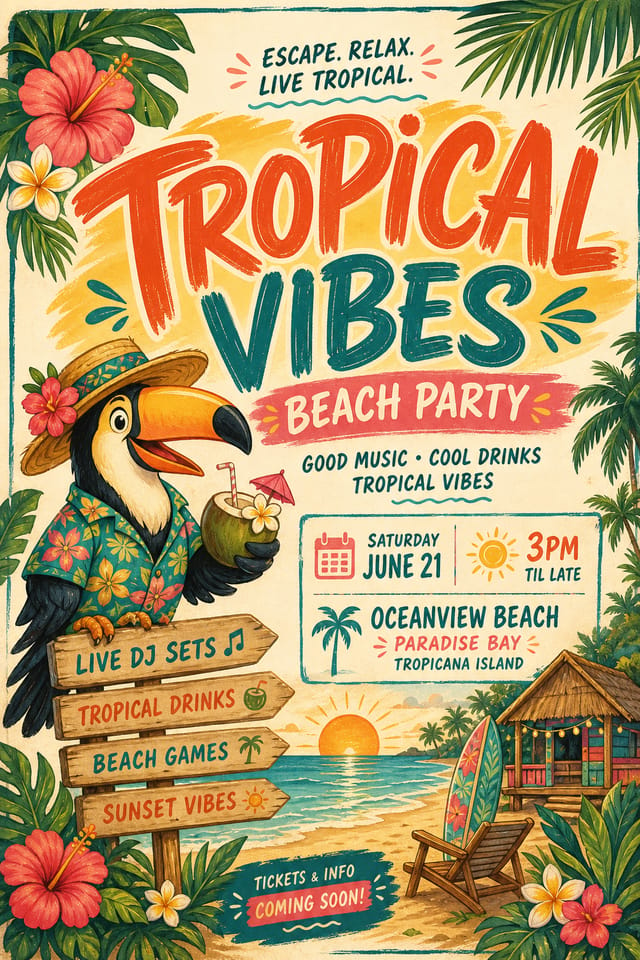
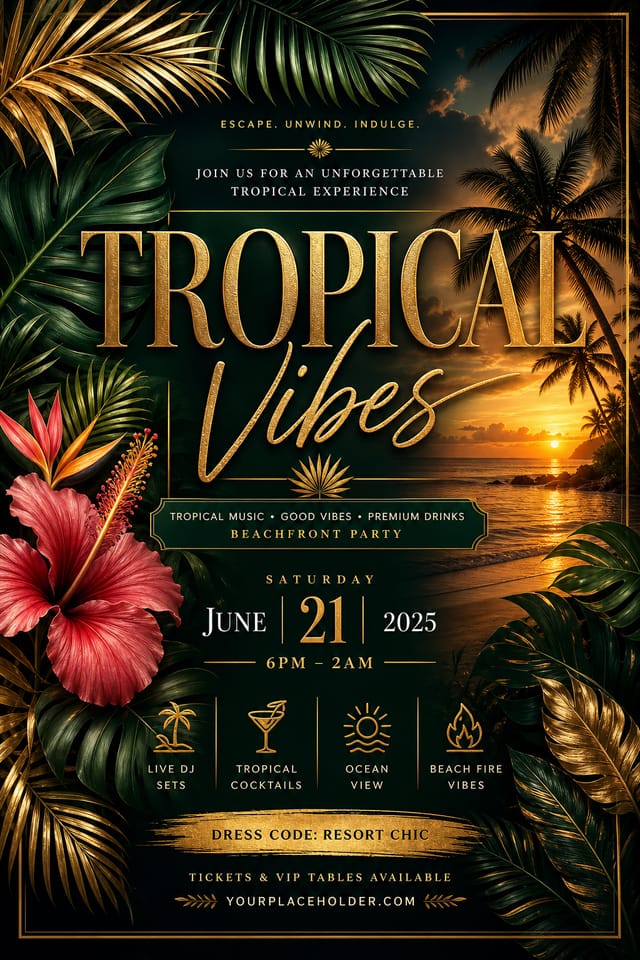
Tropical Flyer Engine: Technical Overview
Tropical Flyer Output Options: File Types and Uses
TIFF
High-fidelity format for tropical flyer files destined for professional printing, supporting CMYK color and lossless compression.
Print-ready format for tropical flyer files that preserves fonts, colors, and layout across different devices and print services.
PNG
Lossless image format ideal for tropical flyer designs with transparency, sharp text, and web display at predictable file sizes.
SVG
Scalable format for tropical flyer designs that need to render crisply at any resolution, commonly used for web and responsive layouts.
Inside the Tropical Flyer Engine: Feature Overview
Layered Style Application
Combine tropical style with other design parameters in a single prompt. The AI interprets complex requests and applies multiple style constraints simultaneously.
Print-Ready Output
Generated tropical flyers are sized and structured for professional printing. Download high-resolution files ready for production.
Typography Matching
Typefaces are selected to match tropical aesthetic expectations. The AI pairs fonts that reinforce your tropical flyer's visual identity.
Background Variation
Generate tropical flyers with different background treatments. Solid, gradient, textured, or pattern backgrounds all available for tropical style.
Tropical Flyer Design For: Across Industries
Personal Creative Work
Generate tropical flyers for personal projects, home display, and creative experiments without spending production time on design execution.
Small Business Marketing
Produce tropical marketing flyers without a design agency budget. Get professional results from a text description.
Music and Audio Production
Produce tropical flyers for album covers, playlist artwork, and music event promotion. Visual identity that matches the sound.
Educational Materials
Design tropical flyers for educational contexts. Courses, workshops, and learning materials benefit from the visual clarity of good tropical design.
Sports and Recreation
Produce tropical flyers for leagues, tournaments, and recreational programs. Energetic designs that build excitement and communicate schedules.
Tropical Flyer Style Movements: Design Movements
Motion-Ready Design
Static tropical flyer designs are being created with animation in mind, using layered elements that translate smoothly to motion graphics.
Dark Mode Aesthetics
Dark backgrounds with high-contrast accents are increasingly common in tropical flyer design, reducing visual fatigue and adding sophistication.
Bold Typography
Oversized type and expressive fonts are dominating tropical flyer design, turning headlines into visual centerpieces rather than just text.
Hand-Drawn Elements
Illustrations, doodles, and hand-lettering bring a personal, approachable quality to tropical flyer designs in an era of polished digital output.
Organic Shapes
Flowing, irregular forms are replacing sharp geometric shapes in tropical flyer backgrounds and decorative elements for a softer visual feel.
Data-Driven Visuals
Incorporating charts, statistics, and structured data directly into tropical flyer layouts helps communicate complex messages at a glance.
Copy-Paste Tropical Flyer Prompt Inspiration
Copy any prompt below and paste it into Pixazo to generate your design instantly.
Atmospheric tropical flyer, background treatment supports the headline without competing with it, visual weight distributed intentionallySeries-compatible tropical flyer design, visual language that extends to multiple formats, consistent design system across variantsTropical flyer design, clean layout, strong typography hierarchy, appropriate color palette for tropical aesthetic, high contrast between headline and backgroundHigh-impact tropical flyer, immediate visual read at thumbnail size, clear headline dominance, supporting information structured logicallyTropical aesthetic flyer, palette drawn from tropical design tradition, layout proportions consistent with tropical conventions, purposeful use of each elementContemporary tropical flyer design, grid-based layout, typographic precision, restrained color palette, no decorative excessTropical Flyer Design Steps: Three Easy Steps
Propose Your Idea
Write a prompt describing your tropical flyer. Include style preferences, color direction, the most important text to display, and any specific visual elements you want. The more specific your description, the more targeted the output.
Weigh Your Options
Pixazo generates your tropical flyer in seconds. Review the design and adjust your prompt to refine specific elements: change the color palette, shift the layout weight, or add visual elements you want included.
Sharpen the Output
Adjust your prompt to modify specific elements of the tropical flyer. Change the color palette, shift typography weight, or reposition the compositional focus. Each iteration gets you closer to the final design.
Publish the Output
Export your tropical flyer in the format you need. PNG for web and social, PDF for print production, JPG for email and lightweight sharing. The file is yours to use commercially without restrictions.
Watch: Creating Tropical Flyer designs step by step
Tropical Flyer Design Quality: Professional Standards
Community Tropical Flyer: Spotlights and Showcases
Real creators sharing their tropical designs made with Pixazo AI.

Tropical flyer design, clean typographic hierarchy, palette appropriate to tropical aesthetic, high contrast headline, balanced composition
Luxurious tropical flyer with gold foil accents on black, thin serif typography, symmetrical centered layout, premium feel
Two-color tropical flyer, maximum contrast between primary and secondary color, typography set in one color per levelWorking with Tropical Flyer AI: Honest Expectations
Known limitations and trade-offs of AI-generated tropical design. Understanding what the AI handles well and where it falls short helps you structure your tropical flyer design workflow effectively.
About Tropical Flyers: Plain Answers
Your prompt history is saved in your account. You can revisit previous tropical flyer prompts, duplicate them with modifications, and build a library of proven prompt structures for consistent tropical design output.
Longer, more detailed prompts generally produce more accurate results for tropical flyer design. Include all the relevant information: style direction, color preferences, content to display, intended use, and any specific design elements you want. There is no strict character limit.
Pixazo generates original designs rather than copying existing work. The AI creates tropical flyers from learned design principles, not by stitching together fragments of existing designs. Generated output does not reproduce copyrighted material or identifiable artistic styles of living creators.
Include 'transparent background' in your prompt to generate a tropical flyer with no background fill. Download as PNG to preserve transparency. This is useful for tropical designs that will be composited over other imagery or placed on colored surfaces.

