Science Infographic : Create Free Science Infographics in Minutes with AI
Create Custom Science Infographics Quickly with Pixazo Best AI Science Infographic Maker. Try for Free!
Get Started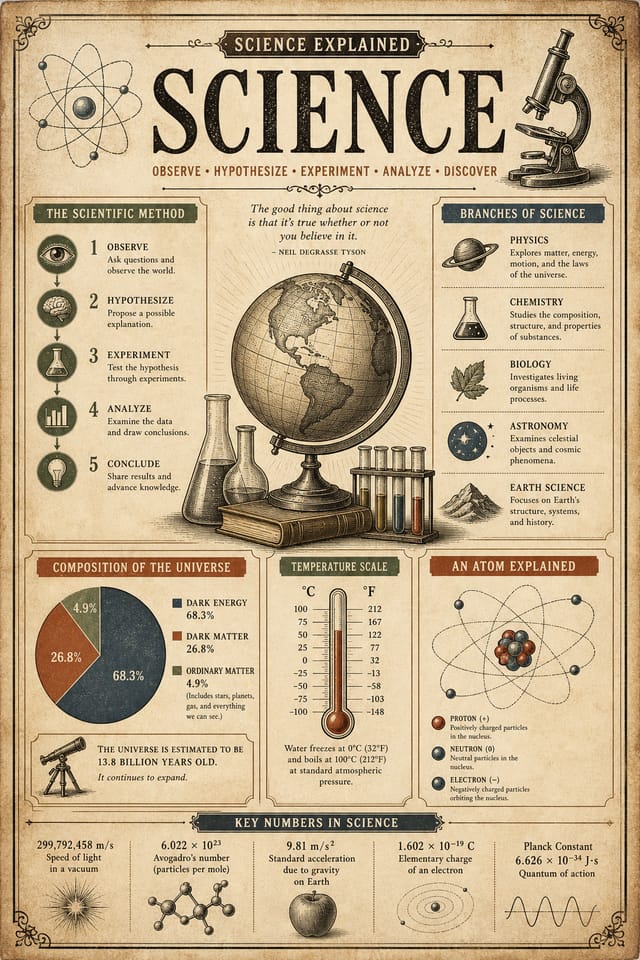
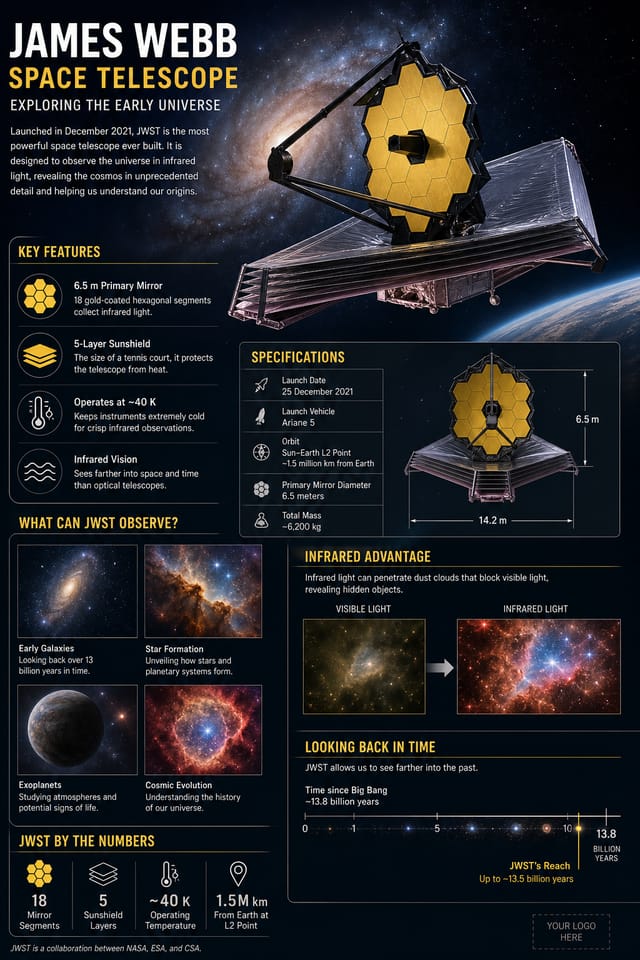
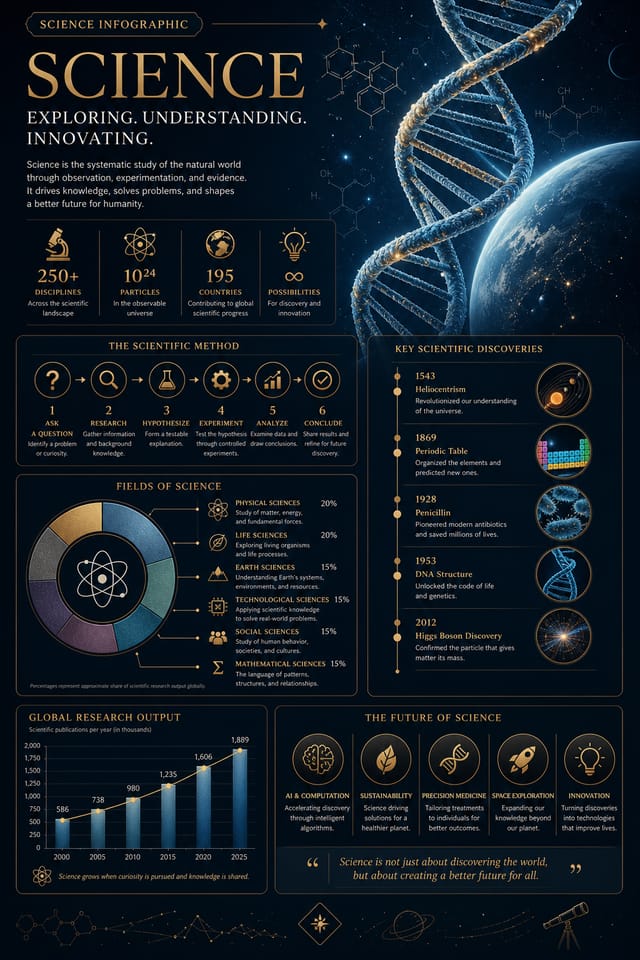
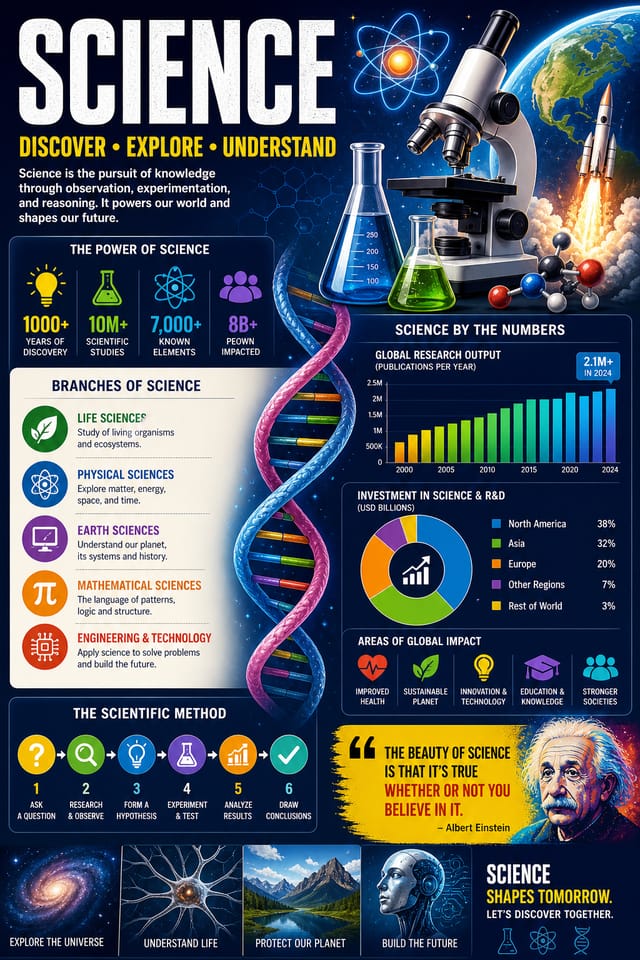
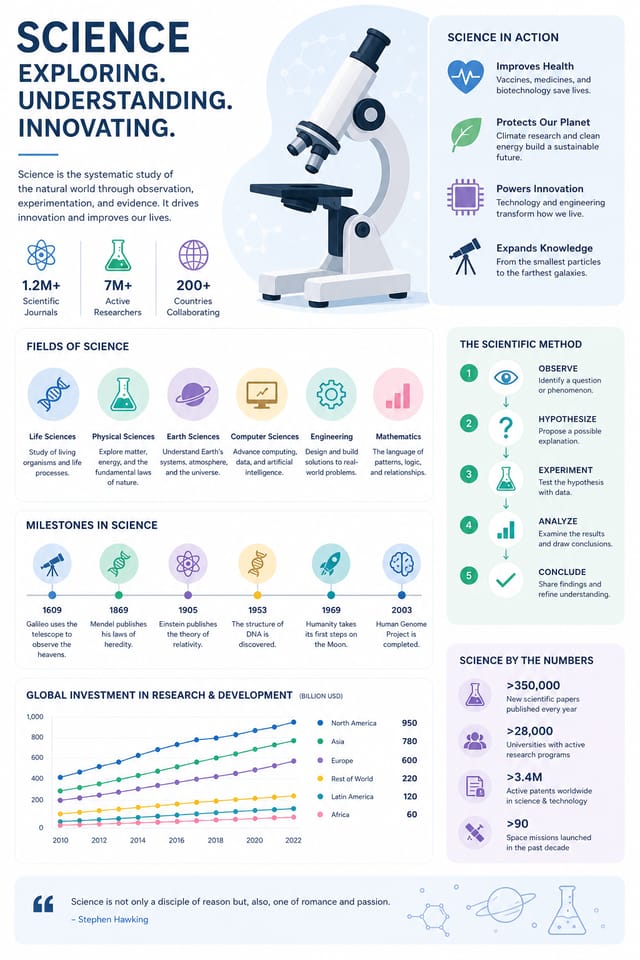
What Powers Science Infographic Design: Professional Features
Style-Accurate Generation
The AI interprets science design conventions and applies them to your infographic, producing output that looks correctly styled rather than generically templated.
Subcategory Awareness
The AI distinguishes between design subcategories. A science infographic request produces science-appropriate output, not a generic design with science text added.
Resolution Control
Specify output dimensions for your science infographic. Get files sized for web display, social media, or large-format printing.
Prompt Refinement
Adjust your description to refine any aspect of the science infographic design. The AI responds to specific direction about colors, layout, or content.
Compositional Structure
Layout and hierarchy decisions reflect science design patterns. The proportions and arrangement match how science designs are conventionally structured.
Consistency Across Variants
Generate multiple science infographics for a project and maintain visual consistency across the set. Specify your core design parameters and vary secondary elements.
Science Infographic Community: Real Creator Work
Real creators sharing their science designs made with Pixazo AI.
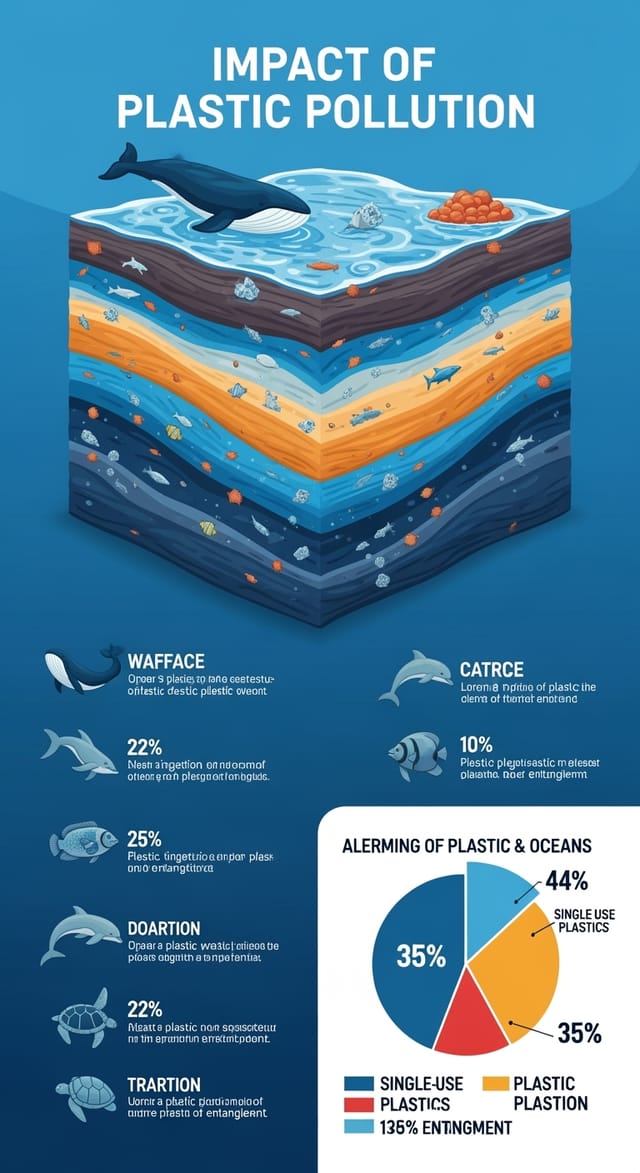
Vibrant science infographic targeting Gen Z audience, neon accent colors, asymmetric layout, bold experimental typography, maximum visual energy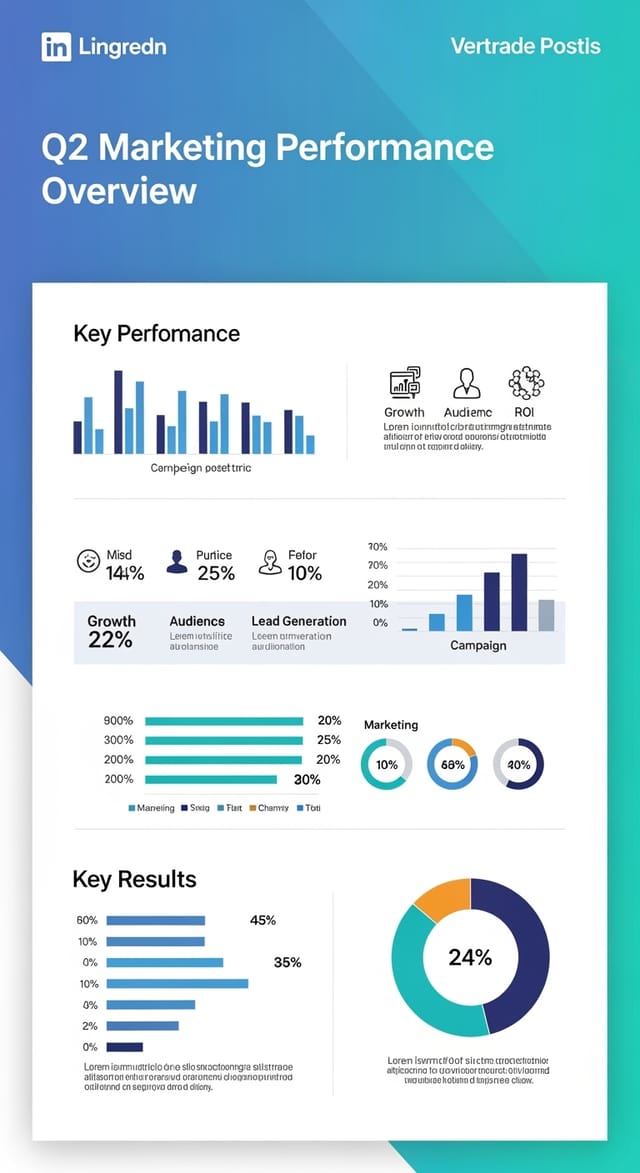
Geometric science infographic design, angular composition, color in blocks, structured grid, no decorative flourishes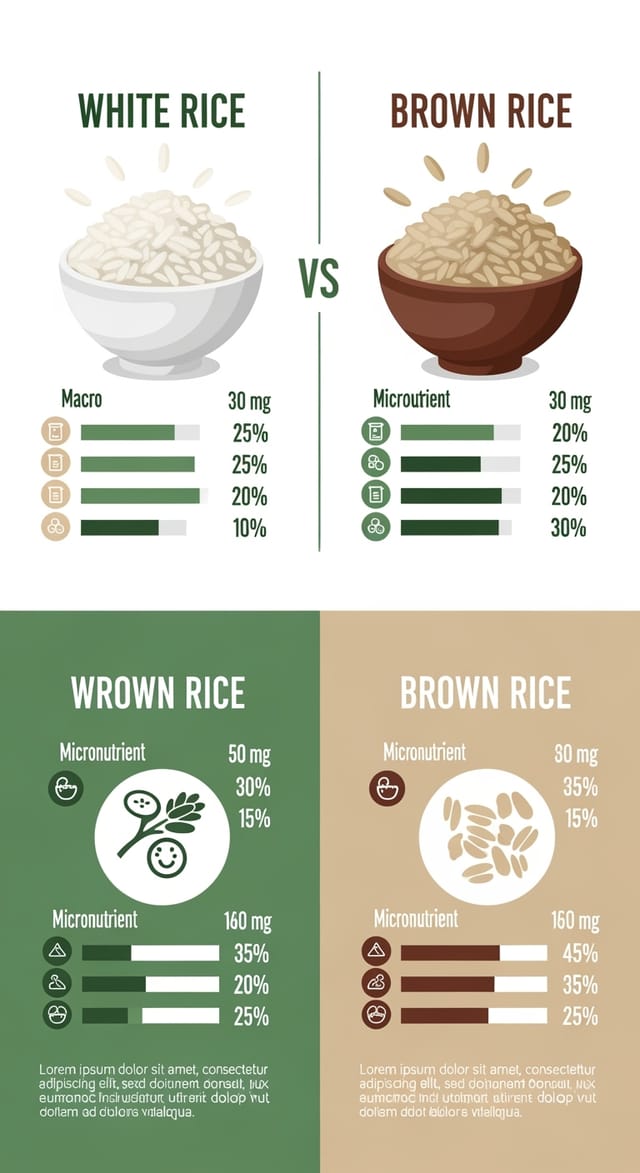
Science infographic with Japanese minimalism influence, abundant whitespace, single focal element, restrained palette of black, white, and one accentCreative Uses of Science Infographics: From Hobby to Pro
Grant and Funding Presentations
Create science infographics to support funding applications and donor presentations. Visual summaries that make research impact tangible.
Lab and Department Displays
Design science infographics for departmental hallways, lab open days, and campus exhibitions. Professional materials that represent research programs.
Conference Presentations
Create science infographics for academic conferences, symposia, and research showcases. Designs that present complex findings in a scannable visual format.
Student Recruitment Materials
Generate science infographics for program open days, scholarship announcements, and enrollment campaigns. Designs that appeal to prospective students.
Getting Your Science Infographic Out: From Screen to File
PNG
Lossless image format ideal for science infographic designs with transparency, sharp text, and web display at predictable file sizes.
TIFF
High-fidelity format for science infographic files destined for professional printing, supporting CMYK color and lossless compression.
JPG
Compressed image format suited for science infographic designs with photographic elements where smaller file size matters more than pixel-perfect edges.
SVG
Scalable format for science infographic designs that need to render crisply at any resolution, commonly used for web and responsive layouts.
WEBP
Modern web format offering smaller file sizes than PNG or JPG for science infographic images without significant quality loss.
Build a Science Infographic: In Minutes
Watch: Creating Science Infographic designs step by step
Science Infographic Benchmarks: Results Breakdown
Languages supported for text rendering in science infographi
Languages supported for text rendering in science infographic designs
From initial prompt to finished science infographic in a sim
From initial prompt to finished science infographic in a simple workflow
Number of science infographic variations you can generate pe
Number of science infographic variations you can generate per session
Exploring Science Infographic Directions: Visual Approaches
High-Contrast Science
Bold science visual treatment with strong tonal contrast. Elements read clearly at any viewing distance.
Contemporary Science
Current science design sensibility with updated proportions, modern typefaces, and contemporary color relationships.
Minimalist Science
Stripped-back science approach. Fewer elements, more negative space, typography carries more visual weight.
Classic Science
Traditional science design principles applied to modern infographic format. Clean composition, conventional hierarchy, time-tested visual decisions.
Textured Science
Science design with added surface depth. Background treatments add visual interest without disrupting legibility.
Streamlining Science Infographic Creation: From Start to Delivery
Export
Export your science infographic in the required formats and resolutions. Organize deliverables for handoff to the production or publishing team.
Research
Collect examples of effective science infographic designs, note what works, and identify patterns relevant to your project goals.
Review
Compare generated science infographic options against your brief. Mark what works and note specific changes needed for the next iteration.
Refine
Apply targeted edits to your selected science infographic. Adjust typography, spacing, and color until every element meets your quality standard.
Generate
Use AI to produce multiple science infographic variations based on your brief. Start broad and narrow down from the strongest options.
Ready-to-Use Science Infographic Prompt Starters
Copy any prompt below and paste it into Pixazo to generate your design instantly.
Science style infographic, bold headline placement, supporting text at appropriate scale, color palette consistent with science design conventionsScience infographic for digital display, optimized proportions for screen viewing, colors calibrated for RGB output, legible at typical viewing distanceAtmospheric science infographic, background treatment supports the headline without competing with it, visual weight distributed intentionallyLarge-format science infographic design, elements sized for visibility at print scale, no fine detail that would be lost in productionEditorial-style science infographic, text-dominant design, typographic treatment carries visual weight, layout proportions inspired by print publication designAI Science Infographic Design: Current Boundaries
Known limitations and trade-offs of AI-generated science design. Transparency matters when using AI for science infographic design. The points below describe where you may need to supplement AI output with manual work.
Science Infographic Design: What You Should Know
Brand kits let you save your logo, fonts, and color palette so every science infographic you generate stays on brand. Once configured, the AI applies your brand parameters automatically alongside science style conventions.
Professional science infographic design comes down to the right color relationships, appropriate typographic hierarchy, and compositional balance that fits science aesthetic conventions. Generic designs miss these details because they apply neutral defaults rather than style-specific decisions. Pixazo applies science design knowledge when you specify the style.
You control every major design parameter through your prompt: color palette, typography style, layout structure, visual weight distribution, background treatment, and content hierarchy. The more specific your science infographic prompt, the more precisely the AI follows your creative direction.
You can specify any aspect ratio in your prompt. Common options include 1:1 for social posts, 4:5 for Instagram, 9:16 for stories, 16:9 for presentations, and standard print sizes like A4 or letter. The AI adapts science composition to fit your chosen ratio.
The AI generates designs at the specified dimensions. For professional print production, add 'with bleed area' to your prompt to extend background elements beyond the trim line. Crop marks and registration marks should be added in your print preparation software.
Pixazo supports PNG, JPEG, and PDF export for science infographics. PNG preserves transparency if your design uses it. JPEG works well for web and social media. PDF is the preferred format for print production of science infographics.

