Awards Night Invitation : Create Free Awards Night Invitations in Minutes with AI
Create Custom Awards Night Invitations Quickly with Pixazo Best AI Awards Night Invitation Maker. Try for Free!
Get Started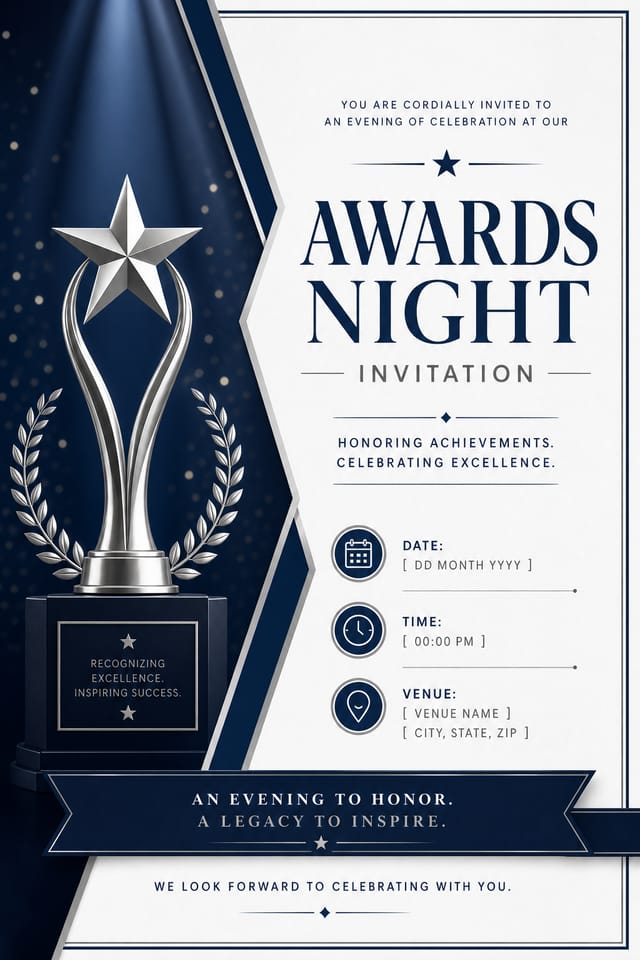
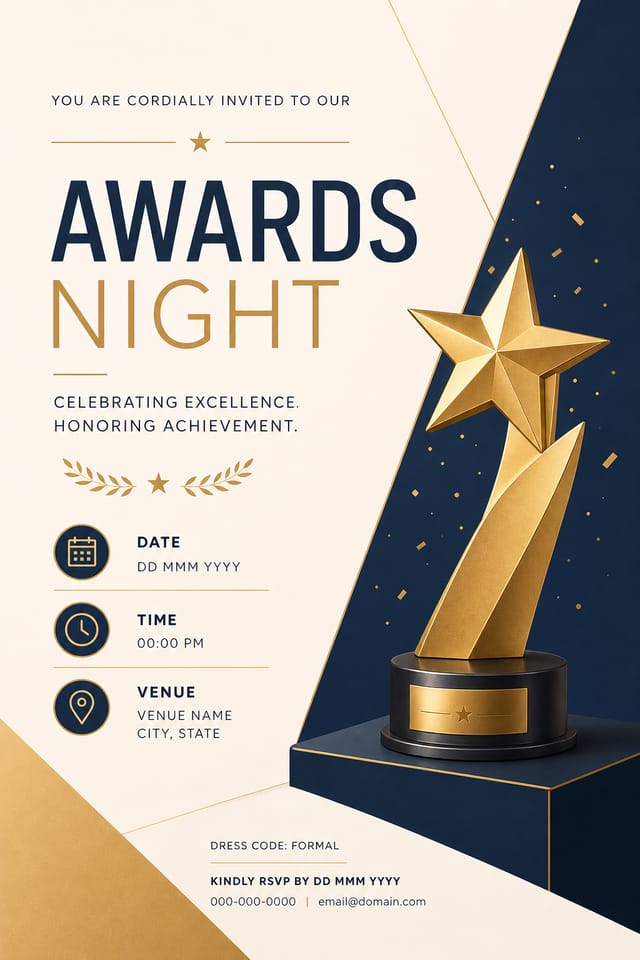
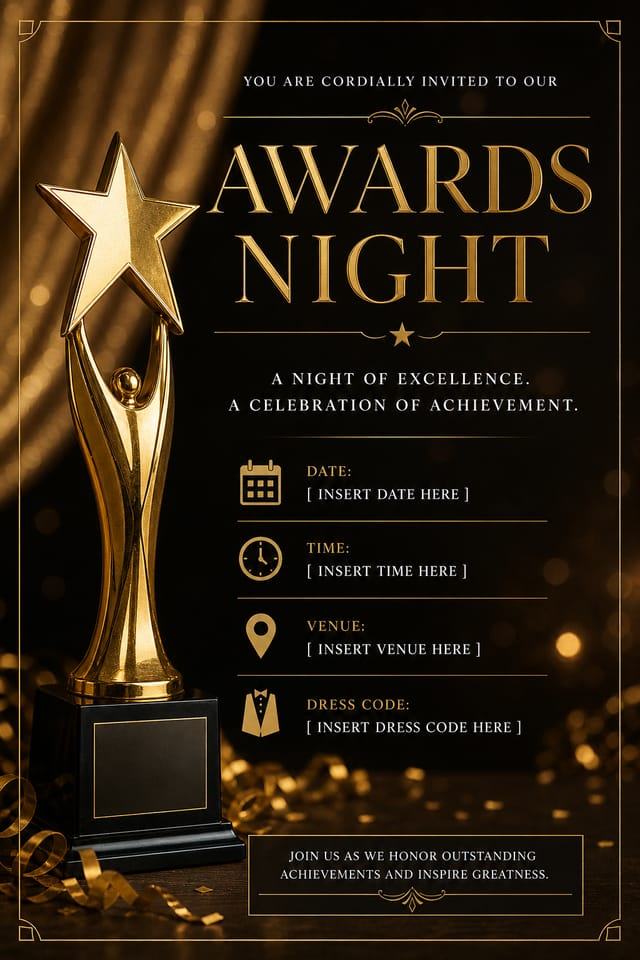
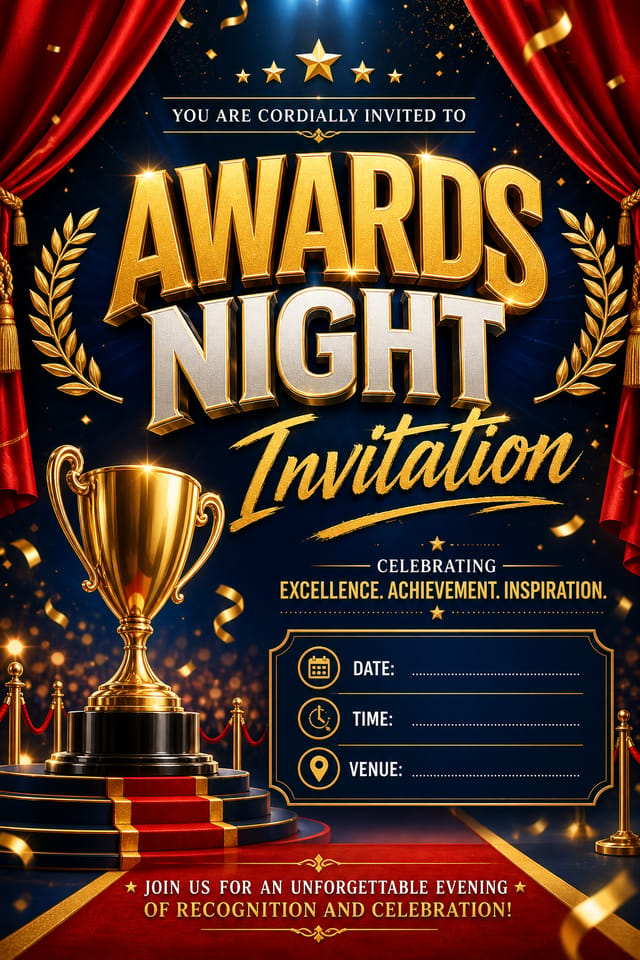
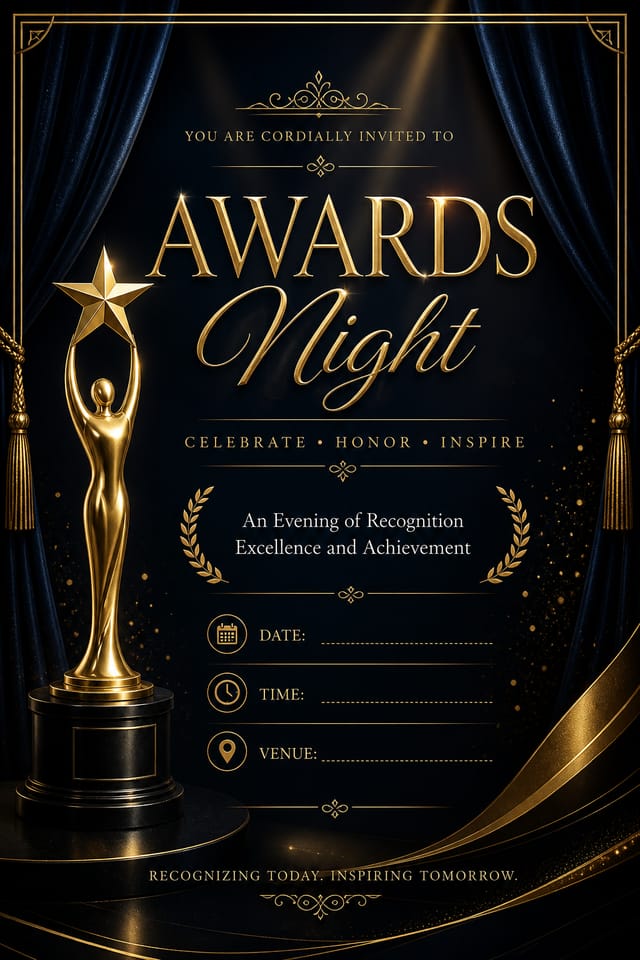
Awards-Night Invitation Output Options: Output Formats Compared
Print-ready format for awards-night invitation files that preserves fonts, colors, and layout across different devices and print services.
JPG
Compressed image format suited for awards-night invitation designs with photographic elements where smaller file size matters more than pixel-perfect edges.
TIFF
High-fidelity format for awards-night invitation files destined for professional printing, supporting CMYK color and lossless compression.
PNG
Lossless image format ideal for awards-night invitation designs with transparency, sharp text, and web display at predictable file sizes.
What Makes Awards-Night Invitation Design Work: Visual Processing Explained
What Separates Good Awards-Night Design from Generic
Effective awards-night invitation design depends on understanding what makes awards-night work visually.
Color relationships, typographic choices, and spatial arrangement all carry different weight depending on the design style.
Pixazo's AI has been trained to recognize these distinctions.
The practical result is that a awards-night invitation prompt produces designs that fit awards-night conventions rather than generic poster layouts.
Build a Awards-Night Invitation: Three Easy Steps
Log Your Requirements
Describe what you want your awards-night invitation to look like. Include the mood, color palette, typography preference, and content hierarchy. Pixazo reads all of this and uses it to generate an appropriate design.
Screen the Design
Pixazo generates your awards-night invitation in seconds. Review the design and adjust your prompt to refine specific elements: change the color palette, shift the layout weight, or add visual elements you want included.
Capture the Final Design
Get your final awards-night invitation file in one click. Choose your format, download at full resolution, and use the design immediately. No watermarks, no additional fees, no waiting.
Watch: Creating Awards Night Invitation designs step by step
Smart Awards-Night Invitation AI: Feature Overview
Style-Accurate Generation
The AI interprets awards-night design conventions and applies them to your invitation, producing output that looks correctly styled rather than generically templated.
Compositional Structure
Layout and hierarchy decisions reflect awards-night design patterns. The proportions and arrangement match how awards-night designs are conventionally structured.
Print-Ready Output
Generated awards-night invitations are sized and structured for professional printing. Download high-resolution files ready for production.
Background Variation
Generate awards-night invitations with different background treatments. Solid, gradient, textured, or pattern backgrounds all available for awards-night style.
What Awards-Night Creators Built: Designs Worth Seeing
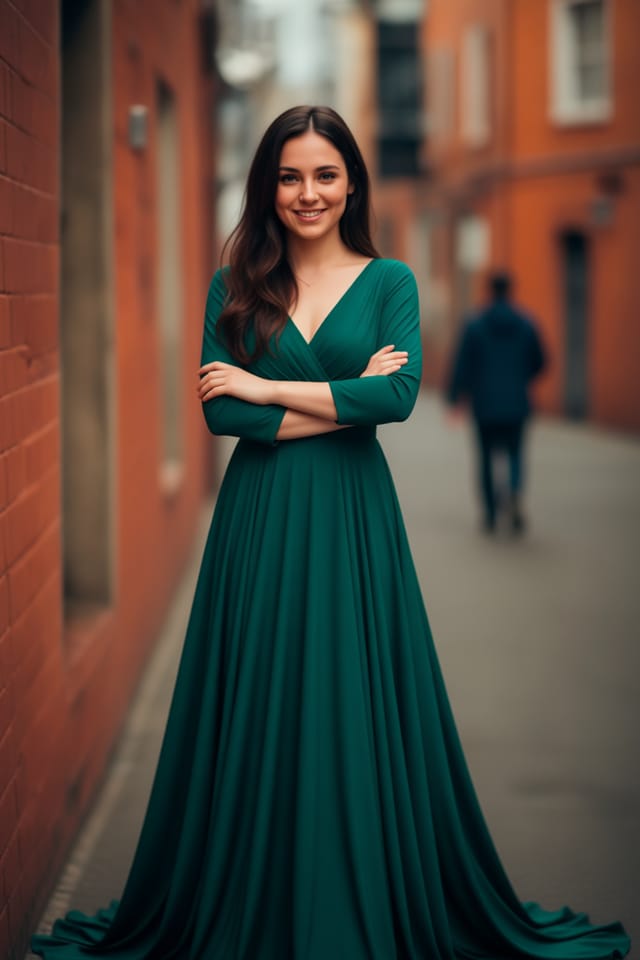
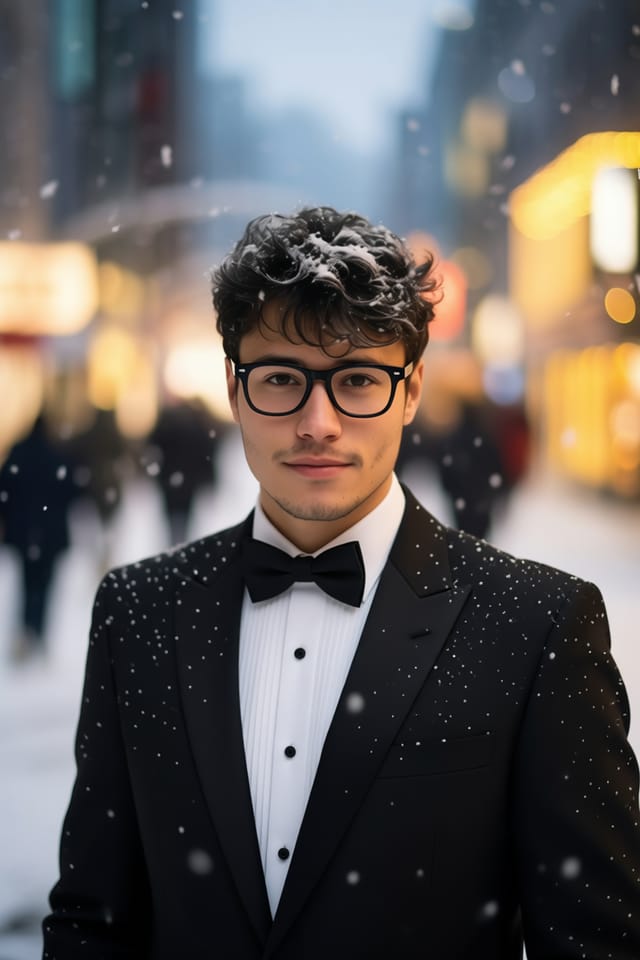
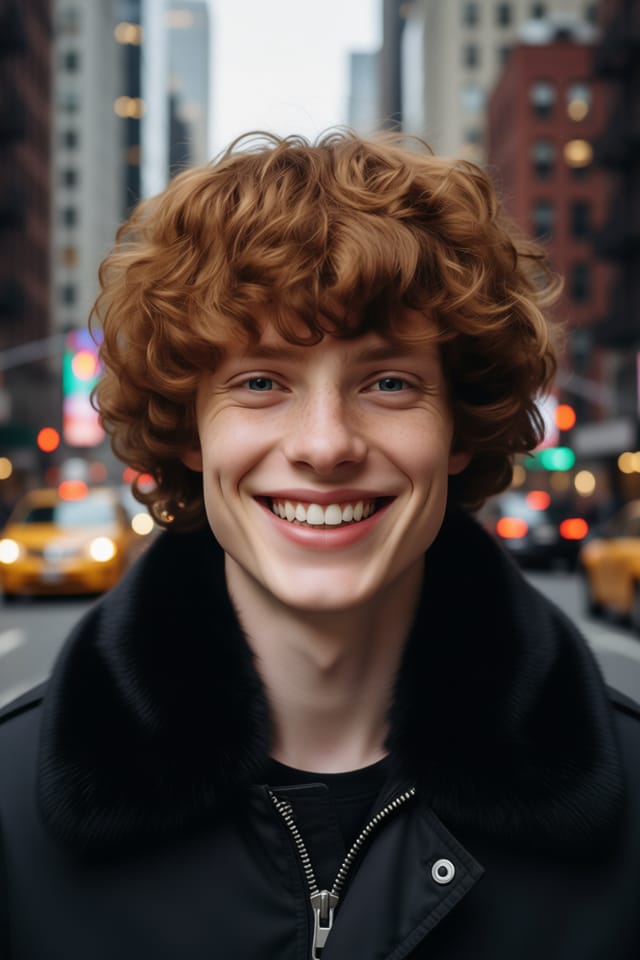
Real creators sharing their awards night designs made with Pixazo AI.
Which Awards-Night Invitation Tool Fits: A Neutral Comparison
Adobe Express
Streamlined creative tool backed by Adobe's design ecosystem
Pixazo
AI-powered awards-night invitation generator with prompt-based design and professional output quality
Canva
Drag-and-drop editor with a large template library and collaboration features
VistaCreate
Visual content platform with templates and a built-in asset library
PicMonkey
Photo editor and design tool with brand kit management
Awards-Night Invitation Applications: Who Benefits Most
Training and Workshop Materials
Design awards-night invitations for corporate training sessions, onboarding packets, and skill development programs. Clear, structured layouts for learning contexts.
Business Letterheads and Stationery
Design awards-night invitations for official correspondence, invoices, and branded documents. Consistent visual identity across all business communications.
Certificate and Diploma Templates
Generate awards-night invitations for awards, course completions, and professional certifications. Formal designs that convey legitimacy and achievement.
Portfolio Showcase Pages
Design awards-night invitations for creative portfolios, case study covers, and project showcases. Layouts that let work speak while maintaining professional framing.
Styling Your Awards-Night Invitation: What Works Best
Classic Awards-Night
Traditional awards-night design principles applied to modern invitation format. Clean composition, conventional hierarchy, time-tested visual decisions.
Textured Awards-Night
Awards-Night design with added surface depth. Background treatments add visual interest without disrupting legibility.
Atmospheric Awards-Night
Awards-Night invitation design where mood takes priority. Color and composition work together to create a specific feeling.
Contemporary Awards-Night
Current awards-night design sensibility with updated proportions, modern typefaces, and contemporary color relationships.
Awards-Night Invitation At a Glance: Numbers That Matter
Copy-Paste Awards-Night Invitation Prompt Techniques
Copy any prompt below and paste it into Pixazo to generate your design instantly.
Awards-Night aesthetic invitation, palette drawn from awards-night design tradition, layout proportions consistent with awards-night conventions, purposeful use of each elementAwards-Night invitation for digital display, optimized proportions for screen viewing, colors calibrated for RGB output, legible at typical viewing distanceAwards-Night invitation with strong visual hierarchy, largest element reads clearly, supporting elements organized by importance, clean background treatmentContemporary awards-night invitation design, grid-based layout, typographic precision, restrained color palette, no decorative excessHigh-impact awards-night invitation, immediate visual read at thumbnail size, clear headline dominance, supporting information structured logicallyEditorial-style awards-night invitation, text-dominant design, typographic treatment carries visual weight, layout proportions inspired by print publication designAbout Awards-Night Invitations: Straight Answers
Pixazo generates original designs rather than copying existing work. The AI creates awards-night invitations from learned design principles, not by stitching together fragments of existing designs. Generated output does not reproduce copyrighted material or identifiable artistic styles of living creators.
Pixazo generates awards-night invitations in RGB color space. For professional offset printing that requires CMYK, convert the downloaded file using Adobe Photoshop, Illustrator, or a free tool like GIMP. The AI selects colors that translate well to print when you mention print use in your prompt.
Specify the dimensions in your prompt. Common formats like A3, 18x24 inches, or 1080x1920 pixels for social media stories all work. The AI generates a awards-night invitation composition appropriate for the specified aspect ratio and use case.
You control every major design parameter through your prompt: color palette, typography style, layout structure, visual weight distribution, background treatment, and content hierarchy. The more specific your awards-night invitation prompt, the more precisely the AI follows your creative direction.
Adjust your prompt to change any element of the design. If a generated awards-night invitation is close but not quite right, describe what you want changed and regenerate. The AI responds to specific direction about individual elements like color, layout, or typographic weight.
Working with Awards-Night Invitation AI: Trade-Offs to Know
Known limitations and trade-offs of AI-generated awards night design. Every AI design tool has boundaries. Knowing these limits before you start helps you get the most out of awards-night invitation generation.

