Business Meeting Invitation : Create Free Business Meeting Invitations in Minutes with AI
Create Custom Business Meeting Invitations Quickly with Pixazo Best AI Business Meeting Invitation Maker. Try for Free!
Get Started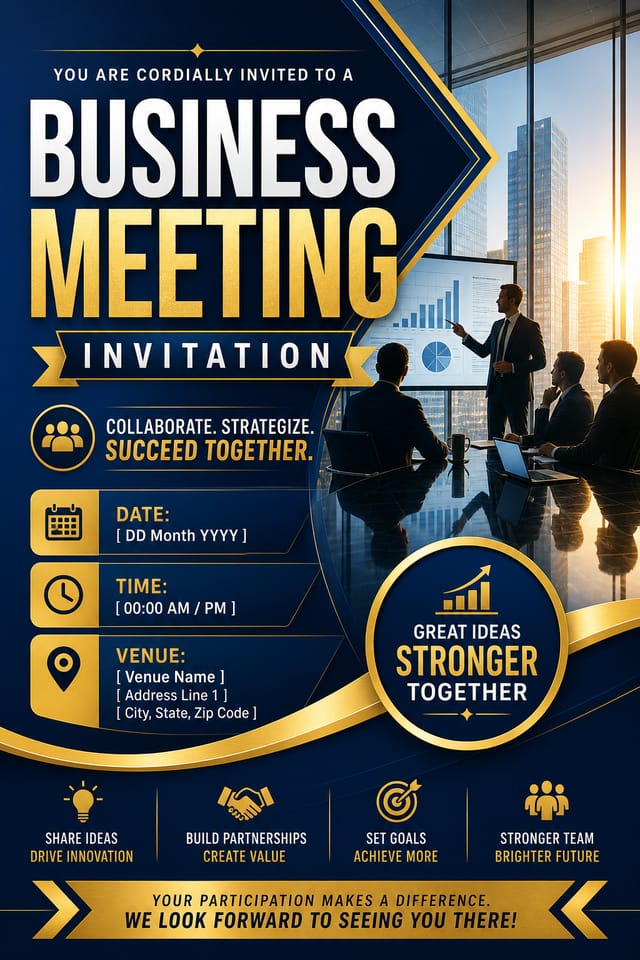
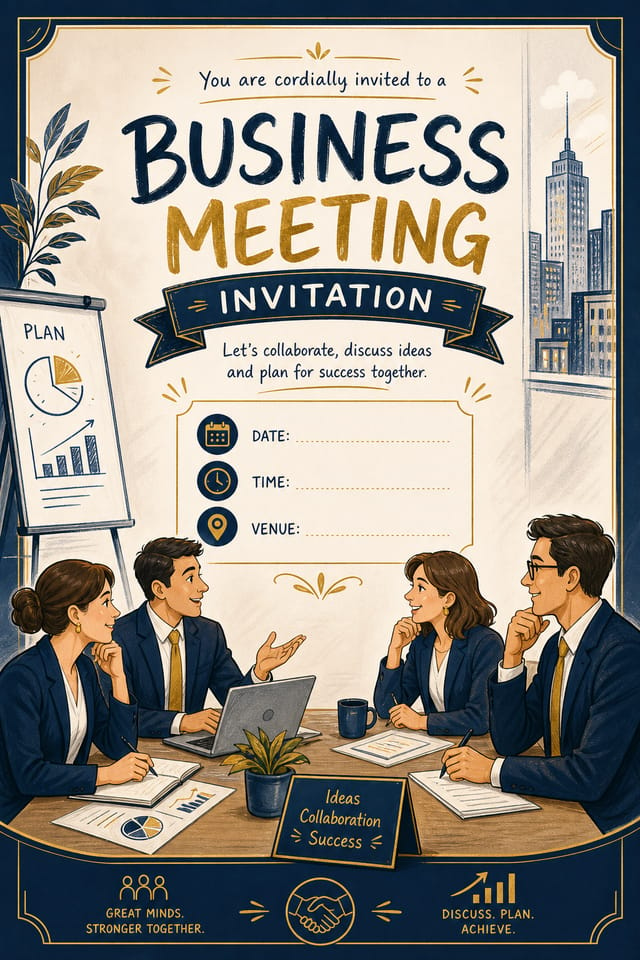
AI Business-Meeting Invitation Maker: From Idea to Reality
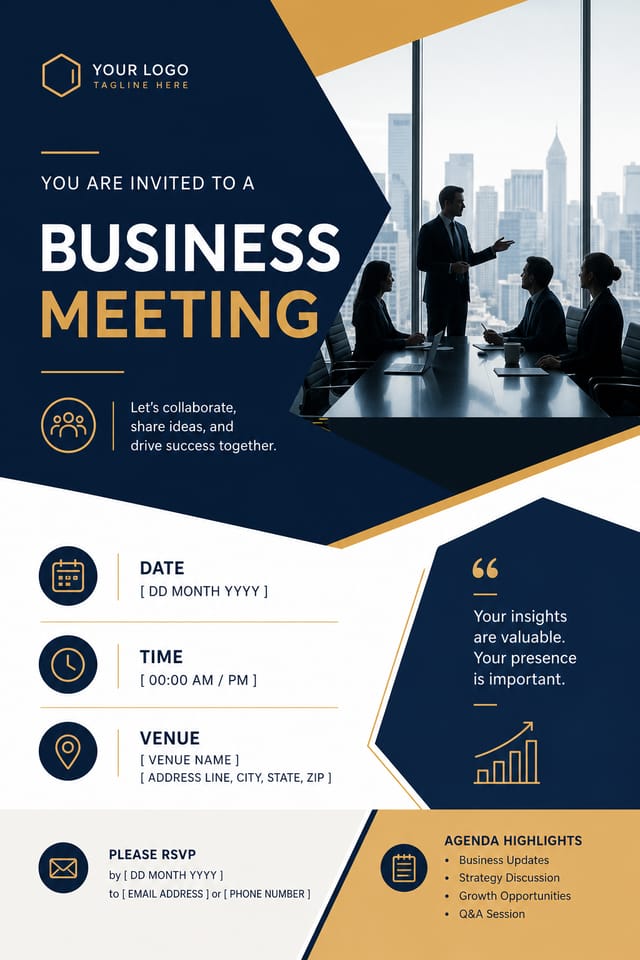
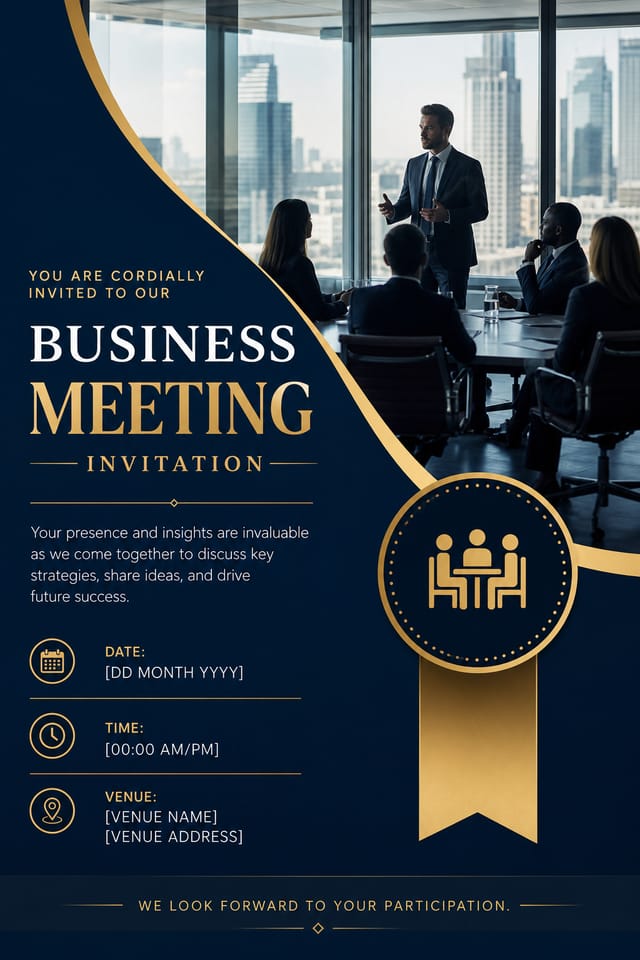
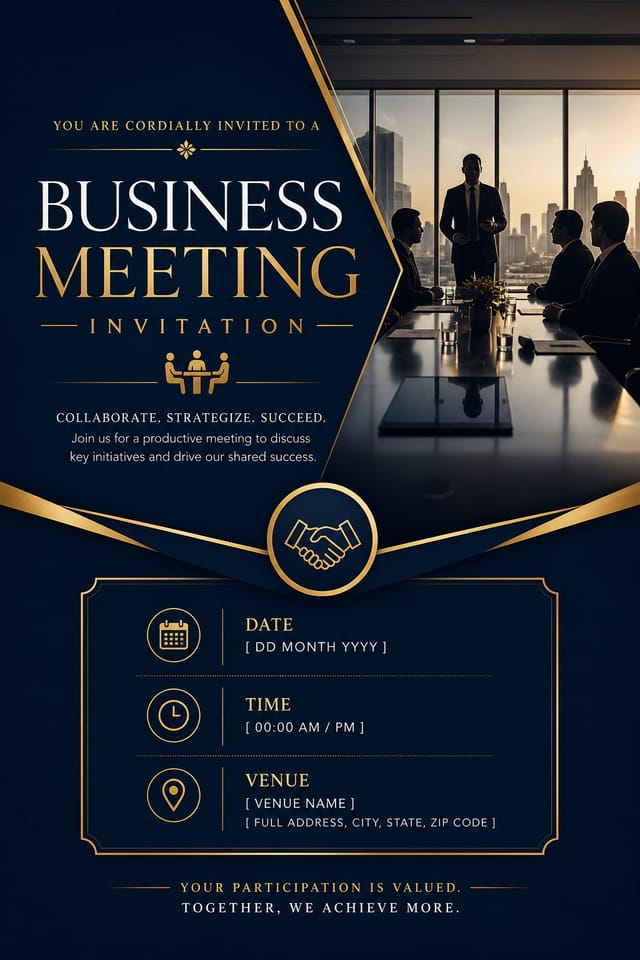
Make business-meeting invitations with real visual personality. The AI selects design elements that fit business-meeting aesthetics, not generic templates.
Create Your Business Meeting Invitation FreeBusiness-Meeting Invitation Maker Capabilities: A Closer Look
Layered Style Application
Combine business-meeting style with other design parameters in a single prompt. The AI interprets complex requests and applies multiple style constraints simultaneously.
Background Variation
Generate business-meeting invitations with different background treatments. Solid, gradient, textured, or pattern backgrounds all available for business-meeting style.
Prompt Refinement
Adjust your description to refine any aspect of the business-meeting invitation design. The AI responds to specific direction about colors, layout, or content.
Style-Accurate Generation
The AI interprets business-meeting design conventions and applies them to your invitation, producing output that looks correctly styled rather than generically templated.
Resolution Control
Specify output dimensions for your business-meeting invitation. Get files sized for web display, social media, or large-format printing.
Business-Meeting Invitation Community: Community Showcase
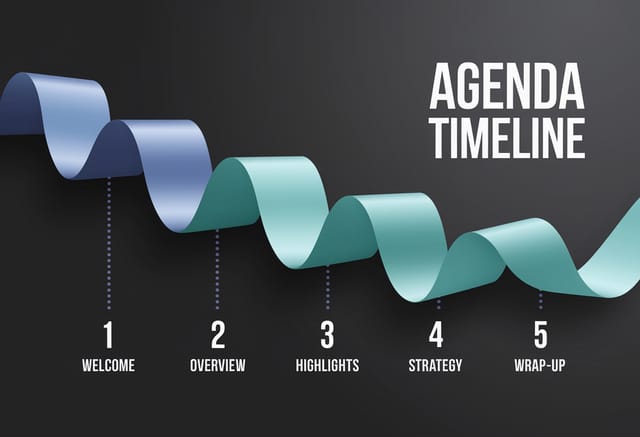
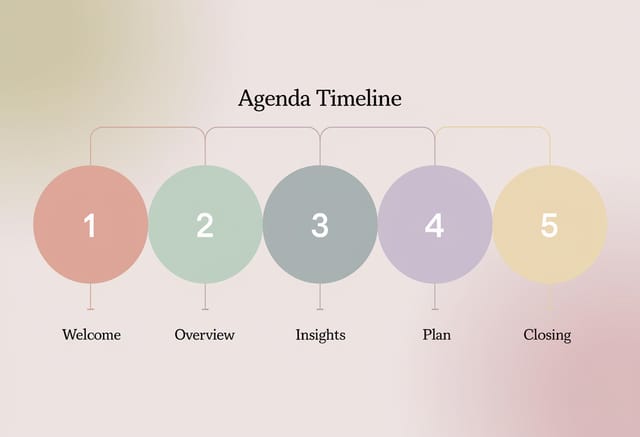
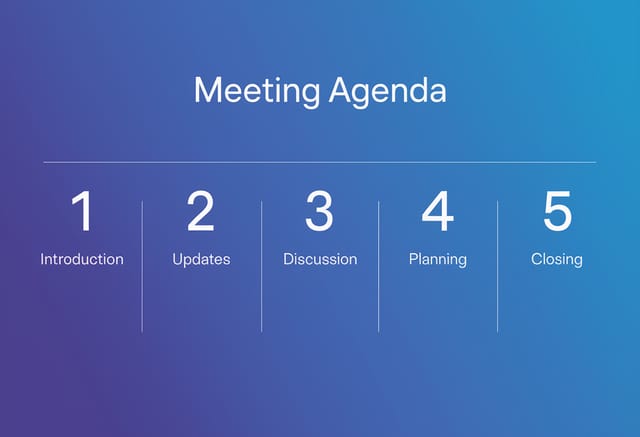
Real creators sharing their business meeting designs made with Pixazo AI.
Business-Meeting Invitations Across Fields: From Hobby to Pro
Recruitment and Hiring Outreach
Generate business-meeting invitations for job fairs, career pages, and employer branding initiatives. Designs that represent company culture visually.
Trade Show and Expo Booth Graphics
Create business-meeting invitations for exhibition stands, pull-up banners, and booth backdrops. Large-format designs that attract foot traffic.
Internal Communications
Create business-meeting invitations for all-hands meetings, policy announcements, and employee recognition programs. Professional materials for internal audiences.
Storefront and Office Displays
Generate business-meeting invitations for window displays, reception areas, and retail environments. Designs that reinforce brand presence in physical spaces.
Inside Business-Meeting Invitation Creation: Behind the Scenes
Sketch It in Words
Write a prompt describing your business-meeting invitation. Include style preferences, color direction, the most important text to display, and any specific visual elements you want. The more specific your description, the more targeted the output.
Appraise the Draft
Your business-meeting invitation generates immediately after submission. Evaluate the design against your requirements and refine the prompt to correct any elements that don't match your intent.
Take It to Production
Export your business-meeting invitation in the format you need. PNG for web and social, PDF for print production, JPG for email and lightweight sharing. The file is yours to use commercially without restrictions.
Watch: Creating Business Meeting Invitation designs step by step
Business-Meeting Invitation Quality Numbers: Data-Backed Results
Average generation time for a complete business-meeting invi
Average generation time for a complete business-meeting invitation design from prompt to output
Languages supported for text rendering in business-meeting i
Languages supported for text rendering in business-meeting invitation designs
Full commercial usage rights for all generated business-meet
Full commercial usage rights for all generated business-meeting invitations
Which Business-Meeting Invitation Tool Fits: An Honest Look
| Tool | Description |
|---|---|
| PicMonkey | Photo editor and design tool with brand kit management |
| Stencil | Lightweight image creator optimized for fast social media graphics |
| Pixazo | AI-powered business-meeting invitation generator with prompt-based design and professional output quality |
| Desygner | Multi-format design tool with PDF editing and brand management |
| Fotor | Photo editing platform with design templates and batch processing |
Business-Meeting Invitation Look and Feel: Visual Approaches
Minimalist Business-Meeting
Stripped-back business-meeting approach. Fewer elements, more negative space, typography carries more visual weight.
Textured Business-Meeting
Business-Meeting design with added surface depth. Background treatments add visual interest without disrupting legibility.
Atmospheric Business-Meeting
Business-Meeting invitation design where mood takes priority. Color and composition work together to create a specific feeling.
Classic Business-Meeting
Traditional business-meeting design principles applied to modern invitation format. Clean composition, conventional hierarchy, time-tested visual decisions.
Geometric Business-Meeting
Structured business-meeting composition using grid systems and angular forms. Order and precision define the visual approach.
Business-Meeting Invitation Workflow Stages: Stages Explained
Brief
Establish the key message, dimensions, color preferences, and target audience for your business-meeting invitation before any design work begins.
Export
Export your business-meeting invitation in the required formats and resolutions. Organize deliverables for handoff to the production or publishing team.
Generate
Use AI to produce multiple business-meeting invitation variations based on your brief. Start broad and narrow down from the strongest options.
Research
Collect examples of effective business-meeting invitation designs, note what works, and identify patterns relevant to your project goals.
Sample Business-Meeting Invitation Prompt Ideas
Copy any prompt below and paste it into Pixazo to generate your design instantly.
Business-Meeting aesthetic invitation, palette drawn from business-meeting design tradition, layout proportions consistent with business-meeting conventions, purposeful use of each elementMonochromatic business-meeting invitation, single-hue palette with value variation for contrast, typographic hierarchy creates visual interest without color complexityLarge-format business-meeting invitation design, elements sized for visibility at print scale, no fine detail that would be lost in productionBusiness-Meeting invitation with strong visual hierarchy, largest element reads clearly, supporting elements organized by importance, clean background treatmentPortrait-orientation business-meeting invitation, vertical composition, headline at natural reading entry point, supporting information flows downward logicallyFull-bleed business-meeting invitation, background treatment extends to edges, foreground elements positioned for compositional balance, strong central hierarchyHonest Notes on Business-Meeting Invitations: Current Boundaries
Known limitations and trade-offs of AI-generated business meeting design. Being specific about what AI invitation generation can and cannot do helps you plan your workflow and set accurate expectations.
Getting Started with Business-Meeting Invitations: What People Ask
You control every major design parameter through your prompt: color palette, typography style, layout structure, visual weight distribution, background treatment, and content hierarchy. The more specific your business-meeting invitation prompt, the more precisely the AI follows your creative direction.
Individual business-meeting invitations generate in seconds. For batch production, you can submit multiple prompts in sequence and download results as they complete. A series of ten business-meeting invitation variations typically takes under five minutes total.
Pixazo supports PNG, JPEG, and PDF export for business-meeting invitations. PNG preserves transparency if your design uses it. JPEG works well for web and social media. PDF is the preferred format for print production of business-meeting invitations.
Designs created with Pixazo are available for commercial use. You can use your business-meeting invitations for client projects, product sales, advertising, and other commercial applications without additional licensing fees.
Professional business-meeting invitation design comes down to the right color relationships, appropriate typographic hierarchy, and compositional balance that fits business-meeting aesthetic conventions. Generic designs miss these details because they apply neutral defaults rather than style-specific decisions. Pixazo applies business-meeting design knowledge when you specify the style.

