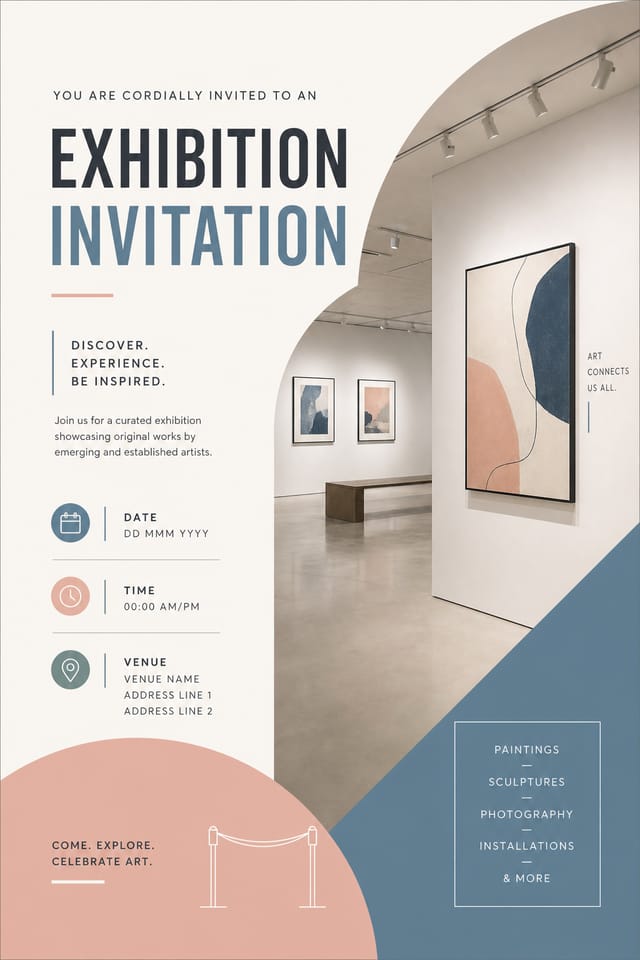
Exhibition Invitation : Create Free Exhibition Invitations in Minutes with AI
Create Custom Exhibition Invitations Quickly with Pixazo Best AI Exhibition Invitation Maker. Try for Free!
Get Started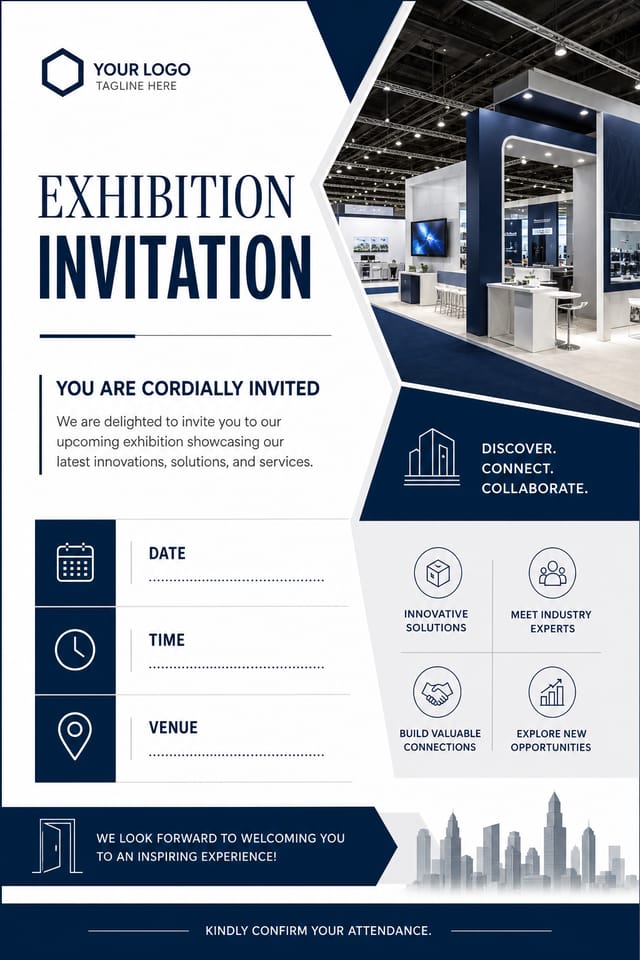
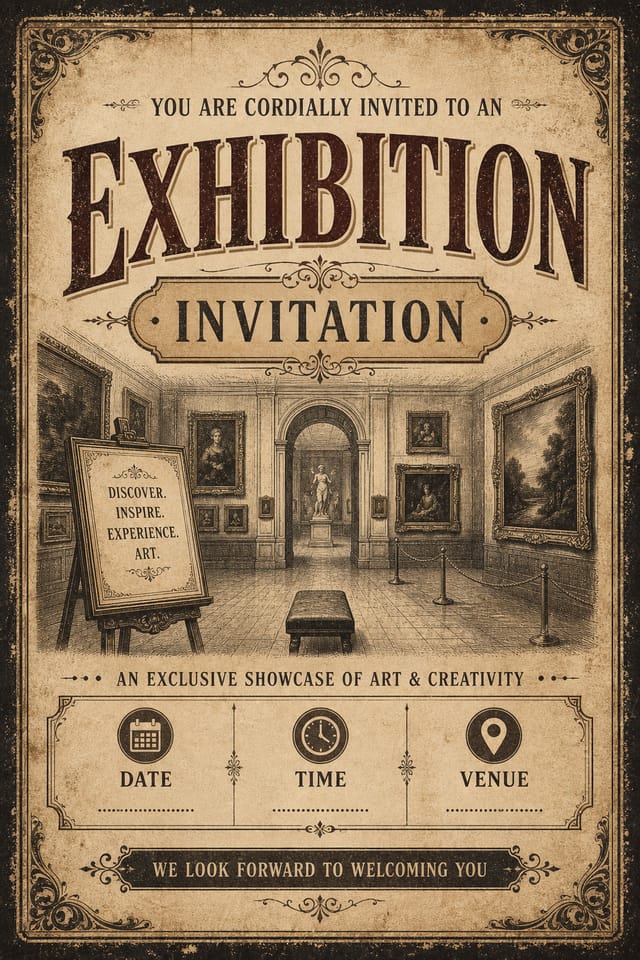
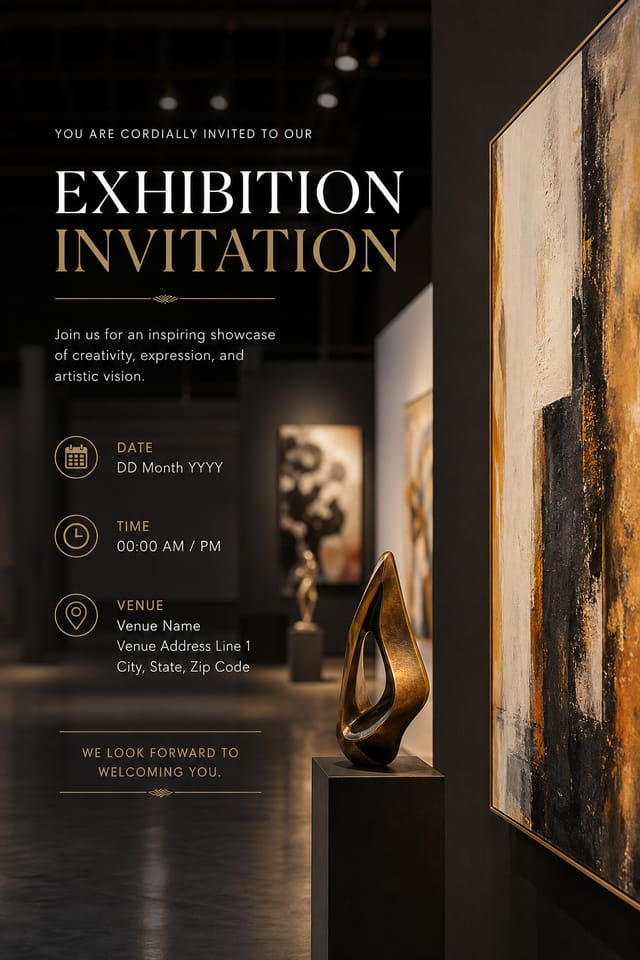
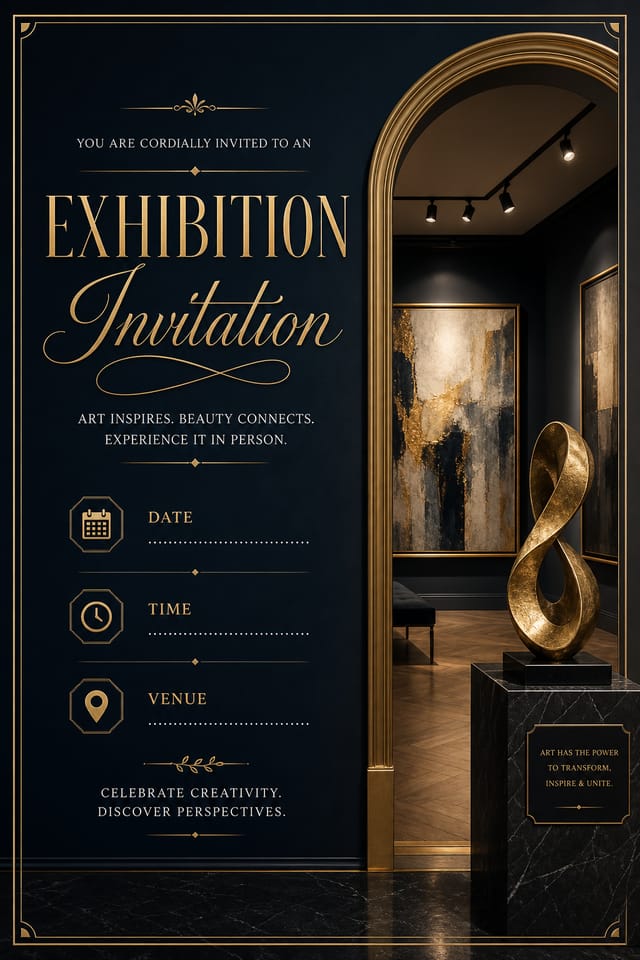
Format Options for Exhibition Invitations: File Types and Uses
SVG
Scalable format for exhibition invitation designs that need to render crisply at any resolution, commonly used for web and responsive layouts.
Print-ready format for exhibition invitation files that preserves fonts, colors, and layout across different devices and print services.
WEBP
Modern web format offering smaller file sizes than PNG or JPG for exhibition invitation images without significant quality loss.
PNG
Lossless image format ideal for exhibition invitation designs with transparency, sharp text, and web display at predictable file sizes.
Understanding Exhibition Invitation Conventions: The Underlying Framework
The Exhibition Design System Pixazo Uses
The strongest exhibition invitation designs succeed because every element reinforces the style rather than contradicting it.
Typography that fits exhibition conventions, colors that carry exhibition associations, layouts that breathe in ways consistent with exhibition design sensibility.
Pixazo's AI understands these relationships.
Describe your exhibition invitation and the system generates designs where all the elements agree.
From Prompt to Exhibition Invitation: Made Simple
Provide the Details
Describe what you want your exhibition invitation to look like. Include the mood, color palette, typography preference, and content hierarchy. Pixazo reads all of this and uses it to generate an appropriate design.
Survey the Result
Pixazo generates your exhibition invitation in seconds. Review the design and adjust your prompt to refine specific elements: change the color palette, shift the layout weight, or add visual elements you want included.
Hand Off the File
Export your exhibition invitation in the format you need. PNG for web and social, PDF for print production, JPG for email and lightweight sharing. The file is yours to use commercially without restrictions.
Exhibition Invitation Specifications
Watch: Creating Exhibition Invitation designs step by step
Exhibition Invitation Production Steps: The Full Process
Export Deliver final files
Export your exhibition invitation in the required formats and resolutions. Organize deliverables for handoff to the production or publishing team.
Review Evaluate and refine
Compare generated exhibition invitation options against your brief. Mark what works and note specific changes needed for the next iteration.
Approve Final sign-off
Get stakeholder approval on the finished exhibition invitation. Verify all text is accurate and the design meets brand and technical requirements.
Refine Polish the design
Apply targeted edits to your selected exhibition invitation. Adjust typography, spacing, and color until every element meets your quality standard.
Exhibition Invitation Quality Checklist: Practical Guidelines
Test with real content
Never finalize a exhibition invitation with placeholder text. Real copy often has different lengths and line breaks that affect the design.
Use a consistent visual hierarchy
Structure your exhibition invitation so the viewer's eye follows a clear path from headline to supporting details to call-to-action.
Maintain brand alignment
Keep your exhibition invitation design consistent with existing brand colors, fonts, and visual language for a cohesive identity.
Optimize for the display medium
Tailor your exhibition invitation resolution, color space, and text size to the specific platform or physical context where it will appear.
Rely solely on AI output
AI-generated exhibition invitation designs are a starting point. Human review catches issues with context, tone, and accuracy that AI can miss.
Ignore accessibility
Low-contrast text and tiny font sizes in your exhibition invitation exclude a significant portion of your potential audience.
Use too many fonts
More than two or three typefaces in a single exhibition invitation creates visual noise and makes the design feel disjointed.
Overcrowd the layout
Filling every pixel of your exhibition invitation with content makes it harder to read and reduces the impact of every individual element.
Putting Exhibition Invitations to Work: Across Industries
Personal Creative Work
Generate exhibition invitations for personal projects, home display, and creative experiments without spending production time on design execution.
Travel and Tourism Promotion
Design exhibition invitations for destinations, tour packages, and hospitality brands. Aspirational visuals that inspire booking decisions.
E-Commerce Product Promotion
Design exhibition invitations for online store banners, product launches, and seasonal sales. Conversion-focused visuals for digital retail.
Real Estate Marketing
Create exhibition invitations for property listings, open houses, and agent branding. Professional visuals that elevate property presentation.
Wedding and Celebration Planning
Create exhibition invitations for invitations, signage, and event branding. Cohesive visual systems that carry a celebration's theme across every touchpoint.
Smart Exhibition Invitation AI: Key Capabilities
Subcategory Awareness
The AI distinguishes between design subcategories. A exhibition invitation request produces exhibition-appropriate output, not a generic design with exhibition text added.
Resolution Control
Specify output dimensions for your exhibition invitation. Get files sized for web display, social media, or large-format printing.
Typography Matching
Typefaces are selected to match exhibition aesthetic expectations. The AI pairs fonts that reinforce your exhibition invitation's visual identity.
Commercial Use Rights
Designs generated with Pixazo are yours to use commercially. No additional licensing required for exhibition invitation projects.
Exhibition Invitation Design Quality: Standards That Matter
Exhibition Invitation Prompts: Prompt Examples
Copy any prompt below and paste it into Pixazo to generate your design instantly.
Refined exhibition invitation, sophisticated color relationships, intentional whitespace, typefaces appropriate to exhibition style, balanced compositionProfessional exhibition invitation, minimalist exhibition approach, negative space used intentionally, readable at multiple viewing distances, print-ready compositionPortrait-orientation exhibition invitation, vertical composition, headline at natural reading entry point, supporting information flows downward logicallyFull-bleed exhibition invitation, background treatment extends to edges, foreground elements positioned for compositional balance, strong central hierarchyExhibition invitation design, clean layout, strong typography hierarchy, appropriate color palette for exhibition aesthetic, high contrast between headline and backgroundMonochromatic exhibition invitation, single-hue palette with value variation for contrast, typographic hierarchy creates visual interest without color complexityThe Fine Print on Exhibition Invitations: Needs Human Help
Known limitations and trade-offs of AI-generated exhibition design. Understanding what the AI handles well and where it falls short helps you structure your exhibition invitation design workflow effectively.
Community Exhibition Invitation: Spotlights and Showcases
Real creators sharing their exhibition designs made with Pixazo AI.

Exhibition invitation design, clean typographic hierarchy, palette appropriate to exhibition aesthetic, high contrast headline, balanced composition
Exhibition invitation for outdoor billboard at 14x48 feet, extreme readability at distance, three-word headline max, high contrast background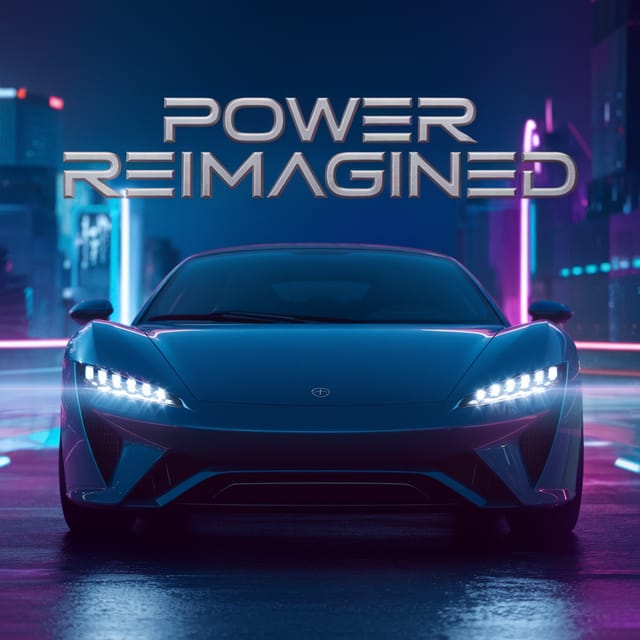
Full-bleed background exhibition invitation, image or texture extends to edges, foreground elements float above, headline anchored to centerExhibition Invitation Essentials: Common Questions Answered
Templates apply a fixed visual structure with placeholder content. AI generation produces original designs based on your specific description. Two exhibition invitations generated from different prompts will have genuinely different layouts, not just different text in the same box positions.
Pixazo provides an API for programmatic exhibition invitation generation. Integrate it into your content pipeline to automate design production at scale. API documentation covers authentication, prompt formatting, and output retrieval.
The AI generates designs at the specified dimensions. For professional print production, add 'with bleed area' to your prompt to extend background elements beyond the trim line. Crop marks and registration marks should be added in your print preparation software.
Yes. Set up separate brand kits for each client or brand, then switch between them when generating exhibition invitations. Each brand kit stores its own colors, fonts, and logo so the AI applies the correct identity to every exhibition invitation without manual reconfiguration.
Describe your core design parameters in each prompt and vary only the specific elements that should change across the series. Maintaining consistent color palette, typographic approach, and compositional structure across exhibition invitation variations creates a coherent series.
A exhibition invitation generates in seconds after submitting your prompt. Total time from prompt submission to downloadable file is typically under a minute, including any server processing time.

