Fashion Show Invitation : Create Free Fashion Show Invitations in Minutes with AI
Create Custom Fashion Show Invitations Quickly with Pixazo Best AI Fashion Show Invitation Maker. Try for Free!
Get Started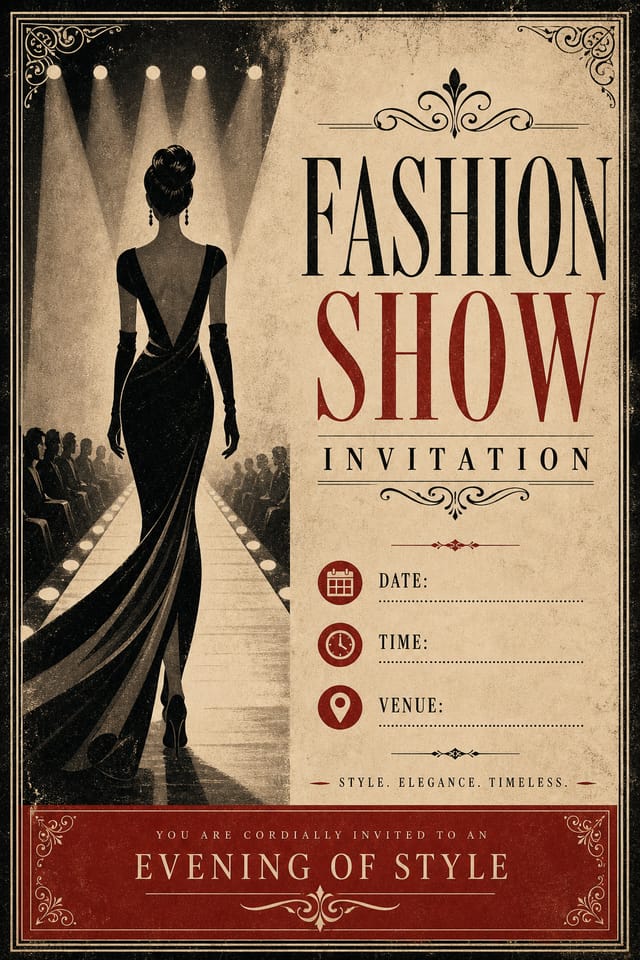
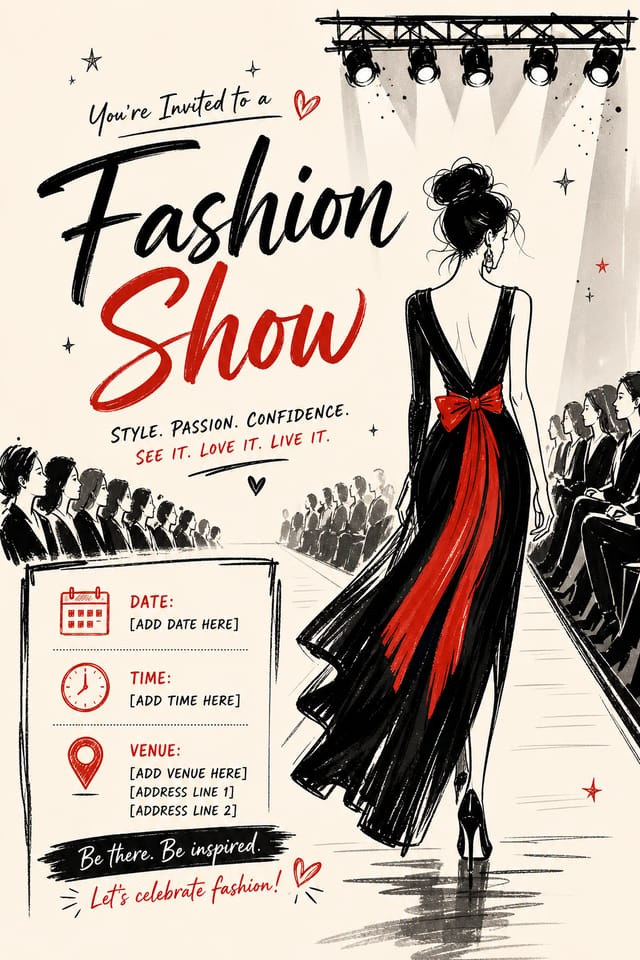
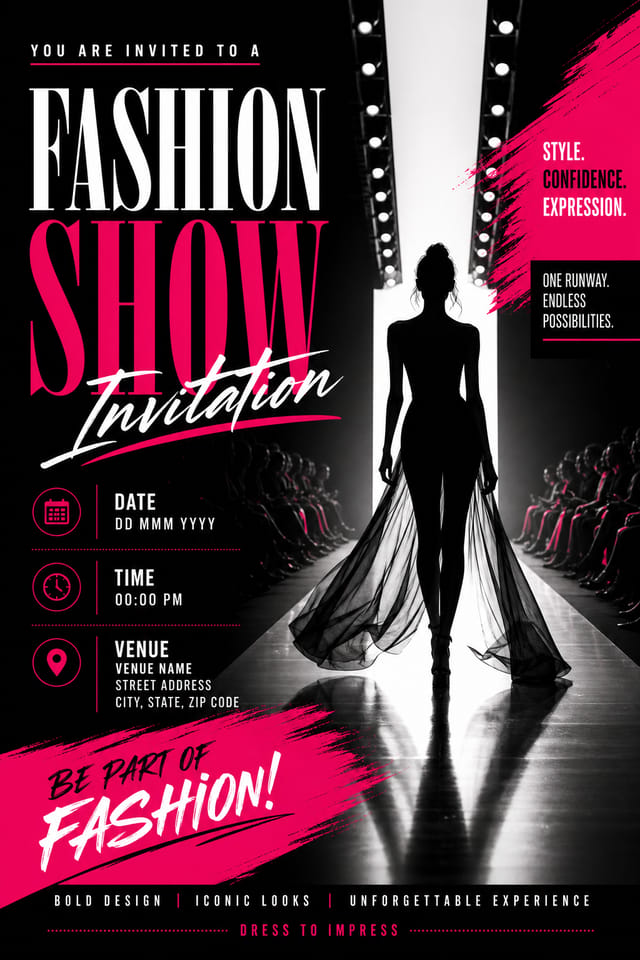
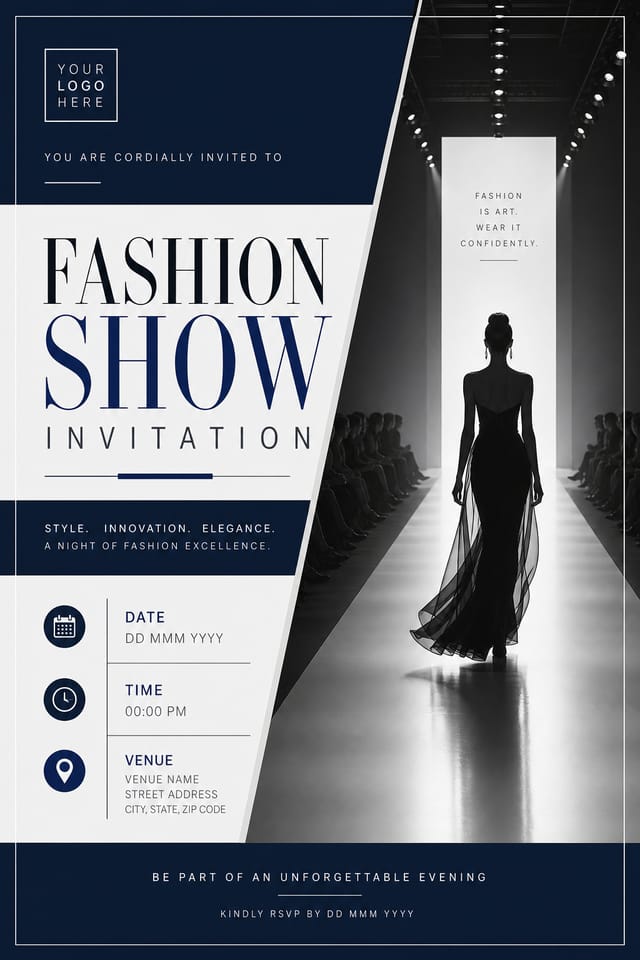
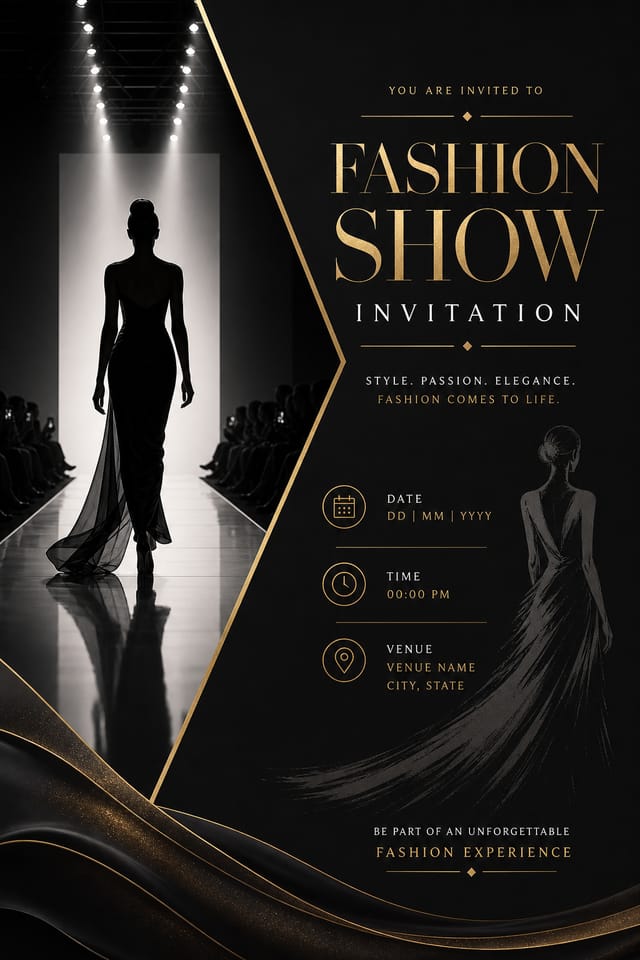
The Fashion-Show Invitation Platform: By the Numbers
Fashion-Show Invitation Maker Capabilities: Feature Overview
Print-Ready Output
Generated fashion-show invitations are sized and structured for professional printing. Download high-resolution files ready for production.
Instant Iterations
Generate multiple fashion-show invitation variations from a single prompt. Compare options and refine until the design matches your vision.
No Design Software Required
Create professional fashion-show invitations without Photoshop, Illustrator, or other design applications. The AI handles all technical production.
Text Placement Options
Describe where you want text elements positioned in your fashion-show invitation. The AI follows compositional direction about headline placement and body copy layout.
Export Flexibility
Download your fashion-show invitation in formats suited for your use case. Web-optimized versions for digital display, high-DPI files for print.
Typography Matching
Typefaces are selected to match fashion-show aesthetic expectations. The AI pairs fonts that reinforce your fashion-show invitation's visual identity.
Download Your Fashion-Show Invitation: Choosing the Right Format
SVG
Scalable format for fashion-show invitation designs that need to render crisply at any resolution, commonly used for web and responsive layouts.
TIFF
High-fidelity format for fashion-show invitation files destined for professional printing, supporting CMYK color and lossless compression.
PNG
Lossless image format ideal for fashion-show invitation designs with transparency, sharp text, and web display at predictable file sizes.
JPG
Compressed image format suited for fashion-show invitation designs with photographic elements where smaller file size matters more than pixel-perfect edges.
Fashion-Show Invitation Applications: Who Uses Them
Social Media Event Promotion
Design fashion-show invitations sized for Instagram, Twitter, and Facebook event pages. Platform-optimized materials that maximize reach.
Release Day Announcements
Design fashion-show invitations for album drops, film releases, and premiere events. Launch-day materials that build buzz across channels.
Merchandise and Collectibles
Generate fashion-show invitations intended for print on merchandise, limited editions, and collectible items. Designs with commercial print production in mind.
Fan Community Materials
Create fashion-show invitations for fan clubs, viewing groups, and appreciation events. Designs that celebrate fandom and community.
Fashion-Show Invitation Starter Prompts to Try
Copy any prompt below and paste it into Pixazo to generate your design instantly.
Clean fashion-show invitation design, geometric structure, disciplined typography, color accent used selectively for emphasis, printer-optimized resolutionFashion-Show style invitation, bold headline placement, supporting text at appropriate scale, color palette consistent with fashion-show design conventionsMonochromatic fashion-show invitation, single-hue palette with value variation for contrast, typographic hierarchy creates visual interest without color complexityProfessional fashion-show invitation, minimalist fashion-show approach, negative space used intentionally, readable at multiple viewing distances, print-ready compositionContemporary fashion-show invitation design, grid-based layout, typographic precision, restrained color palette, no decorative excessPortrait-orientation fashion-show invitation, vertical composition, headline at natural reading entry point, supporting information flows downward logicallyFashion-Show Invitation Design Steps: A Quick Guide
Log Your Requirements
Start with a text description of your fashion-show invitation concept. Specify the visual style, colors, layout direction, and key text. Detailed prompts produce more accurate fashion-show invitation designs than general ones.
Watch: Creating Fashion Show Invitation designs step by step
The Evolution of Fashion-Show Invitation Design: Trend Report
Brutalist Design
Raw, intentionally unpolished fashion-show invitation aesthetics with stark contrasts and unconventional layouts are carving a niche in creative industries.
Organic Shapes
Flowing, irregular forms are replacing sharp geometric shapes in fashion-show invitation backgrounds and decorative elements for a softer visual feel.
Asymmetric Composition
Breaking grid symmetry in fashion-show invitation layouts creates visual tension and a modern, editorial feel that stands out.
Bold Typography
Oversized type and expressive fonts are dominating fashion-show invitation design, turning headlines into visual centerpieces rather than just text.
Dark Mode Aesthetics
Dark backgrounds with high-contrast accents are increasingly common in fashion-show invitation design, reducing visual fatigue and adding sophistication.
Visual Quality in Fashion-Show Invitations: Key Principles
What Fashion-Show Creators Built: Showcase Gallery
Real creators sharing their fashion show designs made with Pixazo AI.
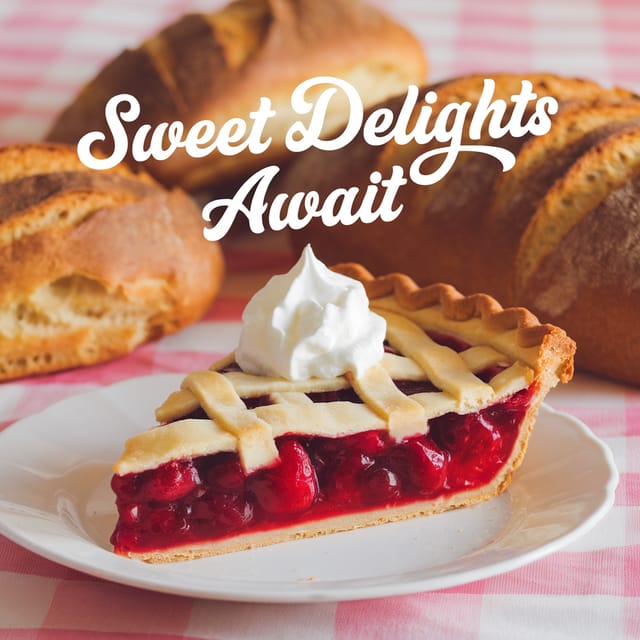
Cool palette fashion-show invitation, slate and steel tones, sans-serif typography, contemporary fashion-show sensibility, precise alignment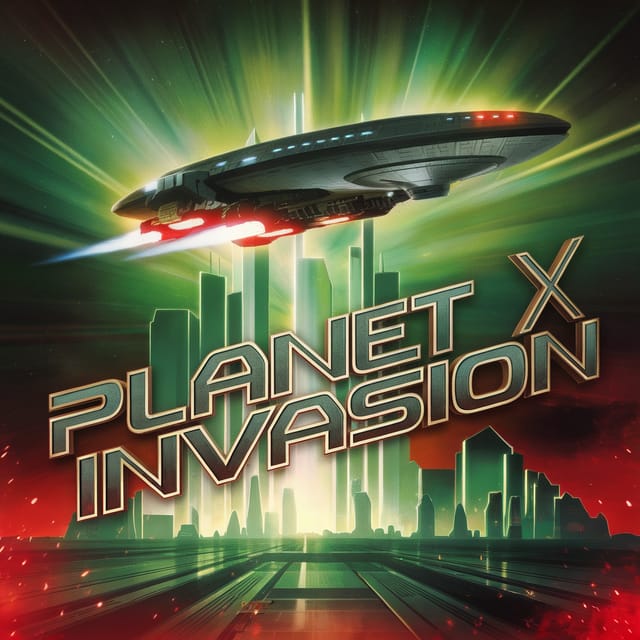
Warm palette fashion-show invitation, ochre and brown tones, serif typography, traditional fashion-show design reference, tactile feeling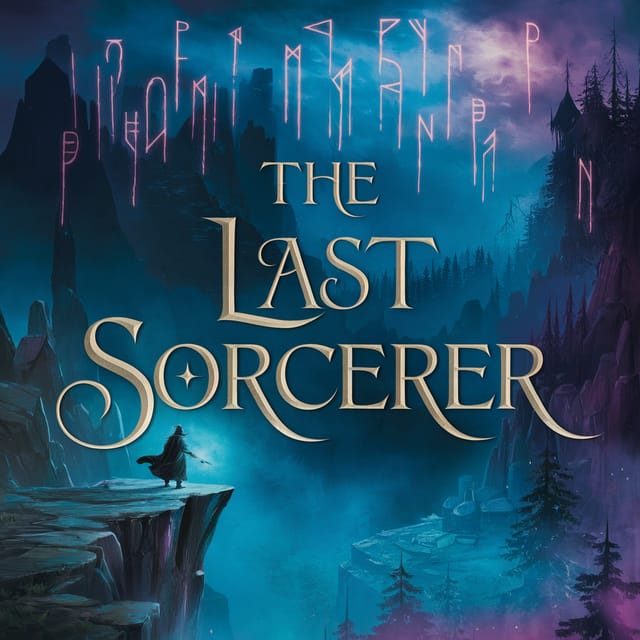
Full-bleed background fashion-show invitation, image or texture extends to edges, foreground elements float above, headline anchored to centerHonest Notes on Fashion-Show Invitations: Areas for Improvement
Known limitations and trade-offs of AI-generated fashion show design. Understanding what the AI handles well and where it falls short helps you structure your fashion-show invitation design workflow effectively.
Getting Started with Fashion-Show Invitations: Frequently Asked
Generate your initial fashion-show invitation, review the output, then modify your prompt to adjust specific elements. Each regeneration produces a fresh design incorporating your changes. Most users reach their final fashion-show invitation design within two to four iterations.
Pixazo works in any modern mobile browser. The interface adapts to phone and tablet screens so you can generate fashion-show invitations from anywhere. A dedicated mobile app is in development for an even smoother on-device experience.
You can specify any aspect ratio in your prompt. Common options include 1:1 for social posts, 4:5 for Instagram, 9:16 for stories, 16:9 for presentations, and standard print sizes like A4 or letter. The AI adapts fashion-show composition to fit your chosen ratio.
A fashion-show invitation generates in seconds after submitting your prompt. Total time from prompt submission to downloadable file is typically under a minute, including any server processing time.
Common sizes include 1080x1080 for Instagram feed, 1080x1920 for stories and reels, 1200x628 for Facebook links, 1500x500 for Twitter headers, and 1080x1350 for Pinterest. Specify the platform in your prompt and Pixazo optimizes fashion-show layout for that format.

