Haldi Invitation : Create Free Haldi Invitations in Minutes with AI
Create Custom Haldi Invitations Quickly with Pixazo Best AI Haldi Invitation Maker. Try for Free!
Get Started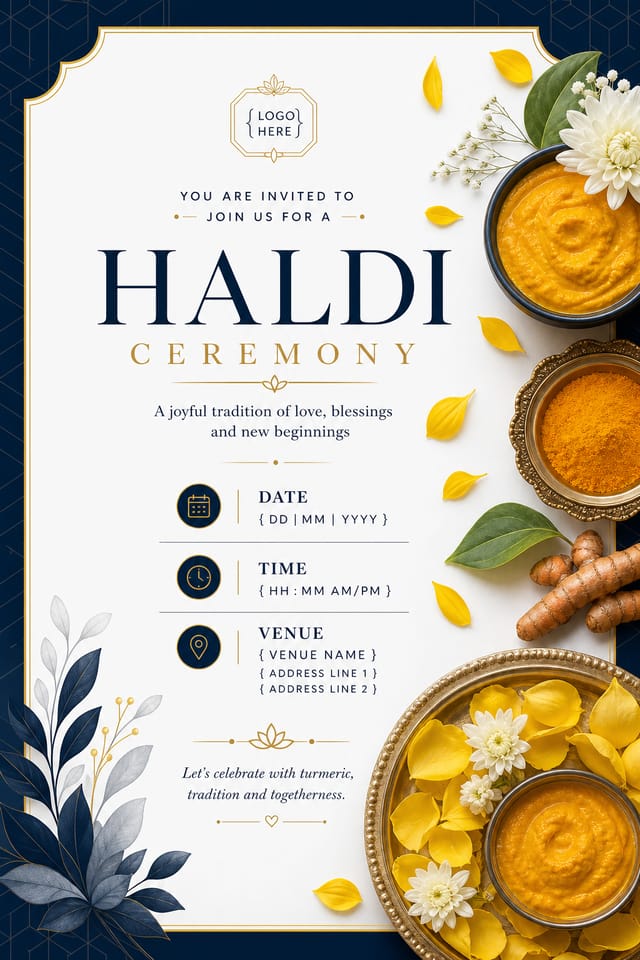
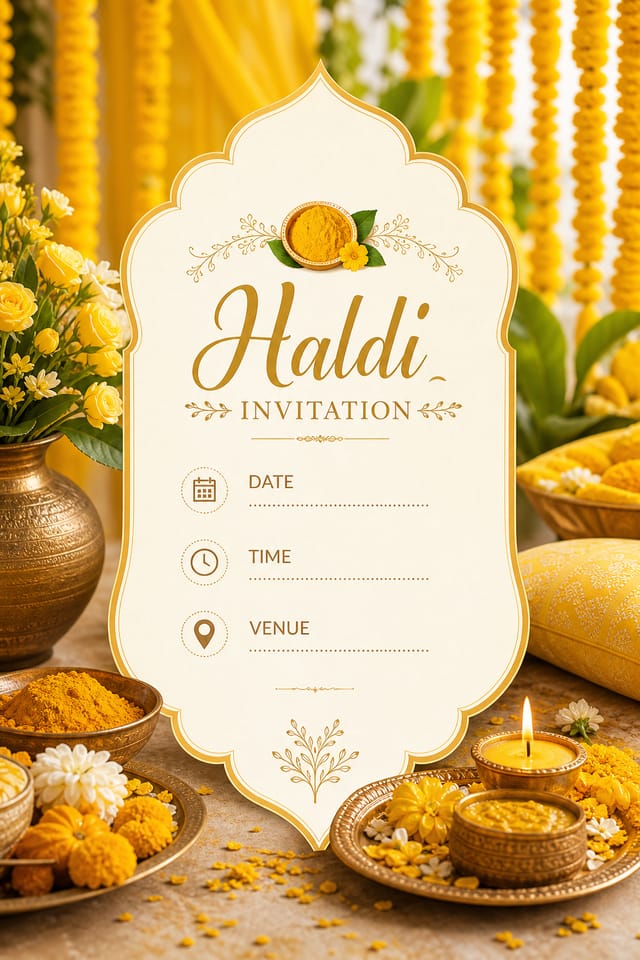
Smart Haldi Invitation Decisions: Practical Guidelines
Test with real content
Never finalize a haldi invitation with placeholder text. Real copy often has different lengths and line breaks that affect the design.
Use a consistent visual hierarchy
Structure your haldi invitation so the viewer's eye follows a clear path from headline to supporting details to call-to-action.
Keep the message focused
A strong haldi invitation communicates one primary idea clearly. Supporting details should reinforce, not compete with, the main message.
Ignore accessibility
Low-contrast text and tiny font sizes in your haldi invitation exclude a significant portion of your potential audience.
Rely solely on AI output
AI-generated haldi invitation designs are a starting point. Human review catches issues with context, tone, and accuracy that AI can miss.
Use too many fonts
More than two or three typefaces in a single haldi invitation creates visual noise and makes the design feel disjointed.
How Haldi Invitation Tools Stack Up: An Honest Look
| Tool | Description |
|---|---|
| Snappa | Quick graphic creator focused on social media and marketing visuals |
| Pixazo | AI-powered haldi invitation generator with prompt-based design and professional output quality |
| Crello | Template-based design tool with animation and video support |
| Canva | Drag-and-drop editor with a large template library and collaboration features |
| Fotor | Photo editing platform with design templates and batch processing |
Inside the Haldi Community: Gallery Highlights
Real creators sharing their haldi designs made with Pixazo AI.

Editorial-inspired haldi invitation, text-dominant layout, typographic variety creates visual interest, clean structured alignment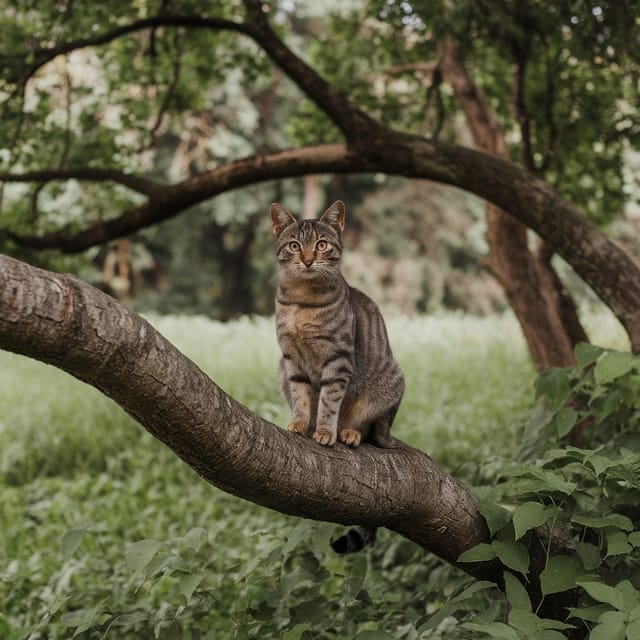
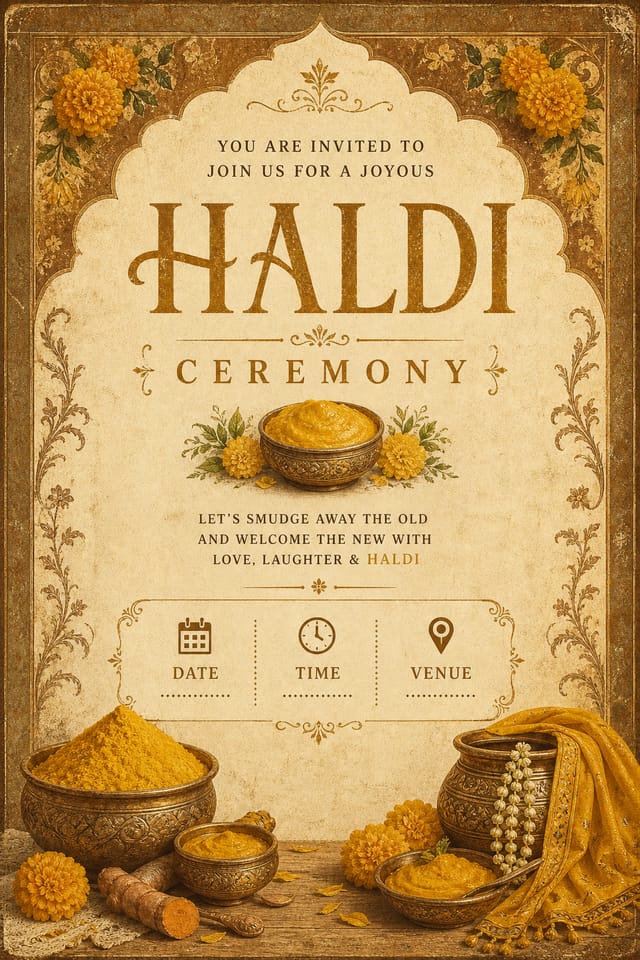
Warm palette haldi invitation, ochre and brown tones, serif typography, traditional haldi design reference, tactile feeling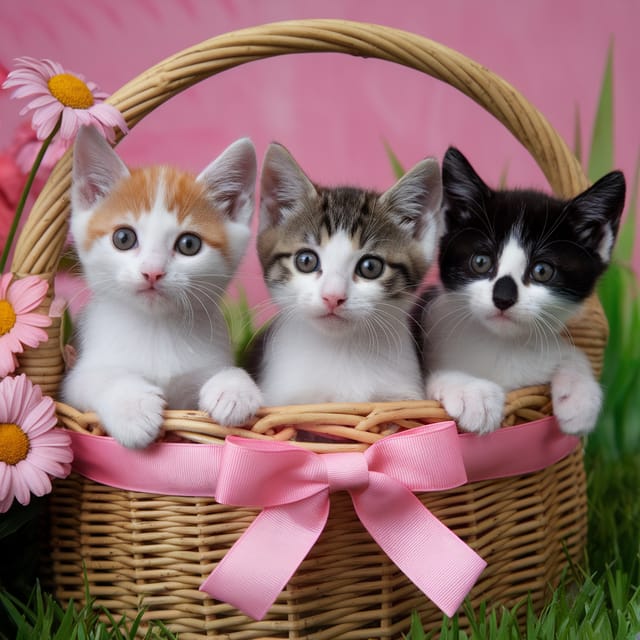
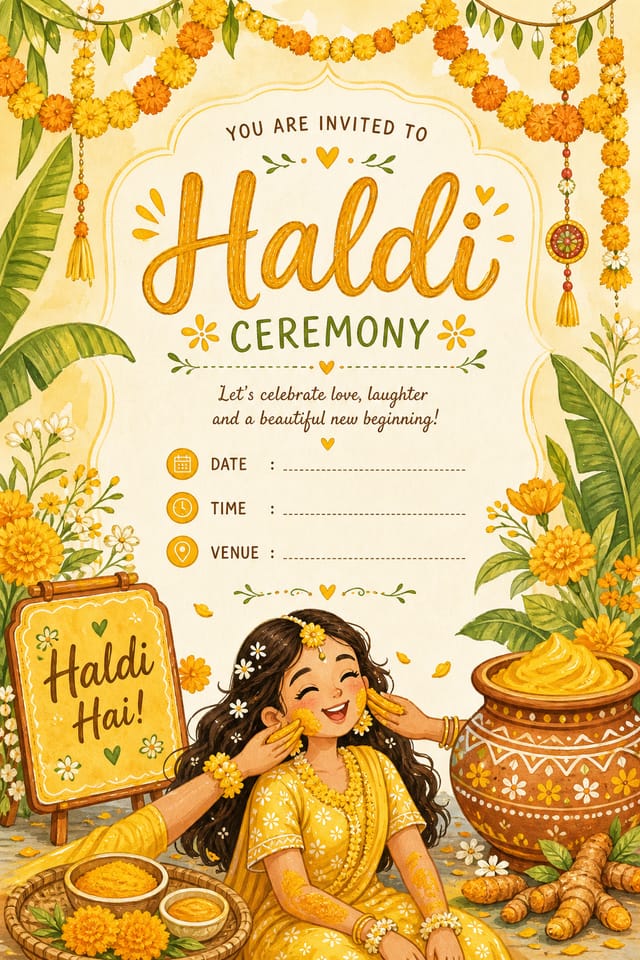
Playful haldi invitation for a family audience, rounded typography, bright saturated colors, approachable and energetic toneThe Haldi Invitation Toolkit: Professional Features
Consistency Across Variants
Generate multiple haldi invitations for a project and maintain visual consistency across the set. Specify your core design parameters and vary secondary elements.
Typography Matching
Typefaces are selected to match haldi aesthetic expectations. The AI pairs fonts that reinforce your haldi invitation's visual identity.
Negative Space Handling
The AI manages whitespace in haldi invitation designs according to haldi aesthetic conventions, not generic poster defaults.
Color Temperature Control
Specify warm, cool, or neutral color direction for your haldi invitation. The AI builds the full palette around your temperature preference.
From Prompt to Haldi Invitation: A Quick Guide
Convey Your Needs
Describe what you want your haldi invitation to look like. Include the mood, color palette, typography preference, and content hierarchy. Pixazo reads all of this and uses it to generate an appropriate design.
Watch: Creating Haldi Invitation designs step by step
The Reach of Haldi Invitations: Practical Examples
Freelance Design Work
Use Pixazo to generate haldi invitation concepts for client review. Present multiple directions quickly before committing to detailed execution.
Wedding and Celebration Planning
Create haldi invitations for invitations, signage, and event branding. Cohesive visual systems that carry a celebration's theme across every touchpoint.
Social Media Content
Design haldi invitations sized for social platforms. Get content that looks intentional and well-crafted, not thrown together.
Music and Audio Production
Produce haldi invitations for album covers, playlist artwork, and music event promotion. Visual identity that matches the sound.
Trade Show and Conference Materials
Generate haldi invitations for booth displays, attendee handouts, and event signage. Professional materials that represent your brand in competitive environments.
Design Criteria for Haldi Invitation: Quality Markers
Pro Tips for Haldi Invitation Design: What Professionals Know
Consider the Context
Think about where your haldi invitation will appear. A design optimized for social media needs different proportions and density than one for a physical bulletin board.
Match Tone to Audience
A haldi invitation for a corporate event needs a different visual tone than one for a music festival. Let the audience guide your style choices.
Keep Typography Simple
Use no more than two typefaces per haldi invitation. One for headlines, one for body text. Consistency in typography signals professionalism.
Leave White Space
Resist the urge to fill every area of your haldi invitation. Breathing room around key elements makes the overall design more effective.
Iterate with Variations
Generate 3-5 versions of your haldi invitation before committing. Comparing variations side by side often reveals the strongest direction.
Tested Haldi Invitation Prompt Techniques
Copy any prompt below and paste it into Pixazo to generate your design instantly.
Monochromatic haldi invitation, single-hue palette with value variation for contrast, typographic hierarchy creates visual interest without color complexityHaldi style invitation, bold headline placement, supporting text at appropriate scale, color palette consistent with haldi design conventionsPortrait-orientation haldi invitation, vertical composition, headline at natural reading entry point, supporting information flows downward logicallyRefined haldi invitation, sophisticated color relationships, intentional whitespace, typefaces appropriate to haldi style, balanced compositionTwo-color haldi invitation design, high contrast between primary and secondary color, clean separation between graphic and text zonesGeometric haldi invitation, structured grid system, angular composition, colors in blocks rather than gradients, modern clean finishNew to Haldi Invitations? What People Ask
You can specify any aspect ratio in your prompt. Common options include 1:1 for social posts, 4:5 for Instagram, 9:16 for stories, 16:9 for presentations, and standard print sizes like A4 or letter. The AI adapts haldi composition to fit your chosen ratio.
The AI generates designs at the specified dimensions. For professional print production, add 'with bleed area' to your prompt to extend background elements beyond the trim line. Crop marks and registration marks should be added in your print preparation software.
Pixazo generates high-resolution files suitable for both print and digital use. Specify your intended output format in your prompt. Print haldi invitations benefit from high-DPI settings, while web and social media use works well with standard resolution output.
Generated designs that miss the mark usually need more specific prompts. Add details about the visual hierarchy you want, the feeling the haldi invitation should create, or specific elements to include or avoid. More context in the prompt produces more targeted output.
Your prompt history is saved in your account. You can revisit previous haldi invitation prompts, duplicate them with modifications, and build a library of proven prompt structures for consistent haldi design output.
Designs created with Pixazo are available for commercial use. You can use your haldi invitations for client projects, product sales, advertising, and other commercial applications without additional licensing fees.
Being Realistic About Haldi Invitations: Capabilities and Caveats
Known limitations and trade-offs of AI-generated haldi design. Understanding what the AI handles well and where it falls short helps you structure your haldi invitation design workflow effectively.

