Masquerade Invitation : Create Free Masquerade Invitations in Minutes with AI
Create Custom Masquerade Invitations Quickly with Pixazo Best AI Masquerade Invitation Maker. Try for Free!
Get Started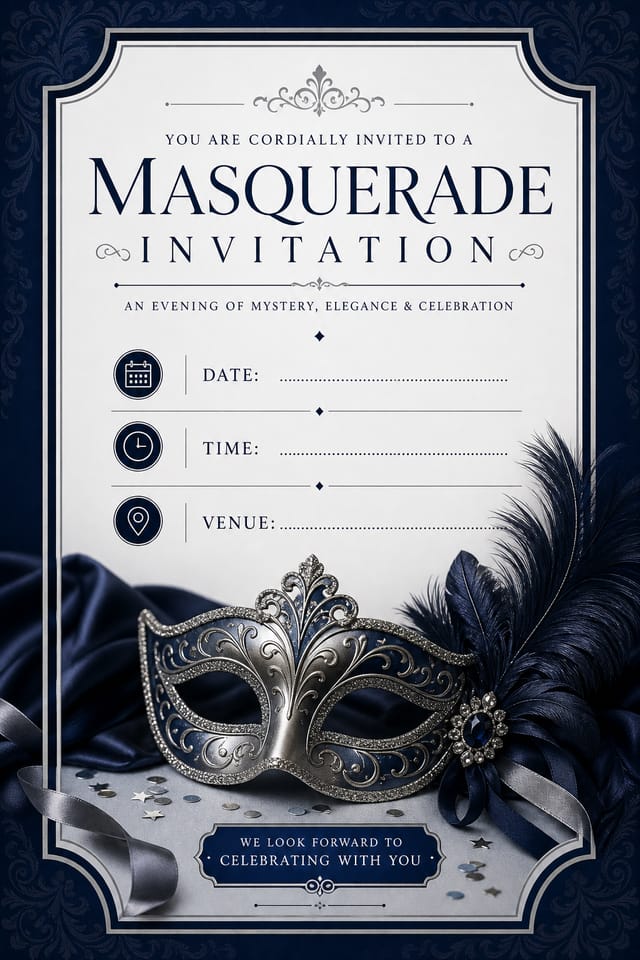
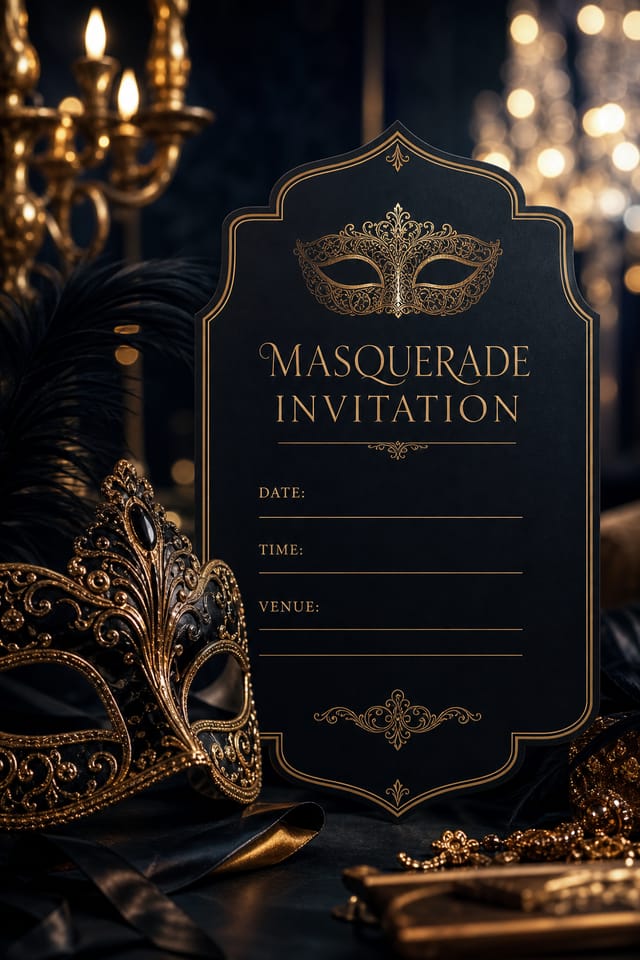
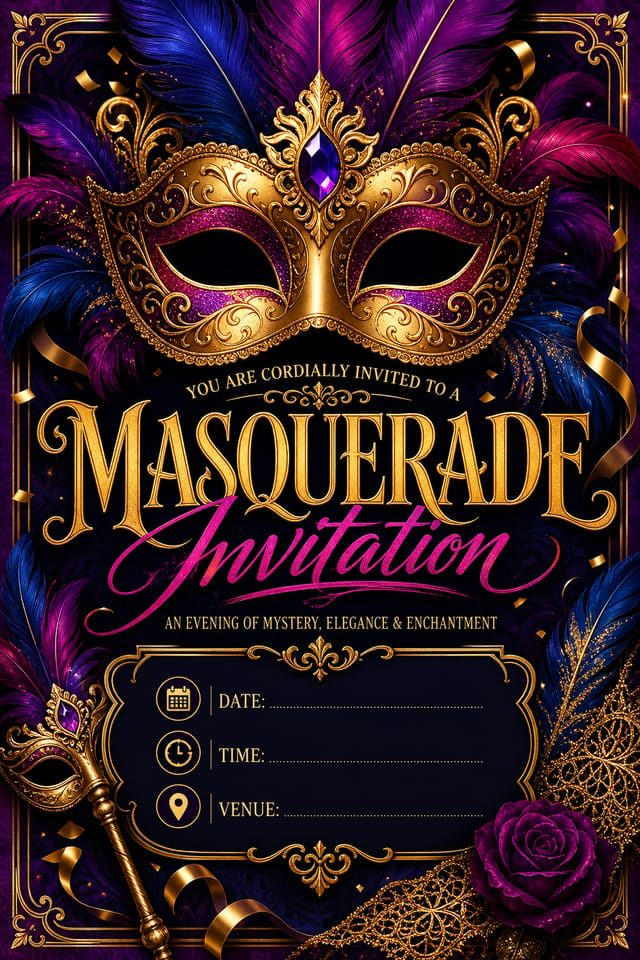
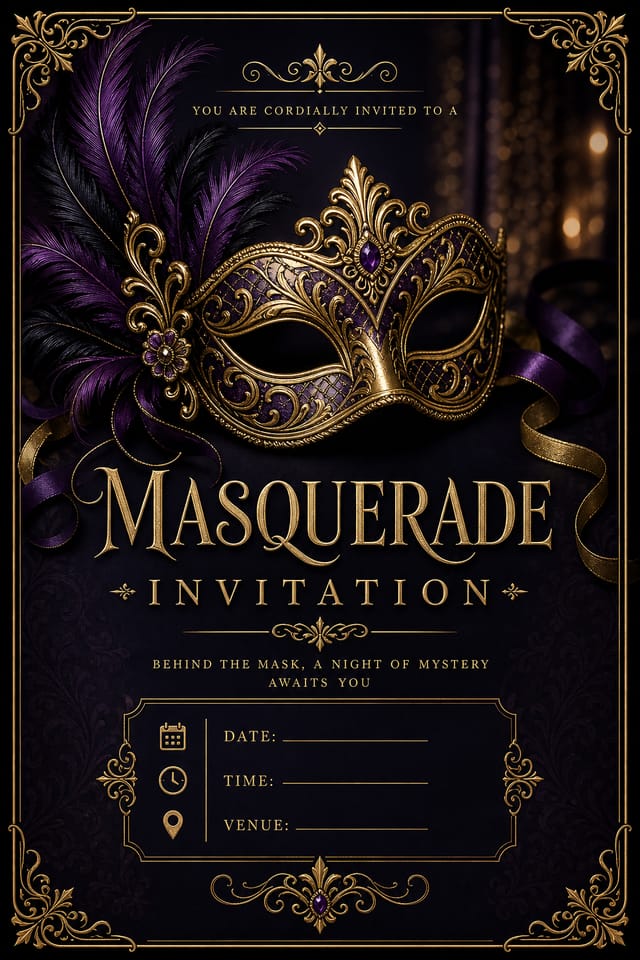
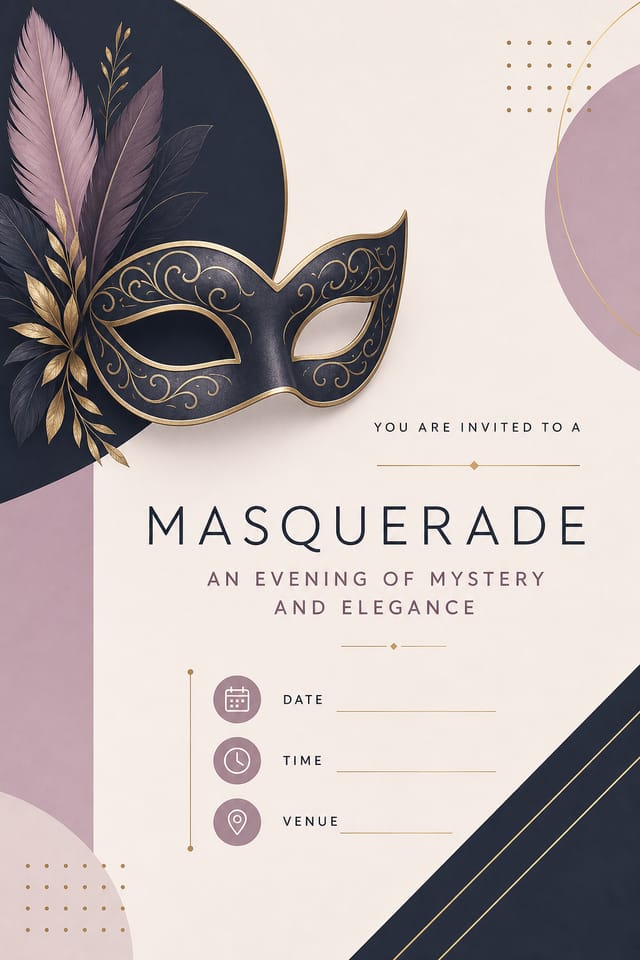
Effective Masquerade Invitation Strategies: Practical Guidelines
Maintain brand alignment
Keep your masquerade invitation design consistent with existing brand colors, fonts, and visual language for a cohesive identity.
Optimize for the display medium
Tailor your masquerade invitation resolution, color space, and text size to the specific platform or physical context where it will appear.
Use a consistent visual hierarchy
Structure your masquerade invitation so the viewer's eye follows a clear path from headline to supporting details to call-to-action.
Test with real content
Never finalize a masquerade invitation with placeholder text. Real copy often has different lengths and line breaks that affect the design.
Skip proofreading
Typos and grammatical errors on a masquerade invitation undermine credibility instantly. Always have someone else review the final text.
Use too many fonts
More than two or three typefaces in a single masquerade invitation creates visual noise and makes the design feel disjointed.
Overcrowd the layout
Filling every pixel of your masquerade invitation with content makes it harder to read and reduces the impact of every individual element.
Masquerade Invitation Aesthetics: The Underlying Framework
What Makes Masquerade Invitation Design Work
Masquerade invitation design has its own visual conventions that differ significantly from other styles.
The AI recognizes these patterns and applies them when generating your design, rather than defaulting to a generic layout.
When you describe a masquerade invitation, Pixazo selects typography, color relationships, and compositional approaches appropriate to masquerade aesthetics.
The result is a design that looks like it belongs in its context, not a repurposed template with the wrong visual DNA.
Build a Masquerade Invitation: The Workflow Explained
Draft the Concept
Start with a text description of your masquerade invitation concept. Specify the visual style, colors, layout direction, and key text. Detailed prompts produce more accurate masquerade invitation designs than general ones.
Let AI Build It
The AI produces a masquerade invitation based on your description. If the first result isn't exactly right, adjust the prompt to address what needs changing. Most designs reach the target within a few iterations.
Transfer the File
Export your masquerade invitation in the format you need. PNG for web and social, PDF for print production, JPG for email and lightweight sharing. The file is yours to use commercially without restrictions.
Watch: Creating Masquerade Invitation designs step by step
Putting Masquerade Invitations to Work: Who Uses Them
Educational Materials
Design masquerade invitations for educational contexts. Courses, workshops, and learning materials benefit from the visual clarity of good masquerade design.
Retail and Hospitality
Produce masquerade in-store and venue invitations that communicate quality through design. Masquerade aesthetics signal attention to customer experience.
Travel and Tourism Promotion
Design masquerade invitations for destinations, tour packages, and hospitality brands. Aspirational visuals that inspire booking decisions.
Healthcare and Wellness
Design masquerade invitations for clinics, wellness centers, and health campaigns. Trustworthy visuals that communicate care and professionalism.
Wedding and Celebration Planning
Create masquerade invitations for invitations, signage, and event branding. Cohesive visual systems that carry a celebration's theme across every touchpoint.
Built for Masquerade Invitation: Professional Features
Prompt Refinement
Adjust your description to refine any aspect of the masquerade invitation design. The AI responds to specific direction about colors, layout, or content.
Layered Style Application
Combine masquerade style with other design parameters in a single prompt. The AI interprets complex requests and applies multiple style constraints simultaneously.
Commercial Use Rights
Designs generated with Pixazo are yours to use commercially. No additional licensing required for masquerade invitation projects.
No Design Software Required
Create professional masquerade invitations without Photoshop, Illustrator, or other design applications. The AI handles all technical production.
Style-Accurate Generation
The AI interprets masquerade design conventions and applies them to your invitation, producing output that looks correctly styled rather than generically templated.
Design Standards for Masquerade Invitation: What Good Looks Like
Format Options for Masquerade Invitations: Output Formats Compared
Print-ready format for masquerade invitation files that preserves fonts, colors, and layout across different devices and print services.
WEBP
Modern web format offering smaller file sizes than PNG or JPG for masquerade invitation images without significant quality loss.
SVG
Scalable format for masquerade invitation designs that need to render crisply at any resolution, commonly used for web and responsive layouts.
TIFF
High-fidelity format for masquerade invitation files destined for professional printing, supporting CMYK color and lossless compression.
PNG
Lossless image format ideal for masquerade invitation designs with transparency, sharp text, and web display at predictable file sizes.
Try These Masquerade Invitation Prompt Collection
Copy any prompt below and paste it into Pixazo to generate your design instantly.
Editorial-style masquerade invitation, text-dominant design, typographic treatment carries visual weight, layout proportions inspired by print publication designHigh-impact masquerade invitation, immediate visual read at thumbnail size, clear headline dominance, supporting information structured logicallyFull-bleed masquerade invitation, background treatment extends to edges, foreground elements positioned for compositional balance, strong central hierarchyMasquerade invitation for digital display, optimized proportions for screen viewing, colors calibrated for RGB output, legible at typical viewing distanceMasquerade invitation design, clean layout, strong typography hierarchy, appropriate color palette for masquerade aesthetic, high contrast between headline and backgroundContemporary masquerade invitation design, grid-based layout, typographic precision, restrained color palette, no decorative excessMasquerade Invitation Workflow Stages: How It All Connects
Generate Create initial designs
Use AI to produce multiple masquerade invitation variations based on your brief. Start broad and narrow down from the strongest options.
Brief Define requirements
Establish the key message, dimensions, color preferences, and target audience for your masquerade invitation before any design work begins.
Refine Polish the design
Apply targeted edits to your selected masquerade invitation. Adjust typography, spacing, and color until every element meets your quality standard.
Export Deliver final files
Export your masquerade invitation in the required formats and resolutions. Organize deliverables for handoff to the production or publishing team.
The Reality of Masquerade Invitation AI: Needs Human Help
Known limitations and trade-offs of AI-generated masquerade design. AI masquerade invitation generation produces strong results within its design domain. These notes describe where human judgment and manual work remain necessary.
Community Masquerade Invitation: Spotlights and Showcases
Real creators sharing their masquerade designs made with Pixazo AI.
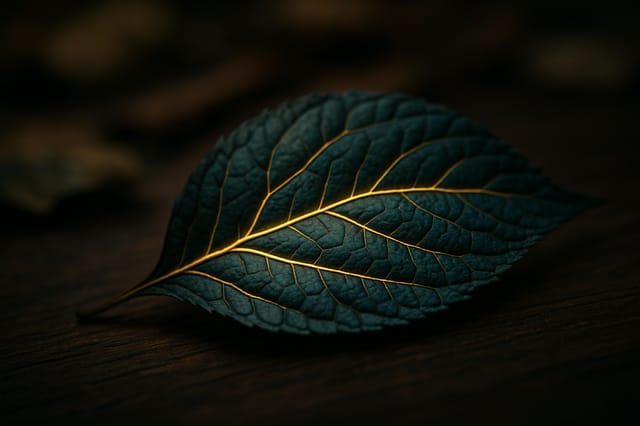
Eco-friendly themed masquerade invitation, natural green and kraft tones, organic shapes, sustainability messaging, handcrafted aesthetic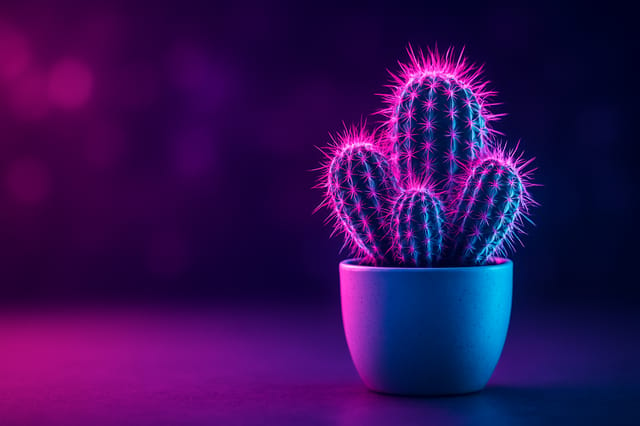
Warm palette masquerade invitation, ochre and brown tones, serif typography, traditional masquerade design reference, tactile feeling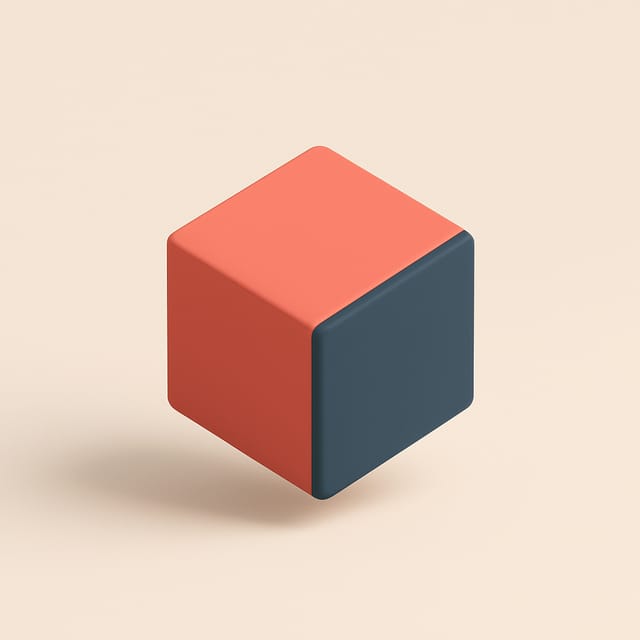
Moody masquerade invitation with deep shadows and dramatic lighting feel, dark palette, cinematic atmosphere, headline in condensed uppercaseMasquerade Invitation Essentials: Straight Answers
The AI generates visual designs, not data visualizations. For masquerade invitations that need charts or graphs, generate the masquerade layout in Pixazo and overlay your data graphics in post-production. The design framework will be style-consistent even if data elements are added separately.
Pixazo supports PNG, JPEG, and PDF export for masquerade invitations. PNG preserves transparency if your design uses it. JPEG works well for web and social media. PDF is the preferred format for print production of masquerade invitations.
Specific prompts produce better results than vague ones. Include the visual style you want, any color preferences, the most important text to display, and the intended use. For masquerade design specifically, noting whether you want a contemporary or classic interpretation of masquerade style helps the AI make the right design decisions.
Team accounts allow multiple users to share prompts, saved masquerade invitation designs, and brand kits within a shared workspace. Team members can iterate on each other's masquerade invitation designs and maintain consistent output across projects.
Include 'transparent background' in your prompt to generate a masquerade invitation with no background fill. Download as PNG to preserve transparency. This is useful for masquerade designs that will be composited over other imagery or placed on colored surfaces.

