Movie Night Invitation : Create Free Movie Night Invitations in Minutes with AI
Create Custom Movie Night Invitations Quickly with Pixazo Best AI Movie Night Invitation Maker. Try for Free!
Get Started
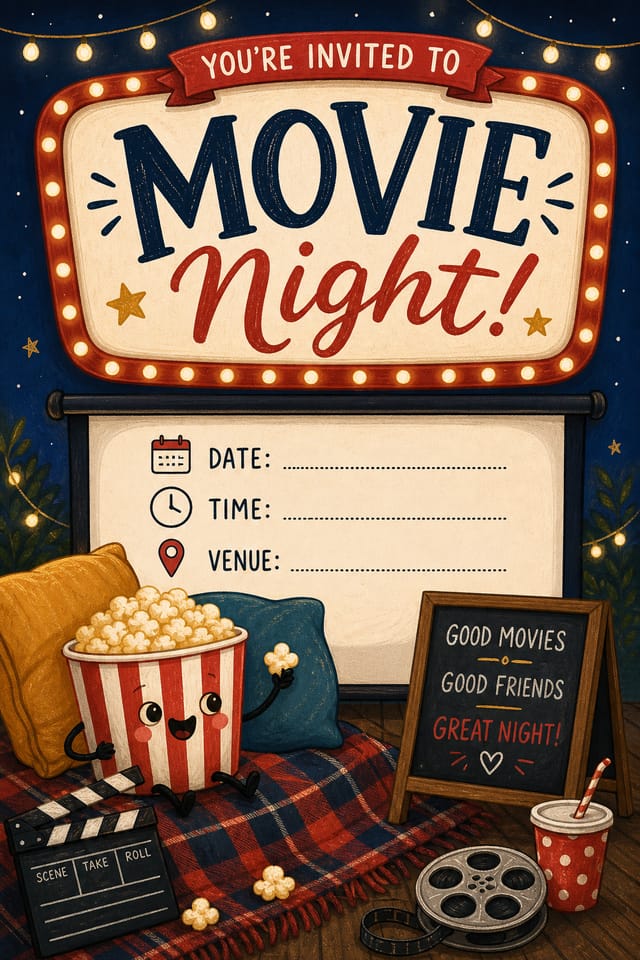
AI Movie-Night Invitation Platform: Instant Professional Output
Create movie-night invitations with accurate style interpretation. Pixazo understands movie-night visual language and applies it to your specific request.
Create Your Movie Night Invitation FreeUnderstanding Movie-Night Invitation Conventions: Specific Knowledge Required
The Logic of Movie-Night Invitation Design
Creating a convincing movie-night invitation requires understanding movie-night as a design vocabulary, not just as a label.
The color relationships, the type choices, the spatial organization.
These elements work together to create the impression of intentional movie-night design.
Pixazo's generation model recognizes movie-night design patterns and applies them systematically.
Movie-Night Invitation Software Options: How They Differ
| Tool | Description |
|---|---|
| Crello | Template-based design tool with animation and video support |
| PicMonkey | Photo editor and design tool with brand kit management |
| Pixazo | AI-powered movie-night invitation generator with prompt-based design and professional output quality |
| Piktochart | Infographic and presentation maker for data-driven visuals |
| Snappa | Quick graphic creator focused on social media and marketing visuals |
Who Creates Movie-Night Invitations: Who Uses Them
Venue and Festival Signage
Generate movie-night invitations for venue lobbies, festival grounds, and event spaces. Large-format prints that create atmosphere.
Fan Community Materials
Create movie-night invitations for fan clubs, viewing groups, and appreciation events. Designs that celebrate fandom and community.
Gig and Show Promotion
Create movie-night invitations announcing upcoming performances, screenings, and shows. Eye-catching designs that drive ticket sales and attendance.
Merchandise and Collectibles
Generate movie-night invitations intended for print on merchandise, limited editions, and collectible items. Designs with commercial print production in mind.
Core of Movie-Night Invitation AI: What It Can Do
Print-Ready Output
Generated movie-night invitations are sized and structured for professional printing. Download high-resolution files ready for production.
Layered Style Application
Combine movie-night style with other design parameters in a single prompt. The AI interprets complex requests and applies multiple style constraints simultaneously.
Compositional Structure
Layout and hierarchy decisions reflect movie-night design patterns. The proportions and arrangement match how movie-night designs are conventionally structured.
Background Variation
Generate movie-night invitations with different background treatments. Solid, gradient, textured, or pattern backgrounds all available for movie-night style.
Typography Matching
Typefaces are selected to match movie-night aesthetic expectations. The AI pairs fonts that reinforce your movie-night invitation's visual identity.
Movie-Night Invitation Design: Plain Answers
Your prompt history is saved in your account. You can revisit previous movie-night invitation prompts, duplicate them with modifications, and build a library of proven prompt structures for consistent movie-night design output.
Adjust your prompt to change any element of the design. If a generated movie-night invitation is close but not quite right, describe what you want changed and regenerate. The AI responds to specific direction about individual elements like color, layout, or typographic weight.
Individual movie-night invitations generate in seconds. For batch production, you can submit multiple prompts in sequence and download results as they complete. A series of ten movie-night invitation variations typically takes under five minutes total.
Longer, more detailed prompts generally produce more accurate results for movie-night invitation design. Include all the relevant information: style direction, color preferences, content to display, intended use, and any specific design elements you want. There is no strict character limit.
From Prompt to Movie-Night Invitation: A Quick Guide
Articulate Your Vision
Write a prompt describing your movie-night invitation. Include style preferences, color direction, the most important text to display, and any specific visual elements you want. The more specific your description, the more targeted the output.
Judge the AI Result
Your movie-night invitation generates immediately after submission. Evaluate the design against your requirements and refine the prompt to correct any elements that don't match your intent.
Download the Result
Export your movie-night invitation in the format you need. PNG for web and social, PDF for print production, JPG for email and lightweight sharing. The file is yours to use commercially without restrictions.
Watch: Creating Movie Night Invitation designs step by step
Movie-Night Invitation Design Workflow: Workflow Breakdown
Research
Collect examples of effective movie-night invitation designs, note what works, and identify patterns relevant to your project goals.
Review
Compare generated movie-night invitation options against your brief. Mark what works and note specific changes needed for the next iteration.
Brief
Establish the key message, dimensions, color preferences, and target audience for your movie-night invitation before any design work begins.
Generate
Use AI to produce multiple movie-night invitation variations based on your brief. Start broad and narrow down from the strongest options.
Core Ideas Behind Movie-Night Invitations: The Essentials
Typographic Clarity
Type choices in movie-night invitation design should serve legibility first. Font selection should reinforce the movie-night aesthetic while remaining readable at intended viewing distances.
Reading Flow Direction
Arrange elements in movie-night invitation designs to follow natural reading patterns. The eye naturally moves from top-left to bottom-right in left-to-right languages. Work with this, not against it.
Information Density Control
Match the information density of your movie-night invitation to the viewing context. A display viewed from 10 feet needs fewer words and larger elements than one held in hand.
Movie-Night Invitation AI Boundaries: Known Limitations
Known limitations and trade-offs of AI-generated movie night design. AI movie-night invitation generation produces strong results within its design domain. These notes describe where human judgment and manual work remain necessary.
Getting Your Movie-Night Invitation Out: File Types and Uses
SVG
Scalable format for movie-night invitation designs that need to render crisply at any resolution, commonly used for web and responsive layouts.
PNG
Lossless image format ideal for movie-night invitation designs with transparency, sharp text, and web display at predictable file sizes.
JPG
Compressed image format suited for movie-night invitation designs with photographic elements where smaller file size matters more than pixel-perfect edges.
Print-ready format for movie-night invitation files that preserves fonts, colors, and layout across different devices and print services.
Movie-Night Invitation Starter Prompts to Try
Copy any prompt below and paste it into Pixazo to generate your design instantly.
Movie-Night style invitation, bold headline placement, supporting text at appropriate scale, color palette consistent with movie-night design conventionsGeometric movie-night invitation, structured grid system, angular composition, colors in blocks rather than gradients, modern clean finishTwo-color movie-night invitation design, high contrast between primary and secondary color, clean separation between graphic and text zonesMonochromatic movie-night invitation, single-hue palette with value variation for contrast, typographic hierarchy creates visual interest without color complexityEditorial-style movie-night invitation, text-dominant design, typographic treatment carries visual weight, layout proportions inspired by print publication designMovie-Night Design Community: Real Creator Work
Real creators sharing their movie night designs made with Pixazo AI.

A3 landscape movie-night invitation for conference booth, informational layout with three columns, clear section headers, QR code placement zone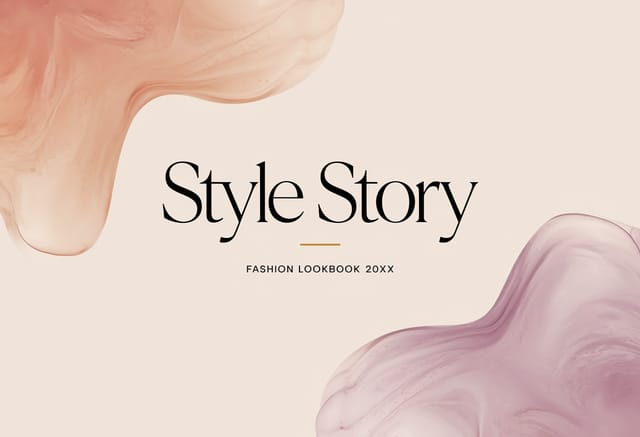
Movie-Night invitation design, clean typographic hierarchy, palette appropriate to movie-night aesthetic, high contrast headline, balanced composition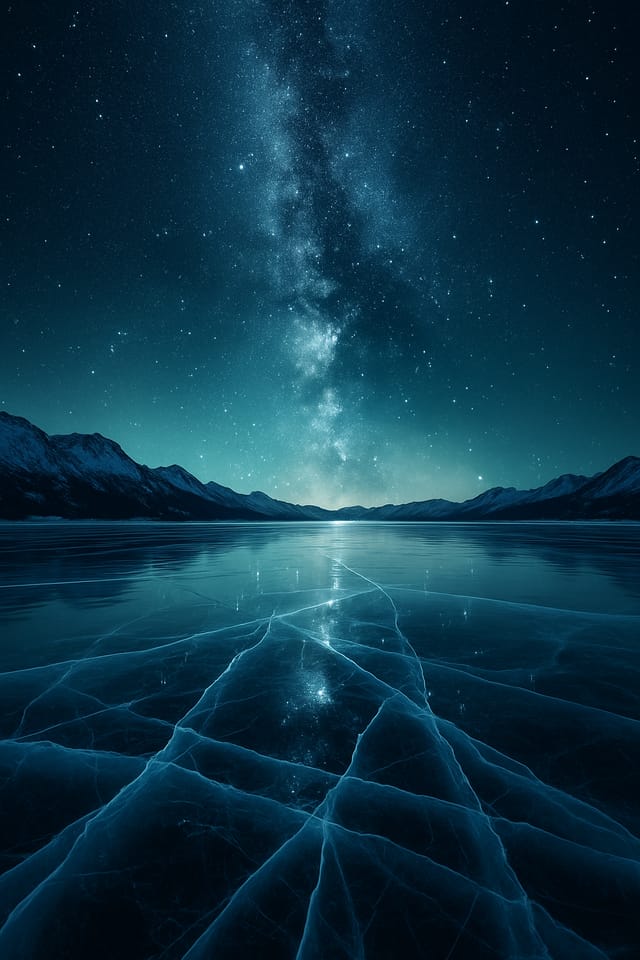
Portrait movie-night invitation for social sharing, vertical 4:5 ratio, headline in upper third, supporting content below centerline
