Workshop Invitation : Create Free Workshop Invitations in Minutes with AI
Create Custom Workshop Invitations Quickly with Pixazo Best AI Workshop Invitation Maker. Try for Free!
Get Started
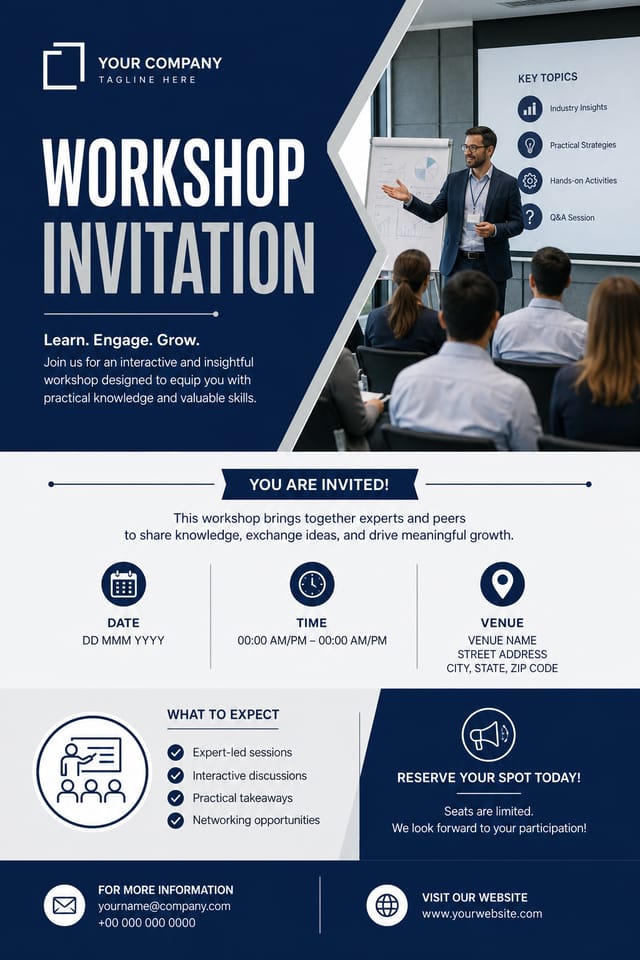
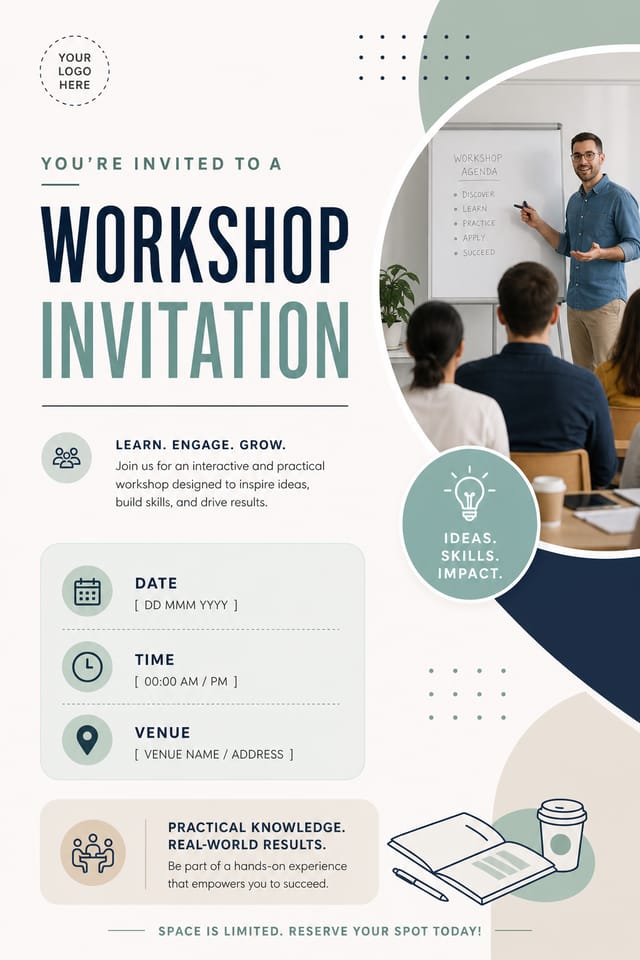
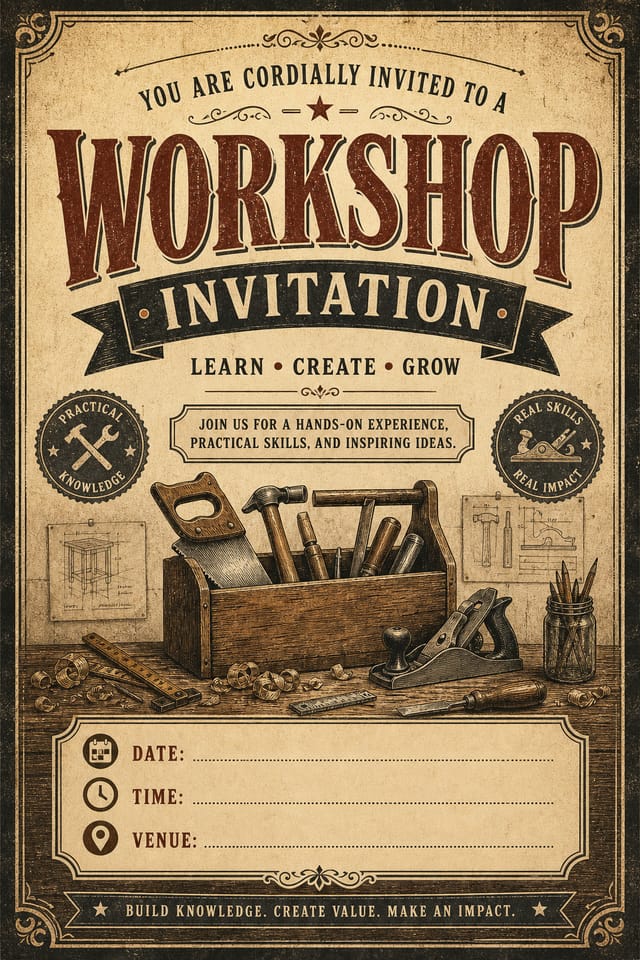
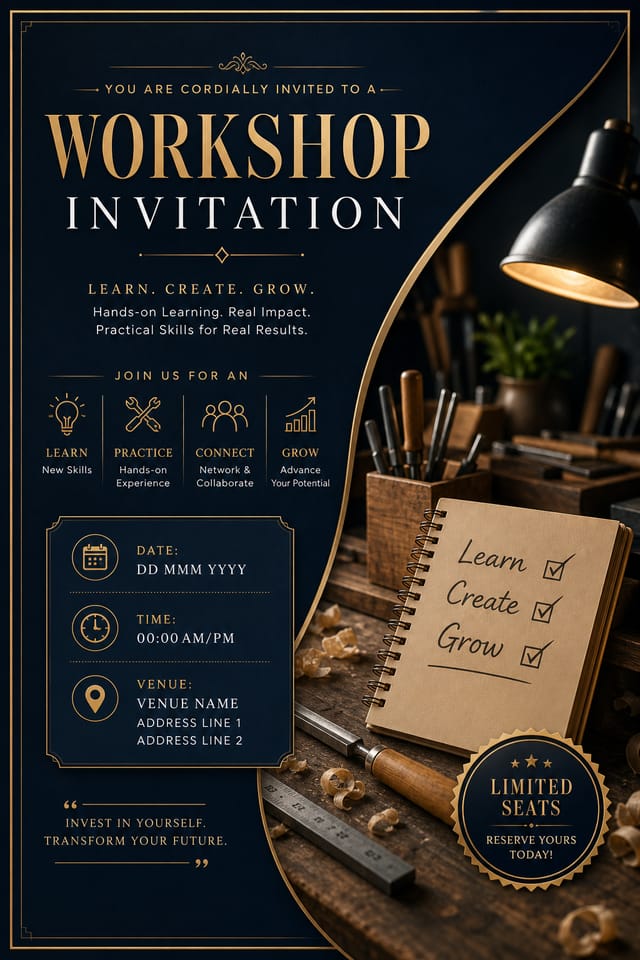
Visual Thinking Behind Workshop Invitations: What the AI Understands
Workshop Visual Language: AI Interpretation
Professional workshop invitation design involves more than applying a color filter to a generic layout.
The visual language of workshop design encompasses distinctive compositional approaches, characteristic color affinities, and typographic choices that signal quality and intentionality.
When you use Pixazo to create a workshop invitation, the AI applies this visual knowledge to your specific request.
The result looks deliberate and style-appropriate, not accidental or template-derived.
The Workshop Invitation Toolkit: Tools That Matter
Instant Iterations
Generate multiple workshop invitation variations from a single prompt. Compare options and refine until the design matches your vision.
Style-Accurate Generation
The AI interprets workshop design conventions and applies them to your invitation, producing output that looks correctly styled rather than generically templated.
Export Flexibility
Download your workshop invitation in formats suited for your use case. Web-optimized versions for digital display, high-DPI files for print.
Subcategory Awareness
The AI distinguishes between design subcategories. A workshop invitation request produces workshop-appropriate output, not a generic design with workshop text added.
Negative Space Handling
The AI manages whitespace in workshop invitation designs according to workshop aesthetic conventions, not generic poster defaults.
Compositional Structure
Layout and hierarchy decisions reflect workshop design patterns. The proportions and arrangement match how workshop designs are conventionally structured.
Workshop Invitation Design Workflow: Stages Explained
Export
Export your workshop invitation in the required formats and resolutions. Organize deliverables for handoff to the production or publishing team.
Refine
Apply targeted edits to your selected workshop invitation. Adjust typography, spacing, and color until every element meets your quality standard.
Brief
Establish the key message, dimensions, color preferences, and target audience for your workshop invitation before any design work begins.
Generate
Use AI to produce multiple workshop invitation variations based on your brief. Start broad and narrow down from the strongest options.
Approve
Get stakeholder approval on the finished workshop invitation. Verify all text is accurate and the design meets brand and technical requirements.
The Reach of Workshop Invitations: Across Industries
Non-Profit Campaigns
Create compelling workshop campaign invitations without allocating budget to design production. Focus resources on mission-critical activities.
Trade Show and Conference Materials
Generate workshop invitations for booth displays, attendee handouts, and event signage. Professional materials that represent your brand in competitive environments.
Community Organizations
Create workshop announcement invitations for community groups, non-profits, and local organizations without requiring design expertise.
Interior Display
Generate workshop invitations for home and office wall display. Get print-ready files that look considered rather than stock-photo generic.
Workshop Invitation AI Specs: Numbers That Matter
Download Your Workshop Invitation: Export Options Explained
JPG
Compressed image format suited for workshop invitation designs with photographic elements where smaller file size matters more than pixel-perfect edges.
TIFF
High-fidelity format for workshop invitation files destined for professional printing, supporting CMYK color and lossless compression.
PNG
Lossless image format ideal for workshop invitation designs with transparency, sharp text, and web display at predictable file sizes.
WEBP
Modern web format offering smaller file sizes than PNG or JPG for workshop invitation images without significant quality loss.
Print-ready format for workshop invitation files that preserves fonts, colors, and layout across different devices and print services.
Workshop Invitation Design Steps: What Actually Happens
Outline Your Design
Write a prompt describing your workshop invitation. Include style preferences, color direction, the most important text to display, and any specific visual elements you want. The more specific your description, the more targeted the output.
Peruse the AI Generation
The AI produces a workshop invitation based on your description. If the first result isn't exactly right, adjust the prompt to address what needs changing. Most designs reach the target within a few iterations.
Calibrate the Final Version
Iterate on your workshop invitation by modifying the aspects that need work. Regenerate with a more targeted prompt until the design matches your vision. Most refinements take one or two iterations.
Export Your Design
Download your completed workshop invitation in the format that fits your use case. High-resolution files for print, web-optimized versions for digital, or PDF for production-ready delivery.
Watch: Creating Workshop Invitation designs step by step
How Workshop Style Varies: Compared
High-Contrast Workshop
Bold workshop visual treatment with strong tonal contrast. Elements read clearly at any viewing distance.
Editorial Workshop
Text-dominant workshop invitation layout inspired by print publication design. Typographic variety creates visual rhythm.
Geometric Workshop
Structured workshop composition using grid systems and angular forms. Order and precision define the visual approach.
Minimalist Workshop
Stripped-back workshop approach. Fewer elements, more negative space, typography carries more visual weight.
Workshop Creator Showcase Gallery
Real creators sharing their workshop designs made with Pixazo AI.
Workshop invitation in 18x24 inch print format, museum-quality composition, generous margins, elegant serif headline, muted earth tones
Corporate workshop invitation for a B2B audience, clean and authoritative, navy and white palette, structured grid, data-friendly layout
Workshop invitation designed for dark mode display, OLED-optimized black background, vibrant accent colors, high contrast textGood Workshop Invitation Prompt Templates
Copy any prompt below and paste it into Pixazo to generate your design instantly.
Clean workshop invitation design, geometric structure, disciplined typography, color accent used selectively for emphasis, printer-optimized resolutionMonochromatic workshop invitation, single-hue palette with value variation for contrast, typographic hierarchy creates visual interest without color complexityTwo-color workshop invitation design, high contrast between primary and secondary color, clean separation between graphic and text zonesWorkshop style invitation, bold headline placement, supporting text at appropriate scale, color palette consistent with workshop design conventionsFull-bleed workshop invitation, background treatment extends to edges, foreground elements positioned for compositional balance, strong central hierarchyGetting Started with Workshop Invitations: Key Things to Know
Pixazo provides an API for programmatic workshop invitation generation. Integrate it into your content pipeline to automate design production at scale. API documentation covers authentication, prompt formatting, and output retrieval.
Pixazo works in any modern mobile browser. The interface adapts to phone and tablet screens so you can generate workshop invitations from anywhere. A dedicated mobile app is in development for an even smoother on-device experience.
Include the target language in your prompt when generating workshop invitations with non-English text. The AI selects typographic approaches appropriate for the language and applies workshop design conventions to the overall layout regardless of language.
You can request high-contrast or color-blind-friendly palettes in your prompt. Specify 'accessible color palette' or 'deuteranopia-safe colors' and the AI will select workshop-appropriate colors that maintain sufficient contrast for users with color vision deficiencies.
Pixazo generates original designs rather than copying existing work. The AI creates workshop invitations from learned design principles, not by stitching together fragments of existing designs. Generated output does not reproduce copyrighted material or identifiable artistic styles of living creators.
Brand kits let you save your logo, fonts, and color palette so every workshop invitation you generate stays on brand. Once configured, the AI applies your brand parameters automatically alongside workshop style conventions.
Honest Notes on Workshop Invitations: Capabilities and Caveats
Known limitations and trade-offs of AI-generated workshop design. AI workshop invitation generation produces strong results within its design domain. These notes describe where human judgment and manual work remain necessary.

