Cafe Menu : Create Free Cafe Menus in Minutes with AI
Create Custom Cafe Menus Quickly with Pixazo Best AI Cafe Menu Maker. Try for Free!
Get Started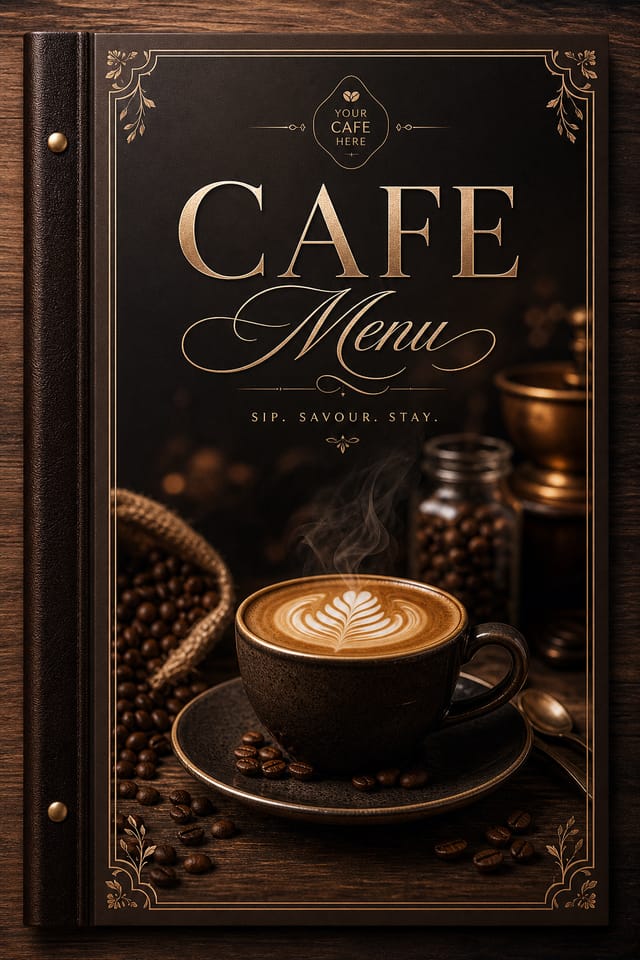
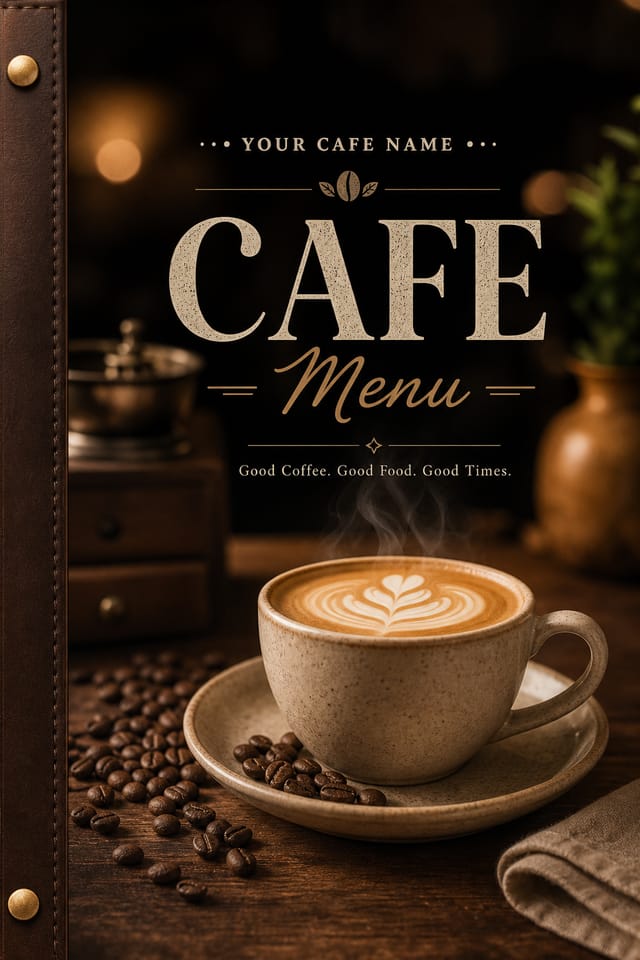
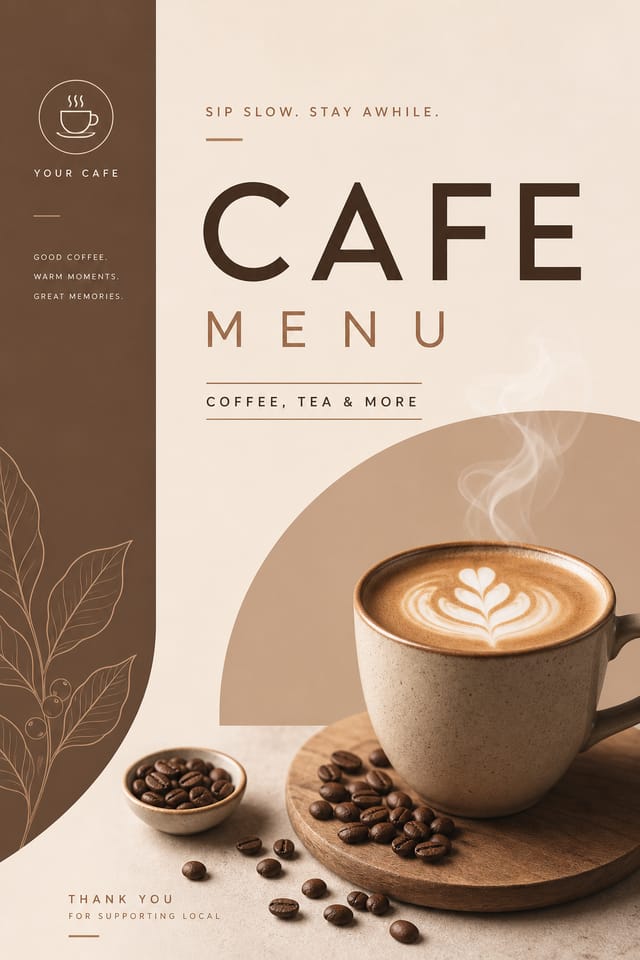
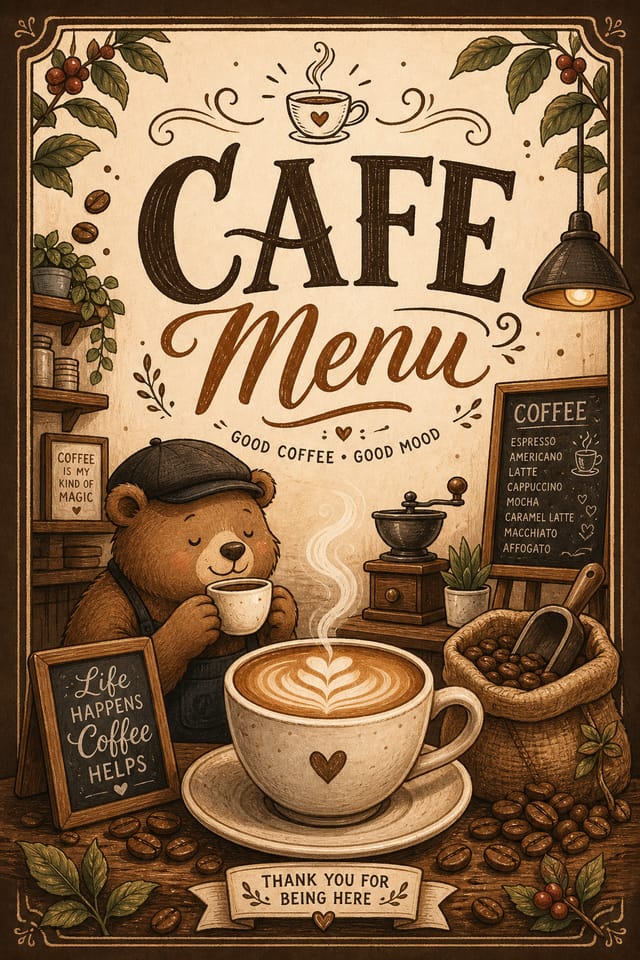
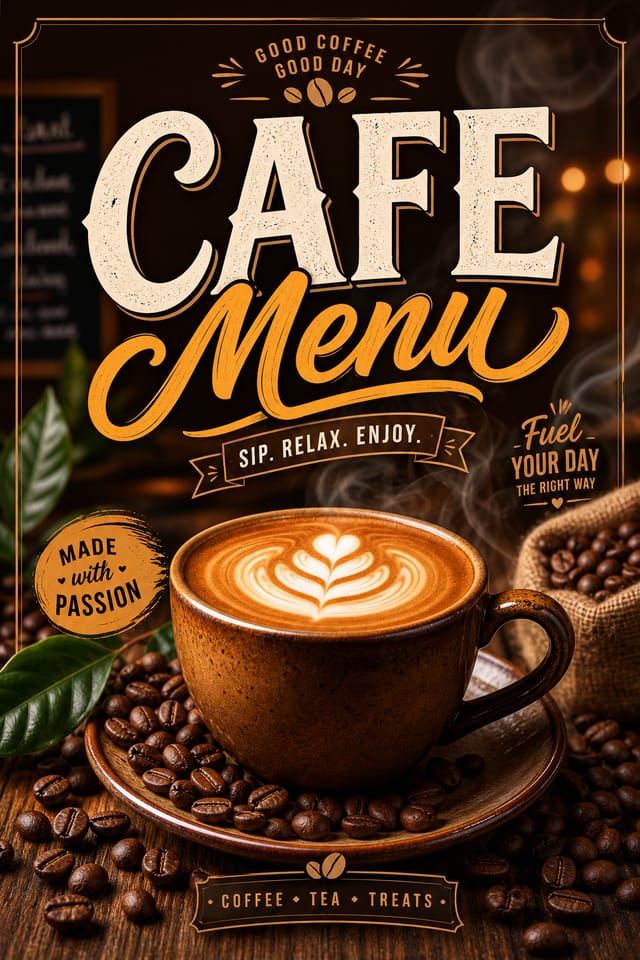
AI Cafe Menu Tool: Start Creating Now
Design professional cafe menus in minutes with Pixazo's AI design engine. Built for creators who want polished results without the production time.
Create Your Cafe Menu FreeCafe Menu Tech Specs: Speed and Quality
What Makes Cafe Menu Design Work: How Pixazo Handles It
Visual Thinking Behind Cafe Menu Creation
The strongest cafe menu designs succeed because every element reinforces the style rather than contradicting it.
Typography that fits cafe conventions, colors that carry cafe associations, layouts that breathe in ways consistent with cafe design sensibility.
Pixazo's AI understands these relationships.
Describe your cafe menu and the system generates designs where all the elements agree.
Cafe Menu Dos and Don'ts: What to Do and What to Avoid
Use a consistent visual hierarchy
Structure your cafe menu so the viewer's eye follows a clear path from headline to supporting details to call-to-action.
Test with real content
Never finalize a cafe menu with placeholder text. Real copy often has different lengths and line breaks that affect the design.
Maintain brand alignment
Keep your cafe menu design consistent with existing brand colors, fonts, and visual language for a cohesive identity.
Ignore accessibility
Low-contrast text and tiny font sizes in your cafe menu exclude a significant portion of your potential audience.
Overcrowd the layout
Filling every pixel of your cafe menu with content makes it harder to read and reduces the impact of every individual element.
Rely solely on AI output
AI-generated cafe menu designs are a starting point. Human review catches issues with context, tone, and accuracy that AI can miss.
Forget the call to action
A cafe menu without a clear next step for the viewer is a missed opportunity. Always include direction on what to do next.
Putting Cafe Menus to Work: Who Uses Them
E-Commerce Product Promotion
Design cafe menus for online store banners, product launches, and seasonal sales. Conversion-focused visuals for digital retail.
Non-Profit Campaigns
Create compelling cafe campaign menus without allocating budget to design production. Focus resources on mission-critical activities.
Retail and Hospitality
Produce cafe in-store and venue menus that communicate quality through design. Cafe aesthetics signal attention to customer experience.
Content Creation Workflow
Incorporate cafe menu generation into a content production workflow. Fast output enables higher publishing frequency.
Social Media Content
Design cafe menus sized for social platforms. Get content that looks intentional and well-crafted, not thrown together.
The Cafe Menu Feature Set: Core Strengths
Print-Ready Output
Generated cafe menus are sized and structured for professional printing. Download high-resolution files ready for production.
Consistency Across Variants
Generate multiple cafe menus for a project and maintain visual consistency across the set. Specify your core design parameters and vary secondary elements.
Style-Accurate Generation
The AI interprets cafe design conventions and applies them to your menu, producing output that looks correctly styled rather than generically templated.
Fast Generation
Complete cafe menu designs generate in seconds. No rendering queues, no waiting for batch processing.
Typography Matching
Typefaces are selected to match cafe aesthetic expectations. The AI pairs fonts that reinforce your cafe menu's visual identity.
Resolution Control
Specify output dimensions for your cafe menu. Get files sized for web display, social media, or large-format printing.
Cafe Menu Production Steps: Workflow Breakdown
Generate Create initial designs
Use AI to produce multiple cafe menu variations based on your brief. Start broad and narrow down from the strongest options.
Review Evaluate and refine
Compare generated cafe menu options against your brief. Mark what works and note specific changes needed for the next iteration.
Approve Final sign-off
Get stakeholder approval on the finished cafe menu. Verify all text is accurate and the design meets brand and technical requirements.
Refine Polish the design
Apply targeted edits to your selected cafe menu. Adjust typography, spacing, and color until every element meets your quality standard.
How Cafe Menu AI Performs: Output Benchmarks
Languages supported for text rendering in cafe menu designs
Languages supported for text rendering in cafe menu designs
Maximum output resolution for print-quality cafe menu design
Maximum output resolution for print-quality cafe menu designs
Generate cafe menu designs at no cost with the free plan
Generate cafe menu designs at no cost with the free plan
The Cafe Menu Process: In Minutes
Propose Your Idea
Describe what you want your cafe menu to look like. Include the mood, color palette, typography preference, and content hierarchy. Pixazo reads all of this and uses it to generate an appropriate design.
Browse the Result
Your cafe menu generates immediately after submission. Evaluate the design against your requirements and refine the prompt to correct any elements that don't match your intent.
Extract the Final
Get your final cafe menu file in one click. Choose your format, download at full resolution, and use the design immediately. No watermarks, no additional fees, no waiting.
Watch: Creating Cafe Menu designs step by step
Cafe Menu File Formats: File Types and Uses
SVG
Scalable format for cafe menu designs that need to render crisply at any resolution, commonly used for web and responsive layouts.
Print-ready format for cafe menu files that preserves fonts, colors, and layout across different devices and print services.
PNG
Lossless image format ideal for cafe menu designs with transparency, sharp text, and web display at predictable file sizes.
JPG
Compressed image format suited for cafe menu designs with photographic elements where smaller file size matters more than pixel-perfect edges.
TIFF
High-fidelity format for cafe menu files destined for professional printing, supporting CMYK color and lossless compression.
Design Principles for Cafe Menus: What Good Looks Like
Community Cafe Menu: Work in the Wild
Real creators sharing their cafe designs made with Pixazo AI.


AI Cafe Menu Design: Needs Human Help
Known limitations and trade-offs of AI-generated cafe design. Every AI design tool has boundaries. Knowing these limits before you start helps you get the most out of cafe menu generation.
Your Cafe Menu Questions: Straight Answers
A cafe menu generates in seconds after submitting your prompt. Total time from prompt submission to downloadable file is typically under a minute, including any server processing time.
Common sizes include 1080x1080 for Instagram feed, 1080x1920 for stories and reels, 1200x628 for Facebook links, 1500x500 for Twitter headers, and 1080x1350 for Pinterest. Specify the platform in your prompt and Pixazo optimizes cafe layout for that format.
You can request high-contrast or color-blind-friendly palettes in your prompt. Specify 'accessible color palette' or 'deuteranopia-safe colors' and the AI will select cafe-appropriate colors that maintain sufficient contrast for users with color vision deficiencies.
Individual cafe menus generate in seconds. For batch production, you can submit multiple prompts in sequence and download results as they complete. A series of ten cafe menu variations typically takes under five minutes total.
Proven Cafe Menu Prompt Techniques
Copy any prompt below and paste it into Pixazo to generate your design instantly.
Full-bleed cafe menu, background treatment extends to edges, foreground elements positioned for compositional balance, strong central hierarchyRefined cafe menu, sophisticated color relationships, intentional whitespace, typefaces appropriate to cafe style, balanced compositionTwo-color cafe menu design, high contrast between primary and secondary color, clean separation between graphic and text zonesSeries-compatible cafe menu design, visual language that extends to multiple formats, consistent design system across variantsCafe menu with strong visual hierarchy, largest element reads clearly, supporting elements organized by importance, clean background treatmentCafe menu design, clean layout, strong typography hierarchy, appropriate color palette for cafe aesthetic, high contrast between headline and background
