Cocktail Menu : Create Free Cocktail Menus in Minutes with AI
Create Custom Cocktail Menus Quickly with Pixazo Best AI Cocktail Menu Maker. Try for Free!
Get Started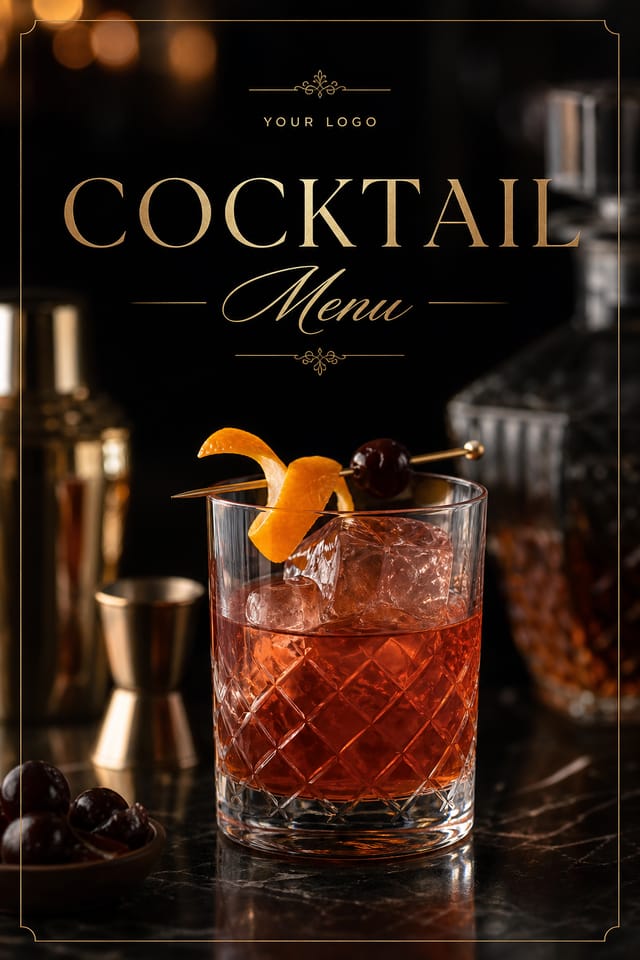
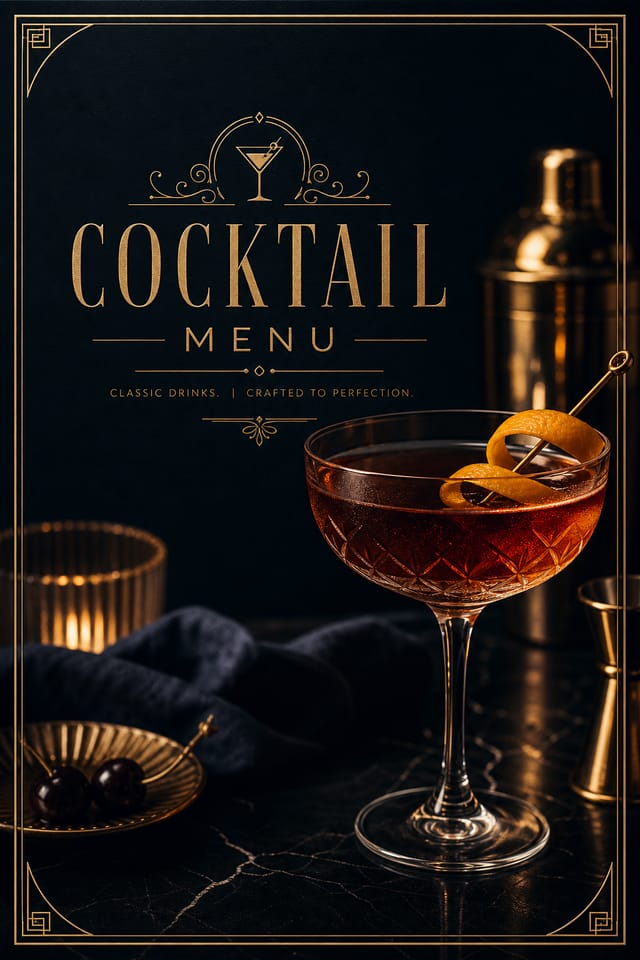
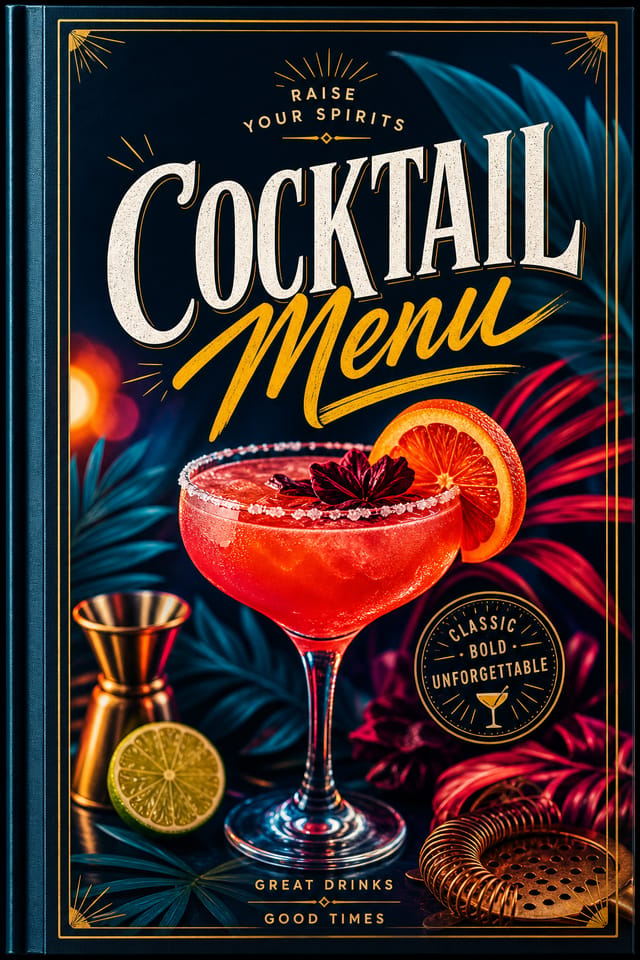
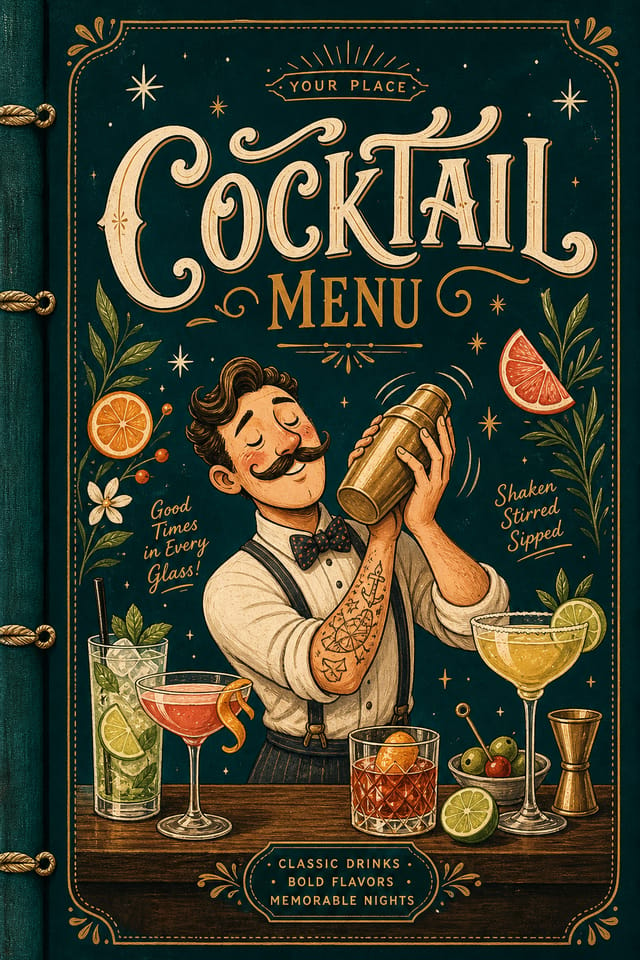
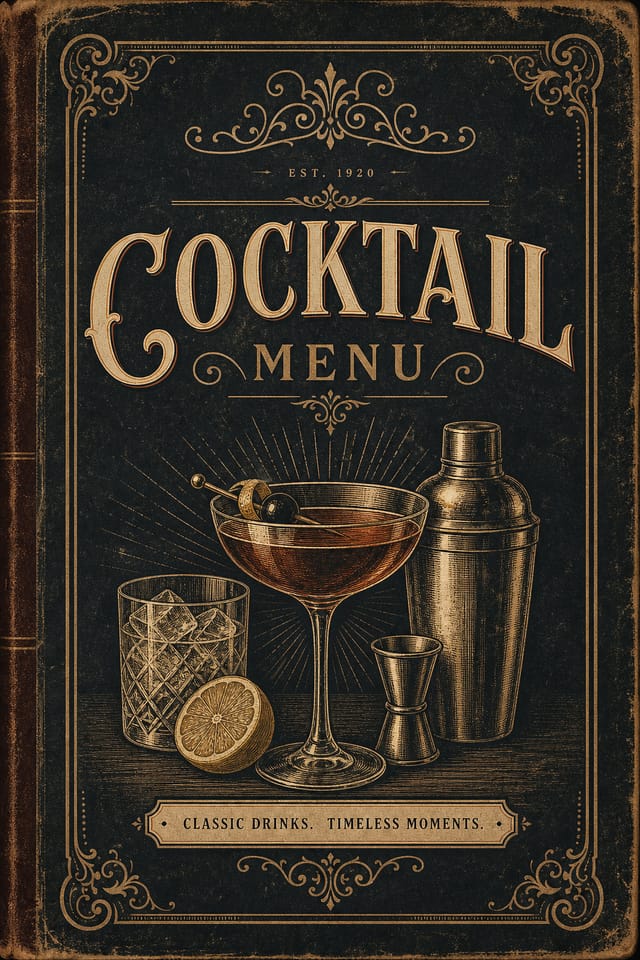
Showcasing Cocktail Menus: Creator Highlights
Real creators sharing their cocktail designs made with Pixazo AI.
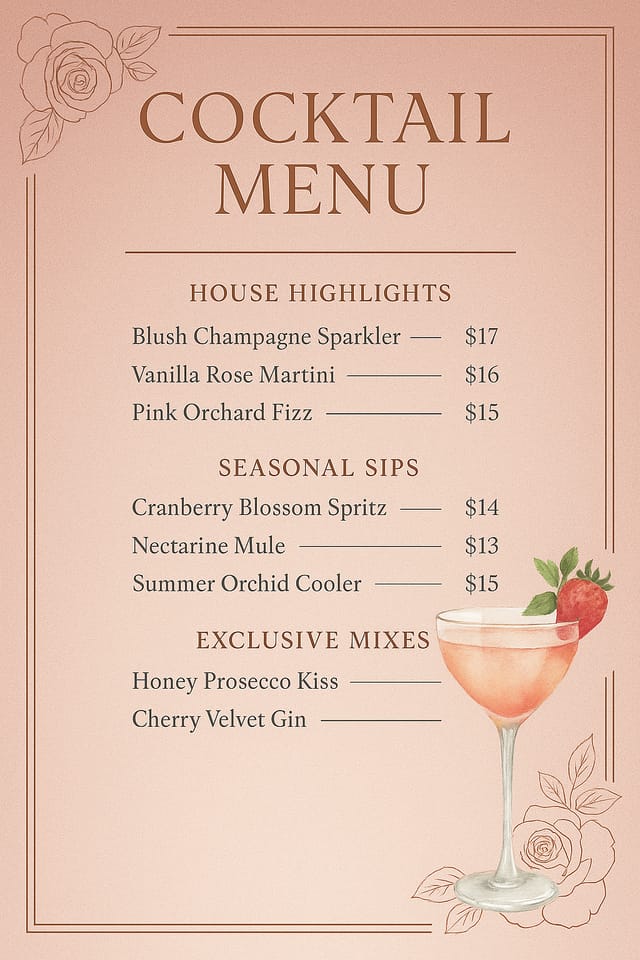
Handmade-feel cocktail menu with brush stroke textures, imperfect edges, warm color palette, artisanal craft aesthetic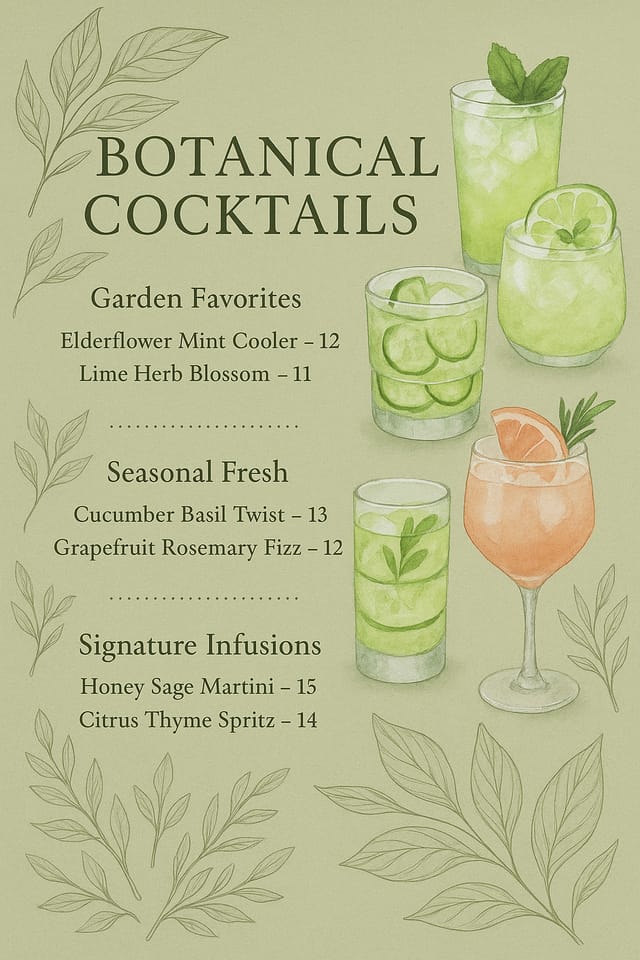
Warm palette cocktail menu, ochre and brown tones, serif typography, traditional cocktail design reference, tactile feeling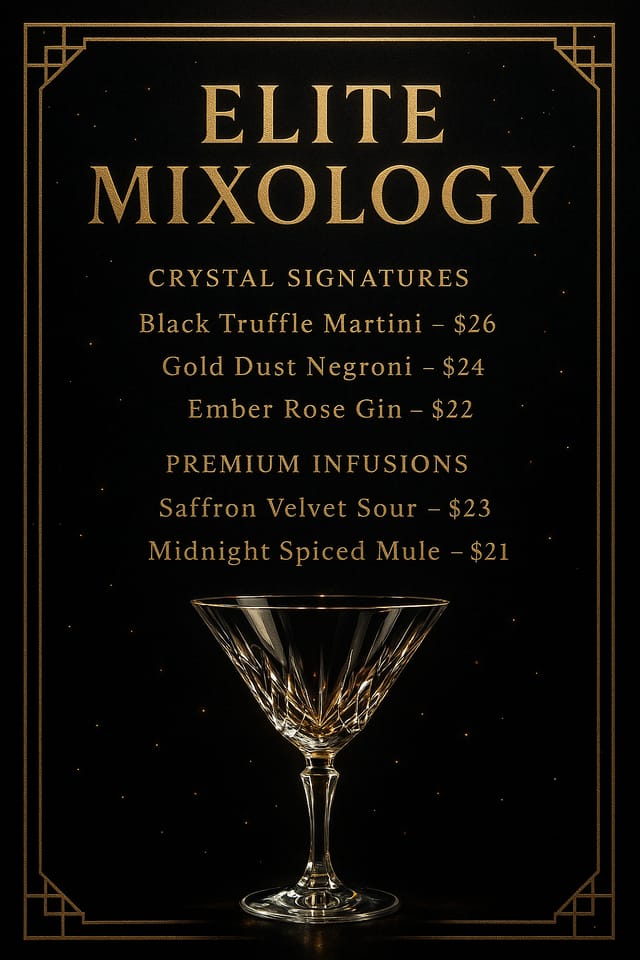
Cocktail menu for large format print, elements scaled for visibility at distance, colors optimized for print outputInside the Cocktail Menu Engine: A Closer Look
Negative Space Handling
The AI manages whitespace in cocktail menu designs according to cocktail aesthetic conventions, not generic poster defaults.
Commercial Use Rights
Designs generated with Pixazo are yours to use commercially. No additional licensing required for cocktail menu projects.
No Design Software Required
Create professional cocktail menus without Photoshop, Illustrator, or other design applications. The AI handles all technical production.
Style-Accurate Generation
The AI interprets cocktail design conventions and applies them to your menu, producing output that looks correctly styled rather than generically templated.
Subcategory Awareness
The AI distinguishes between design subcategories. A cocktail menu request produces cocktail-appropriate output, not a generic design with cocktail text added.
Print-Ready Output
Generated cocktail menus are sized and structured for professional printing. Download high-resolution files ready for production.
How Cocktail Menu Tools Stack Up: A Neutral Comparison
Stencil
Lightweight image creator optimized for fast social media graphics
Fotor
Photo editing platform with design templates and batch processing
Pixazo
AI-powered cocktail menu generator with prompt-based design and professional output quality
Crello
Template-based design tool with animation and video support
Snappa
Quick graphic creator focused on social media and marketing visuals
Avoiding Cocktail Menu Mistakes: Practical Guidelines
Use a consistent visual hierarchy
Structure your cocktail menu so the viewer's eye follows a clear path from headline to supporting details to call-to-action.
Use grids and alignment
Structured layouts in your cocktail menu create a sense of order and professionalism that unstructured designs cannot match.
Maintain brand alignment
Keep your cocktail menu design consistent with existing brand colors, fonts, and visual language for a cohesive identity.
Test with real content
Never finalize a cocktail menu with placeholder text. Real copy often has different lengths and line breaks that affect the design.
Rely solely on AI output
AI-generated cocktail menu designs are a starting point. Human review catches issues with context, tone, and accuracy that AI can miss.
Use too many fonts
More than two or three typefaces in a single cocktail menu creates visual noise and makes the design feel disjointed.
Ignore accessibility
Low-contrast text and tiny font sizes in your cocktail menu exclude a significant portion of your potential audience.
The Cocktail Menu Process: In Minutes
Brief the AI
Describe what you want your cocktail menu to look like. Include the mood, color palette, typography preference, and content hierarchy. Pixazo reads all of this and uses it to generate an appropriate design.
Appraise the Draft
Your cocktail menu generates immediately after submission. Evaluate the design against your requirements and refine the prompt to correct any elements that don't match your intent.
Perfect the Design
Adjust your prompt to modify specific elements of the cocktail menu. Change the color palette, shift typography weight, or reposition the compositional focus. Each iteration gets you closer to the final design.
Collect Your Design
Get your final cocktail menu file in one click. Choose your format, download at full resolution, and use the design immediately. No watermarks, no additional fees, no waiting.
Watch: Creating Cocktail Menu designs step by step
How People Use Cocktail Menus: Real Applications
Educational Materials
Design cocktail menus for educational contexts. Courses, workshops, and learning materials benefit from the visual clarity of good cocktail design.
Restaurant and Food Service
Generate cocktail menus for menus, seasonal promotions, and restaurant branding. Designs that reflect cuisine style and dining atmosphere.
Trade Show and Conference Materials
Generate cocktail menus for booth displays, attendee handouts, and event signage. Professional materials that represent your brand in competitive environments.
Sports and Recreation
Produce cocktail menus for leagues, tournaments, and recreational programs. Energetic designs that build excitement and communicate schedules.
How to Evaluate Cocktail Menus: What Good Looks Like
Good Cocktail Menu Prompt Ideas
Copy any prompt below and paste it into Pixazo to generate your design instantly.
Textured cocktail menu, surface treatment adds depth without obscuring legibility, texture consistent with cocktail aestheticClean cocktail menu design, geometric structure, disciplined typography, color accent used selectively for emphasis, printer-optimized resolutionTwo-color cocktail menu design, high contrast between primary and secondary color, clean separation between graphic and text zonesFull-bleed cocktail menu, background treatment extends to edges, foreground elements positioned for compositional balance, strong central hierarchyCocktail menu with strong visual hierarchy, largest element reads clearly, supporting elements organized by importance, clean background treatmentEditorial-style cocktail menu, text-dominant design, typographic treatment carries visual weight, layout proportions inspired by print publication designNew to Cocktail Menus? Straight Answers
Generate your initial cocktail menu, review the output, then modify your prompt to adjust specific elements. Each regeneration produces a fresh design incorporating your changes. Most users reach their final cocktail menu design within two to four iterations.
Designs created with Pixazo are available for commercial use. You can use your cocktail menus for client projects, product sales, advertising, and other commercial applications without additional licensing fees.
Templates apply a fixed visual structure with placeholder content. AI generation produces original designs based on your specific description. Two cocktail menus generated from different prompts will have genuinely different layouts, not just different text in the same box positions.
Your prompt history is saved in your account. You can revisit previous cocktail menu prompts, duplicate them with modifications, and build a library of proven prompt structures for consistent cocktail design output.
Where Cocktail Menu AI: Trade-Offs to Know
Known limitations and trade-offs of AI-generated cocktail design. AI cocktail menu generation produces strong results within its design domain. These notes describe where human judgment and manual work remain necessary.

