Coffee Menu : Create Free Coffee Menus in Minutes with AI
Create Custom Coffee Menus Quickly with Pixazo Best AI Coffee Menu Maker. Try for Free!
Get Started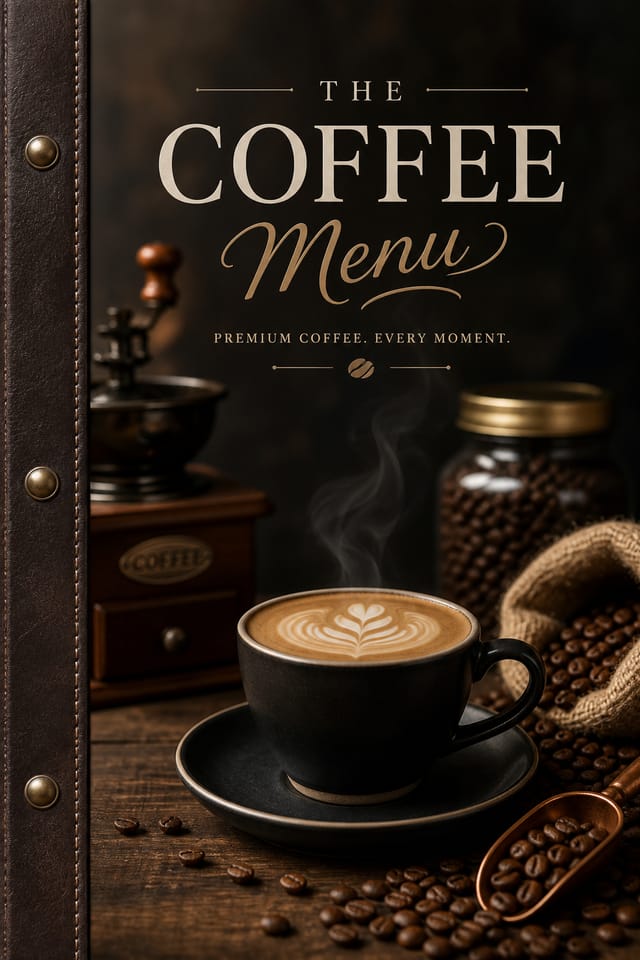
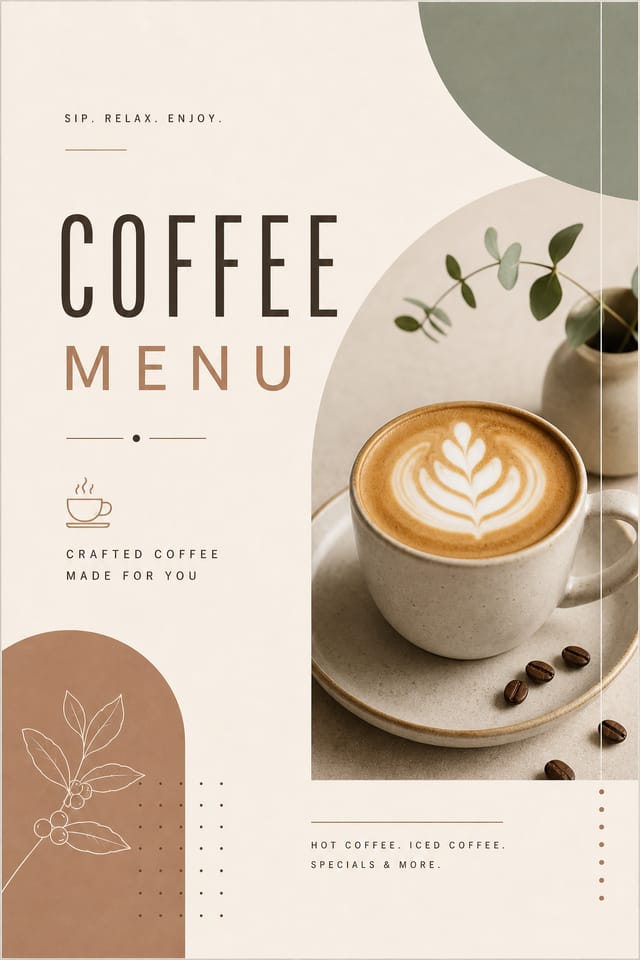
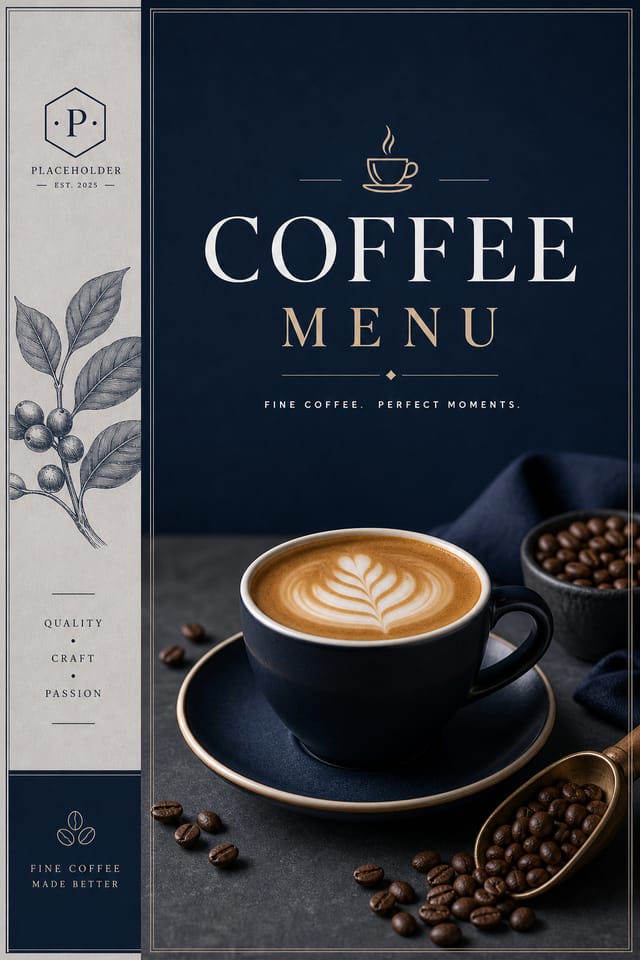
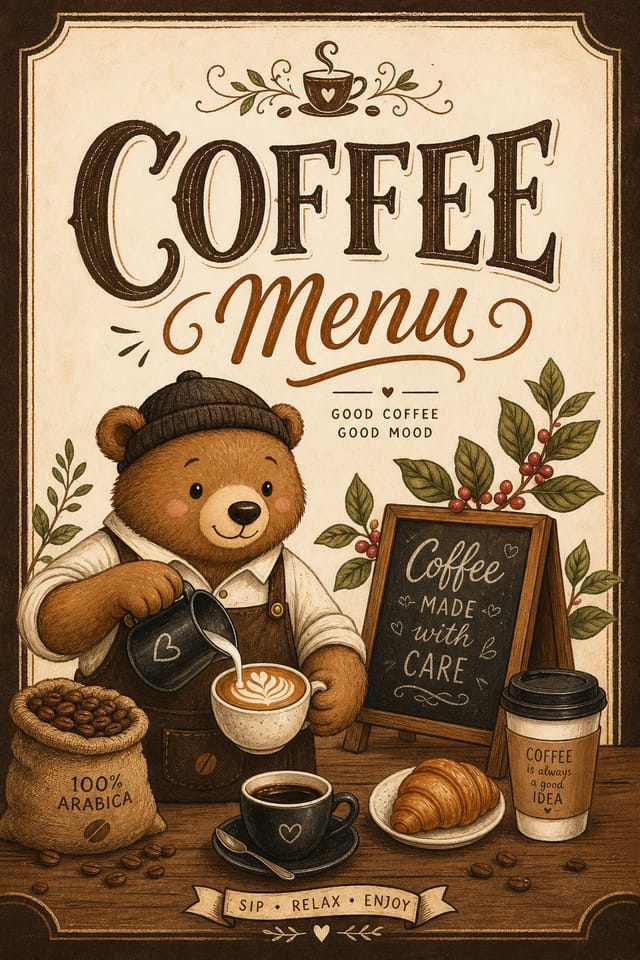
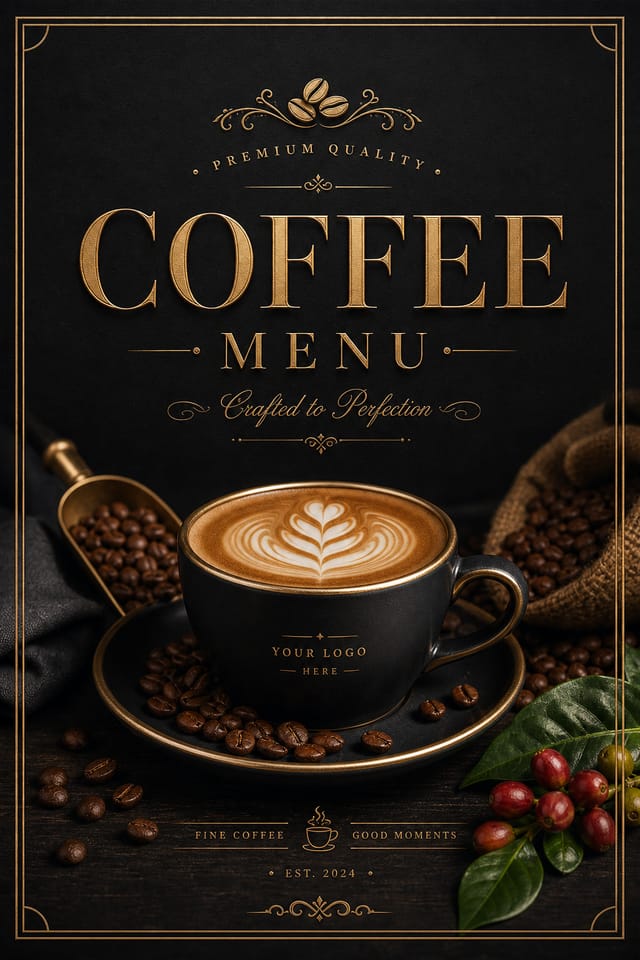
Design Intelligence for Coffee Menus: What Good Design Involves
How AI Translates Coffee Style to Final Output
Creating a convincing coffee menu requires understanding coffee as a design vocabulary, not just as a label.
The color relationships, the type choices, the spatial organization.
These elements work together to create the impression of intentional coffee design.
Pixazo's generation model recognizes coffee design patterns and applies them systematically.
The Path to Your Coffee Menu: From Start to Finish
Brief the AI
Start with a text description of your coffee menu concept. Specify the visual style, colors, layout direction, and key text. Detailed prompts produce more accurate coffee menu designs than general ones.
Watch: Creating Coffee Menu designs step by step
Inside the Coffee Menu Engine: A Closer Look
Background Variation
Generate coffee menus with different background treatments. Solid, gradient, textured, or pattern backgrounds all available for coffee style.
Print-Ready Output
Generated coffee menus are sized and structured for professional printing. Download high-resolution files ready for production.
Fast Generation
Complete coffee menu designs generate in seconds. No rendering queues, no waiting for batch processing.
Export Flexibility
Download your coffee menu in formats suited for your use case. Web-optimized versions for digital display, high-DPI files for print.
Subcategory Awareness
The AI distinguishes between design subcategories. A coffee menu request produces coffee-appropriate output, not a generic design with coffee text added.
Negative Space Handling
The AI manages whitespace in coffee menu designs according to coffee aesthetic conventions, not generic poster defaults.
Coffee Menu Community: Spotlights and Showcases
Real creators sharing their coffee designs made with Pixazo AI.

Editorial-inspired coffee menu, text-dominant layout, typographic variety creates visual interest, clean structured alignment
Square coffee menu at 1080x1080 for LinkedIn post, professional tone, balanced text-to-visual ratio, brand-safe composition
Vibrant coffee menu targeting Gen Z audience, neon accent colors, asymmetric layout, bold experimental typography, maximum visual energyEvaluating Coffee Menu Makers: Finding the Right Fit
| Tool | Description |
|---|---|
| PicMonkey | Photo editor and design tool with brand kit management |
| Pixazo | AI-powered coffee menu generator with prompt-based design and professional output quality |
| Fotor | Photo editing platform with design templates and batch processing |
| Snappa | Quick graphic creator focused on social media and marketing visuals |
| VistaCreate | Visual content platform with templates and a built-in asset library |
When You Need Coffee Menus: Who Uses Them
Freelance Design Work
Use Pixazo to generate coffee menu concepts for client review. Present multiple directions quickly before committing to detailed execution.
Retail and Hospitality
Produce coffee in-store and venue menus that communicate quality through design. Coffee aesthetics signal attention to customer experience.
Personal Creative Work
Generate coffee menus for personal projects, home display, and creative experiments without spending production time on design execution.
Social Media Content
Design coffee menus sized for social platforms. Get content that looks intentional and well-crafted, not thrown together.
Non-Profit Campaigns
Create compelling coffee campaign menus without allocating budget to design production. Focus resources on mission-critical activities.
How Coffee Style Varies: A Visual Guide
Textured Coffee
Coffee design with added surface depth. Background treatments add visual interest without disrupting legibility.
Editorial Coffee
Text-dominant coffee menu layout inspired by print publication design. Typographic variety creates visual rhythm.
Atmospheric Coffee
Coffee menu design where mood takes priority. Color and composition work together to create a specific feeling.
Geometric Coffee
Structured coffee composition using grid systems and angular forms. Order and precision define the visual approach.
Inside Coffee Menu AI: Performance Metrics
Sample Coffee Menu Prompt Techniques
Copy any prompt below and paste it into Pixazo to generate your design instantly.
Atmospheric coffee menu, background treatment supports the headline without competing with it, visual weight distributed intentionallyMonochromatic coffee menu, single-hue palette with value variation for contrast, typographic hierarchy creates visual interest without color complexityContemporary coffee menu design, grid-based layout, typographic precision, restrained color palette, no decorative excessPortrait-orientation coffee menu, vertical composition, headline at natural reading entry point, supporting information flows downward logicallyCoffee style menu, bold headline placement, supporting text at appropriate scale, color palette consistent with coffee design conventionsClean coffee menu design, geometric structure, disciplined typography, color accent used selectively for emphasis, printer-optimized resolutionCoffee Menu Output Options: Format Guide
TIFF
High-fidelity format for coffee menu files destined for professional printing, supporting CMYK color and lossless compression.
WEBP
Modern web format offering smaller file sizes than PNG or JPG for coffee menu images without significant quality loss.
PNG
Lossless image format ideal for coffee menu designs with transparency, sharp text, and web display at predictable file sizes.
JPG
Compressed image format suited for coffee menu designs with photographic elements where smaller file size matters more than pixel-perfect edges.
Print-ready format for coffee menu files that preserves fonts, colors, and layout across different devices and print services.
About Coffee Menus: Plain Answers
Pixazo supports PNG, JPEG, and PDF export for coffee menus. PNG preserves transparency if your design uses it. JPEG works well for web and social media. PDF is the preferred format for print production of coffee menus.
Specify the dimensions in your prompt. Common formats like A3, 18x24 inches, or 1080x1920 pixels for social media stories all work. The AI generates a coffee menu composition appropriate for the specified aspect ratio and use case.
Pixazo works in any modern mobile browser. The interface adapts to phone and tablet screens so you can generate coffee menus from anywhere. A dedicated mobile app is in development for an even smoother on-device experience.
A coffee menu generates in seconds after submitting your prompt. Total time from prompt submission to downloadable file is typically under a minute, including any server processing time.
The Fine Print on Coffee Menus: Known Limitations
Known limitations and trade-offs of AI-generated coffee design. Being specific about what AI menu generation can and cannot do helps you plan your workflow and set accurate expectations.

