Dinner Party Menu : Create Free Dinner Party Menus in Minutes with AI
Create Custom Dinner Party Menus Quickly with Pixazo Best AI Dinner Party Menu Maker. Try for Free!
Get Started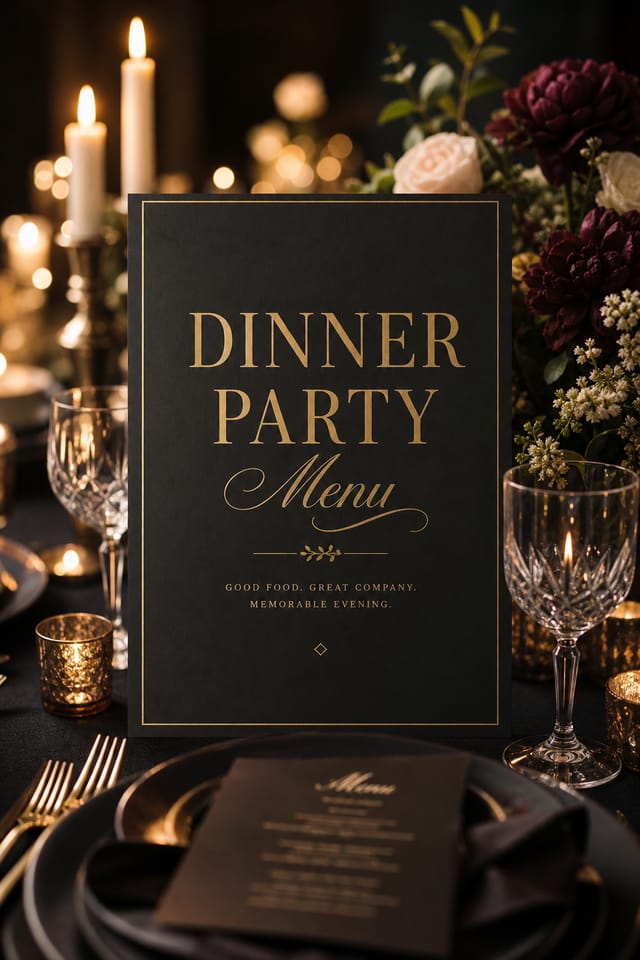
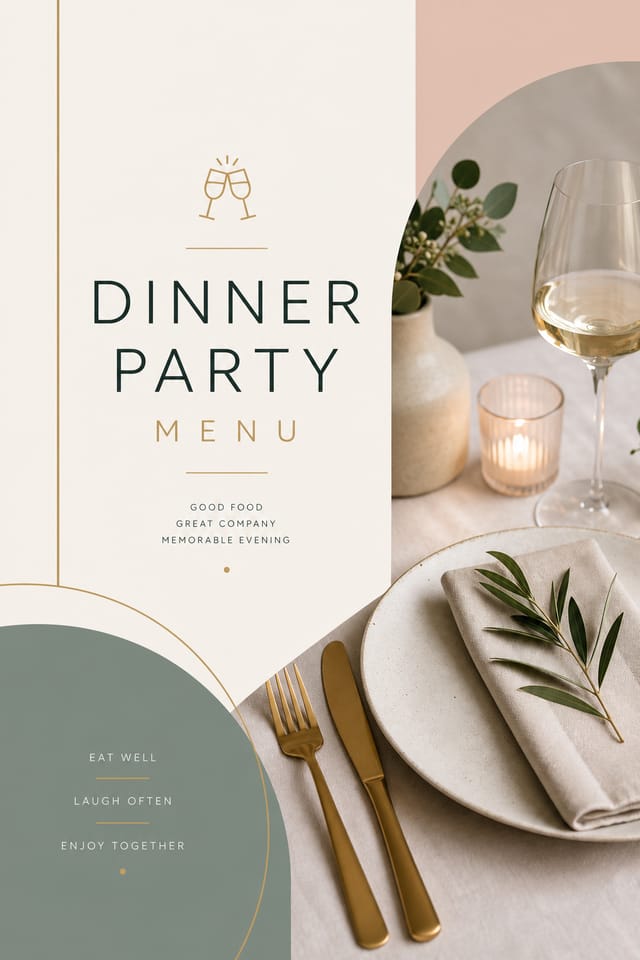
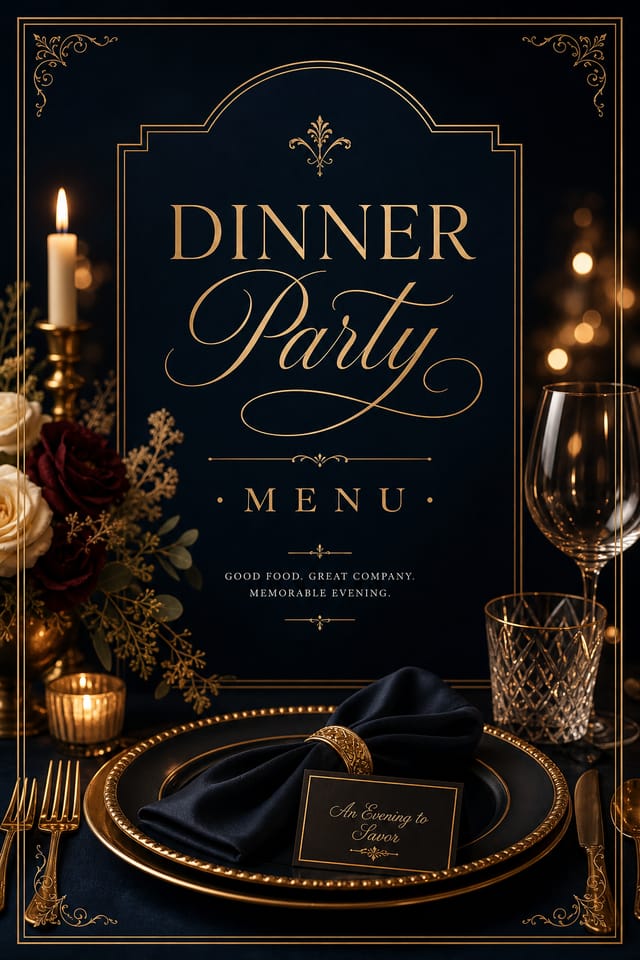
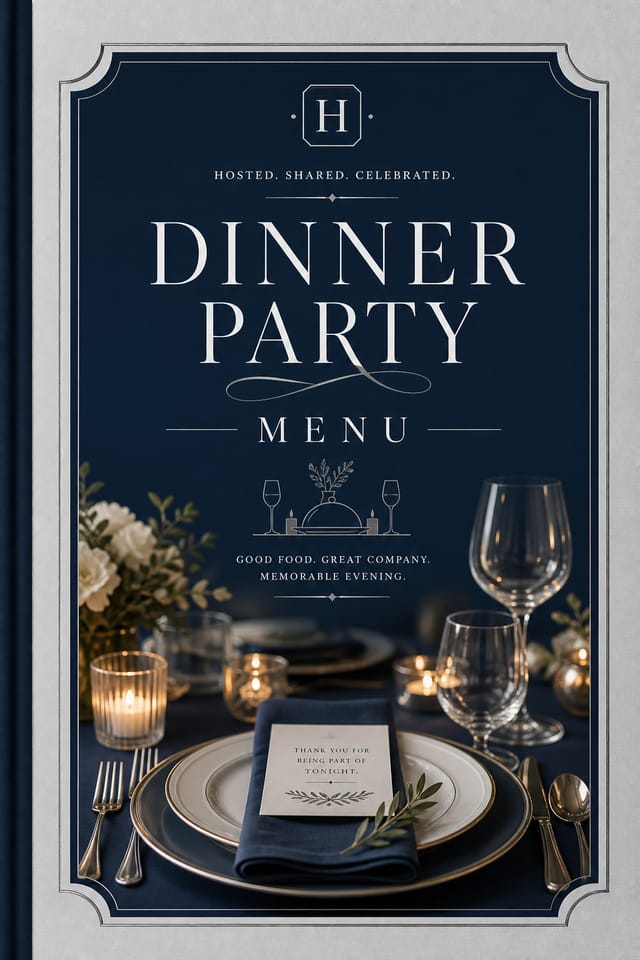
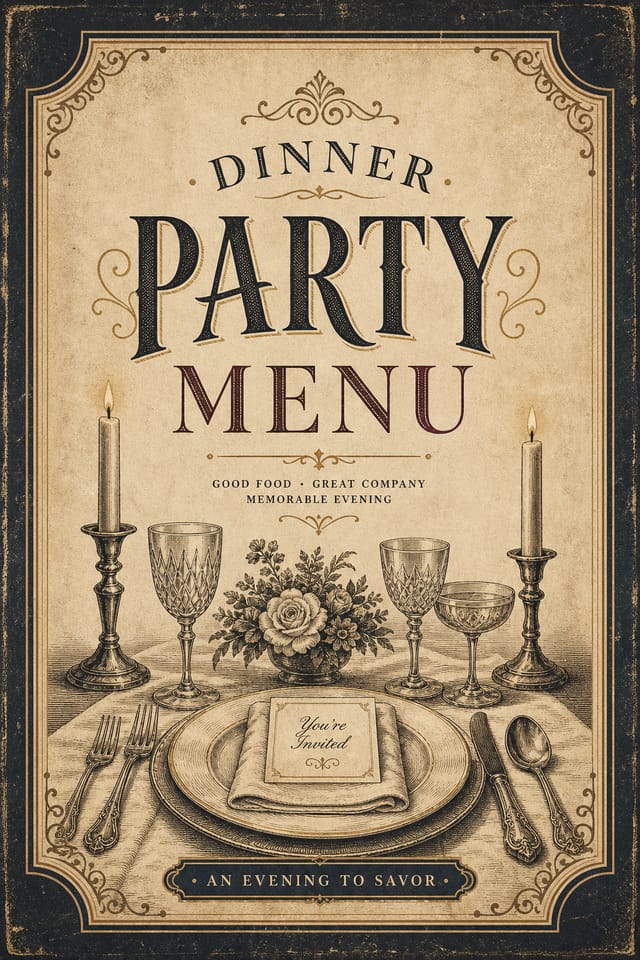
Dinner-Party Visual Language: What the AI Understands
The Logic of Dinner-Party Menu Design
Dinner-Party menu design has its own visual conventions that differ significantly from other styles.
The AI recognizes these patterns and applies them when generating your design, rather than defaulting to a generic layout.
When you describe a dinner-party menu, Pixazo selects typography, color relationships, and compositional approaches appropriate to dinner-party aesthetics.
The result is a design that looks like it belongs in its context, not a repurposed template with the wrong visual DNA.
Emerging Dinner-Party Menu Patterns: Design Movements
Organic Shapes
Flowing, irregular forms are replacing sharp geometric shapes in dinner-party menu backgrounds and decorative elements for a softer visual feel.
Gradient Overlays
Smooth color transitions are being used as primary design elements in dinner-party menu work, adding depth without the complexity of photographic backgrounds.
Brutalist Design
Raw, intentionally unpolished dinner-party menu aesthetics with stark contrasts and unconventional layouts are carving a niche in creative industries.
Motion-Ready Design
Static dinner-party menu designs are being created with animation in mind, using layered elements that translate smoothly to motion graphics.
Dinner-Party Menu Generation: A Quick Guide
Declare the Design Direction
Describe what you want your dinner-party menu to look like. Include the mood, color palette, typography preference, and content hierarchy. Pixazo reads all of this and uses it to generate an appropriate design.
Validate the Output
The AI produces a dinner-party menu based on your description. If the first result isn't exactly right, adjust the prompt to address what needs changing. Most designs reach the target within a few iterations.
Fine-Tune Your Design
Iterate on your dinner-party menu by modifying the aspects that need work. Regenerate with a more targeted prompt until the design matches your vision. Most refinements take one or two iterations.
Close Out the Project
Download your completed dinner-party menu in the format that fits your use case. High-resolution files for print, web-optimized versions for digital, or PDF for production-ready delivery.
Watch: Creating Dinner Party Menu designs step by step
Dinner-Party Menu Creation Tools: What Sets It Apart
Color Palette Intelligence
Colors are chosen with dinner-party style awareness. The AI builds palettes that fit dinner-party design conventions rather than selecting arbitrarily.
Negative Space Handling
The AI manages whitespace in dinner-party menu designs according to dinner-party aesthetic conventions, not generic poster defaults.
Commercial Use Rights
Designs generated with Pixazo are yours to use commercially. No additional licensing required for dinner-party menu projects.
Typography Matching
Typefaces are selected to match dinner-party aesthetic expectations. The AI pairs fonts that reinforce your dinner-party menu's visual identity.
Export Flexibility
Download your dinner-party menu in formats suited for your use case. Web-optimized versions for digital display, high-DPI files for print.
Layered Style Application
Combine dinner-party style with other design parameters in a single prompt. The AI interprets complex requests and applies multiple style constraints simultaneously.
Understanding Dinner-Party Menus: Plain Answers
Team accounts allow multiple users to share prompts, saved dinner-party menu designs, and brand kits within a shared workspace. Team members can iterate on each other's dinner-party menu designs and maintain consistent output across projects.
You control every major design parameter through your prompt: color palette, typography style, layout structure, visual weight distribution, background treatment, and content hierarchy. The more specific your dinner-party menu prompt, the more precisely the AI follows your creative direction.
Include 'transparent background' in your prompt to generate a dinner-party menu with no background fill. Download as PNG to preserve transparency. This is useful for dinner-party designs that will be composited over other imagery or placed on colored surfaces.
Designs generated through Pixazo are yours to use as you see fit. You retain full usage rights for commercial and personal applications. The platform does not claim ownership over your generated dinner-party menu output.
Pixazo provides an API for programmatic dinner-party menu generation. Integrate it into your content pipeline to automate design production at scale. API documentation covers authentication, prompt formatting, and output retrieval.
Pixazo generates dinner-party menus in RGB color space. For professional offset printing that requires CMYK, convert the downloaded file using Adobe Photoshop, Illustrator, or a free tool like GIMP. The AI selects colors that translate well to print when you mention print use in your prompt.
Dinner-Party Menus Across Fields: Real Applications
Merchandise and Collectibles
Generate dinner-party menus intended for print on merchandise, limited editions, and collectible items. Designs with commercial print production in mind.
Release Day Announcements
Design dinner-party menus for album drops, film releases, and premiere events. Launch-day materials that build buzz across channels.
Social Media Event Promotion
Design dinner-party menus sized for Instagram, Twitter, and Facebook event pages. Platform-optimized materials that maximize reach.
Venue and Festival Signage
Generate dinner-party menus for venue lobbies, festival grounds, and event spaces. Large-format prints that create atmosphere.
Getting More from Dinner-Party Menu AI: What Professionals Know
Get Feedback Early
Share your dinner-party menu draft with someone outside the project. Fresh eyes catch issues you have become blind to after hours of refinement.
Iterate with Variations
Generate 3-5 versions of your dinner-party menu before committing. Comparing variations side by side often reveals the strongest direction.
Match Tone to Audience
A dinner-party menu for a corporate event needs a different visual tone than one for a music festival. Let the audience guide your style choices.
Use High Contrast for Readability
Whether your dinner-party menu is displayed on screen or in print, strong contrast between text and background ensures the message gets through at any size.
What Makes Dinner-Party Menu AI Different: The Value Proposition
Iterative Refinement
Start with an initial generation and refine your dinner-party menu through follow-up prompts that adjust specific elements while preserving what already works.
Multi-Format Export
Export your completed dinner-party menu in the format that fits your workflow. PNG for web, PDF for print, and JPG for universal compatibility.
Professional Output Quality
Every dinner-party menu is generated at production quality with proper resolution, color space handling, and typography rendering suitable for both digital and print use.
Dinner-Party Menu Look and Feel: Style Breakdown
Geometric Dinner-Party
Structured dinner-party composition using grid systems and angular forms. Order and precision define the visual approach.
Textured Dinner-Party
Dinner-Party design with added surface depth. Background treatments add visual interest without disrupting legibility.
Minimalist Dinner-Party
Stripped-back dinner-party approach. Fewer elements, more negative space, typography carries more visual weight.
Contemporary Dinner-Party
Current dinner-party design sensibility with updated proportions, modern typefaces, and contemporary color relationships.
Ready-to-Use Dinner-Party Menu Prompt Starters
Copy any prompt below and paste it into Pixazo to generate your design instantly.
High-impact dinner-party menu, immediate visual read at thumbnail size, clear headline dominance, supporting information structured logicallyRefined dinner-party menu, sophisticated color relationships, intentional whitespace, typefaces appropriate to dinner-party style, balanced compositionDinner-Party aesthetic menu, palette drawn from dinner-party design tradition, layout proportions consistent with dinner-party conventions, purposeful use of each elementDinner-Party menu for digital display, optimized proportions for screen viewing, colors calibrated for RGB output, legible at typical viewing distanceAtmospheric dinner-party menu, background treatment supports the headline without competing with it, visual weight distributed intentionallyClean dinner-party menu design, geometric structure, disciplined typography, color accent used selectively for emphasis, printer-optimized resolutionDinner-Party Menu Community: Showcase Gallery
Real creators sharing their dinner party designs made with Pixazo AI.
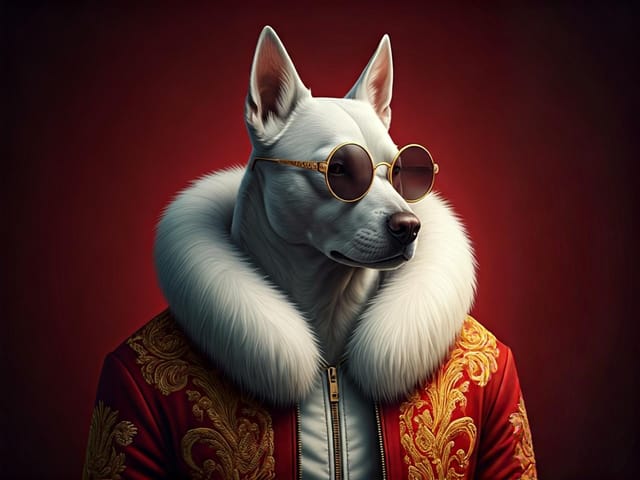
Dinner-Party menu for outdoor billboard at 14x48 feet, extreme readability at distance, three-word headline max, high contrast background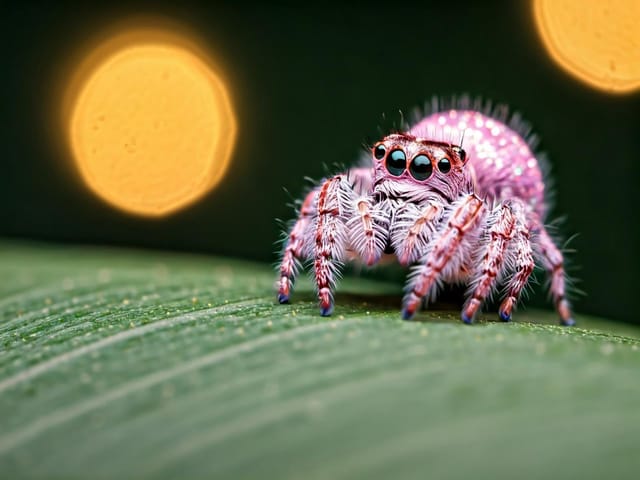
Dinner-Party menu design, clean typographic hierarchy, palette appropriate to dinner-party aesthetic, high contrast headline, balanced composition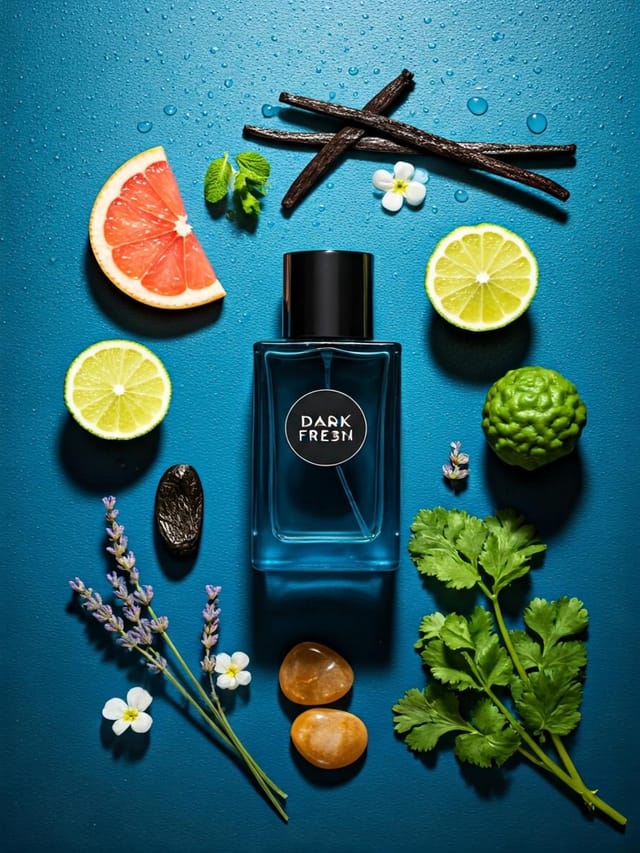
Cool palette dinner-party menu, slate and steel tones, sans-serif typography, contemporary dinner-party sensibility, precise alignmentCurrent Dinner-Party Menu Limits: What to Expect
Known limitations and trade-offs of AI-generated dinner party design. Understanding what the AI handles well and where it falls short helps you structure your dinner-party menu design workflow effectively.

